
Nodeworks
Create programmable logistics and automation networks
Screenshots
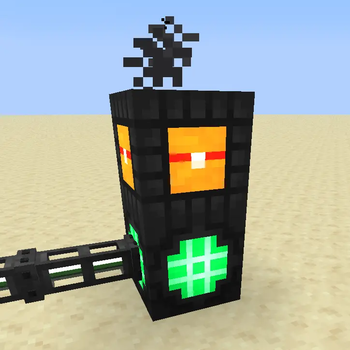
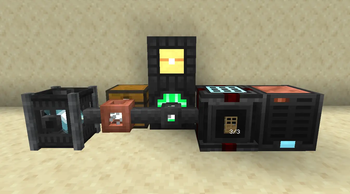
About this Mod


A network-based automation and inventory management mod. Build autocrafting with Crafting CPUs and Processing Handlers, view network storage through Inventory Terminals, share recipes across dimensions with antennas, and debug everything from a built-in diagnostic tool. Every device is also programmable in Lua with a full in-game IDE, autocomplete, hover docs, and inline diagnostics for when you want to write custom logic.

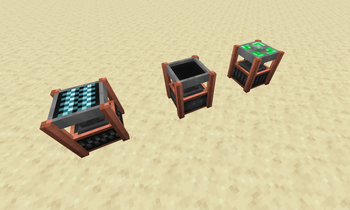
Smelting subnet connected to a "main" network. Recipes are broadcasted and usable for autocrafting by the "main" network.
Features
- Network controllers + nodes build up and connect networks
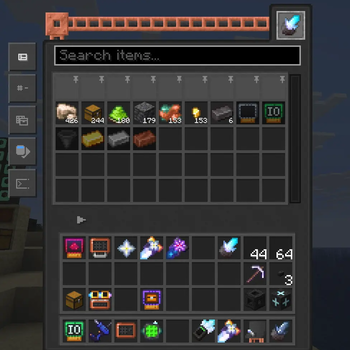
- Inventory Terminals that let you view network storage from a single viewport (also has a portable version)
- Autocrafting with Crafting CPU + Processing Sets + Instruction Sets: multiblock autocrafting with both vanilla recipes and custom handlers via Processing Handlers or custom written script handlers
- Import/Export Chests: automatic intake and output between network storage and the world, with wireless transfer when paired with antennas
- Antennas/Subnets: build automation networks that split into specialized subnets, each network is small and focused, and antennas let them share recipes across dimensions
- Diagnostic Tool visualize network topology, crafting trees, jobs, and errors
- In-game guidebook with interactive scenes
- Lua Scripting Terminal with full IDE features: autocomplete, hover docs, inline diagnostics, syntax highlighting
Autocrafting
You can either use Processing Handlers to feed and pull from machines for non-crafting table recipes or script them yourself using the scripting terminal.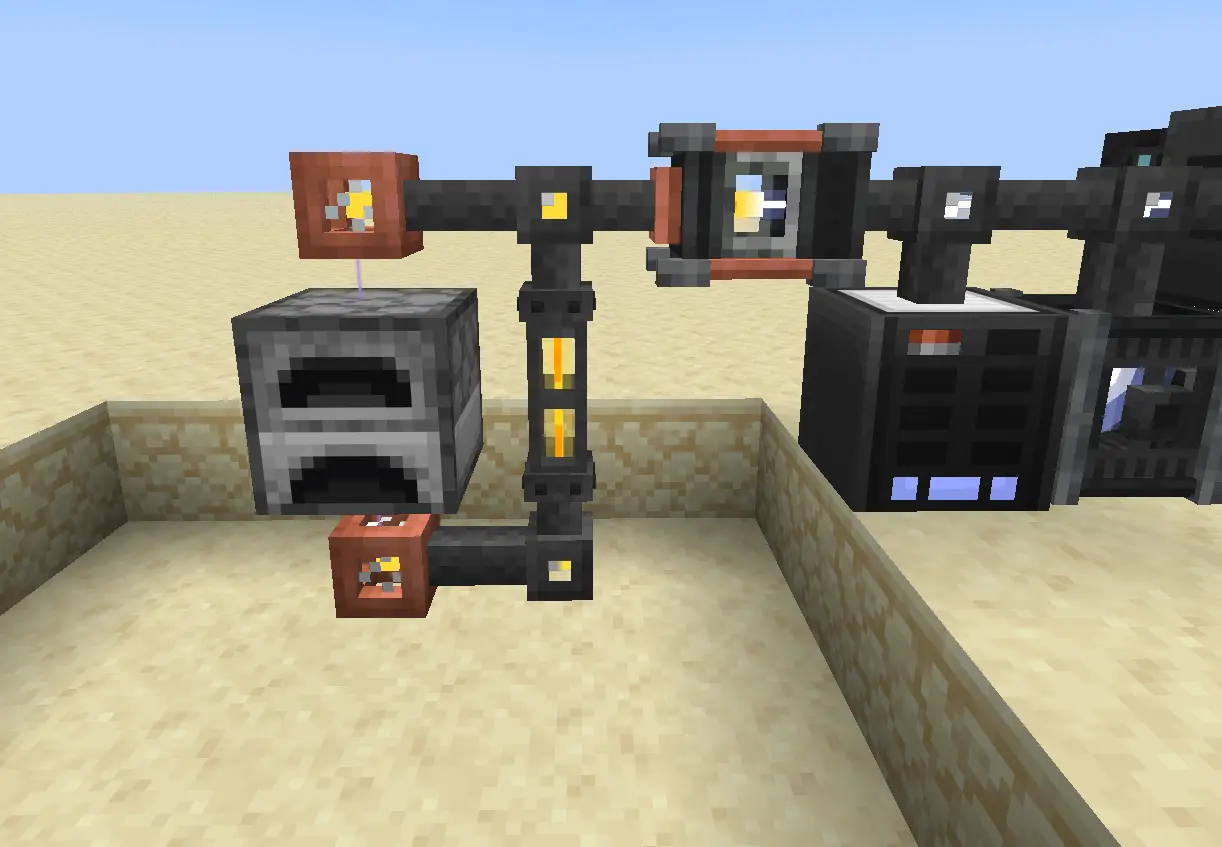
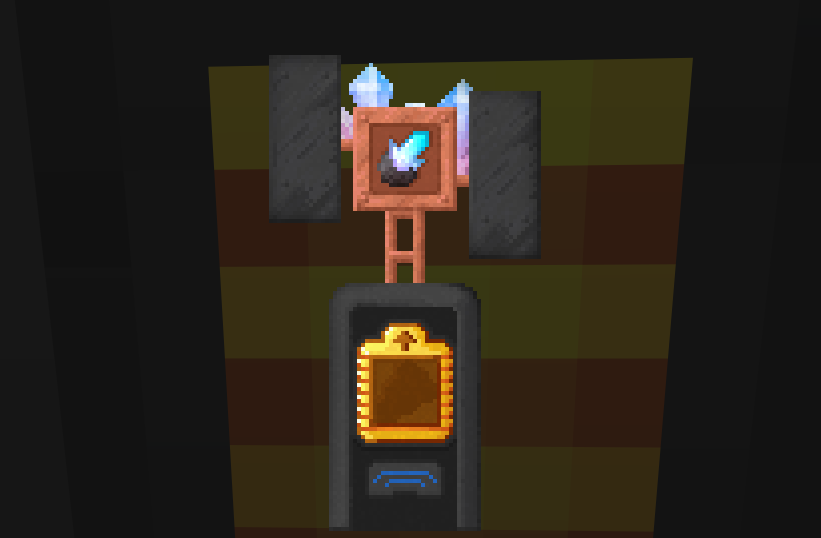
Above shows a Processing Handler create a micro-network (shown by yellow and orange striped lasers) which input items are inserted to Blue Storage Cards and output items are pulled from inventories with Red Storage Cards.
Scripting
Optionally you can use the Scripting Terminal to do everything for the power users out there. With modules to interact with your network and devices network. Scheduling tasks using scheduler. Create atomically shared variables using Variable devices, and plenty more. This mod was developed with scripting in mind first, unlock further possibilities with IO Cards and scripting to create complex automated farms and systems.
Import items to your network easily using preset types such as importer

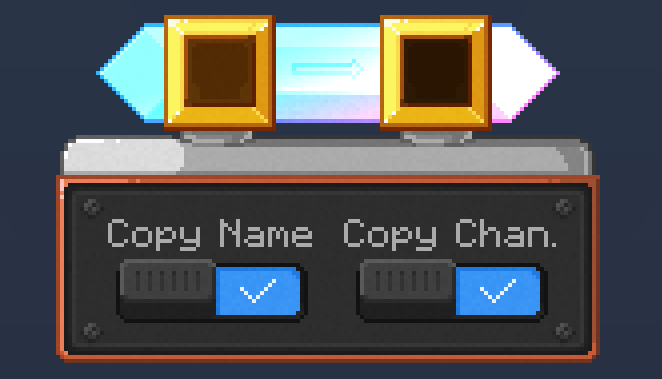
Create handlers for complex recipes for furnaces/machines/etc.

Available Versions
How to Install Nodeworks on Your Server
Order Server
Order a Minecraft Java server with at least 3 GB RAM (4 GB recommended).
Set neoforge Loader
In the panel under "Egg", select the neoforge loader and matching Minecraft version (26.1.2).
Install Mod
Open the mod browser in the dashboard and search for "Nodeworks". Click "Install" – done! Alternatively, upload the .jar via SFTP to the /mods folder.
Compatibility
Mod Loaders
Minecraft Versions
26.1.2, 26.1.1, 26.1
Server-side
✓ RequiredRecommended RAM
4 GB(min. 3 GB)Frequently Asked Questions
Nodeworks server crashes on startup – what to do?
Most common cause: wrong neoforge version or insufficient RAM. Check the server log (latest.log) for "OutOfMemoryError" or "Mixin" errors. With Mado Hosting: ensure at least 3 GB RAM is allocated and the loader matches the mod version (26.1.2). You can switch loaders with one click in the panel.
Is Nodeworks compatible with neoforge?
Nodeworks officially supports neoforge for Minecraft 26.1.2, 26.1.1, 26.1. The Mado dashboard automatically detects incompatible loader combinations.
Server lagging with Nodeworks – how to optimize performance?
Recommended RAM: 4 GB (per 8 players). Use /spark profiler to check if Nodeworks consumes the most tick time. Common fixes: reduce server view-distance to 8-10, install "performant" or "starlight" as supplementary mods on Forge. With Mado Hosting, your server runs on NVMe SSDs with dedicated CPU cores for minimal latency.
Similar Mods





Rent Modded Server
Install Nodeworks with just one click on your server.