
NoHunger
The hunger bar is always full + with little extra settings
Screenshots


About this Mod

🍽️ NoHunger – Never Worry About Hunger Again!
Requirements: Fabric API, Cloth Config API, Mod Menu
⚡ About the Mod
Tired of stopping to eat every two minutes? NoHunger changes the way you play Minecraft. Build, run, and explore freely without your hunger bar slowing you down! Health regeneration is slightly increased for balance, keeping gameplay smooth and fair.
Want to increase the difficulty a bit? Try Survival Campfire mode.
✅ Fully compatible with other food mods.
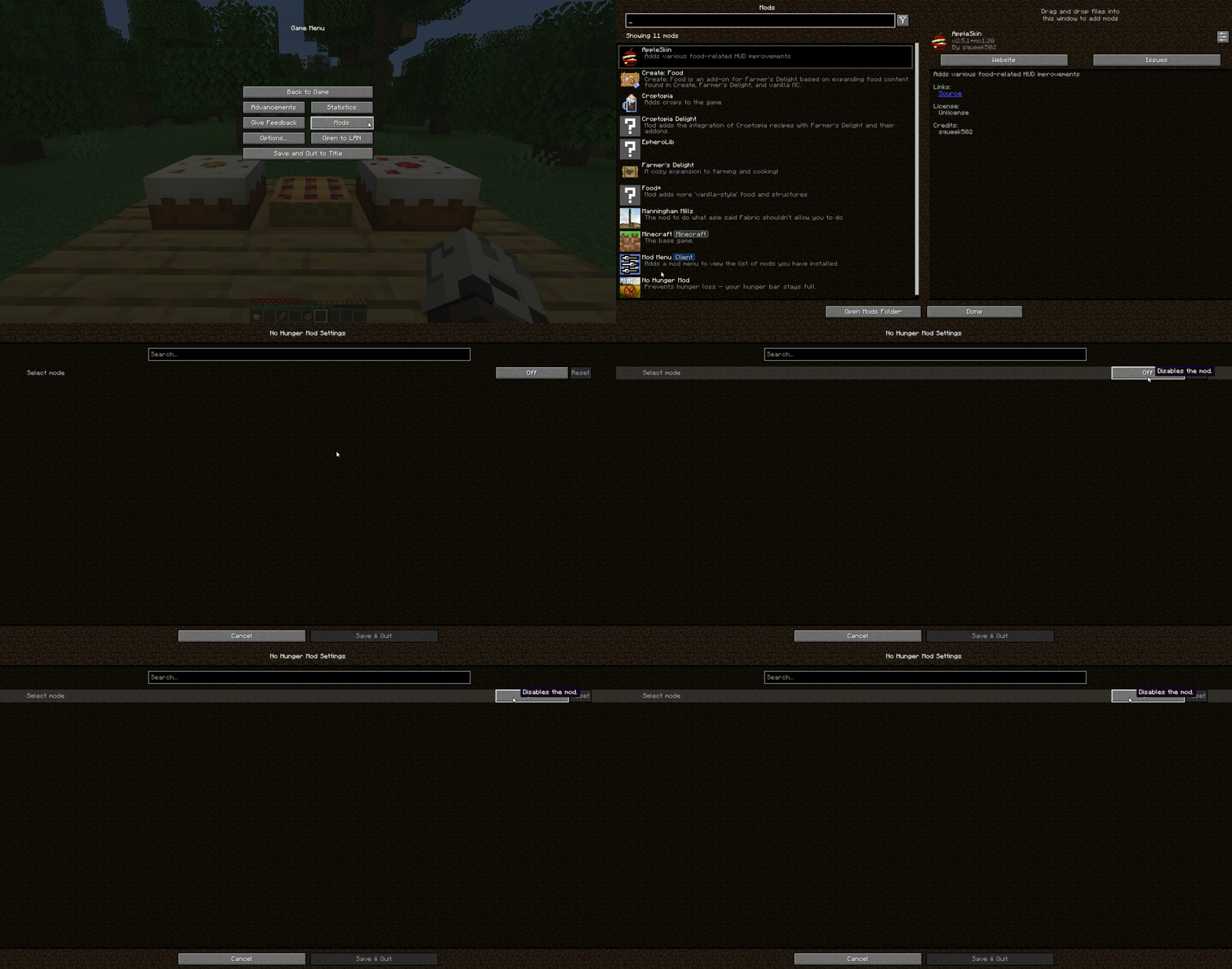
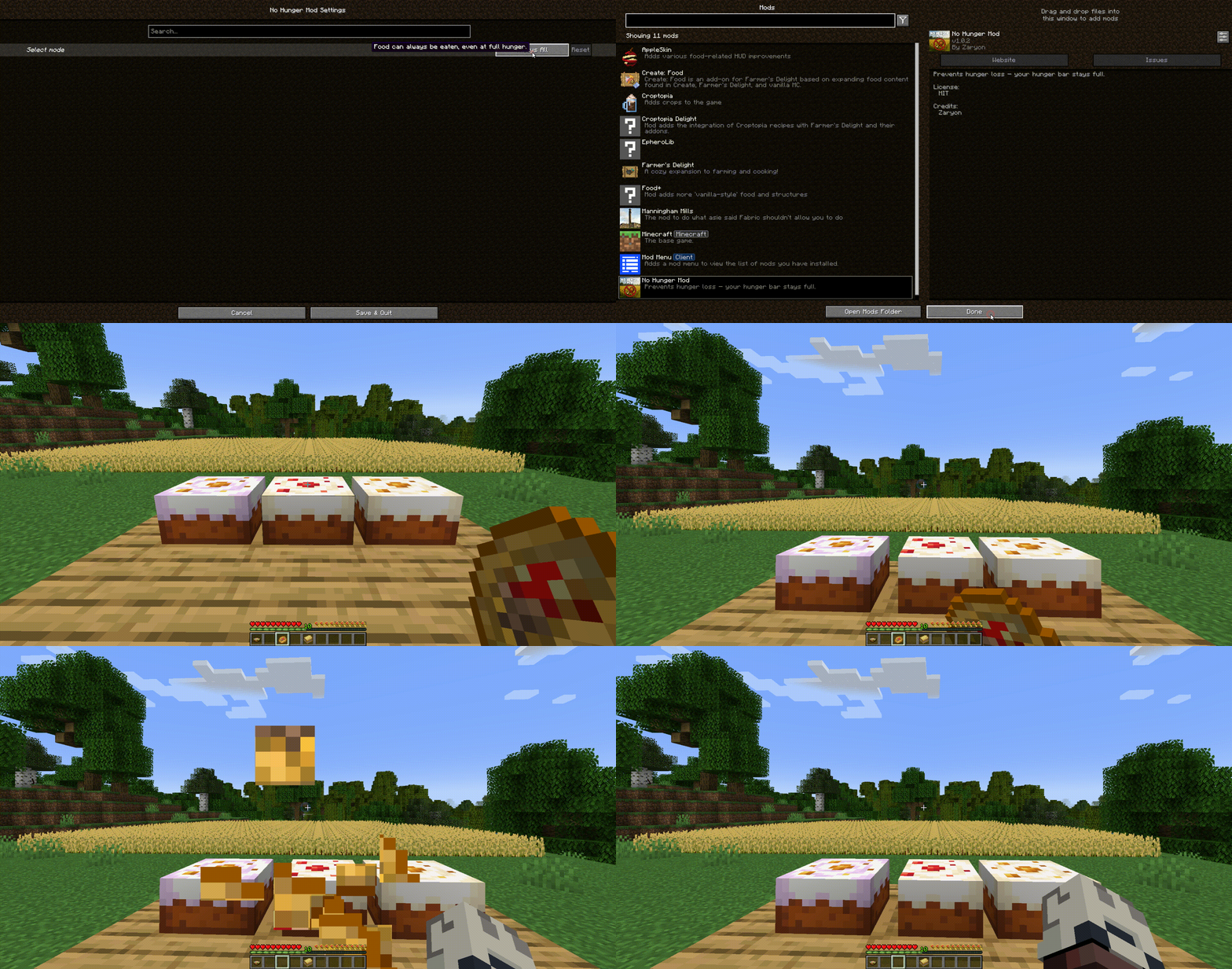
🔧 Four powerful modes, configurable via Mod Menu:
Off (Vanilla) – Minecraft works as usual.
Special Foods Only – Only special food effects apply; regular food is ignored.
Everything Edible – Eat anything: cakes, fruits, bread, and more.
Nothing Edible – Food won’t help; you’ll need other strategies.
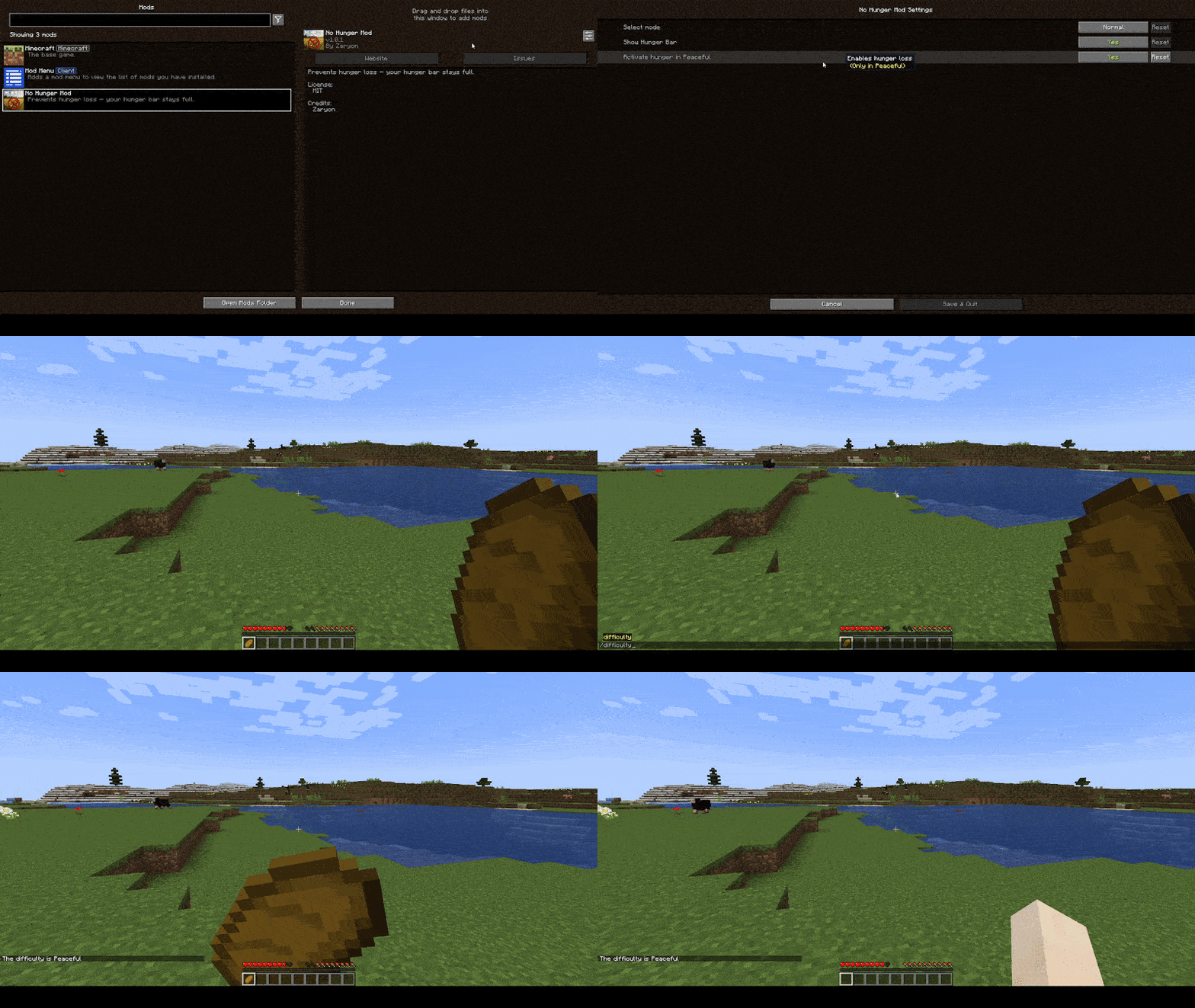
NEW Hunger in Peaceful is enabled
NEW Enable/disable Hungerbar
NEW Survival Campfire: You can only eat near at a Campfire
❤️Why You’ll Love It
No hunger loss in any game mode. (Unless you want to change it.)
Fully customizable to suit your playstyle.
Perfect for long building sessions, epic adventures, or survival without constant snack breaks.
Available Languages:
Available Versions
How to Install NoHunger on Your Server
Order Server
Order a Minecraft Java server with at least 3 GB RAM (4 GB recommended).
Set fabric Loader
In the panel under "Egg", select the fabric loader and matching Minecraft version (1.21.10).
Install Mod
Open the mod browser in the dashboard and search for "NoHunger". Click "Install" – done! Alternatively, upload the .jar via SFTP to the /mods folder.
Compatibility
Mod Loaders
Minecraft Versions
1.21.10, 1.21.9, 1.21.8 (+20 more)
Server-side
✓ RequiredRecommended RAM
4 GB(min. 3 GB)Frequently Asked Questions
NoHunger server crashes on startup – what to do?
Most common cause: wrong fabric version or insufficient RAM. Check the server log (latest.log) for "OutOfMemoryError" or "Mixin" errors. With Mado Hosting: ensure at least 3 GB RAM is allocated and the loader matches the mod version (1.21.10). You can switch loaders with one click in the panel.
Is NoHunger compatible with fabric?
NoHunger officially supports fabric for Minecraft 1.21.10, 1.21.9, 1.21.8. The Mado dashboard automatically detects incompatible loader combinations.
Server lagging with NoHunger – how to optimize performance?
Recommended RAM: 4 GB (per 8 players). Use /spark profiler to check if NoHunger consumes the most tick time. Common fixes: reduce server view-distance to 8-10, install "performant" or "starlight" as supplementary mods on Forge. With Mado Hosting, your server runs on NVMe SSDs with dedicated CPU cores for minimal latency.
Similar Mods



Rent Modded Server
Install NoHunger with just one click on your server.