
NPC Studio
Be the director of your best thumbnail yet.
Screenshots
About this Mod
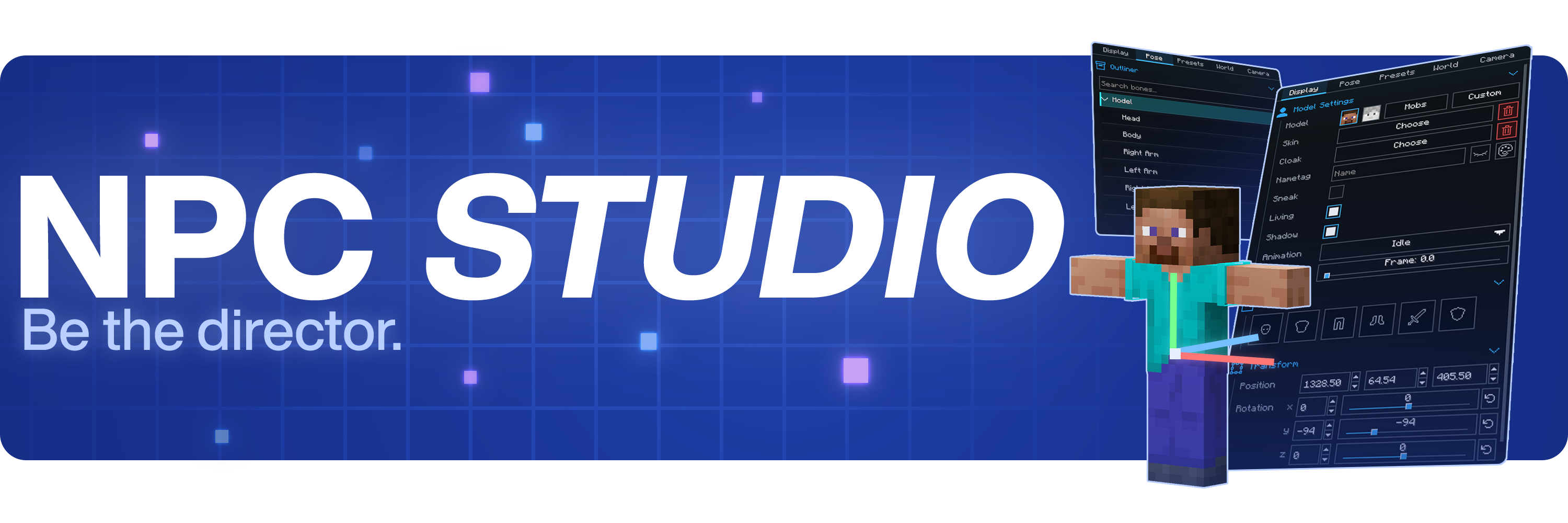


Be the director of your best thumbnail yet.
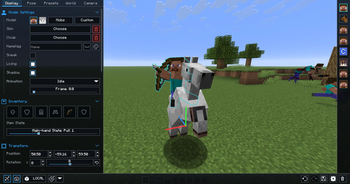
Stage the shot, pose the characters, control the world, and capture it all inside Minecraft.
Create with control
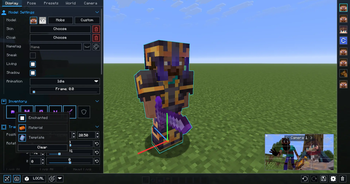
- Advanced character posing
- Custom mob & item support
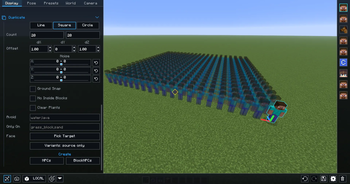
- Detailed world and lighting control
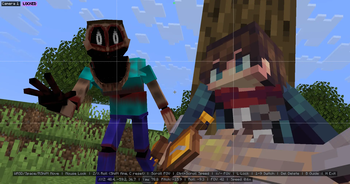
- Powerful in-game camera tools
- Pose presets, scene saving, and more
Watch the full showcase
FAQ
Where can I report bugs or suggest features?
Join the Discord at discord.gg/mdh. For bug reports, include your Minecraft version, NPC Studio version, mod loader, what you expected to happen, what actually happened, and any useful logs or screenshots.
How do I import custom models?
Open the model picker, then use the import folder button. NPC Studio supports .bbmodel, .geo.json, and .jar files. For .bbmodel and .geo.json models, place the matching .png texture beside the model file and use the same file name.
How do I share presets?
Open the preset folder from the Presets tab, then share the preset .json file or the folder that contains it. The other person can place it in their config/npcstudio/presets folder and load it from the Presets tab.
How do I make batch screenshots automatically cut out the player?
Install Iris and a WEM cutout-compatible shaderpack, then enable WEM Cutout in the Batch Screenshots screen. If you have more than one compatible shaderpack installed, choose the one you want to use for the cutout pass before running the batch.
Available Versions
How to Install NPC Studio on Your Server
Order Server
Order a Minecraft Java server with at least 3 GB RAM (4 GB recommended).
Set fabric Loader
In the panel under "Egg", select the fabric loader and matching Minecraft version (1.21.11).
Install Mod
Open the mod browser in the dashboard and search for "NPC Studio". Click "Install" – done! Alternatively, upload the .jar via SFTP to the /mods folder.
Compatibility
Mod Loaders
Minecraft Versions
1.21.11, 1.20.1, 1.8.9
Server-side
✗ UnsupportedRecommended RAM
4 GB(min. 3 GB)Frequently Asked Questions
NPC Studio server crashes on startup – what to do?
Most common cause: wrong fabric version or insufficient RAM. Check the server log (latest.log) for "OutOfMemoryError" or "Mixin" errors. With Mado Hosting: ensure at least 3 GB RAM is allocated and the loader matches the mod version (1.21.11). You can switch loaders with one click in the panel.
Is NPC Studio compatible with fabric and forge?
NPC Studio officially supports fabric, forge for Minecraft 1.21.11, 1.20.1, 1.8.9. Note: Forge and Fabric mods are NOT cross-compatible – pick one loader and stick with it. The Mado dashboard automatically detects incompatible loader combinations.
Server lagging with NPC Studio – how to optimize performance?
Recommended RAM: 4 GB (per 8 players). Use /spark profiler to check if NPC Studio consumes the most tick time. Common fixes: reduce server view-distance to 8-10, install "performant" or "starlight" as supplementary mods on Forge. With Mado Hosting, your server runs on NVMe SSDs with dedicated CPU cores for minimal latency.
Similar Mods






Rent Modded Server
Install NPC Studio with just one click on your server.