
NullCore
Interesting library for your mod
About this Mod
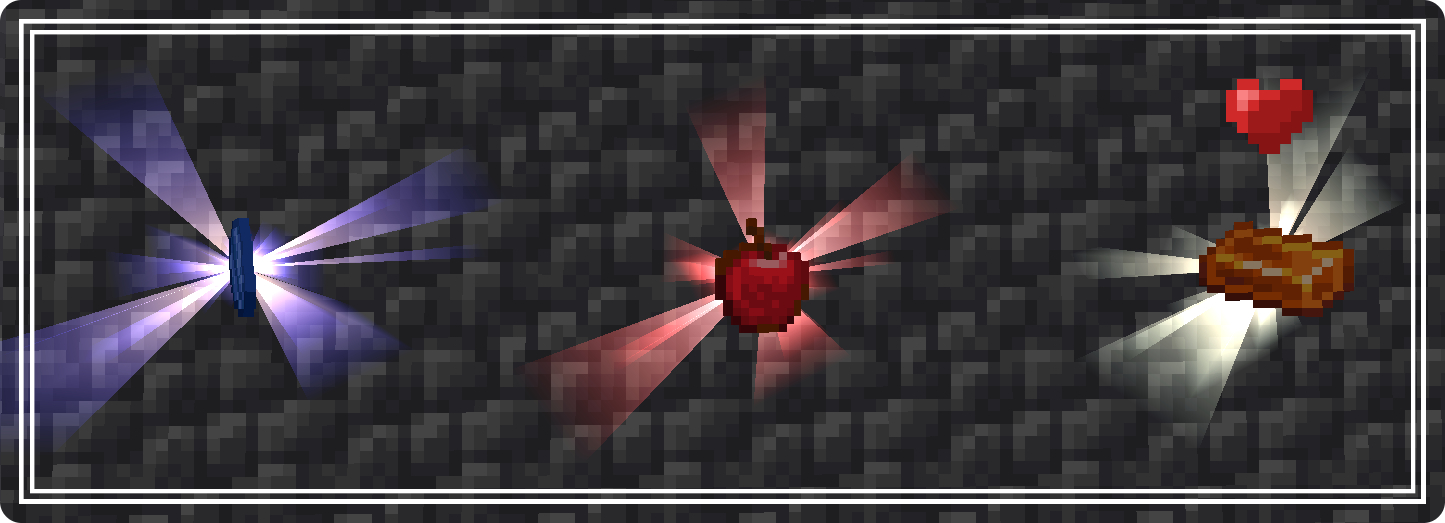
What this
NullCore is a great package of various utilities and API elements for your mod. The mod is not very remarkable compared to the others, but still, it will definitely contain interesting things and functions for simplified modding
Downloads
The mod can be installed both on the CurseForge page and on the Modrinth page
-d48526?style=for-the-badge&logo=curseforge&logoColor=000000&labelColor=FFFFFF)
-349a46?style=for-the-badge&logo=modrinth&logoColor=000000&labelColor=FFFFFF)
Features
- More
utilsfor you- Supported
multiblocks- Manipulations with
item entity- Simplified
rendering system- Simplified work with
blocksin different directions- Manipulations with
itemrendering ingui- Add ambient to your world/mob via
tracks.json- Manage different beam rules with
biome_rules.json- Lock a biome/structure with json
lockable.json- Easy creation of
armor materialwith effects- Opening the
screenwithblocksanditems
Licensing
Code unless otherwise stated default to our click to license
For developers
To connect your project's dependency to NullCore you need to write this code in your
build.gradle
repositories {
  //from Modrinth:
  maven {
       name = "Modrinth"
       url = "https://api.modrinth.com/maven"
   }
  //from CurseForge:
  maven { url "https://cursemaven.com"}
}

dependencies {
  //from Modrinth:
  implementation "maven.modrinth:nullcore:${nullcore_version}"
  //from CurseForge:
  implementation "curse.maven:nullcore-1286206:${nullcore_file_id}"
}
You can find a tutorial on other things at this link
Available Versions
How to Install NullCore on Your Server
Order Server
Order a Minecraft Java server with at least 3 GB RAM (4 GB recommended).
Set fabric Loader
In the panel under "Egg", select the fabric loader and matching Minecraft version (1.21.4).
Install Mod
Open the mod browser in the dashboard and search for "NullCore". Click "Install" – done! Alternatively, upload the .jar via SFTP to the /mods folder.
Compatibility
Mod Loaders
Minecraft Versions
1.21.4
Server-side
✓ RequiredRecommended RAM
4 GB(min. 3 GB)Frequently Asked Questions
NullCore server crashes on startup – what to do?
Most common cause: wrong fabric version or insufficient RAM. Check the server log (latest.log) for "OutOfMemoryError" or "Mixin" errors. With Mado Hosting: ensure at least 3 GB RAM is allocated and the loader matches the mod version (1.21.4). You can switch loaders with one click in the panel.
Is NullCore compatible with fabric and neoforge?
NullCore officially supports fabric, neoforge for Minecraft 1.21.4. The Mado dashboard automatically detects incompatible loader combinations.
Server lagging with NullCore – how to optimize performance?
Recommended RAM: 4 GB (per 8 players). Use /spark profiler to check if NullCore consumes the most tick time. Common fixes: reduce server view-distance to 8-10, install "performant" or "starlight" as supplementary mods on Forge. With Mado Hosting, your server runs on NVMe SSDs with dedicated CPU cores for minimal latency.
Similar Mods



Rent Modded Server
Install NullCore with just one click on your server.