
OpenComputers 2: Reimagined
OpenComputers II: Reimagined is a fork and continuation of OpenComputers II, originally made by Sangar, on modern versions of minecraft.
Screenshots
About this Mod
OpenComputers II: Reimagined
OpenComputers II: Reimagined is a fork and continuation of OpenComputers II, originally made by Sangar, on modern versions of minecraft. The original mod was the spiritual successor to OpenComputers.
Like the original OC2, the computers are based on a RISC-V emulation layer called Sedna, which can be found in raw library form here. Sedna was written by Sangar and is written entirely in Java.
Work In Progress
This fork is still a work in progress and does still have many issues to address. We will need help to find all of the issues in order to fix them, so if you find any please report them.
Fabric Support
Currently only Forge is supported by this port, however moving to Architectury and supporting both Fabric and Forge is planned for the future!
Server Owners/Managers
To be honest I don't recommend server owners to use this mod currently without understanding a few things about it. Number one is there isn't much configuration about max resource usage currently, so if you have a lot of players or just a single player that have a lot of computers, you'll end up using lots of RAM and processing power pretty quick. Also, this mod is still in beta and isn't quite ready for use on big servers just yet.
Overview
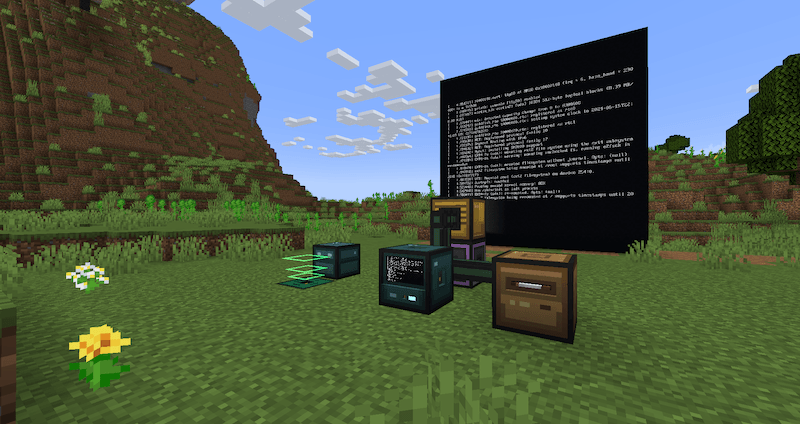
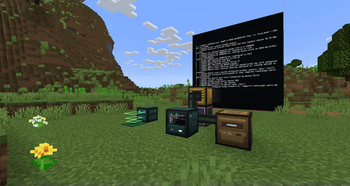
The mod provides stationary computers and mobile robots. While computers can connect to other in-world devices via bus cables and extension cards, robots can move through the world and interact with it via installed modules. Computers can communicate with each other using network cards and cables.
To get started with the mod, it is strongly recommended to craft The Computerists Handbook, an in-game manual item with information on all the blocks, how to build your first computer and so on.
By default, computers and robots consume energy (RF/Forge Energy), so it is recommended to play this mod in combination with at least one other mod that provides energy generation. An infinite energy cube is provided by the mod for testing in creative though.
Operation
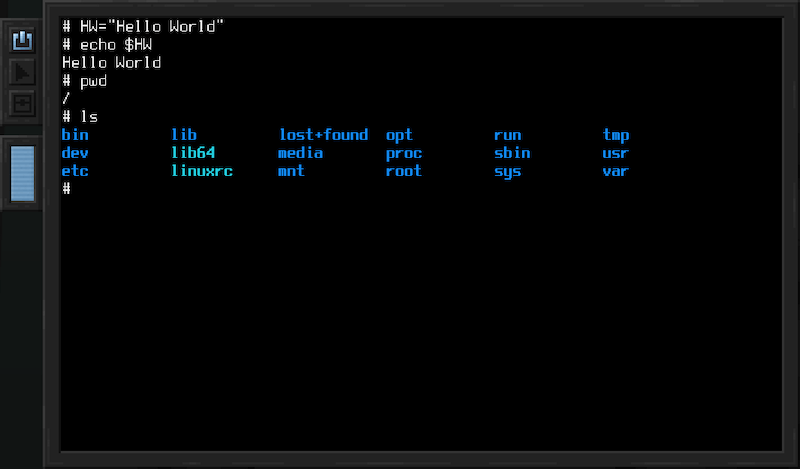
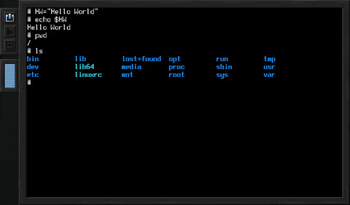
The default operating system used by the mod is Linux. It comes with a list of well-known utilities, such as the text-editors vi and nano. For those curious, buildroot is used to create the kernel and root filesystem images.
To enable easy scripting, Lua is also included. Many of the Minecraft specific devices, such as inventories, the Redstone Interface Block and general mod-interoperability use a high-level API that is intended to be used through Lua. This eases both adding integrations with other mods, as well as using these APIs when scripting in the game.
Here's an example snippet that sends a redstone signal through a Redstone Interface Device:
require("devices"):find("redstone"):setRedstoneOutput("up", 15)
Modularity
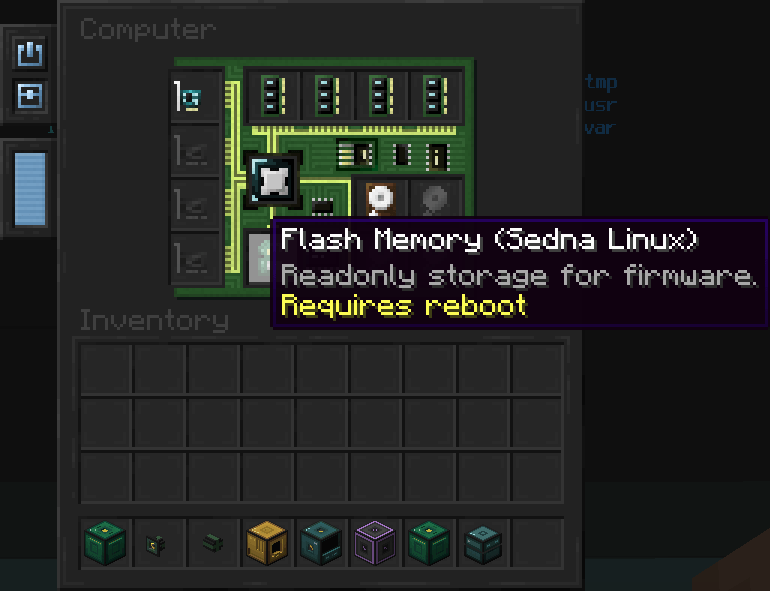
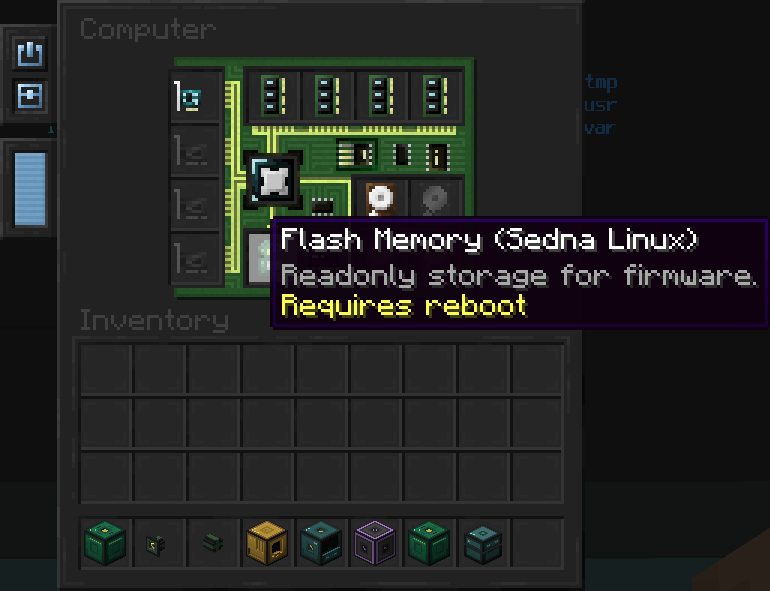
Computers and robots can be configured using various device items. Shared device types include memory (RAM), firmware, CPUs, and hard drives. Computers furthermore allow installation of expansion cards, such as the Network Interface Card, whereas robots allow installation of modules, such as the Block Operations Module, which enables robots to break and place blocks.
Available Versions
How to Install OpenComputers 2: Reimagined on Your Server
Order Server
Order a Minecraft Java server with at least 3 GB RAM (4 GB recommended).
Set forge Loader
In the panel under "Egg", select the forge loader and matching Minecraft version (1.20.1).
Install Mod
Open the mod browser in the dashboard and search for "OpenComputers 2: Reimagined". Click "Install" – done! Alternatively, upload the .jar via SFTP to the /mods folder.
Compatibility
Mod Loaders
Minecraft Versions
1.20.1
Server-side
✓ RequiredRecommended RAM
4 GB(min. 3 GB)Frequently Asked Questions
OpenComputers 2: Reimagined server crashes on startup – what to do?
Most common cause: wrong forge version or insufficient RAM. Check the server log (latest.log) for "OutOfMemoryError" or "Mixin" errors. With Mado Hosting: ensure at least 3 GB RAM is allocated and the loader matches the mod version (1.20.1). You can switch loaders with one click in the panel.
Is OpenComputers 2: Reimagined compatible with forge?
OpenComputers 2: Reimagined officially supports forge for Minecraft 1.20.1. The Mado dashboard automatically detects incompatible loader combinations.
Server lagging with OpenComputers 2: Reimagined – how to optimize performance?
Recommended RAM: 4 GB (per 8 players). Use /spark profiler to check if OpenComputers 2: Reimagined consumes the most tick time. Common fixes: reduce server view-distance to 8-10, install "performant" or "starlight" as supplementary mods on Forge. With Mado Hosting, your server runs on NVMe SSDs with dedicated CPU cores for minimal latency.
Rent Modded Server
Install OpenComputers 2: Reimagined with just one click on your server.