
Oceanus
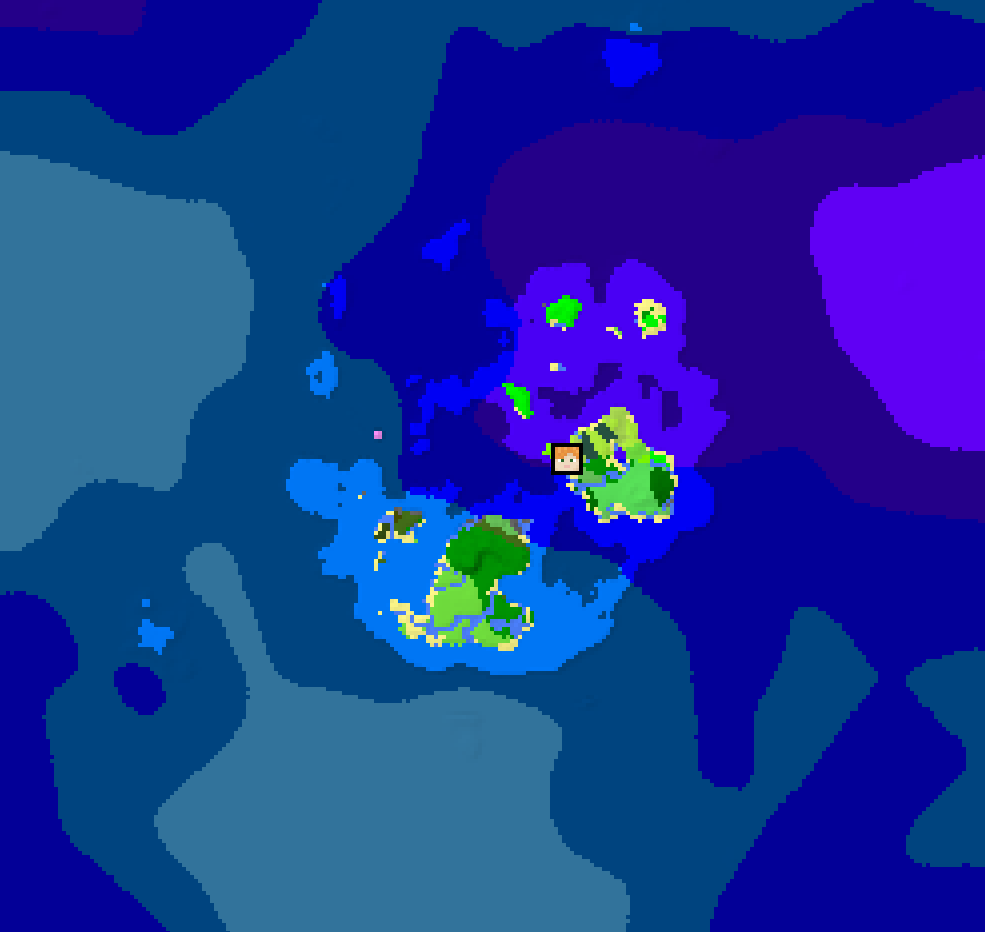
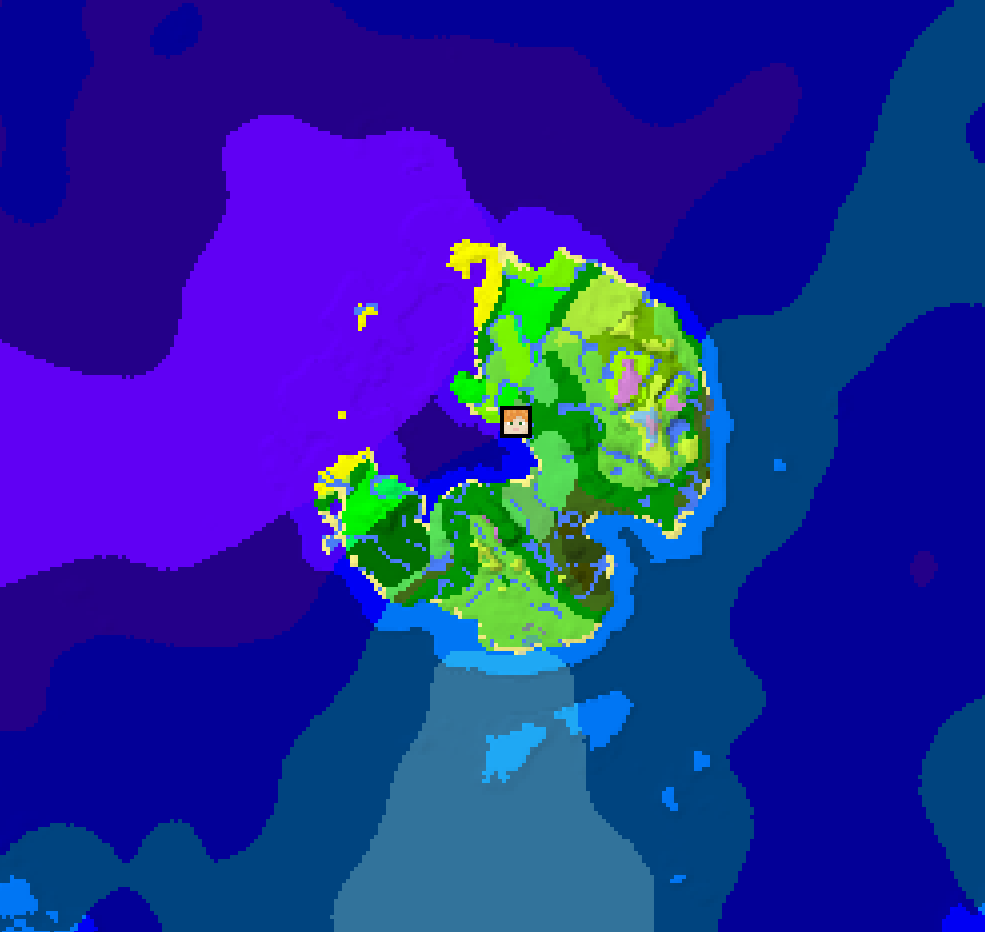
Reduces land generation the further you travel
Screenshots
About this Mod
Oceanus and all my other packs will no longer get updated, but anyone is welcome to fork or continue the project!
Oceanus
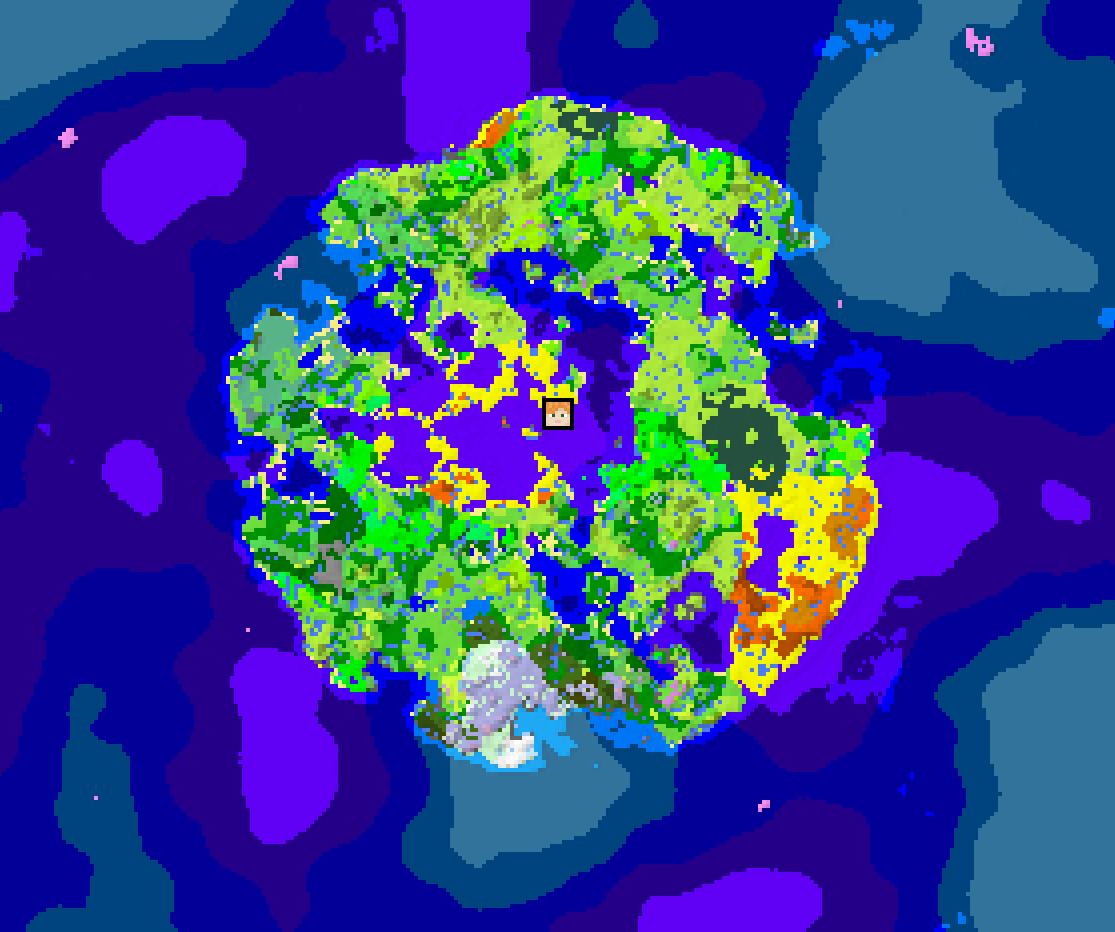
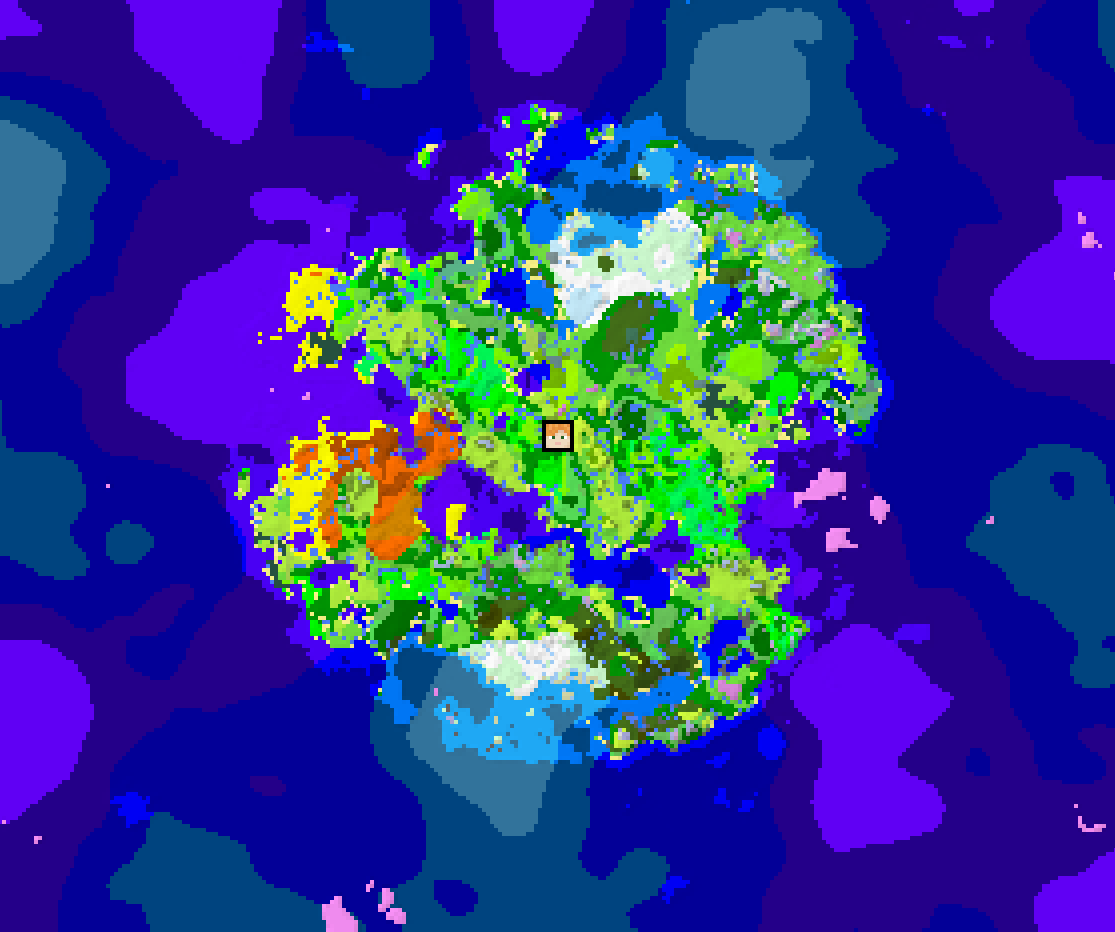
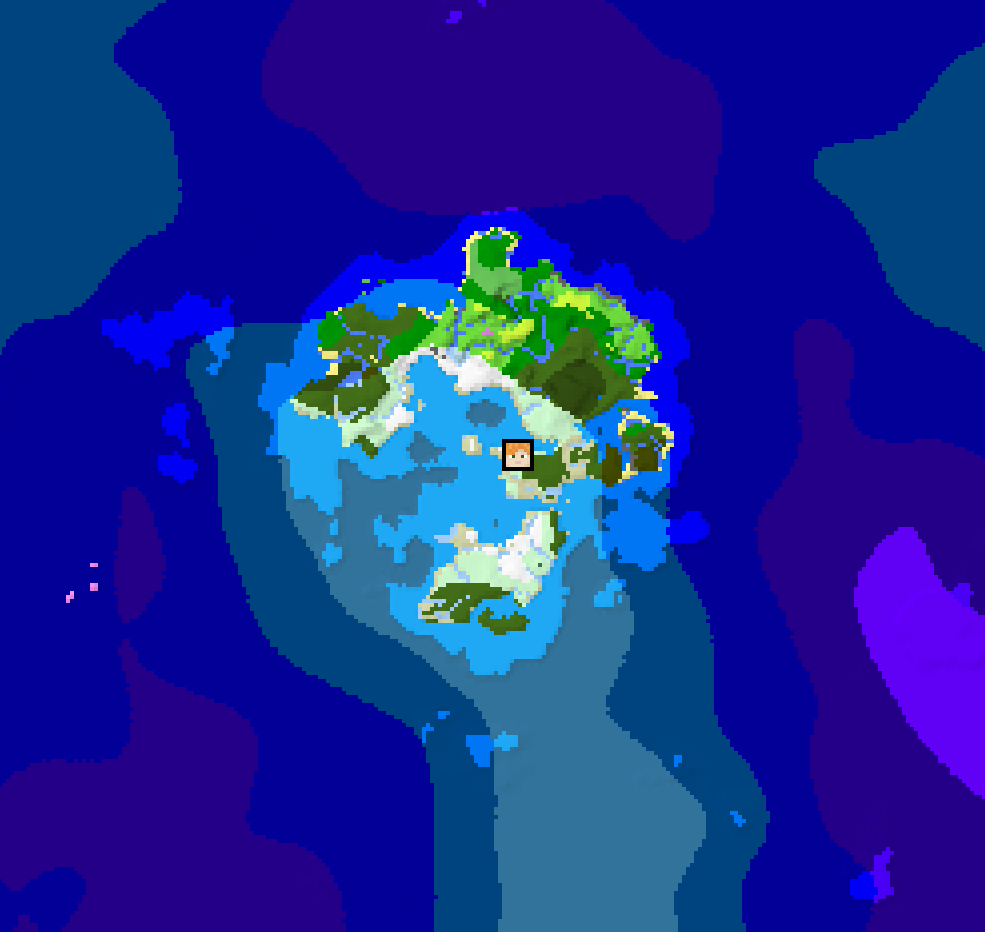
Oceanus makes your world smaller without the need for an intrusive world border. This is done by preventing land generation once you've travelled a certain distance, creating a circular world surrounded by endless ocean.
Version 2.0.0 now requires More Density Functions mod, and is no longer compatible with jacobsjo's datapack map
Configurability (datapack only)
All configurable values can be accessed in the directory data/oceanus/worldgen/density_function/configurable.
- Unaffected Radius: Radius around spawn where terrain generation is unchanged from vanilla
- Falloff Radius: Width of the band in which land is gradually overtaken by the ocean
- Mushroom islands: Enable or disable mushroom island generation in the endless ocean
- Offset: Offset the center of the unaffected/falloff area
- Ocean Variability: How varied the ocean terrain is, from endless deep ocean to regular ocean generation
Default Values
- Unnaffected Radius: 5000 blocks
- Falloff Radius: 2000 blocks
- Mushroom islands: enabled
- Offset: none
- Ocean Variability: 30%
Compatibility
In general any mods or packs that don't drastically alter worldgen should be compatible with Oceanus, including most popular biome mods. An easy way to verify this for datapacks is by using the Datapack Map by jacobsjo.
Please note that version 2.0.0 is no longer compatible with the datapack map. to check compatibility, you can still use the older versions to check compatibility with other pack by donwloading them and adding to the datapack map with "open Pack or Mod", tho i strongly recommend actually playing with 2.0.0+ for better performance.
If Oceanus doesn't seem to be working, try changing the load order of the pack, it should generally be at the bottom of the list.
To check compatibility with specific mods, check our wiki. To request compatibility with a specific mod, use the Issues page.
FAQ
Does this work with large biomes?
Yes
Does this work with pre-existing worlds?
Yes! Generation in the unaffected radius is, well, unaffected. So as long as you haven't travelled beyond that (or are willing to regenerate those chunks), you should be able to use Oceanus on any existing world without creating ugly chunk borders. Still, always make backups.
Will you port the pack to versions before 1.19?
Datapacks couldn't really change worldgen before that. Others are free to take this idea and make it a mod for those versions.
Also checkout One Survival Island by Klinbee
Credit to Uni for the vanilla coordinate density function used before v2.0.0
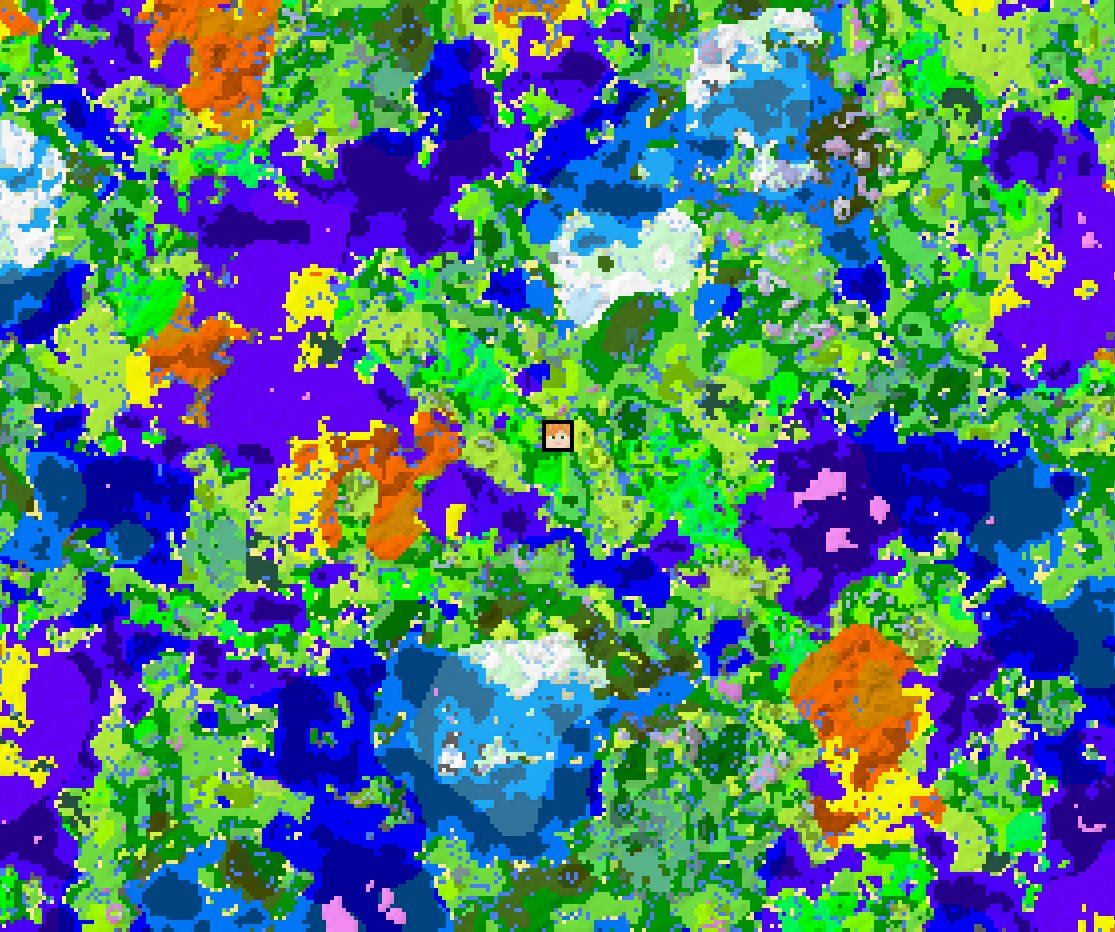
Gallery maps created in v1.0.0 with the Datapack Map by jacobsjo
Available Versions
How to Install Oceanus on Your Server
Order Server
Order a Minecraft Java server with at least 4 GB RAM (6 GB recommended).
Set datapack Loader
In the panel under "Egg", select the datapack loader and matching Minecraft version (1.21.8).
Install Mod
Open the mod browser in the dashboard and search for "Oceanus". Click "Install" – done! Alternatively, upload the .jar via SFTP to the /mods folder.
Compatibility
Mod Loaders
Minecraft Versions
1.21.8, 1.21.7, 1.21.6 (+18 more)
Server-side
✓ RequiredRecommended RAM
6 GB(min. 4 GB)Frequently Asked Questions
Oceanus server crashes on startup – what to do?
Most common cause: wrong datapack version or insufficient RAM. Check the server log (latest.log) for "OutOfMemoryError" or "Mixin" errors. With Mado Hosting: ensure at least 4 GB RAM is allocated and the loader matches the mod version (1.21.8). You can switch loaders with one click in the panel.
Is Oceanus compatible with datapack and fabric and forge and neoforge and quilt?
Oceanus officially supports datapack, fabric, forge, neoforge, quilt for Minecraft 1.21.8, 1.21.7, 1.21.6. Note: Forge and Fabric mods are NOT cross-compatible – pick one loader and stick with it. The Mado dashboard automatically detects incompatible loader combinations.
Server lagging with Oceanus – how to optimize performance?
Recommended RAM: 6 GB (per 5 players). Use /spark profiler to check if Oceanus consumes the most tick time. Common fixes: reduce server view-distance to 8-10, install "performant" or "starlight" as supplementary mods on Forge. With Mado Hosting, your server runs on NVMe SSDs with dedicated CPU cores for minimal latency.
Similar Mods




Rent Modded Server
Install Oceanus with just one click on your server.