
OmniCompass
OmniCompass allows you to track biomes and structures using compasses! Fully configurable!
Screenshots
About this Mod
🧭 For Players
OmniCompass adds compasses capable of tracking any biome or structure!
By default, there are 2 compasses:
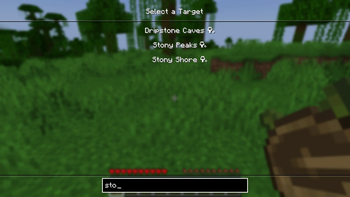
- Biome Compass, which can track any biome, crafted from a compass and 4 planks
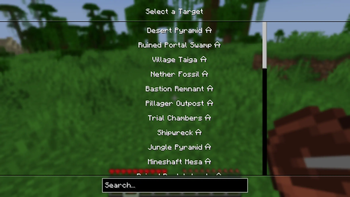
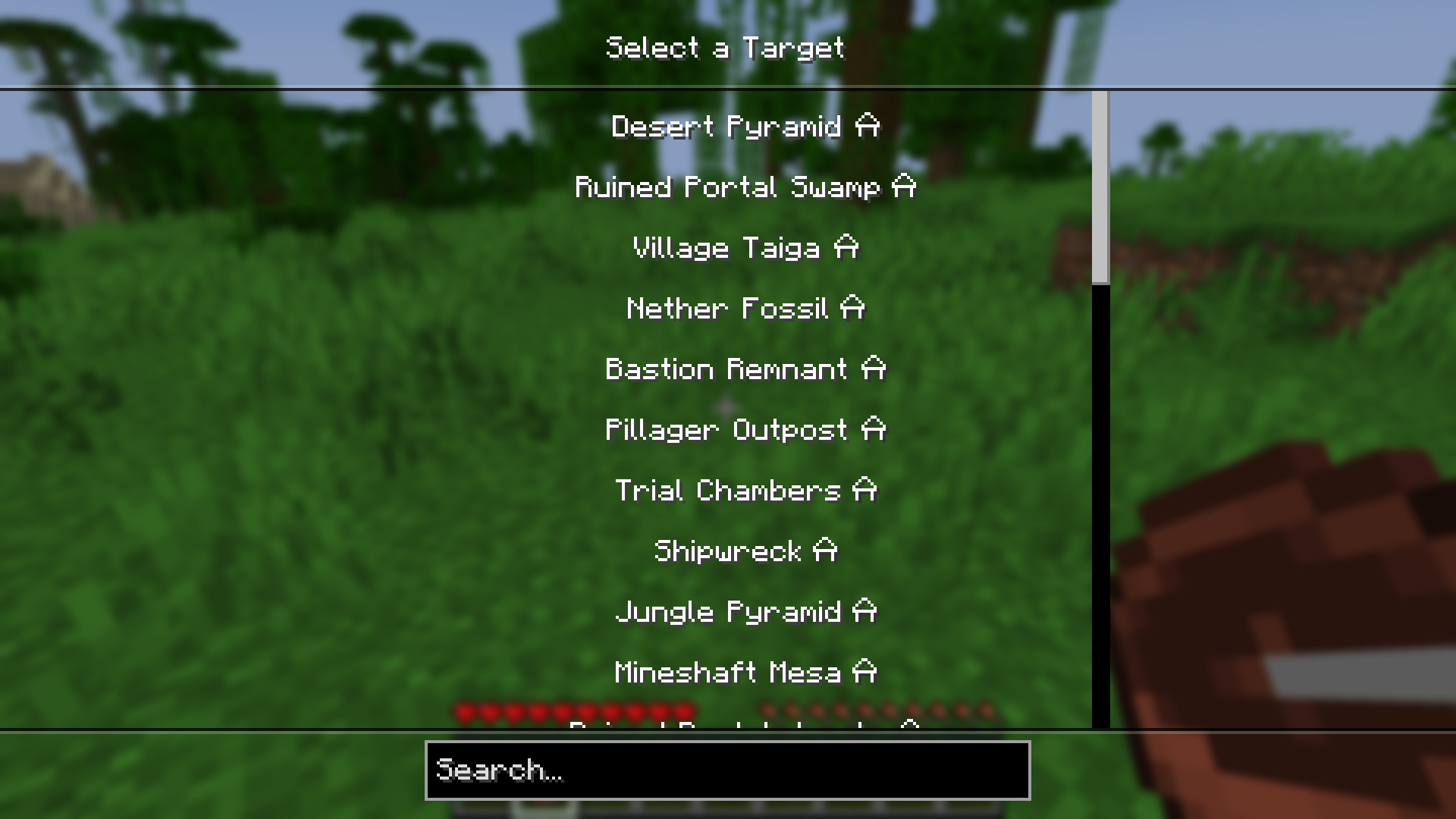
- Structure Compass, capable of tracking any structure, made from a compass and 4 bricks
Both compasses can be disabled in the config!
To use a compass, simply right-click while holding it. This will open a menu, allowing you to select a target.
✨ For Modpack Creators
OmniCompass comes with extensive data pack support, which allows you to easily add your own compasses or edit and remove the default ones. This includes:
- The ability to add multiple compasses
- Compass target selection (biome, structure, or all biomes/structures)
- Limiting compass targets based on advancements
- Custom compass renderer (only a single base texture is needed, needle and its shadow are tinted)
Full documentation is available on the wiki.
If the existing system doesn’t support your use case, make sure to open an issue on Github or to join the Discord and share your suggestions!
Please keep in mind that OmniCompass is still in beta, meaning issues can arise, and the datapack options will be expanded.
Available Versions
How to Install OmniCompass on Your Server
Order Server
Order a Minecraft Java server with at least 3 GB RAM (4 GB recommended).
Set fabric Loader
In the panel under "Egg", select the fabric loader and matching Minecraft version (1.21.1).
Install Mod
Open the mod browser in the dashboard and search for "OmniCompass". Click "Install" – done! Alternatively, upload the .jar via SFTP to the /mods folder.
Compatibility
Mod Loaders
Minecraft Versions
1.21.1
Server-side
✓ RequiredRecommended RAM
4 GB(min. 3 GB)Frequently Asked Questions
OmniCompass server crashes on startup – what to do?
Most common cause: wrong fabric version or insufficient RAM. Check the server log (latest.log) for "OutOfMemoryError" or "Mixin" errors. With Mado Hosting: ensure at least 3 GB RAM is allocated and the loader matches the mod version (1.21.1). You can switch loaders with one click in the panel.
Is OmniCompass compatible with fabric and neoforge?
OmniCompass officially supports fabric, neoforge for Minecraft 1.21.1. The Mado dashboard automatically detects incompatible loader combinations.
Server lagging with OmniCompass – how to optimize performance?
Recommended RAM: 4 GB (per 8 players). Use /spark profiler to check if OmniCompass consumes the most tick time. Common fixes: reduce server view-distance to 8-10, install "performant" or "starlight" as supplementary mods on Forge. With Mado Hosting, your server runs on NVMe SSDs with dedicated CPU cores for minimal latency.
Similar Mods




![[TaCZ] Timeless and Classics Zero](https://cdn.modrinth.com/data/SzzJttH8/fd27766d2bb8390d284696b1dbd358f87e081439_96.webp)

Rent Modded Server
Install OmniCompass with just one click on your server.