
OptiCores
A client-side rendering optimization mod for NeoForge, featuring asynchronous culling specifically tuned for integrated graphics (Intel UHD/Iris Xe).
Screenshots
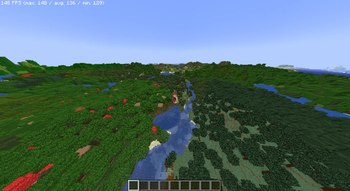
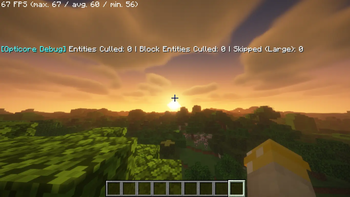
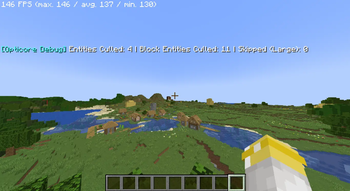
About this Mod
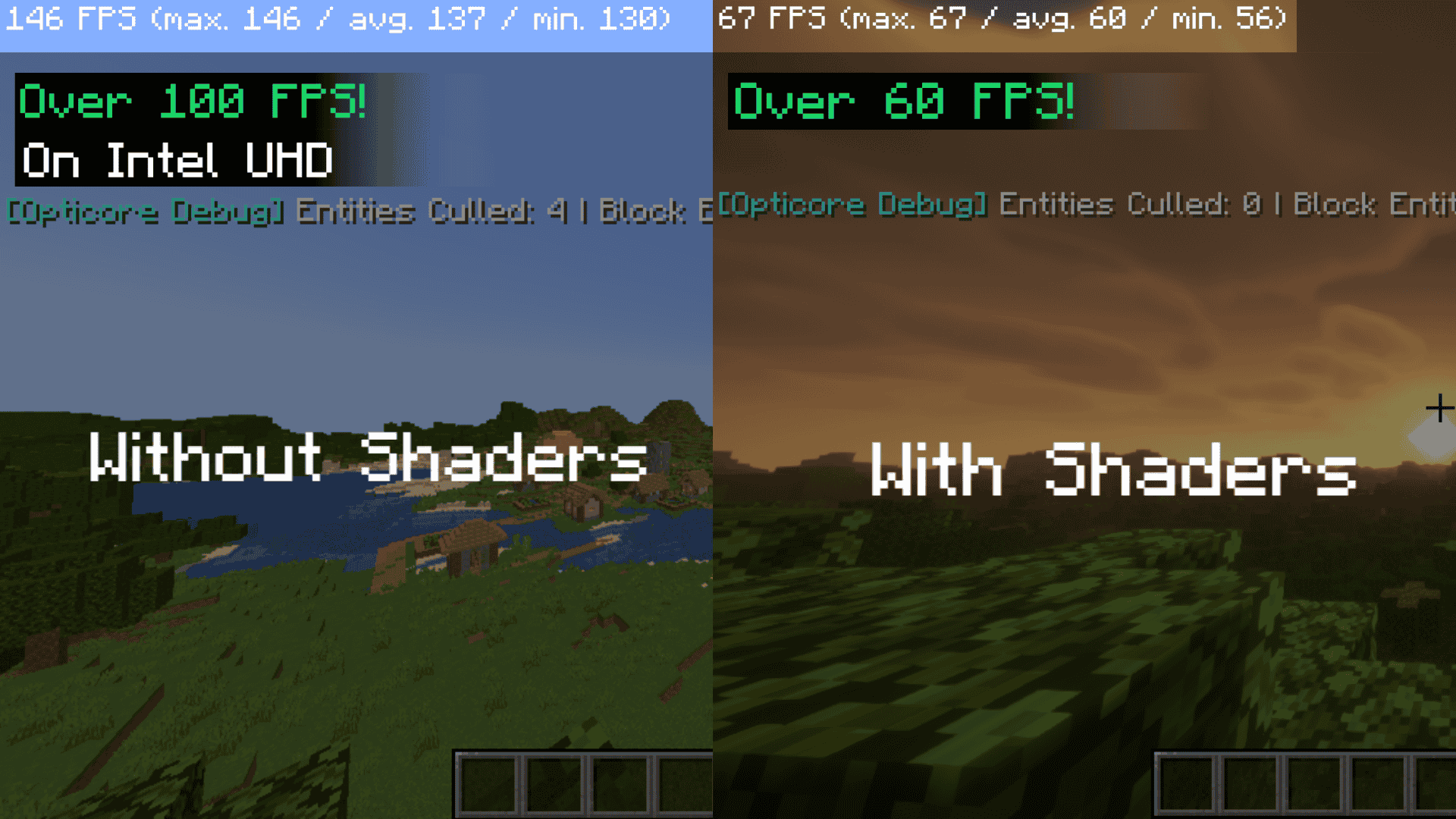

Opticore: Asynchronous Rendering Optimization
Opticore is a client-side companion mod for Embeddium and Sodium on NeoForge 1.21.1. It is specifically designed to alleviate the "Main Thread" bottlenecking found on systems using integrated graphics (Intel UHD, Iris Xe, and mobile CPUs).
Core Functionality
Asynchronous Culling Pipeline: Unlike standard culling methods that run on the main render thread, Opticore offloads Euclidean distance and Frustum-intersection math to a background worker thread.
Concurrent Data Management: Rendering visibility results are stored in a thread-safe ConcurrentHashMap, allowing for O(1) lookups during the render cycle with near-zero latency.
Dynamic Load Throttling: The mod monitors getSectionStatistics() to detect heavy chunk-loading periods. During high I/O spikes (e.g., world joining or teleporting), the mod temporarily reduces entity rendering overhead to prioritize terrain generation.
Technical Compatibility: Includes safety bypasses for custom block entity renderers (such as those in the Create Mod) and integrates with Distant Horizons to prevent culling during LOD baking passes.
Performance Impact
Opticore is most effective in environments with high entity counts (villages, farms, or modded dimensions). By offloading culling logic, it helps stabilize frame times and reduces "stuttering" during world exploration on 2-core and 4-core processors.
Available Versions
How to Install OptiCores on Your Server
Order Server
Order a Minecraft Java server with at least 3 GB RAM (4 GB recommended).
Set fabric Loader
In the panel under "Egg", select the fabric loader and matching Minecraft version (26.1.2).
Install Mod
Open the mod browser in the dashboard and search for "OptiCores". Click "Install" – done! Alternatively, upload the .jar via SFTP to the /mods folder.
Compatibility
Mod Loaders
Minecraft Versions
26.1.2, 26.1.1, 26.1 (+11 more)
Server-side
✗ UnsupportedRecommended RAM
4 GB(min. 3 GB)Frequently Asked Questions
OptiCores server crashes on startup – what to do?
Most common cause: wrong fabric version or insufficient RAM. Check the server log (latest.log) for "OutOfMemoryError" or "Mixin" errors. With Mado Hosting: ensure at least 3 GB RAM is allocated and the loader matches the mod version (26.1.2). You can switch loaders with one click in the panel.
Is OptiCores compatible with fabric and forge and neoforge?
OptiCores officially supports fabric, forge, neoforge for Minecraft 26.1.2, 26.1.1, 26.1. Note: Forge and Fabric mods are NOT cross-compatible – pick one loader and stick with it. The Mado dashboard automatically detects incompatible loader combinations.
Server lagging with OptiCores – how to optimize performance?
Recommended RAM: 4 GB (per 8 players). Use /spark profiler to check if OptiCores consumes the most tick time. Common fixes: reduce server view-distance to 8-10, install "performant" or "starlight" as supplementary mods on Forge. With Mado Hosting, your server runs on NVMe SSDs with dedicated CPU cores for minimal latency.
Similar Mods






Rent Modded Server
Install OptiCores with just one click on your server.