Orevolution
An upgrade to minecraft's mining experience!
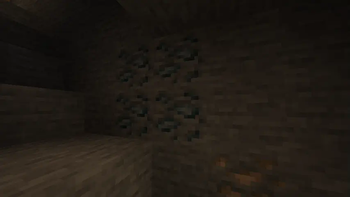
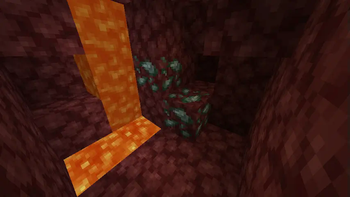
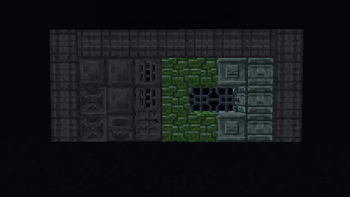
Screenshots
About this Mod
About this mod:
Orevolution expands most of Minecraft’s mining aspects with new ores, alloys, unique tool and armor effects, and refined mechanics that (try to) make every tier feel meaningful again.
Available Addons:

Main features this mod offers:
(The gear emoji ⚙ means the mentioned feature can be removed/modified through the config files)
(⚙) New Ores & Alloys:
- Tin:

- Bronze:
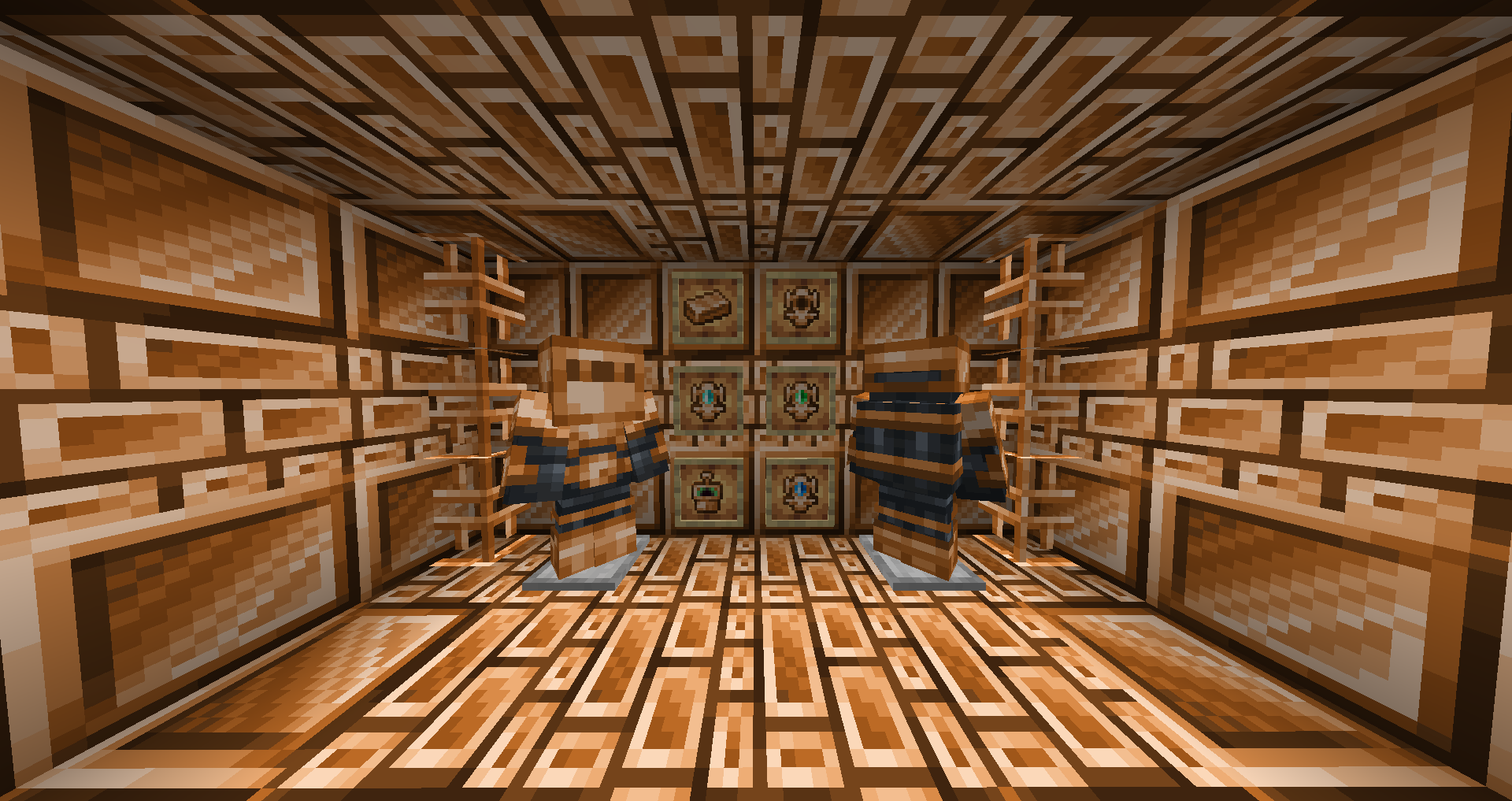
- Platinum:

- Steel:
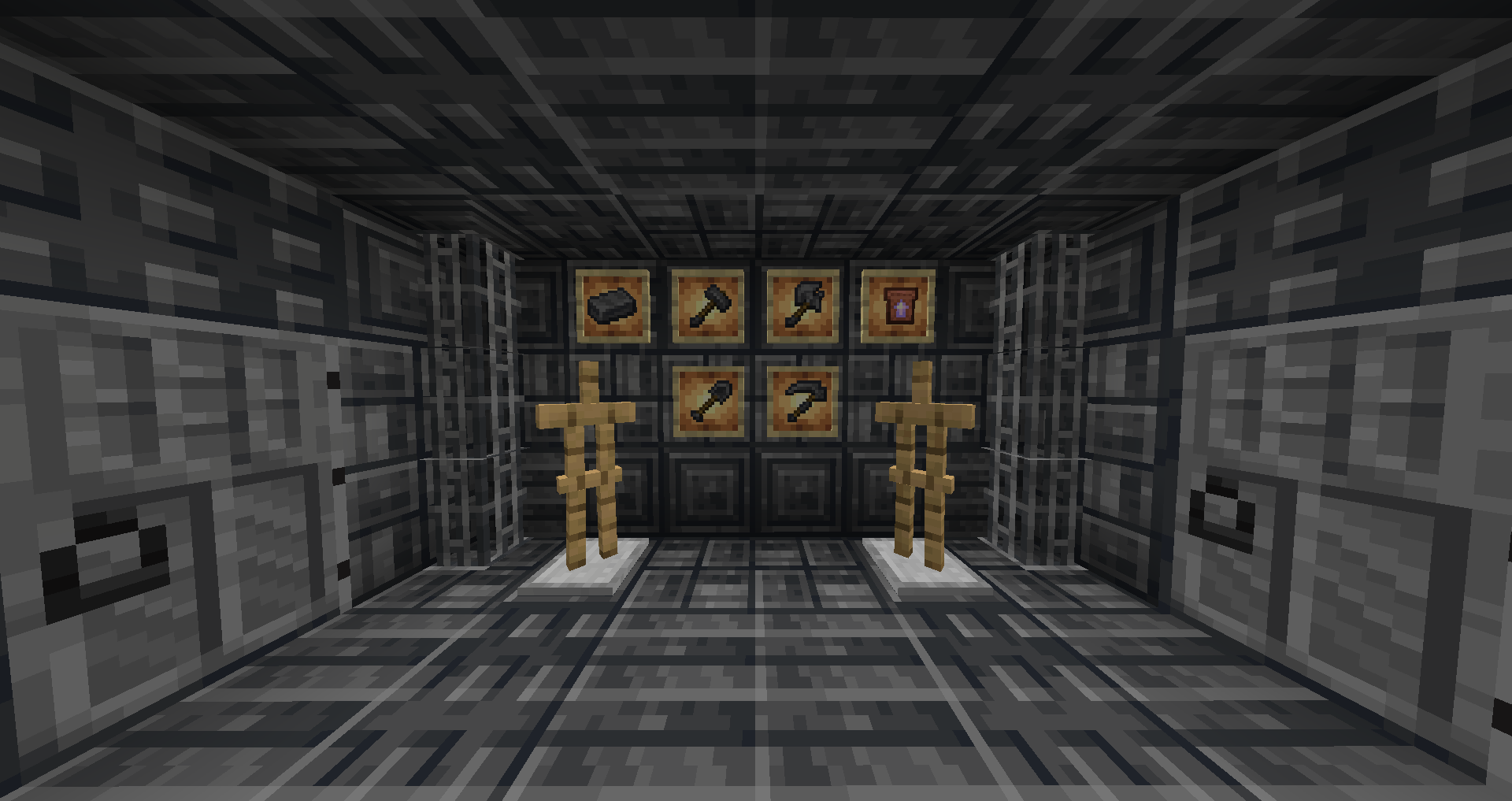
- Tungsten:
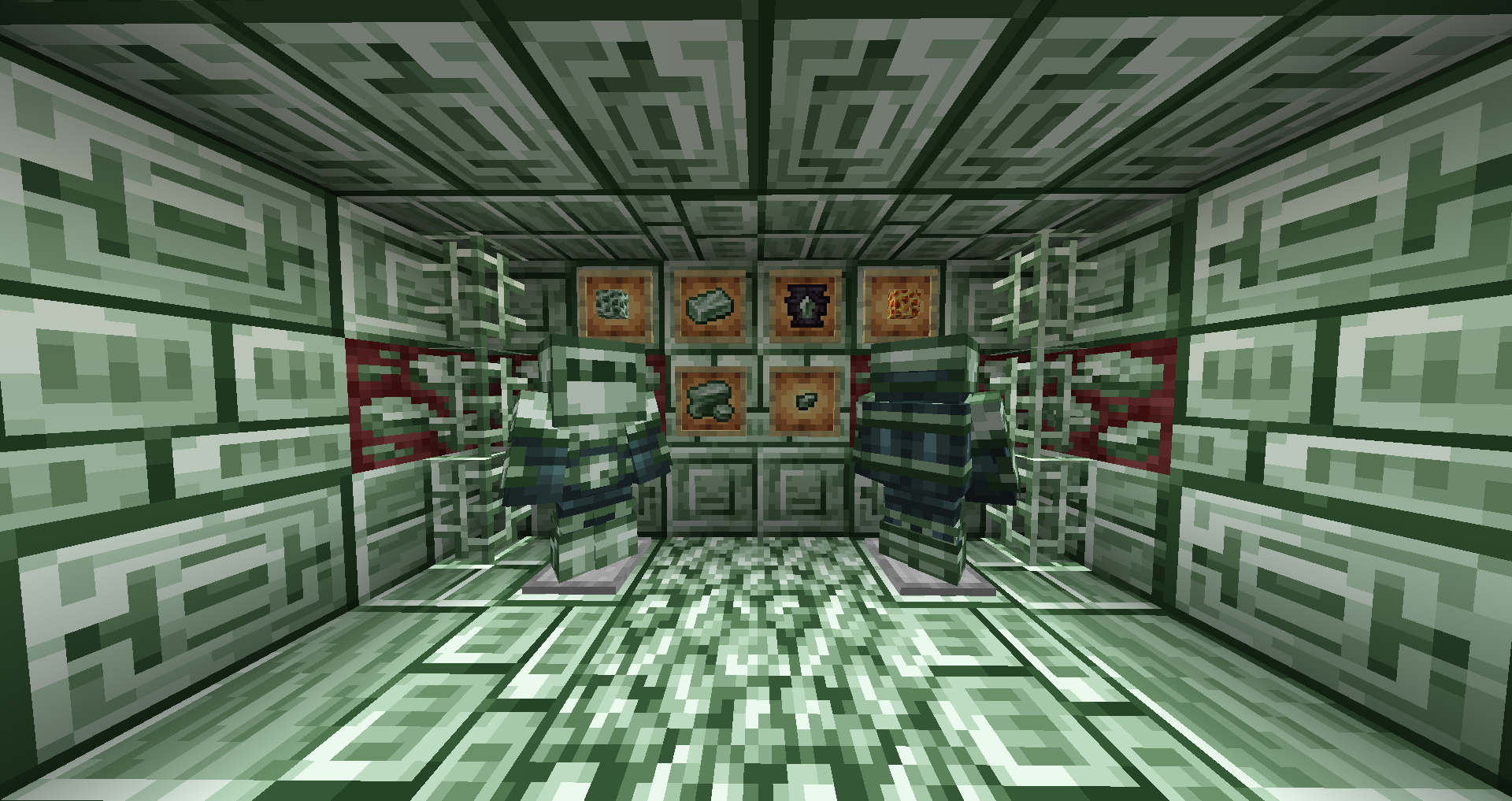
- Aethersteel:
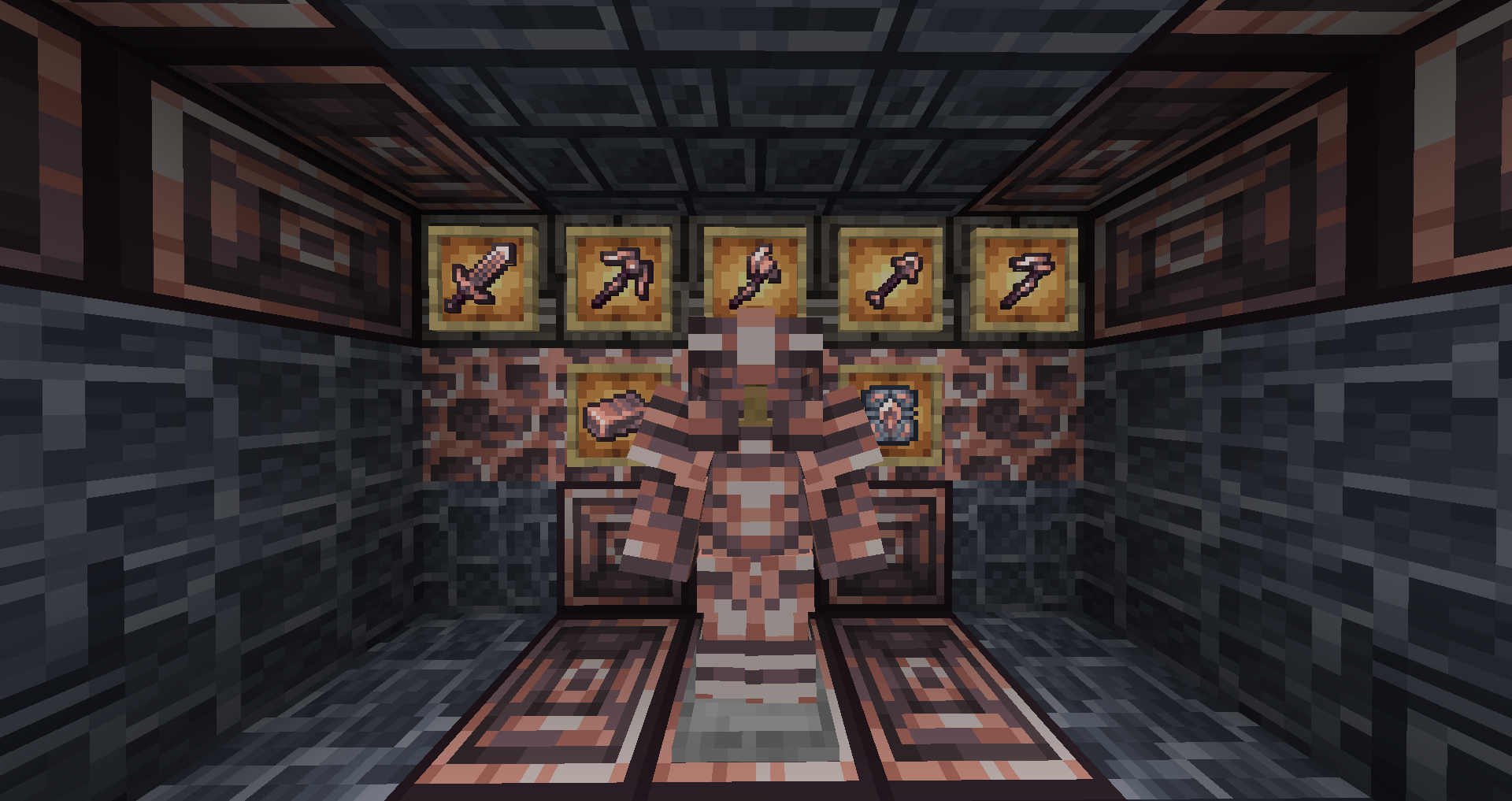
- Experience Ores:

While playing with Farmer's delight, knives for tin, platinum and aethersteel are loaded
While playing with Shield Expansion, Tin, Platinum and Aethersteel shields are loaded
(⚙) Plant ores:
Do you hate mining and would rather stay home with your farm, but would still want to upgrade your equipment? well, that's what plant ores are here for. These are unique variants of tin and platinum, allowing you to skip mining and just focus on something else.
- Livingstone & Verdite:
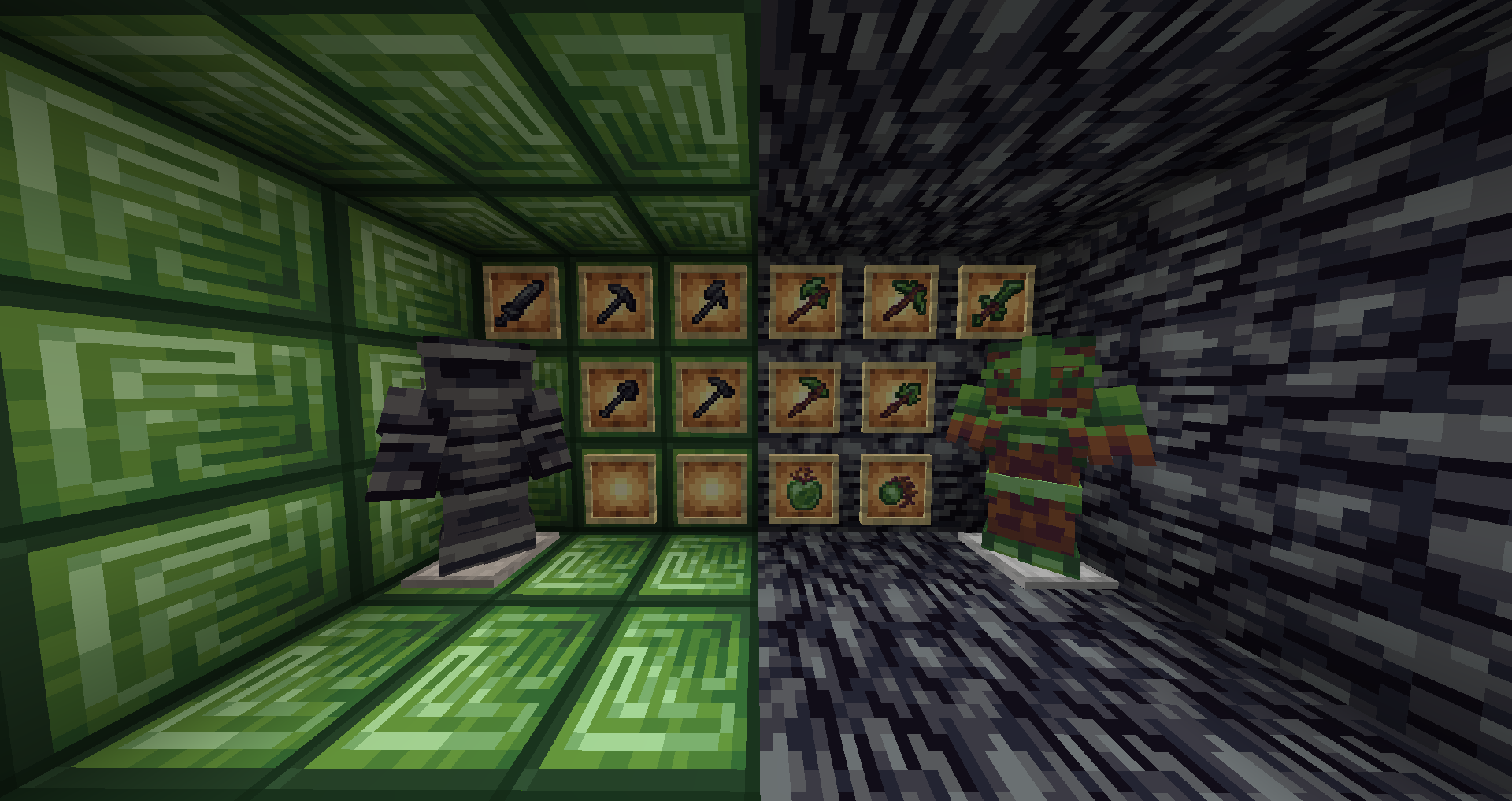
Livingstone drops when you harvest a crop planted on farmland that has stone directly underneath.
Verdite is obtained through composting.
While playing with Shield Expansion, livingstone and verdite shields are loaded
(⚙) Tools and armors powers:
Powers are the special characteristics that add more value to the lesser tools that most people usually leave behind the moment they obtain a new, stronger tool. These powers help at a specific thing, for example, tin duplicates things
While playing with Oreganized, electrum will have tool/sword powers
While playing with Copper Age Backport, Copper armor will have it's own set-powers
(⚙) New progression & Modified durabilities:
Expands the original tool progression, so now you're forced to obtain tin and platinum if you want to get better equipment.
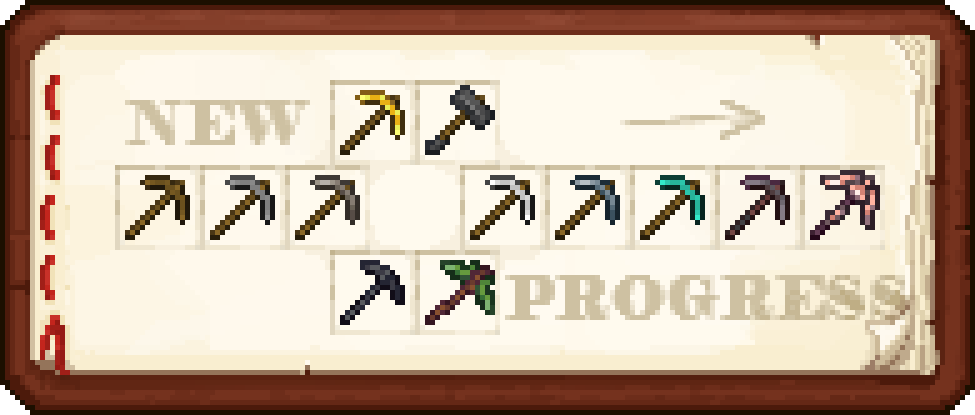
All tools are now capable of breaking a certain amount of stacks before breaking.
List of durabilities:
Wood: 64 uses (1 stack)
Gold: 128 uses (2 stacks)
Stone: 192 uses (3 stacks)
Tin: 256 (4 stacks)
Iron: 448 uses (7 stacks)
Plat: 768 uses (12 stacks)
Diamond: 1600 uses (25 stacks)
Netherite: 2432 uses (38 stacks)
Aethersteel: 3520 uses (55 stacks)
(⚙) Tooltip changes:
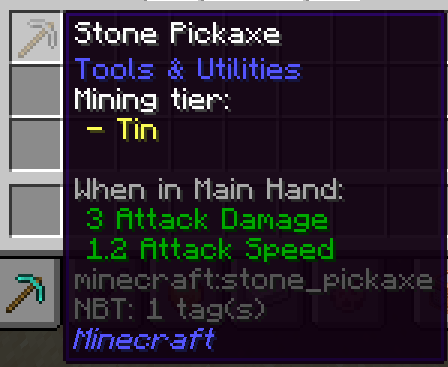
All tools and armors explain their powers (if they have one) and the mining tier (which usually represents the next tier) inside their tooltips
(⚙) Can't harvest text & Safe ore breaking:
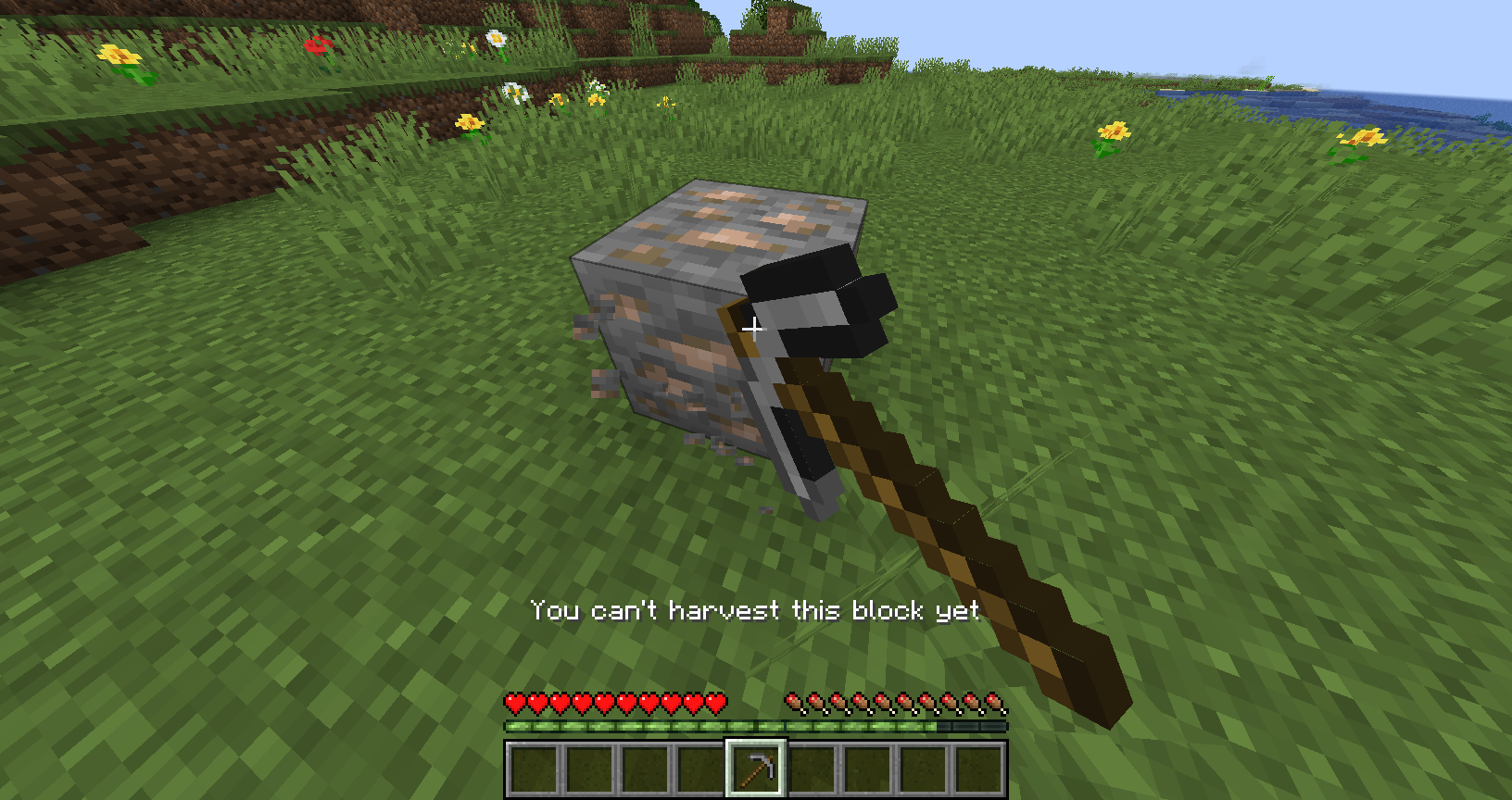
A little display text will appear if the current block can't be broken. Also, ores won't be broken if you're mining them with the wrong tool.
Orevolution 2.0.2 (This is the Mcreator ver.) Showcase by Smellcarberg:
🧱Technical information:
Licensed under Attribution-NonCommercial-ShareAlike 4.0 International.
You are free to:
- Share — copy and redistribute the material in any medium or format
- Adapt — remix, transform, and build upon the material
- The licensor cannot revoke these freedoms as long as you follow the license terms.
Under the following terms:
- Attribution — You must give appropriate credit , provide a link to the license, and indicate if changes were made . You may do so in any reasonable manner, but not in any way that suggests the licensor endorses you or your use.
- NonCommercial — You may not use the material for commercial purposes .
- ShareAlike — If you remix, transform, or build upon the material, you must distribute your contributions under the same license as the original.
- No additional restrictions — You may not apply legal terms or technological measures that legally restrict others from doing anything the license permits.
Available Versions
How to Install Orevolution on Your Server
Order Server
Order a Minecraft Java server with at least 4 GB RAM (6 GB recommended).
Set forge Loader
In the panel under "Egg", select the forge loader and matching Minecraft version (1.21.4).
Install Mod
Open the mod browser in the dashboard and search for "Orevolution". Click "Install" – done! Alternatively, upload the .jar via SFTP to the /mods folder.
Compatibility
Mod Loaders
Minecraft Versions
1.21.4, 1.21.1, 1.20.1
Server-side
✓ RequiredRecommended RAM
6 GB(min. 4 GB)Frequently Asked Questions
Orevolution server crashes on startup – what to do?
Most common cause: wrong forge version or insufficient RAM. Check the server log (latest.log) for "OutOfMemoryError" or "Mixin" errors. With Mado Hosting: ensure at least 4 GB RAM is allocated and the loader matches the mod version (1.21.4). You can switch loaders with one click in the panel.
Is Orevolution compatible with forge and neoforge?
Orevolution officially supports forge, neoforge for Minecraft 1.21.4, 1.21.1, 1.20.1. The Mado dashboard automatically detects incompatible loader combinations.
Server lagging with Orevolution – how to optimize performance?
Recommended RAM: 6 GB (per 5 players). Use /spark profiler to check if Orevolution consumes the most tick time. Common fixes: reduce server view-distance to 8-10, install "performant" or "starlight" as supplementary mods on Forge. With Mado Hosting, your server runs on NVMe SSDs with dedicated CPU cores for minimal latency.
Similar Mods




![[TaCZ] Timeless and Classics Zero](https://cdn.modrinth.com/data/SzzJttH8/fd27766d2bb8390d284696b1dbd358f87e081439_96.webp)

Rent Modded Server
Install Orevolution with just one click on your server.
Details
- License
- Creative Commons Attribution Non Commercial 4.0 International
- Server-side
- Required