
Adventurer, an Origins Addon
Adds an additional Origin Layer for your worlds, granting additional depth within your player builds
Screenshots


About this Mod
become an adventurer, and search the world of its hidden powers.

about the pack
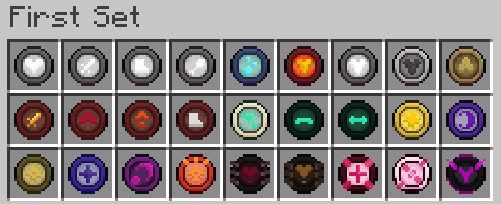
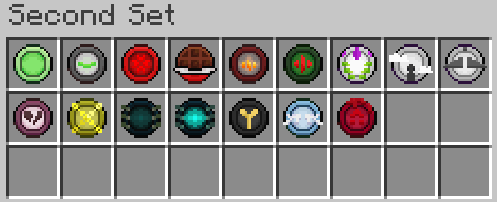
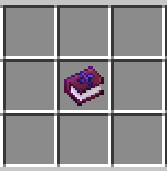
, minecraft somewhat lacks satisfying progression and a customizable build system. this addon adds the Adventurer, allowing crafting of various runes that give passive abilities. The Atlas will tell you the rest.
, dont forget to download the resourcepack

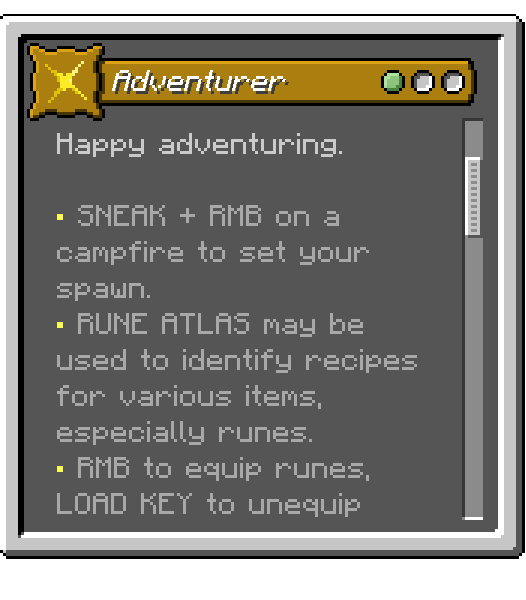

spoiler content
Spoiler
advancements
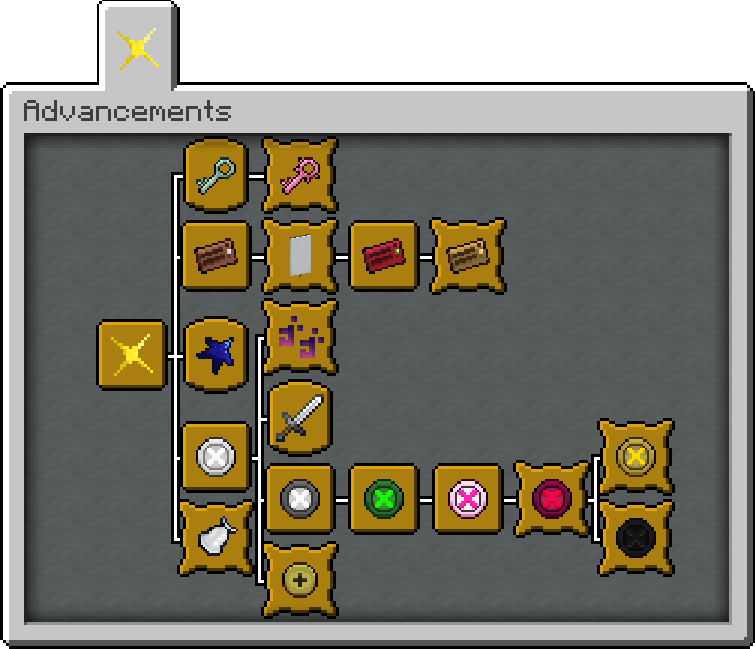
Spoiler
, below is some technical info about the packcontrols
, runes can be equipped by holding on main-hand and right-click, unequip all runes at once with load toolbar key, and toggle visibility of mana bar with save toolbar key
how does mana work and regenerate
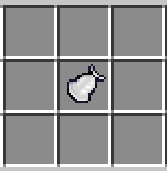
, mana is restored by 4 per sec, 8 when standing still, crystals are meant for important events hence you get only 3 per night which quickly grants 60 mana with right-click
, runes can drain or consume a chunk of mana
, drains either 0, 2, 4, 6, or 8 mana / consumes chunks of mana when rune condition is met
is there a way to get the atlas back
, can be crafted, similar to runes
is this compatible with custom origins
, right-click and save/load toolbar key are the only keybinds used for this mod, it should be compatible with most custom origins that don't have excessive keybinds
i want to know every single rune, i want to get the advancements
, all crafting recipes and mobs that may drop runes are in the atlas. currently, there are 11 basic, 19 uncommon, 15 special, 4 stunning and 5 undefined runes to collect
datapack + resourcepack variant ?
- download, extract, and place the files inside in their respective folders ( datapack / resourcepack )
Spoiler
showcase ?

Available Versions
How to Install Adventurer, an Origins Addon on Your Server
Order Server
Order a Minecraft Java server with at least 3 GB RAM (4 GB recommended).
Set datapack Loader
In the panel under "Egg", select the datapack loader and matching Minecraft version (1.20.4).
Install Mod
Open the mod browser in the dashboard and search for "Adventurer, an Origins Addon". Click "Install" – done! Alternatively, upload the .jar via SFTP to the /mods folder.
Compatibility
Mod Loaders
Minecraft Versions
1.20.4, 1.20.3, 1.20.2 (+2 more)
Server-side
✓ RequiredRecommended RAM
4 GB(min. 3 GB)Frequently Asked Questions
Adventurer, an Origins Addon server crashes on startup – what to do?
Most common cause: wrong datapack version or insufficient RAM. Check the server log (latest.log) for "OutOfMemoryError" or "Mixin" errors. With Mado Hosting: ensure at least 3 GB RAM is allocated and the loader matches the mod version (1.20.4). You can switch loaders with one click in the panel.
Is Adventurer, an Origins Addon compatible with datapack and fabric?
Adventurer, an Origins Addon officially supports datapack, fabric for Minecraft 1.20.4, 1.20.3, 1.20.2. The Mado dashboard automatically detects incompatible loader combinations.
Server lagging with Adventurer, an Origins Addon – how to optimize performance?
Recommended RAM: 4 GB (per 8 players). Use /spark profiler to check if Adventurer, an Origins Addon consumes the most tick time. Common fixes: reduce server view-distance to 8-10, install "performant" or "starlight" as supplementary mods on Forge. With Mado Hosting, your server runs on NVMe SSDs with dedicated CPU cores for minimal latency.
Similar Mods




Rent Modded Server
Install Adventurer, an Origins Addon with just one click on your server.