
Overgeared
An overhaul to minecraft's equipment crafting process.
Screenshots

About this Mod
Overgeared is a Minecraft mod that overhauls tool and armor crafting with a deep forging system that rewards player skill, preparation, and progression. Inspired by mods like Hot Iron and TerraFirmaCraft, it introduces a more immersive approach to metalworking, blueprint crafting, and alloying.
Fully data pack–compatible. JEI/EMI is highly recommended for browsing recipes.
1.21.1 NeoForge is now out in beta! Use EMI for recipe viewing. Huge thanks to Renari and Acey for helping with the port

IF SOMETHING DOESN'T WORK AFTER UPDATE TRY DELETING THE CONFIG FILE
Documentation for Modpack Makers
Mod Guide
New Items and Blocks
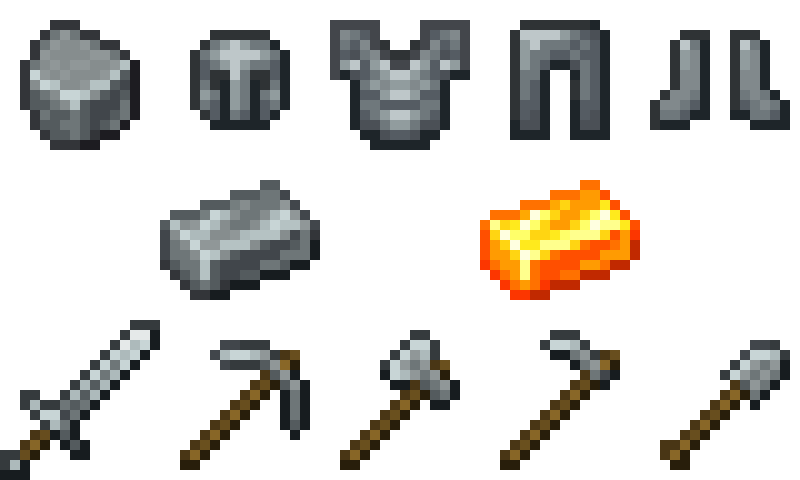
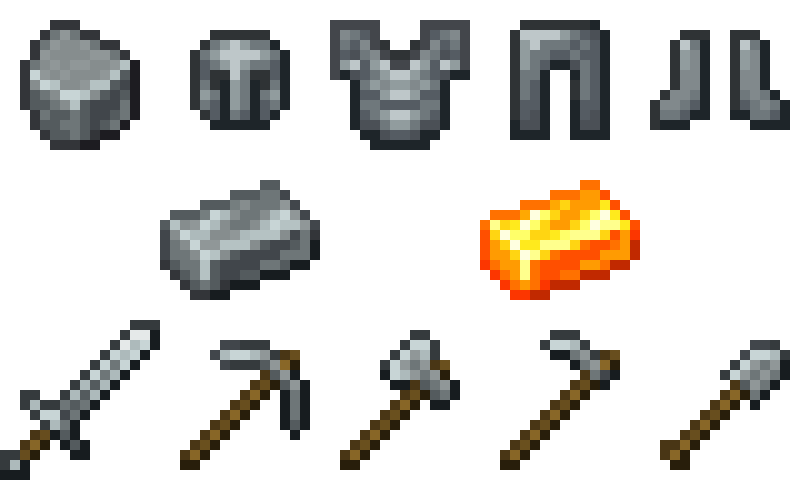
Steel Equipment
A complete steel tier designed to bridge the progression between iron and diamond.
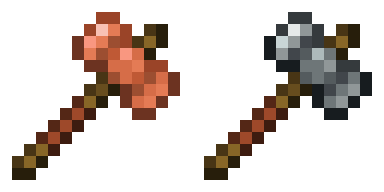
Smithing Hammer
Available in Steel and Copper variants. Used to begin the forging process.
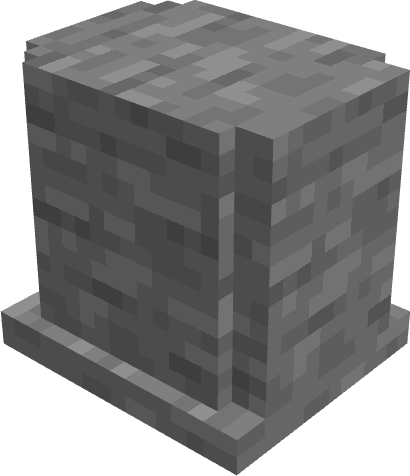
- Sneak + right-click Stone → convert it into a Stone Anvil
- Sneak + right-click vanilla Anvil → convert it into a Smithing Anvil
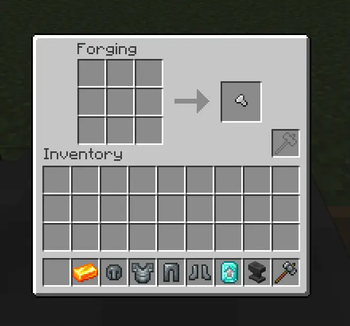
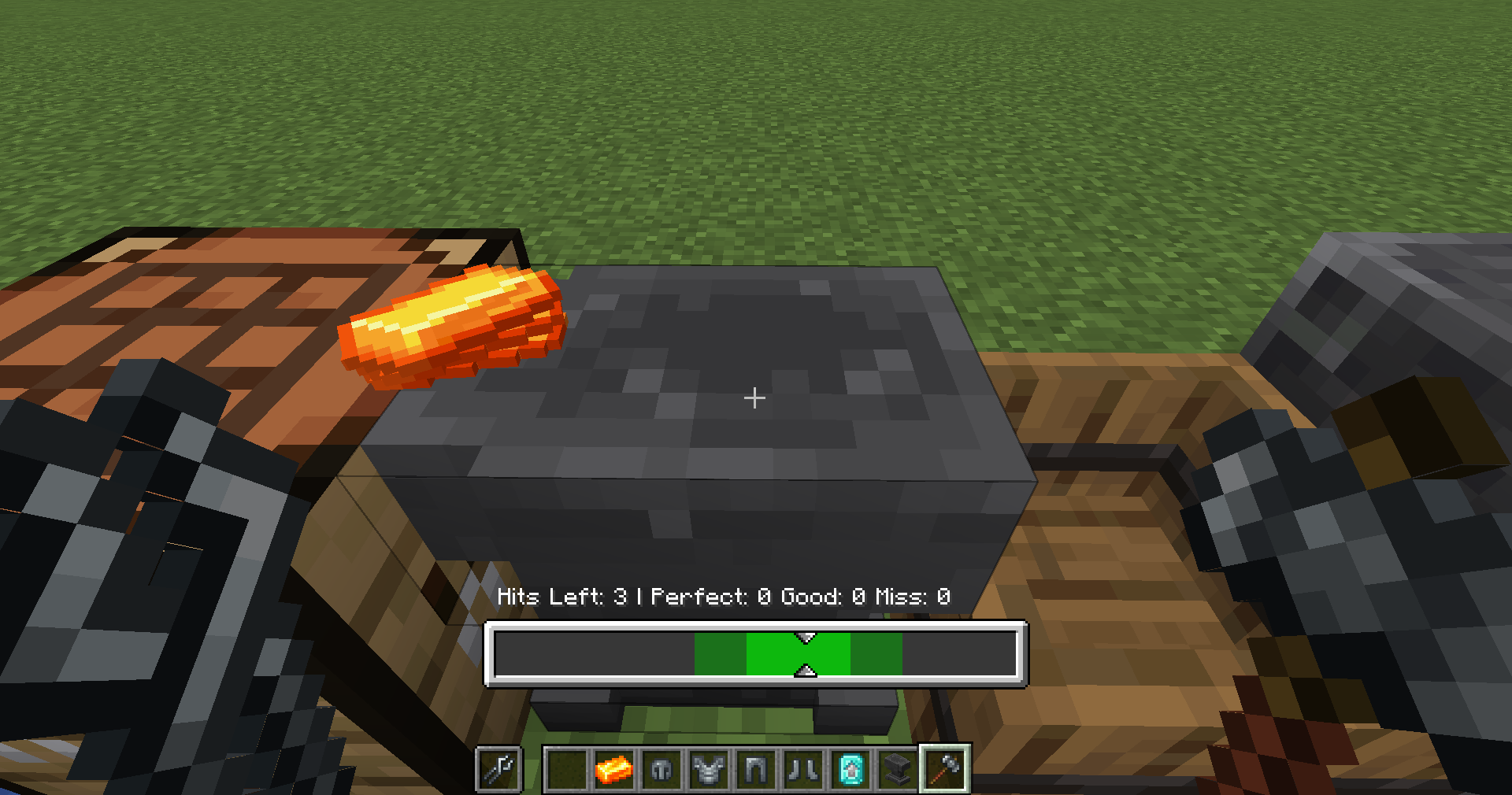
- Sneak + right-click a Smithing Anvil → start forging
Smithing Tongs
Used to protect yourself from heated metal. Comes in Wooden, Iron and Steel variants. 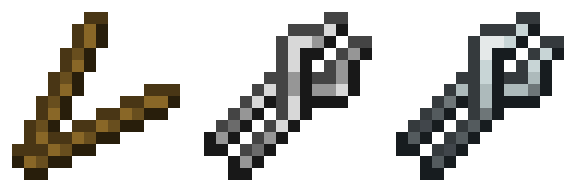
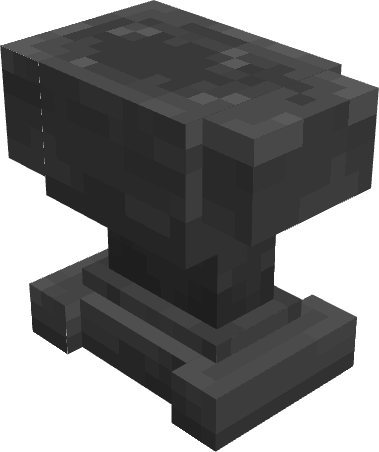
Smithing Anvil
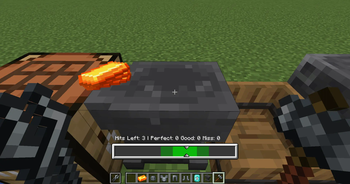
The main workstation for forging. Place ingredients in the 3×3 grid and activate forging with a Smithing Hammer.
Stone Anvil
An early-game option for simple forging.
- Cheaper to craft
- Lower durability
- Only supports forging up to Well Forged tier
- Lets players progress into full forging
Rock Knapping System
Craft stone tool parts using a click-based 3×3 interface.
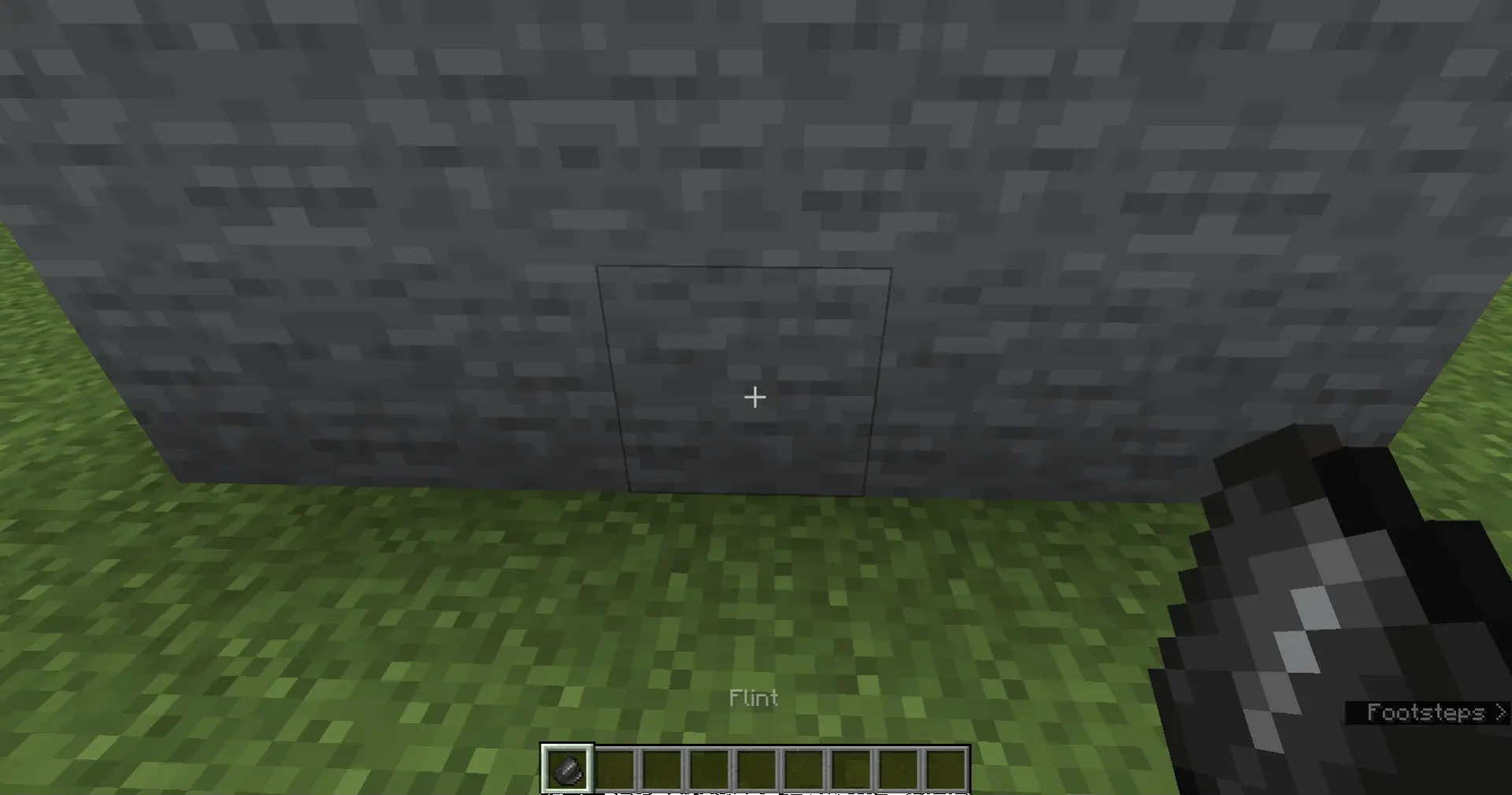
- Obtain rocks by repeatedly right-clicking flint on stone
- Use rocks in the knapping UI to shape tool heads
Forging System & Tool Quality
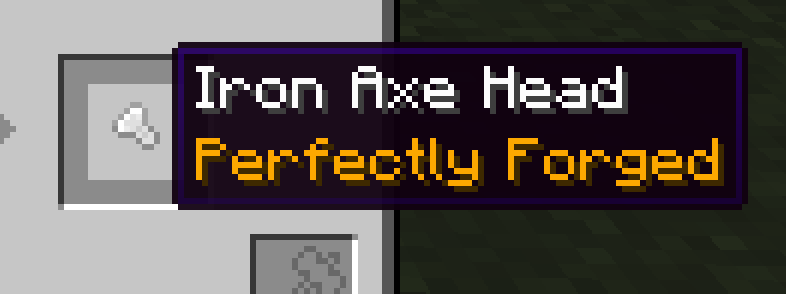
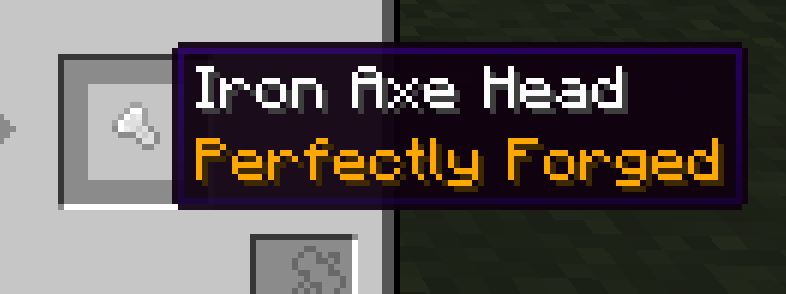
Forging replaces classic tool/armor crafting. Hit timing in the forging minigame determines the Forging Quality:
- Poorly Forged
- Well Forged
- Expertly Forged
- Perfectly Forged
- Masterwork
Quality affects:
- Durability
- Attack Damage
- Attack Speed
- Mining Speed
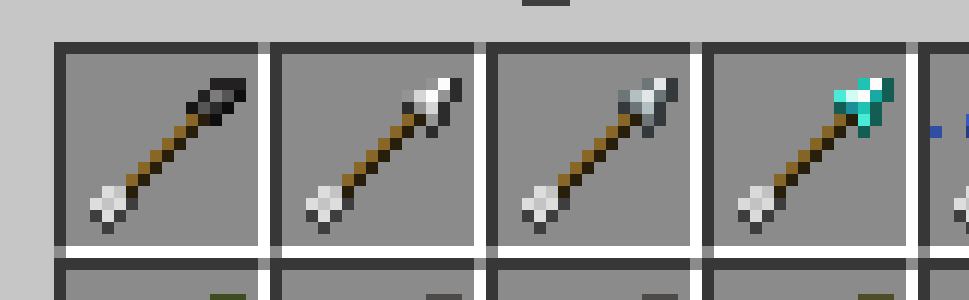
Tool Head Modifiers
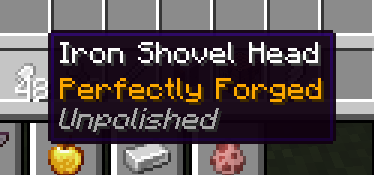
Some tool heads have Polished / Unpolished variants:
- Unpolished reduces max forging quality
- Use a Grindstone to polish tool heads first
Related Tags:
overgeared:grindableovergeared:grinded
Blueprint System
Blueprints define the maximum achievable forging quality.
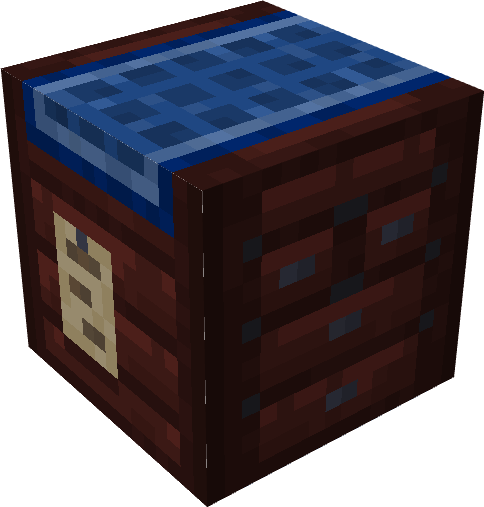
Each blueprint tracks:
- Quality (Poor → Master)
- Uses & leveling progression
- Tool Type
- Maximum achievable final quality
Blueprints:
- Can be upgraded through forging
- Can be duplicated using Empty Blueprints (but the duplicate is worse quality)
Diamond Crafting Overhaul
Diamond items are no longer crafted in a crafting table.
- Upgrade Steel gear at a Smithing Table
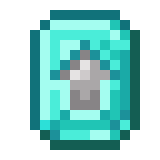
- Requires a special Smithing Template obtainable from structures
Casting System
Tool Casts
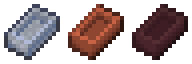
Tool Casts let you duplicate tool heads, sacrificing quality for convenience.
Two types:
- Clay Tool Cast – fragile, early-game
- Nether Tool Cast – durable, late-game
Ideal for mass-producing tool heads with consistent shapes.
Alloy Furnaces
Specialized furnaces for alloy creation:
| Furnace Type | Input Slots | Specialization |
|---|---|---|
| Brick Alloy Furnace | 4 | Standard alloy recipes |
| Nether Alloy Furnace | 9 | High-tier & Netherite alloys |

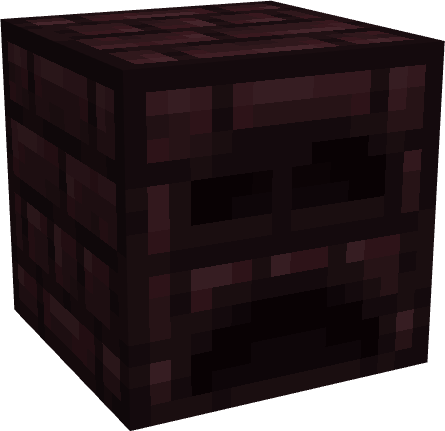
Netherite Ingots now require the Nether Alloy Furnace.
New Recipe Types
NBT-Preserving
nbt_smeltingnbt_blasting→ Keeps NBT from input to output.
Casting
cast_smeltingcast_blasting
Advanced Alloying
alloy_smelting— up to 4 inputsnether_alloy_smelting— up to 9 inputs
New Commands
/givecast <toolType> [quality] [material]
# Gives a tool cast with custom parameters

/setforgingquality <quality>
# Sets the forging quality on your held item
Quality Tiers: poor → well → expert → perfect → master
Advancements
New advancements provide a full guided progression through:
- Knapping
- First forging
- Blueprint mastery
- Alloy smelting
- Cast creation
- High-tier forging steps
Available Versions
How to Install Overgeared on Your Server
Order Server
Order a Minecraft Java server with at least 3 GB RAM (4 GB recommended).
Set forge Loader
In the panel under "Egg", select the forge loader and matching Minecraft version (1.21.1).
Install Mod
Open the mod browser in the dashboard and search for "Overgeared". Click "Install" – done! Alternatively, upload the .jar via SFTP to the /mods folder.
Compatibility
Mod Loaders
Minecraft Versions
1.21.1, 1.20.1
Server-side
✓ RequiredRecommended RAM
4 GB(min. 3 GB)Frequently Asked Questions
Overgeared server crashes on startup – what to do?
Most common cause: wrong forge version or insufficient RAM. Check the server log (latest.log) for "OutOfMemoryError" or "Mixin" errors. With Mado Hosting: ensure at least 3 GB RAM is allocated and the loader matches the mod version (1.21.1). You can switch loaders with one click in the panel.
Is Overgeared compatible with forge and neoforge?
Overgeared officially supports forge, neoforge for Minecraft 1.21.1, 1.20.1. The Mado dashboard automatically detects incompatible loader combinations.
Server lagging with Overgeared – how to optimize performance?
Recommended RAM: 4 GB (per 8 players). Use /spark profiler to check if Overgeared consumes the most tick time. Common fixes: reduce server view-distance to 8-10, install "performant" or "starlight" as supplementary mods on Forge. With Mado Hosting, your server runs on NVMe SSDs with dedicated CPU cores for minimal latency.
Similar Mods




Rent Modded Server
Install Overgeared with just one click on your server.