
Packages
512 items is all you need.
Screenshots
About this Mod
| version | loader availability | note |
|---|---|---|
| 1.21.1 | Fabric and Neoforge | part of season 2 |
| 1.20.1 | Fabric and Forge | later versions are part of season 2 |
| Older versions | Fabric, sometimes Forge | Unmaintained, season 1 |
On Fabric 1.20.1, users of Sodium may need to install Indium, or models will look weird
On Neoforge, enable the "NeoForge Light Pipeline" in Mods -> NeoForge -> Client settings -> NeoForge Light Pipeline
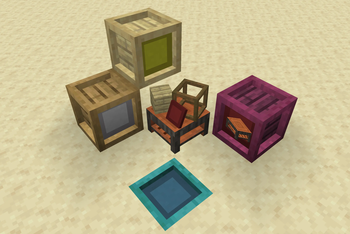
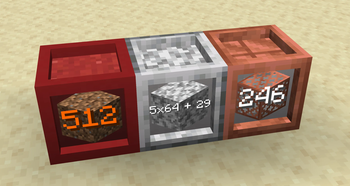
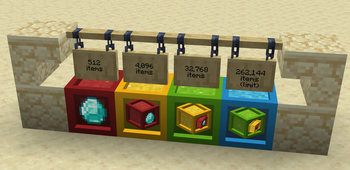
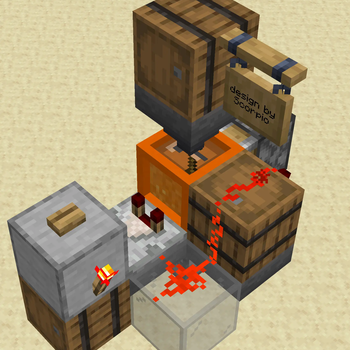
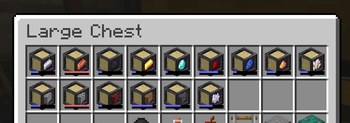
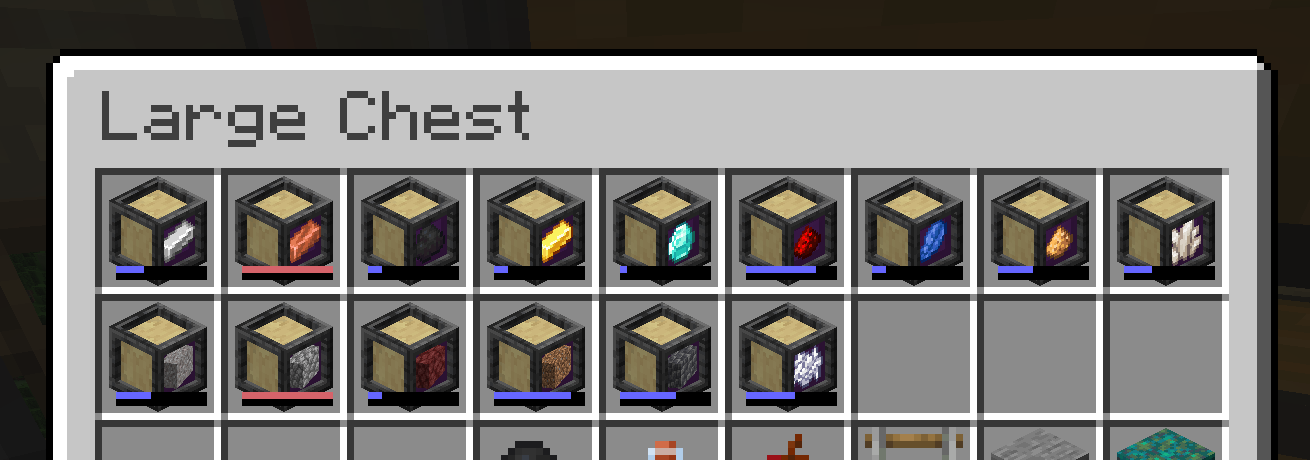
Packages adds packages, which can hold 8 stacks of one item.
- Construct Packages out of any solid block.
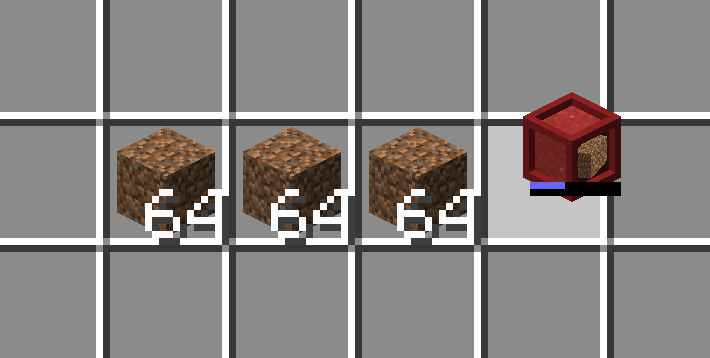
- Insert and remove items by clicking the front face. No need to use an empty hand.
- Hold CTRL to completely fill or empty a Package with one click.
- Interact with Packages in your inventory too, just like a Bundle.
- Make a package "sticky" so it won't forget its contents when empty.
The catch: Packages only hold 8 stacks. There are no storage upgrades. The size is not configurable. But packages can nest inside each other, and even stack when they contain the same contents!
Other than their size, Packages behave like cheap shulker boxes. Measure with a comparator, crush with a piston, and dispense with a dispenser; shulker box loader and unloader designs work great on Packages.
Credits
Kat came up with the Package Crafter model, unascribed came up with the idea for bundle interactions.
Support
See the minisite for more documentation.
Questions? Comments? Just lonely? Join me on Discord: https://highlysuspect.agency/discord/
Available Versions
How to Install Packages on Your Server
Order Server
Order a Minecraft Java server with at least 3 GB RAM (4 GB recommended).
Set fabric Loader
In the panel under "Egg", select the fabric loader and matching Minecraft version (1.21.1).
Install Mod
Open the mod browser in the dashboard and search for "Packages". Click "Install" – done! Alternatively, upload the .jar via SFTP to the /mods folder.
Compatibility
Mod Loaders
Minecraft Versions
1.21.1, 1.20.1, 1.19.4 (+6 more)
Server-side
✓ RequiredRecommended RAM
4 GB(min. 3 GB)Frequently Asked Questions
Packages server crashes on startup – what to do?
Most common cause: wrong fabric version or insufficient RAM. Check the server log (latest.log) for "OutOfMemoryError" or "Mixin" errors. With Mado Hosting: ensure at least 3 GB RAM is allocated and the loader matches the mod version (1.21.1). You can switch loaders with one click in the panel.
Is Packages compatible with fabric and forge and neoforge and quilt?
Packages officially supports fabric, forge, neoforge, quilt for Minecraft 1.21.1, 1.20.1, 1.19.4. Note: Forge and Fabric mods are NOT cross-compatible – pick one loader and stick with it. The Mado dashboard automatically detects incompatible loader combinations.
Server lagging with Packages – how to optimize performance?
Recommended RAM: 4 GB (per 8 players). Use /spark profiler to check if Packages consumes the most tick time. Common fixes: reduce server view-distance to 8-10, install "performant" or "starlight" as supplementary mods on Forge. With Mado Hosting, your server runs on NVMe SSDs with dedicated CPU cores for minimal latency.
Rent Modded Server
Install Packages with just one click on your server.