
Perfect Graves
A polished, claims-aware death-recovery system for Forge 1.20.1. Lose nothing, find everything, suit up in one motion.
Screenshots
About this Mod
A polished, claims-aware death-recovery system for Forge 1.20.1.
Lose nothing, find everything, suit up in one motion.
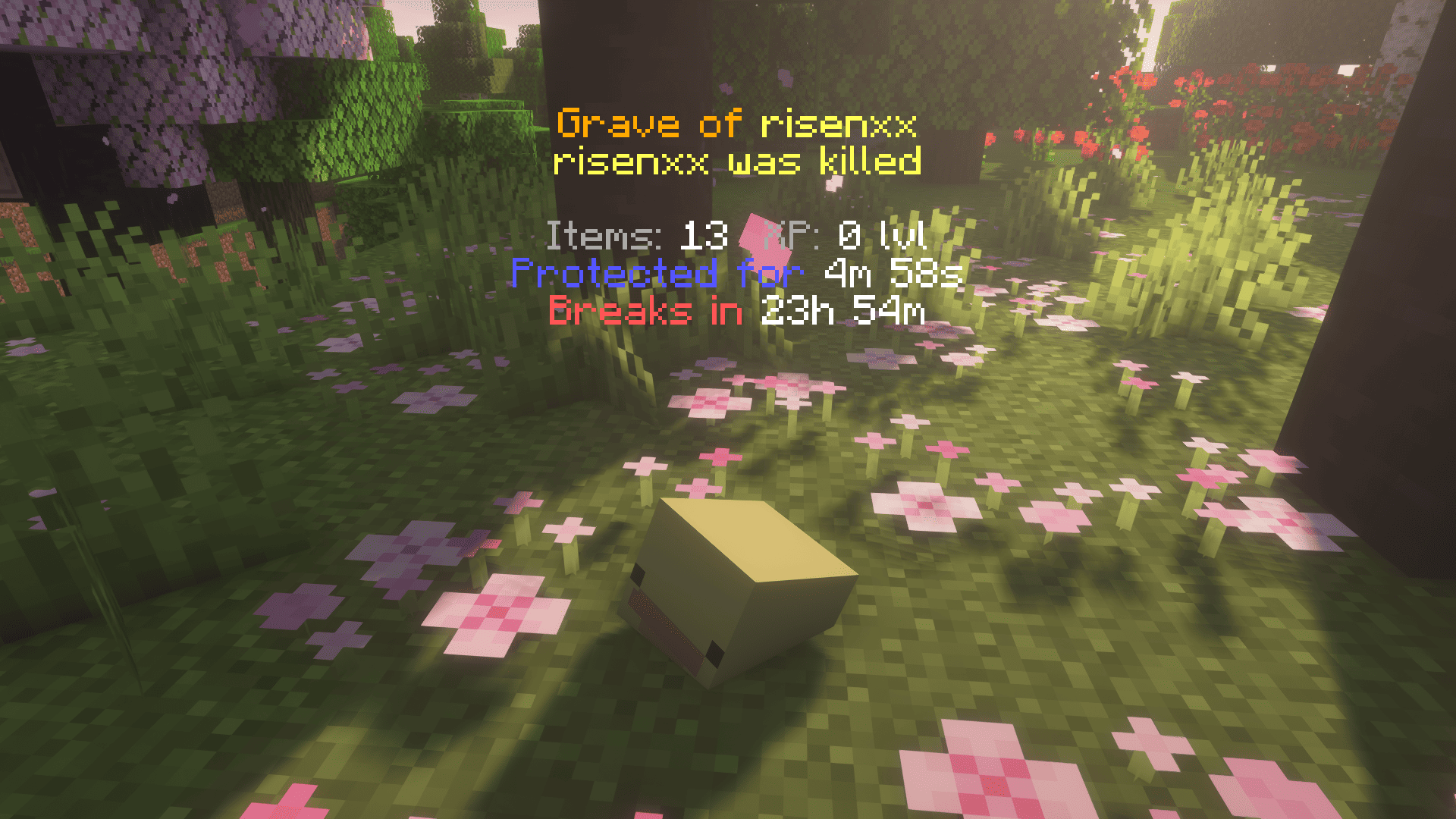
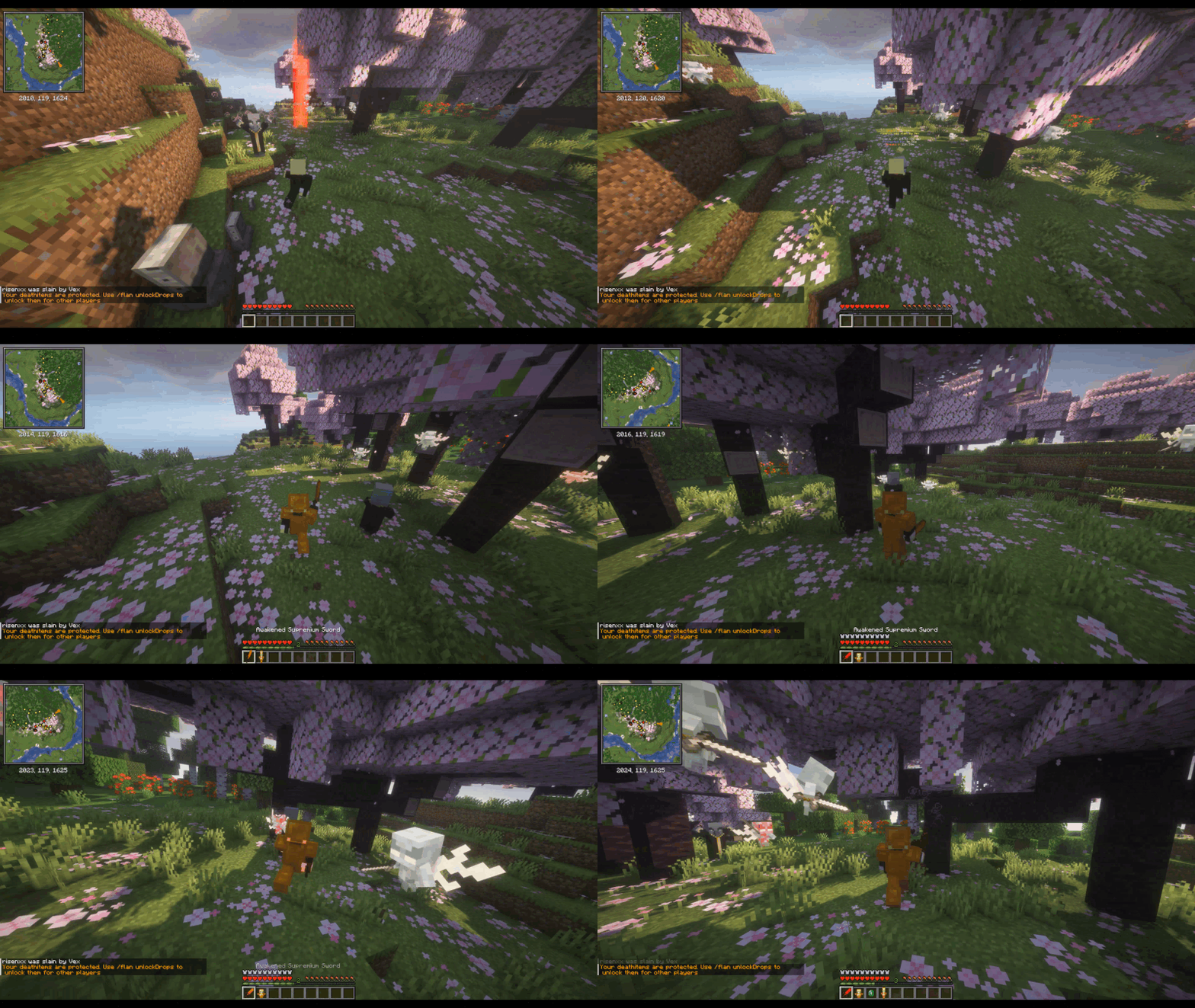
When you die in vanilla Minecraft, your items hit the floor on a five-minute timer and anyone within sprinting distance can sweep the lot. Perfect Graves replaces that scramble with a gravestone that knows where you fell, what you were wearing, and what else is going on with your server. Right-click your grave (or break it — both work) and your gear snaps back into the exact slots it was in: armor in armor slots, accessories in their Curios slots, sword on the bar, XP credited straight to your bar. No 47-orb chase. No inventory Tetris.
A 10-minute protection timer (configurable, paused while you're offline) keeps other players out of your stuff while you find your way back.
Death-proof in any biome
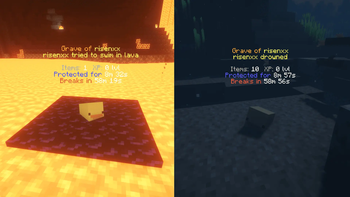
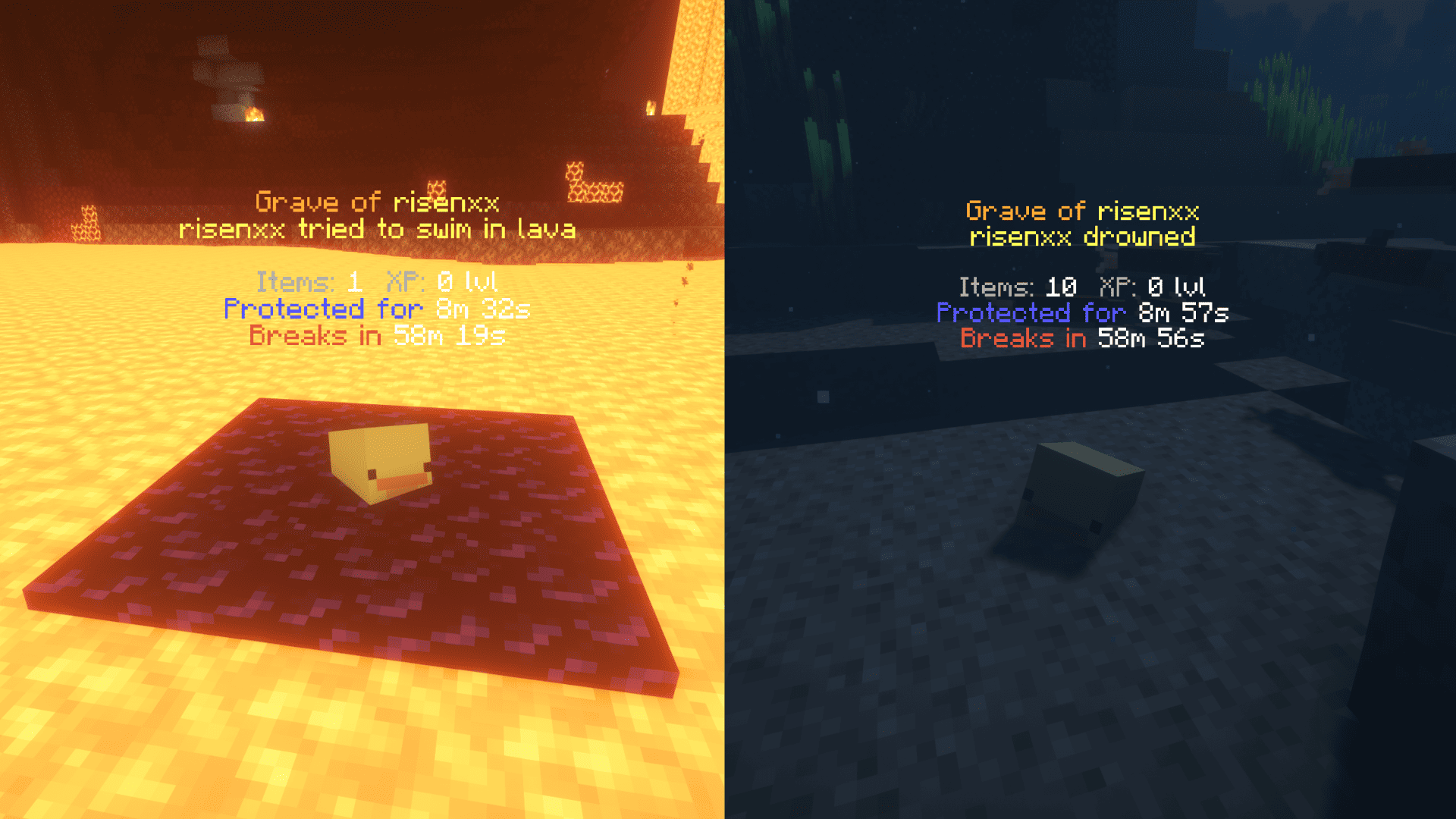
- Lava. 3×3 obsidian platform on the surface, grave on top.
- Void. Platform at your last safe ground (or a sane default Y).
- Underwater. Waterloggable — placed on the seafloor with the water column intact.
- Buried in stone. Nearest air spot, scanning up and down — even when you suffocate just under the Nether bedrock ceiling and the only air is below you.
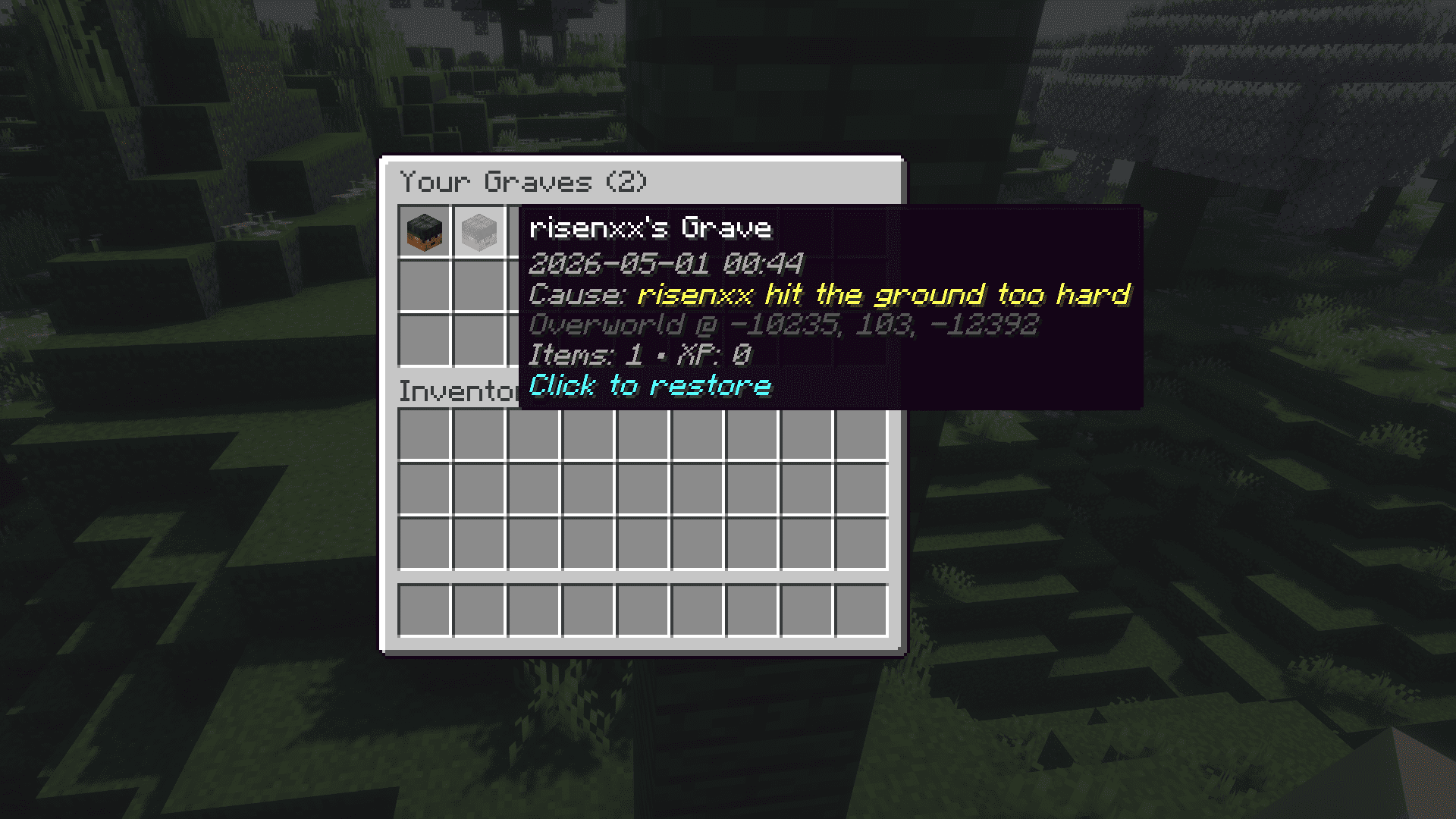
- Bedrock-locked. When even that fails, your gear lands in a virtual vault you can pull back with
/grave list. Items are never silently lost.
Find your way back
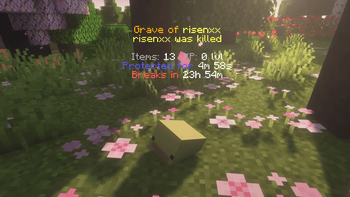
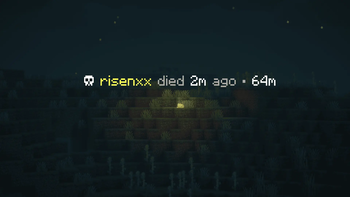
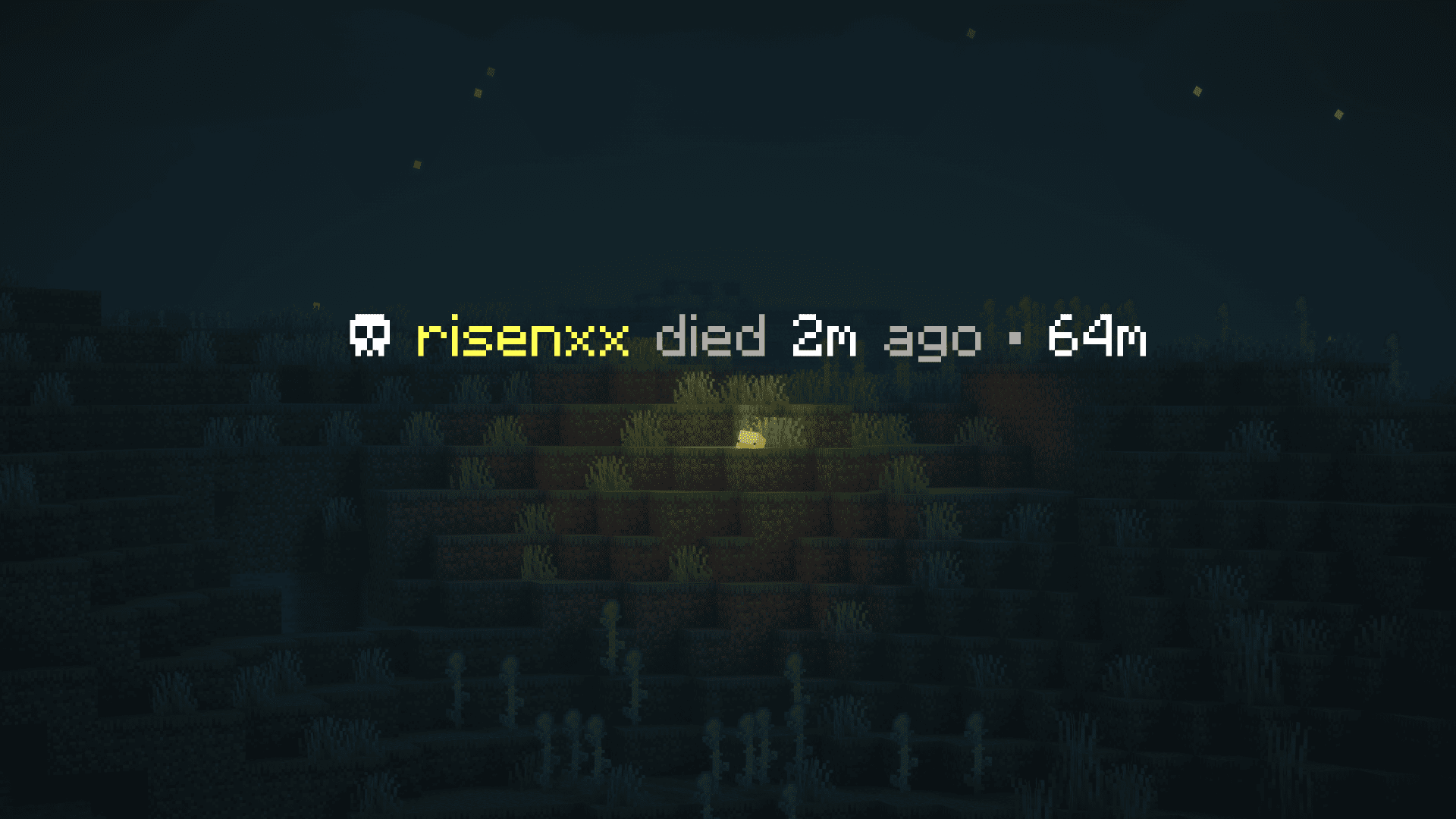
Up close: full hologram with name, item count, XP, protection timer. Step away: it crossfades into a smaller long-distance marker — ☠ <name> died 12m ago • 187m — readable from across an entire biome, out to 256 blocks by default. Markers are remembered across logouts and chunk unloads.
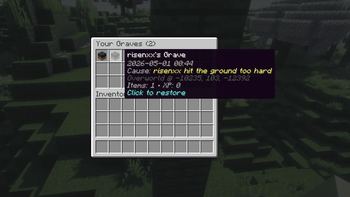
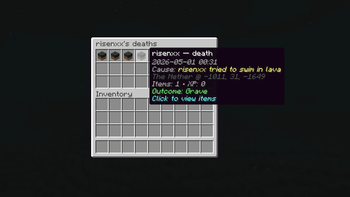
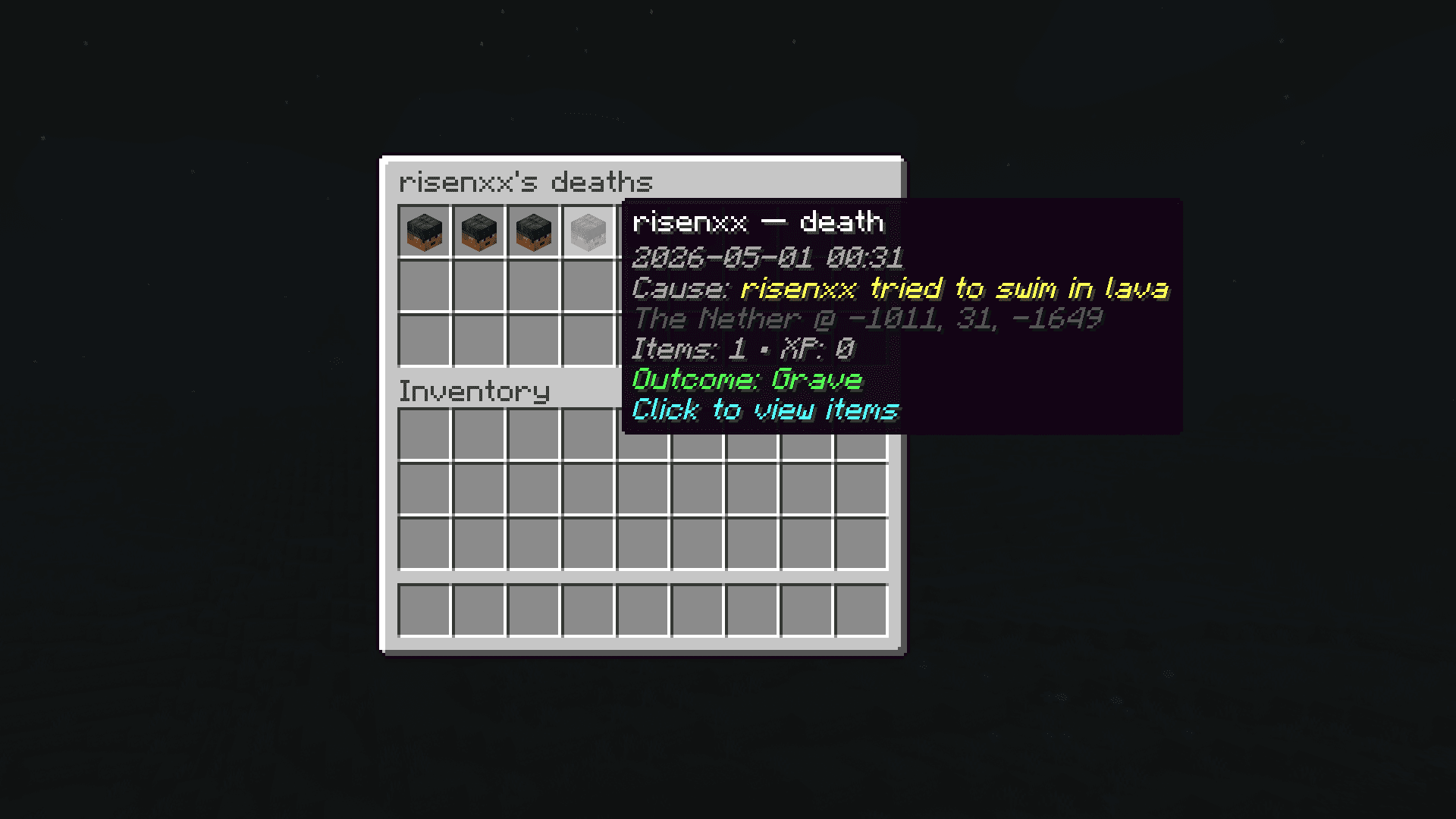
Every death is logged to a per-player history. /grave history opens a scrollable list — click any entry for read-only details: items at that moment, cause, dimension, exact coordinates.
Designed for modpacks
- Claim mods. Graves never spawn inside someone else's claim. FTB Chunks, Open Parties and Claims, and Flan are recognized out of the box.
- Curios. Rings, amulets, charms, all custom slots — re-equipped to the same Curios slot they were in at death.
- Soulbound enchants. Items enchanted by Ender IO or Ars Elemental's soulbound stay with you across death — and if a third-party soulbound mod (Mystical Agriculture, etc.) returns your gear into the inventory grid, Perfect Graves automatically moves armor pieces back into their armor slots.
- Mod-added drops. Apotheosis affixes, Curios accessories, anything else that hooks
LivingDropsEvent— captured in the grave alongside vanilla items.
When no placement is possible — claim blocks every option, you died deep inside bedrock, the void won the day — your stuff goes into a virtual vault. The chat message you get has a clickable, gold-bold /grave list link: one click types it for you.
Commands
| Command | What it does | Who |
|---|---|---|
/grave list |
Opens a menu of your virtual graves | everyone |
/grave history |
Browse every recorded death — items, cause, position | everyone |
/grave restore <id> |
Pulls a virtual grave straight into your inventory | everyone |
/grave debug <player> |
Lists every virtual grave for the target player (UUID, items, position) | OPs |
/grave marker [...] |
Live-toggle long-distance marker visibility, own-only filter, dismiss radius, max distance | client-side, anyone |
For Server Admins
Designed not to wreck your TPS:
- Grave placement is time-boxed (default 10 ms wall-clock per death) and early-exits as soon as it finds enough candidates.
- Never force-loads chunks during placement.
- Failed placements fall through a cascade that ends in either a safe drop or a virtual grave — items are never silently lost unless you explicitly set
[fallback].mode = "VANILLA_DROP". - Intercepts
LivingDropsEventatLOWESTpriority, so mod-added drops (Apotheosis, etc.) land in the grave correctly.
Server-wide config lives at config/perfectgraves-common.toml. Per-dimension overrides supported. Per-client marker preferences live separately at config/perfectgraves-client.toml.
Full configuration reference, source code, and issue tracker on GitHub.
License: MIT.
Source: github.com/risenxxx/perfect-graves
Issues: github.com/risenxxx/perfect-graves/issues
Available Versions
How to Install Perfect Graves on Your Server
Order Server
Order a Minecraft Java server with at least 3 GB RAM (4 GB recommended).
Set forge Loader
In the panel under "Egg", select the forge loader and matching Minecraft version (1.20.1).
Install Mod
Open the mod browser in the dashboard and search for "Perfect Graves". Click "Install" – done! Alternatively, upload the .jar via SFTP to the /mods folder.
Compatibility
Mod Loaders
Minecraft Versions
1.20.1
Server-side
✓ RequiredRecommended RAM
4 GB(min. 3 GB)Frequently Asked Questions
Perfect Graves server crashes on startup – what to do?
Most common cause: wrong forge version or insufficient RAM. Check the server log (latest.log) for "OutOfMemoryError" or "Mixin" errors. With Mado Hosting: ensure at least 3 GB RAM is allocated and the loader matches the mod version (1.20.1). You can switch loaders with one click in the panel.
Is Perfect Graves compatible with forge?
Perfect Graves officially supports forge for Minecraft 1.20.1. The Mado dashboard automatically detects incompatible loader combinations.
Server lagging with Perfect Graves – how to optimize performance?
Recommended RAM: 4 GB (per 8 players). Use /spark profiler to check if Perfect Graves consumes the most tick time. Common fixes: reduce server view-distance to 8-10, install "performant" or "starlight" as supplementary mods on Forge. With Mado Hosting, your server runs on NVMe SSDs with dedicated CPU cores for minimal latency.
Similar Mods



![[TaCZ] Timeless and Classics Zero](https://cdn.modrinth.com/data/SzzJttH8/fd27766d2bb8390d284696b1dbd358f87e081439_96.webp)


Rent Modded Server
Install Perfect Graves with just one click on your server.