
Perfectly Packed
Optimize bundle space using the best of square packing technology!
Screenshots
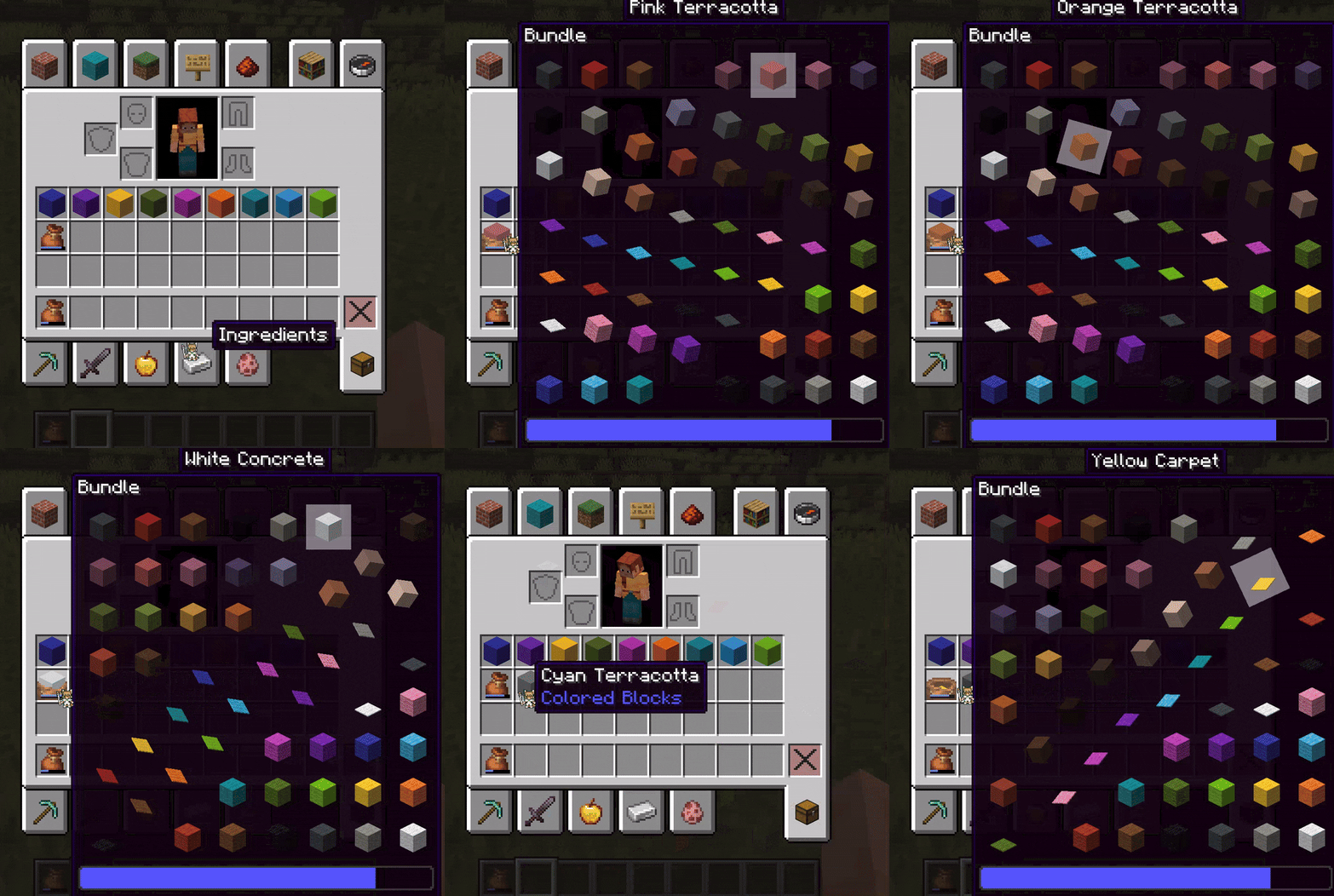
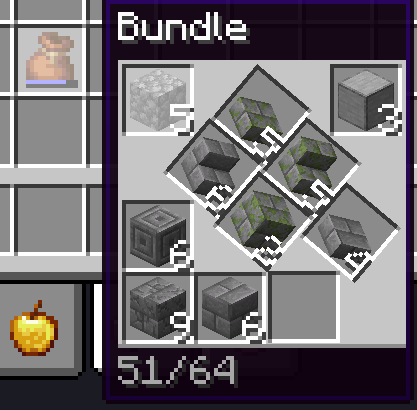
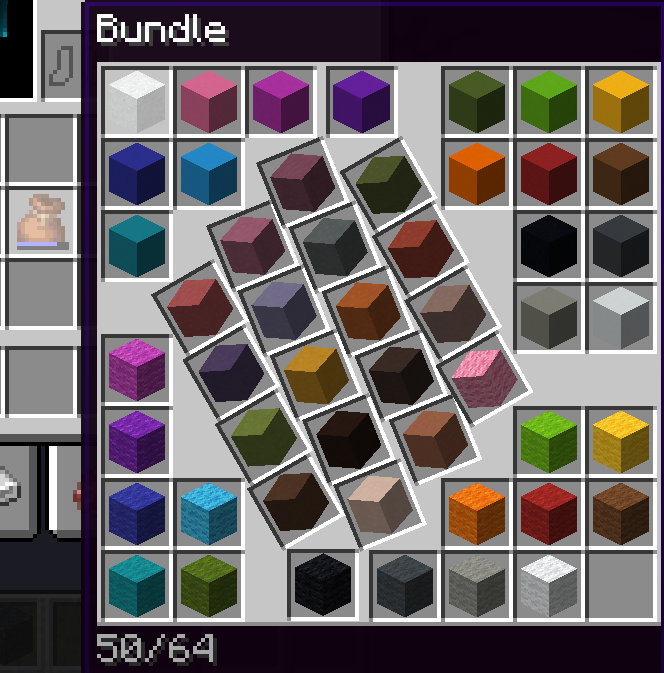
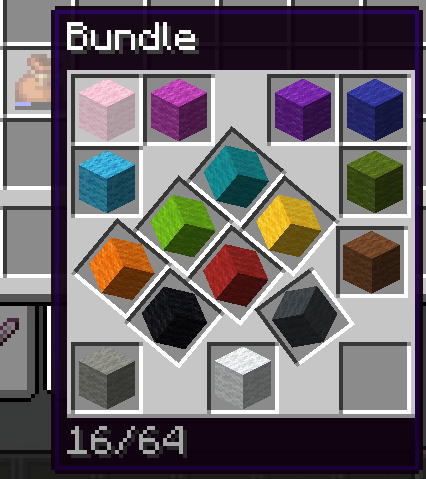
About this Mod
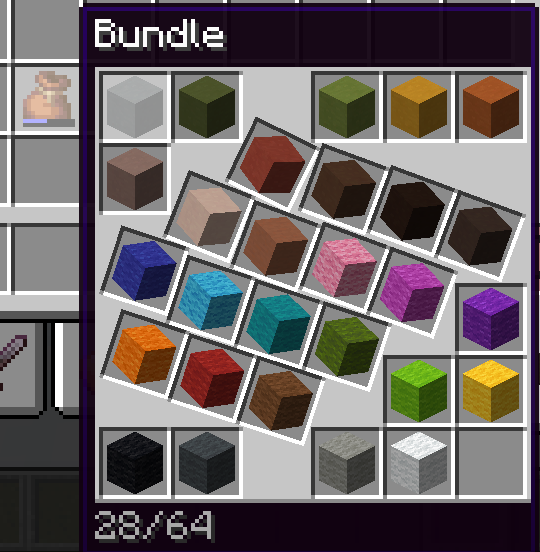
Bundles are a fantastic way to save up inventory space, by putting items of different kinds in a single slot! However, they are not as efficient as they could be, because they forgot about preserving something else: graphical space.
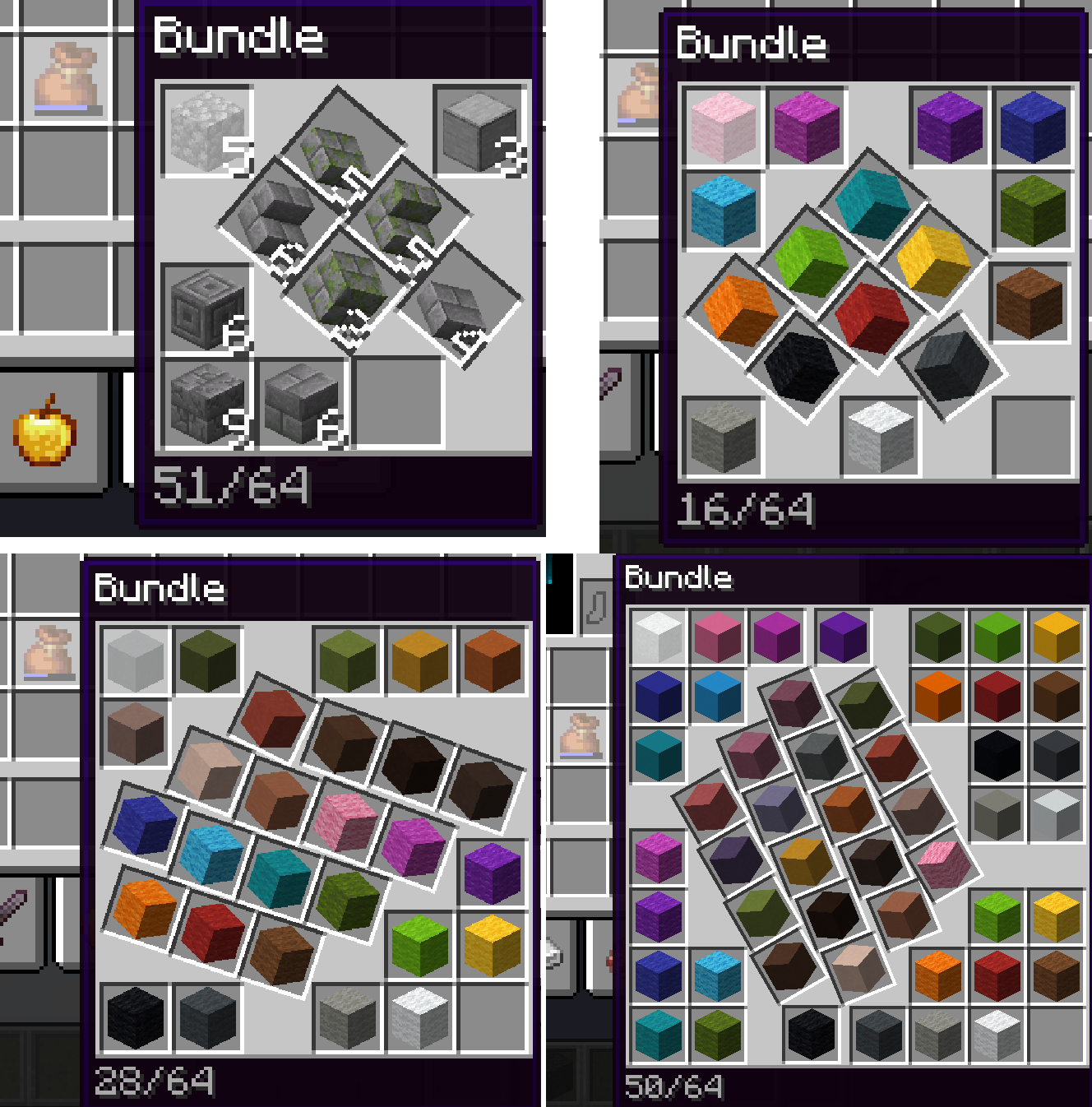
GUIs can get busy, and so it is important to save as much space as possible. To this end, we have employed the very best in square packing technology to make sure all of your item slots take as little space as possible.
Now updated to version 26.1.x with version 2.0.0!
On top of the many code changes due to Minecraft's updates, this update introduces a configuration through YACL, which can either be edited in a file, or through a GUI when Mod Menu is installed (the latter is optional).
The configuration options give more fine-grained control over when and how Perfectly Packed uses its custom bundle layouts over the vanilla ones.
The release is still alpha due to missing features:
- Improvements to several square packings used in the mod have been found and documented since the last update and have yet to be implemented.
- Using custom stack sizes, it is possible for bundles to carry up to 99 items, which requires a bunch more square packings to be coded in.
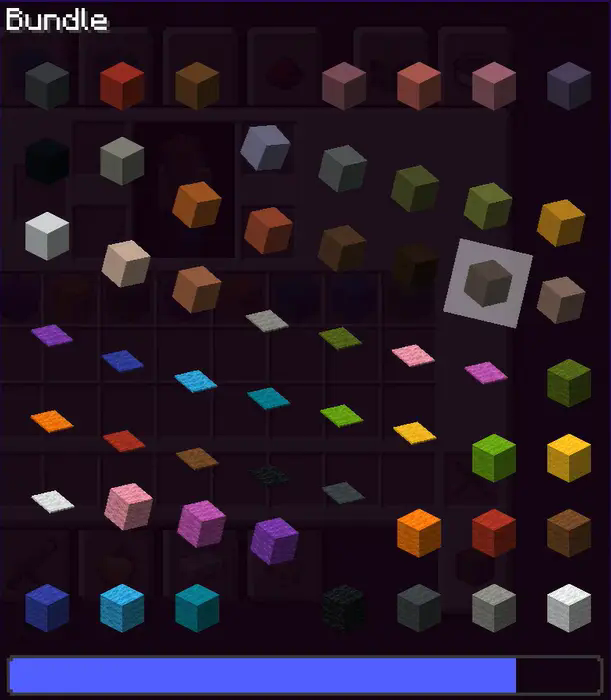
Enjoy a gameplay experience free of unbearable GUI clutter and marvel at the science of square packing!
Right now, the mod is available for Fabric 1.18.x, 1.19.4, 1.20.x, 1.21.1-3 and 26.1.x. I currently don't have plans to backport it to other 1.21.x versions.
P.S: people on Tumblr, I see you. Thanks for sharing the mod!
Available Versions
How to Install Perfectly Packed on Your Server
Order Server
Order a Minecraft Java server with at least 3 GB RAM (4 GB recommended).
Set fabric Loader
In the panel under "Egg", select the fabric loader and matching Minecraft version (26.1.2).
Install Mod
Open the mod browser in the dashboard and search for "Perfectly Packed". Click "Install" – done! Alternatively, upload the .jar via SFTP to the /mods folder.
Compatibility
Mod Loaders
Minecraft Versions
26.1.2, 26.1.1, 26.1 (+15 more)
Server-side
✗ UnsupportedRecommended RAM
4 GB(min. 3 GB)Frequently Asked Questions
Perfectly Packed server crashes on startup – what to do?
Most common cause: wrong fabric version or insufficient RAM. Check the server log (latest.log) for "OutOfMemoryError" or "Mixin" errors. With Mado Hosting: ensure at least 3 GB RAM is allocated and the loader matches the mod version (26.1.2). You can switch loaders with one click in the panel.
Is Perfectly Packed compatible with fabric?
Perfectly Packed officially supports fabric for Minecraft 26.1.2, 26.1.1, 26.1. The Mado dashboard automatically detects incompatible loader combinations.
Server lagging with Perfectly Packed – how to optimize performance?
Recommended RAM: 4 GB (per 8 players). Use /spark profiler to check if Perfectly Packed consumes the most tick time. Common fixes: reduce server view-distance to 8-10, install "performant" or "starlight" as supplementary mods on Forge. With Mado Hosting, your server runs on NVMe SSDs with dedicated CPU cores for minimal latency.
Similar Mods





Rent Modded Server
Install Perfectly Packed with just one click on your server.