
Petroglyph
This Datapack changes deserts and desert survival. It adds hydration, changes World generation and adds unique artifacts. Survive in the desert!
Screenshots
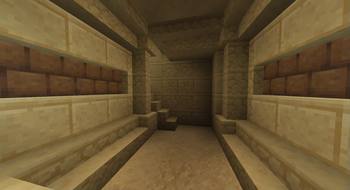
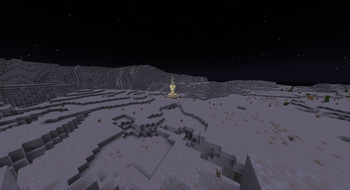
About this Mod

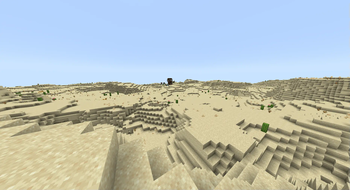
This Datapack changes the entire overworld world generation, so that all of it is made out of deserts. Water is scarce and not renewable (no infinite water sources), but you will need it to survive. The Hydration system is based on your movement, exposure to daylight and location. You will need to live a nomadic lifestyle to survive the harsh desert. There are a few ways to renewably get water, but thats for you to figure out.
There are new structures and biomes, including the
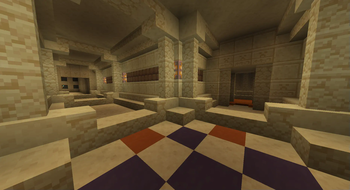
- Crypts (generate in deserts)
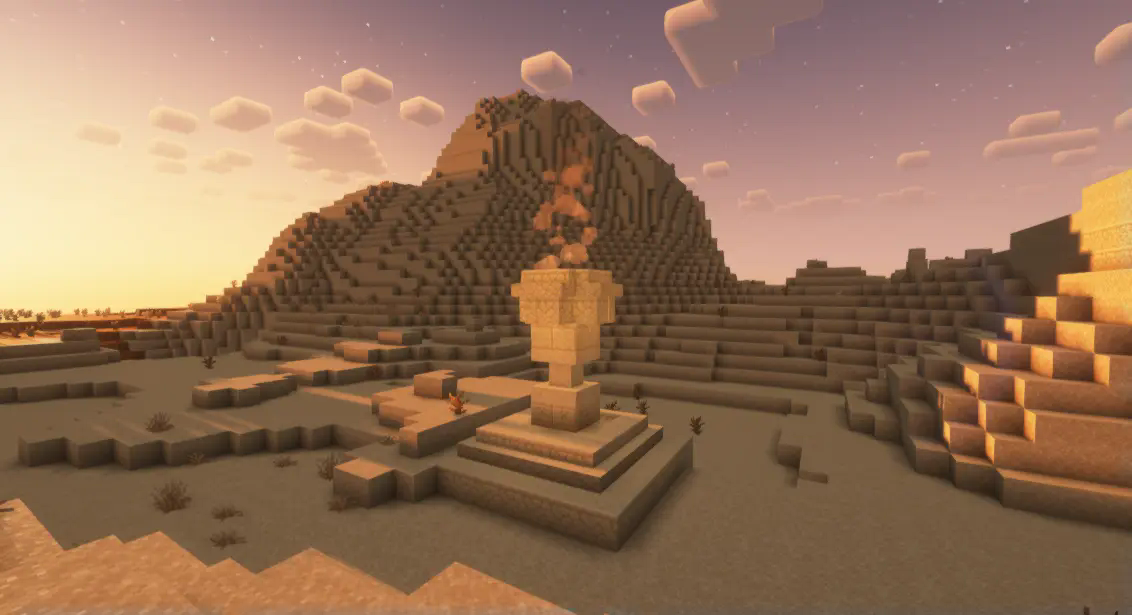
- Pyramids (generate in badlands)
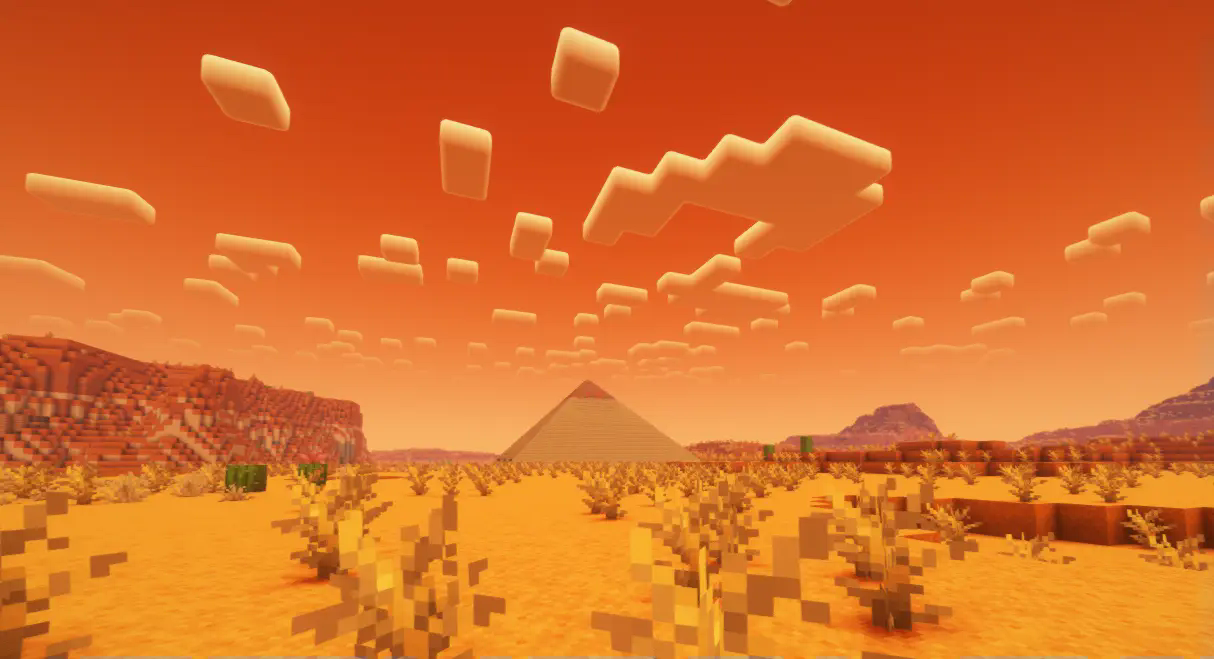
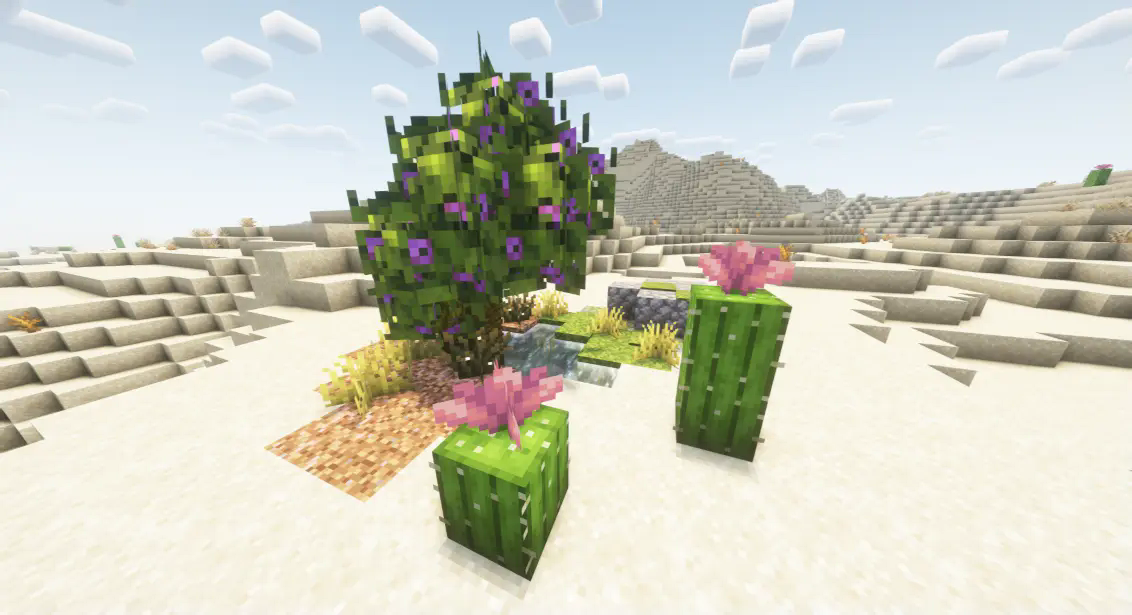
- Oases (generate in deserts)
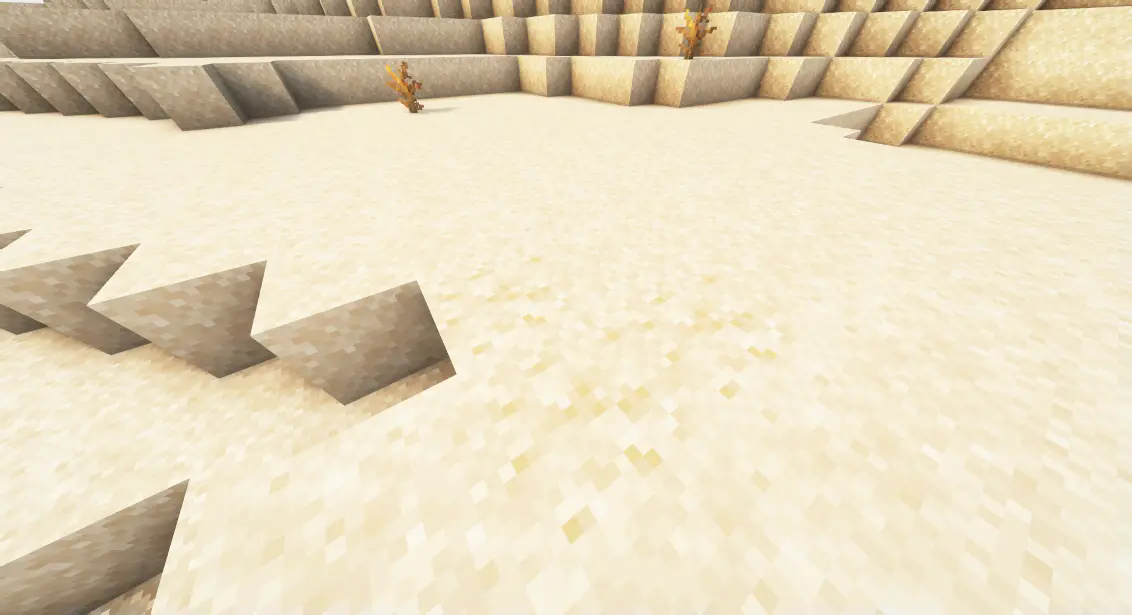
- Suspicious sand patches (generate in deserts)
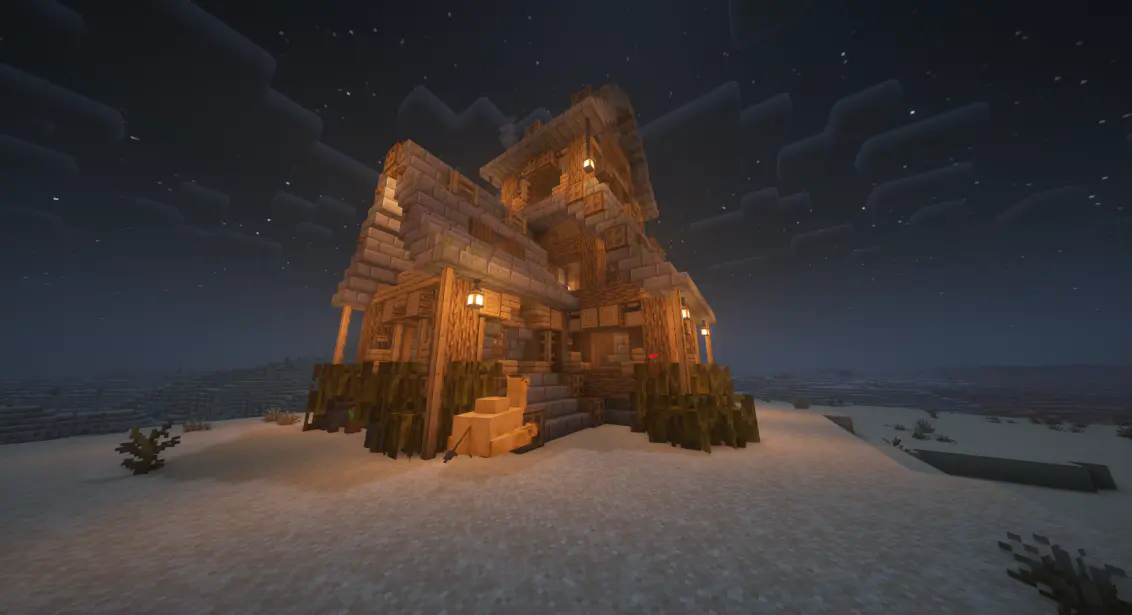
- Desert tradesmen outposts (generate in deserts)
- Fort (generate in the new "Pyroa" Biome)

- Camp (generate in every biome, as it allways generates near 0 0)

- Pyroa (a new Hot Biome)

- Fossilyard (a new deadly Biome)

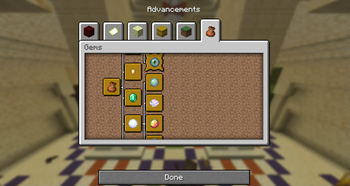
Many of these structures contain suspicious sand, from which you can uncover new artifacts and gems. Gems are collectible items, which give you a permanent bonus. You can view youre collected Gems in a new Advancement tab. Keep those brushes ready!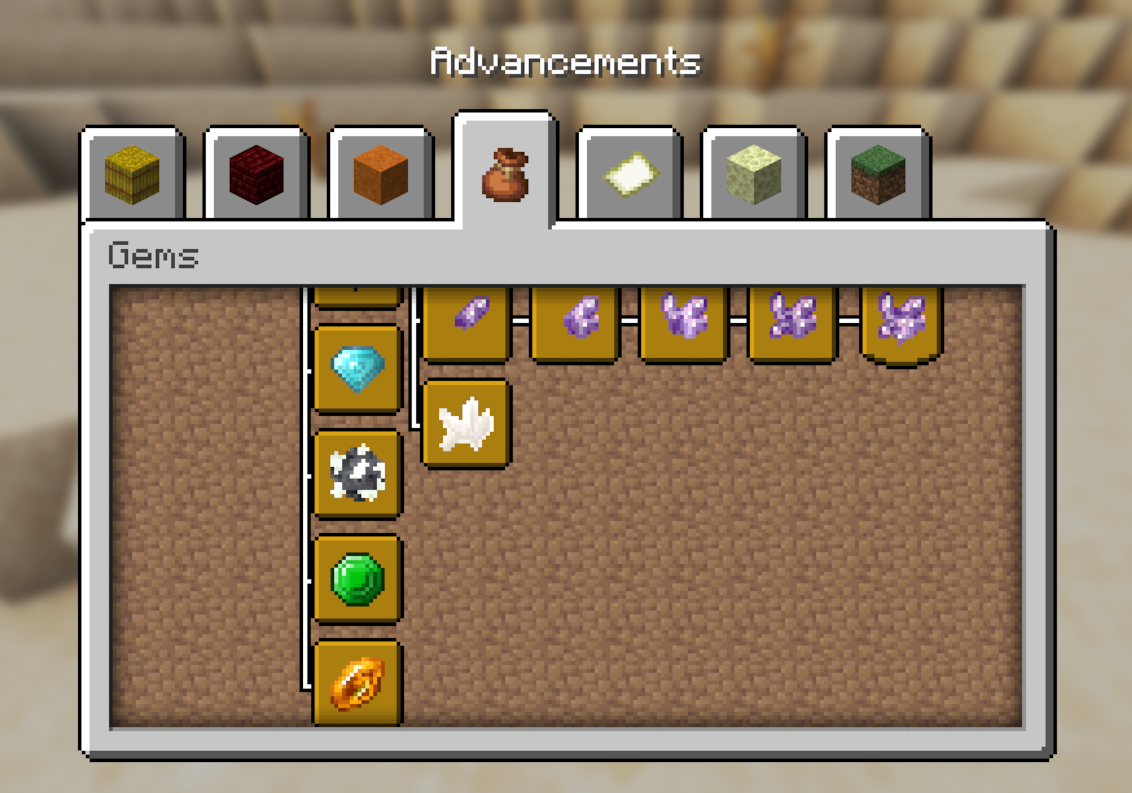
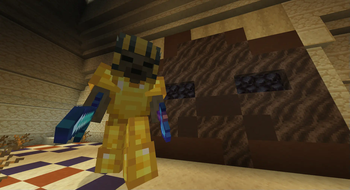
The Datapack also features a new boss mob: the Pharao. You can find it in the Pyramid, but it is advised to prepare yourself beforehand, as it's a tough fight!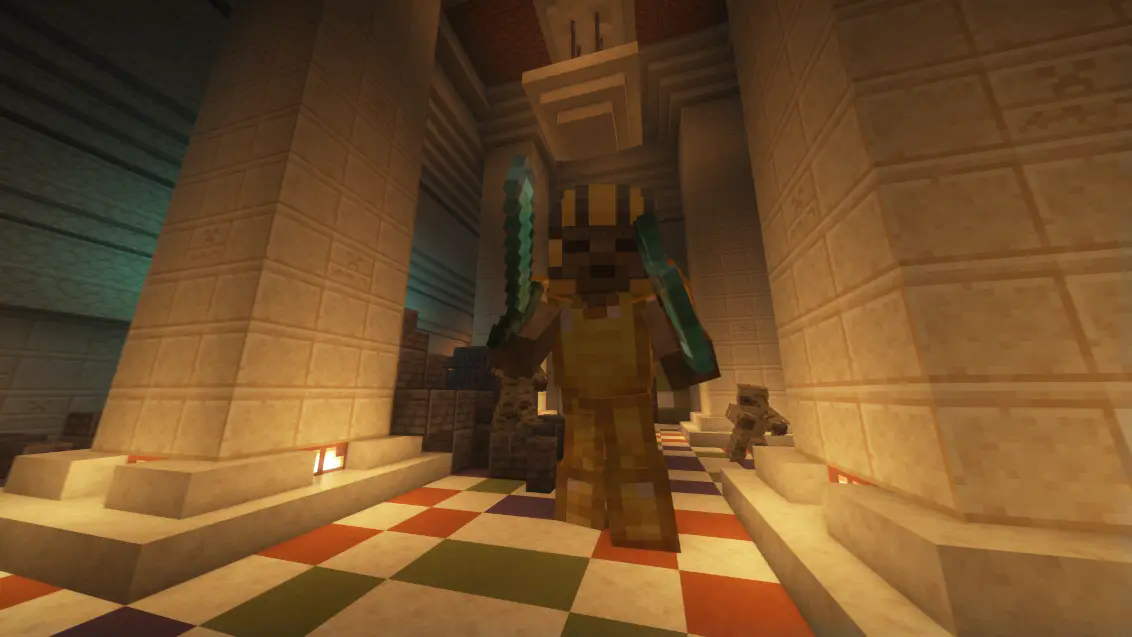
The Inferno is another new Miniboss! It has its own structure and summoning ritual.

Resource Pack
The Data Pack comes with a optional resource Pack. If you install the Data Pack, you can download the resource Pack seperatly. If you install the mod version, the resource pack should be automatically installed (versions 1.3+). The resource Pack IS NOT REQUIRED, but recommended. For example it does this: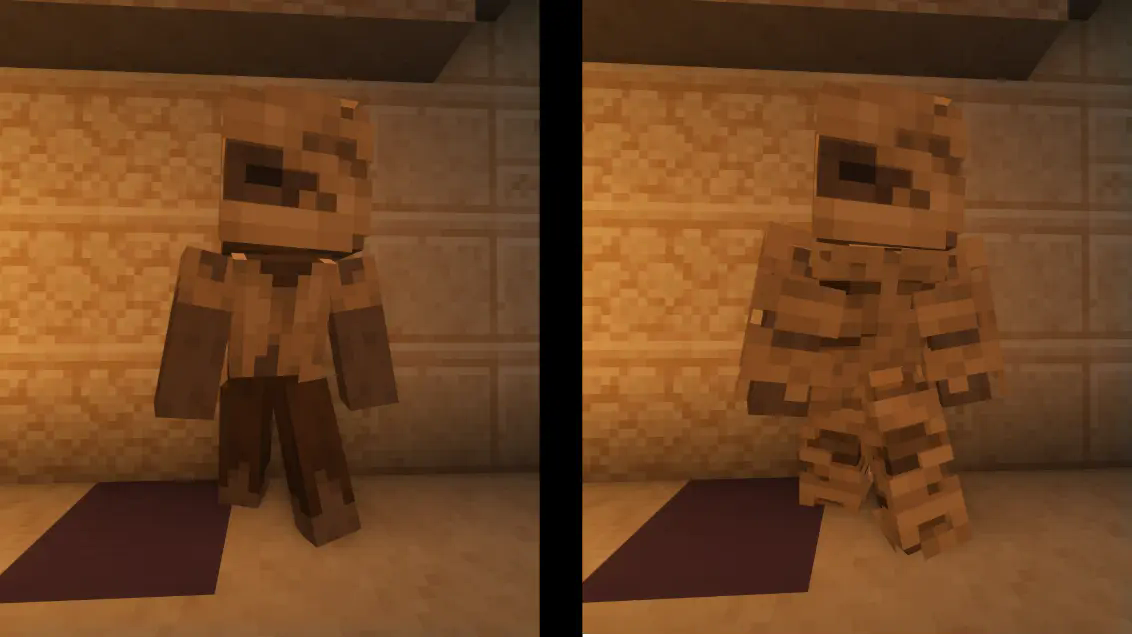


Guide
A Guide to Petroglyph
- When you spawn, find the campsite near the world spawn, as it contains some starting equipment
- Take the cauldron and try to craft a bucket
- Depending on your sourroundings, either try to find an Oasis or a Village. If you spawn in a Badlands/Mesa Biome, exit it as soon as Possible!
- Collect the water you find using the bucket and use empty Glass Bottles in your crafting 4x4 to get Water Bottles
- Keep an eye on your Hydration Level and Rate:
- If your Hydration Level drops bellow 0, you will die and won't be able to respawn.
- Your Hydration Rate depends on exposure to daylight (during the day), the Biome you are in (Badlands cost you more water) and how active you are (Jumping and Sprinting).
- If you get Hold of a Saddle, Tame a Camel: You will lose less hydration because of Activity.
- Try to Travel at Night: You will lose less hydration because of being in sunlight!
- Some gems or armor also reduce hydration loss.
- You can't get water from soucre blocks!
- Try to collect paper, which you may use to purify water. Purified water gives you double the hydration of normal water. To purifie water, just take a piece of paper and combine it with a water bottle in a crafting grid.
- Try to buy dripstones from the tradesmen. If you want to know why, go read: Minecraft Wiki
- When you find a Crypt:
- Beware of Traps: they are everywhere.
- You can also find very good loot.
- You may also find a Map, which will lead you to the Pharao's Temple.
- If you have a brush, excavate the suspicious sand. It contains pottery sherds (which you can trade for emeralds, with the Tradesmen Villagers), gems (which you also can trade for emeralds, with the Tradesmen Villagers), gear and usefull items (mainly paper).
- When you find a Tradesmen Outpost, you can trade your collected loot, buy and steal water.
- When you find a Pillager Outpost, you can sometimes steal water from them. Note: Pillagers won't respawn in outposts.
- When want to defeat the Pharao Boss:
- Get a Pharao Locator Map.
- Be aware, that the Pharao only spawns in Badlands/Mesa Biomes.
- Bring enough water, as the Pharao increases your Hydration Rate (to about -9)!
- Be aware, that you will be in gamemode adventure during the Bossfight!
- Be aware, that you won't be able to exit the bossfight until you or the Pharao dies!
- The Pharao will summon different Minions, which will try to shred your armor.
- The Pharao itself can one-shot you.
- You will be blinded at the half way point.
- The Pharao will drop very, very, very good loot, when you defeat it.
- Good Luck!
Custom Items
Here is every custom item in the data pack:

Thanks and credits
- Thanks to the player Sylareth for helping me build the structures, designing textures and drawing concept art.
- Thanks to @Truff1e for the inspiration (https://modrinth.com/datapack/endless-desert)
- Thanks to Misode (https://misode.github.io) for his really helpfull generator tools
- Thanks to MCStacker (https://mcstacker.net) for /give commands
- Thanks to https://irath96.github.io/webNBT/ for NBT editing
- Thanks to the minecraft Wiki (https://minecraft.wiki), I don't know, how I would have made this without it
- Thanks to Kwipla (https://www.youtube.com/@Kwipla/) for a spiral 3x3 Piston door tutorial
- Thanks to Purplers (https://www.youtube.com/@Purplers/) for another spiral 3x3 Piston door tutorial
- Thanks to SpyglassMC for very cool code auto-completion and highlighting (https://spyglassmc.com)
Available Versions
How to Install Petroglyph on Your Server
Order Server
Order a Minecraft Java server with at least 4 GB RAM (6 GB recommended).
Set datapack Loader
In the panel under "Egg", select the datapack loader and matching Minecraft version (1.21.9).
Install Mod
Open the mod browser in the dashboard and search for "Petroglyph". Click "Install" – done! Alternatively, upload the .jar via SFTP to the /mods folder.
Compatibility
Mod Loaders
Minecraft Versions
1.21.9, 1.21.8, 1.21.7 (+2 more)
Server-side
✓ RequiredRecommended RAM
6 GB(min. 4 GB)Frequently Asked Questions
Petroglyph server crashes on startup – what to do?
Most common cause: wrong datapack version or insufficient RAM. Check the server log (latest.log) for "OutOfMemoryError" or "Mixin" errors. With Mado Hosting: ensure at least 4 GB RAM is allocated and the loader matches the mod version (1.21.9). You can switch loaders with one click in the panel.
Is Petroglyph compatible with datapack and fabric and forge and neoforge and quilt?
Petroglyph officially supports datapack, fabric, forge, neoforge, quilt for Minecraft 1.21.9, 1.21.8, 1.21.7. Note: Forge and Fabric mods are NOT cross-compatible – pick one loader and stick with it. The Mado dashboard automatically detects incompatible loader combinations.
Server lagging with Petroglyph – how to optimize performance?
Recommended RAM: 6 GB (per 5 players). Use /spark profiler to check if Petroglyph consumes the most tick time. Common fixes: reduce server view-distance to 8-10, install "performant" or "starlight" as supplementary mods on Forge. With Mado Hosting, your server runs on NVMe SSDs with dedicated CPU cores for minimal latency.
Similar Mods




Rent Modded Server
Install Petroglyph with just one click on your server.