
Cobblemon: Pickmin
Adds Pikmin to Cobblemon with Move-sets and Base Stats configured by a Competitive player
Screenshots
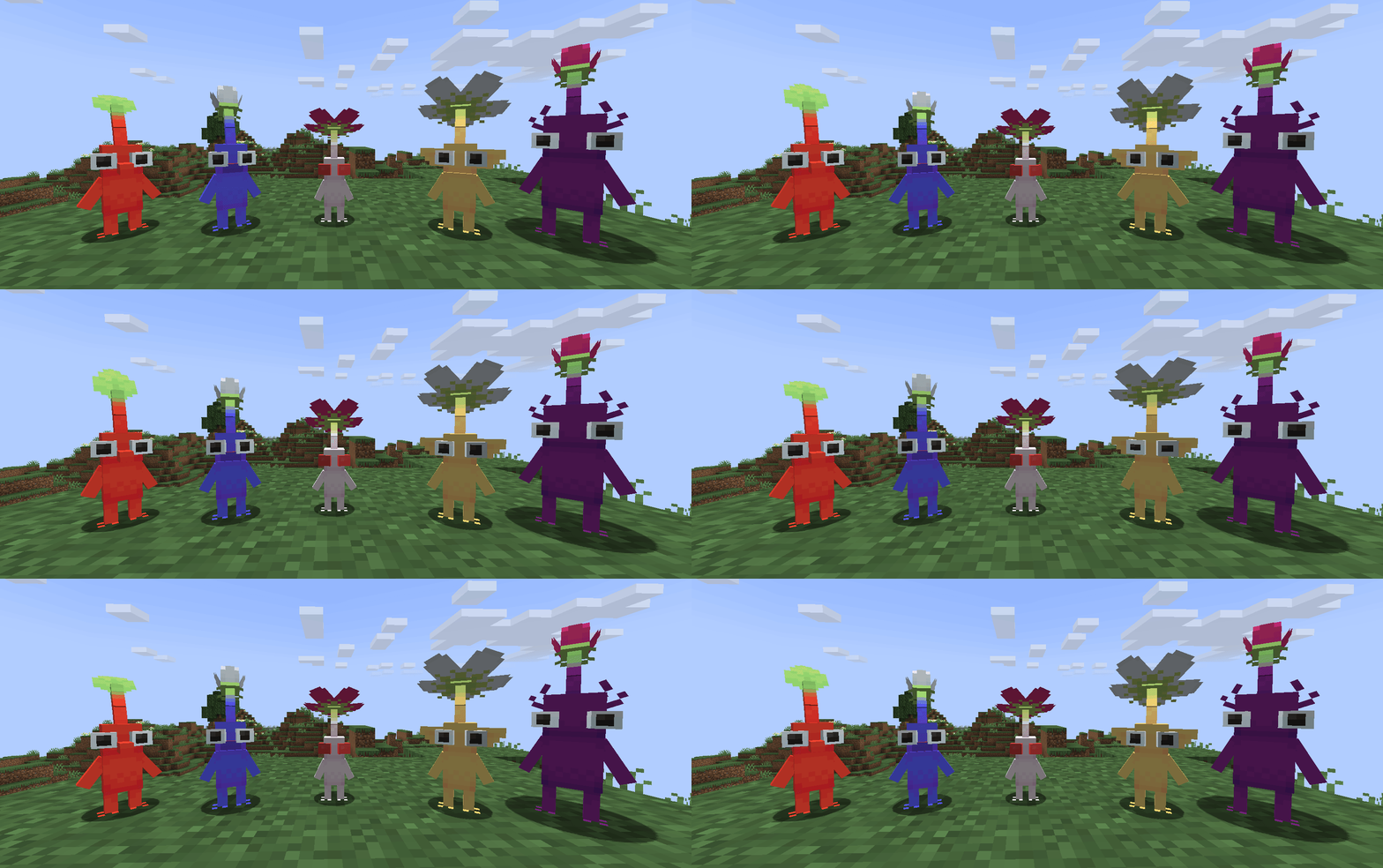
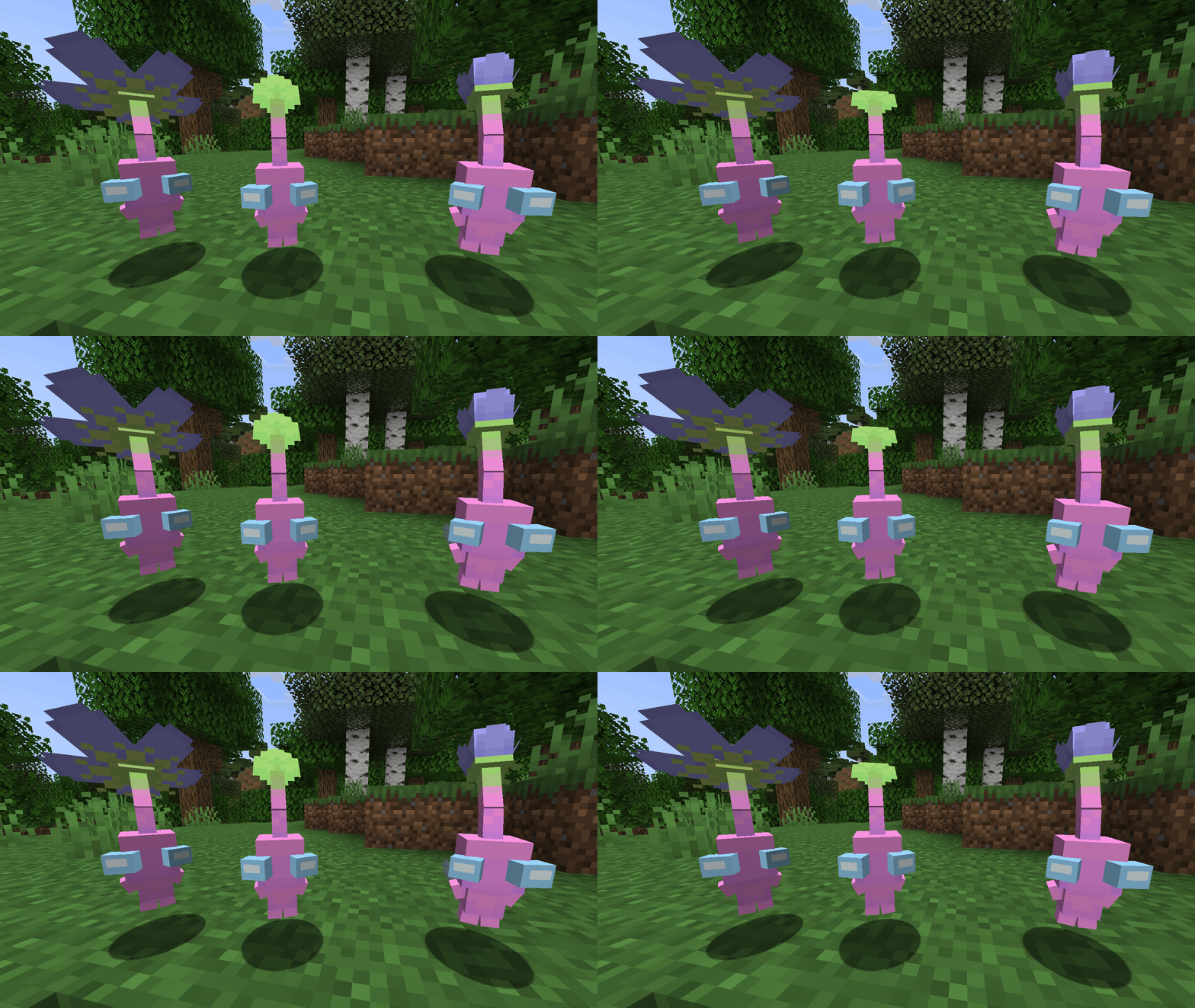
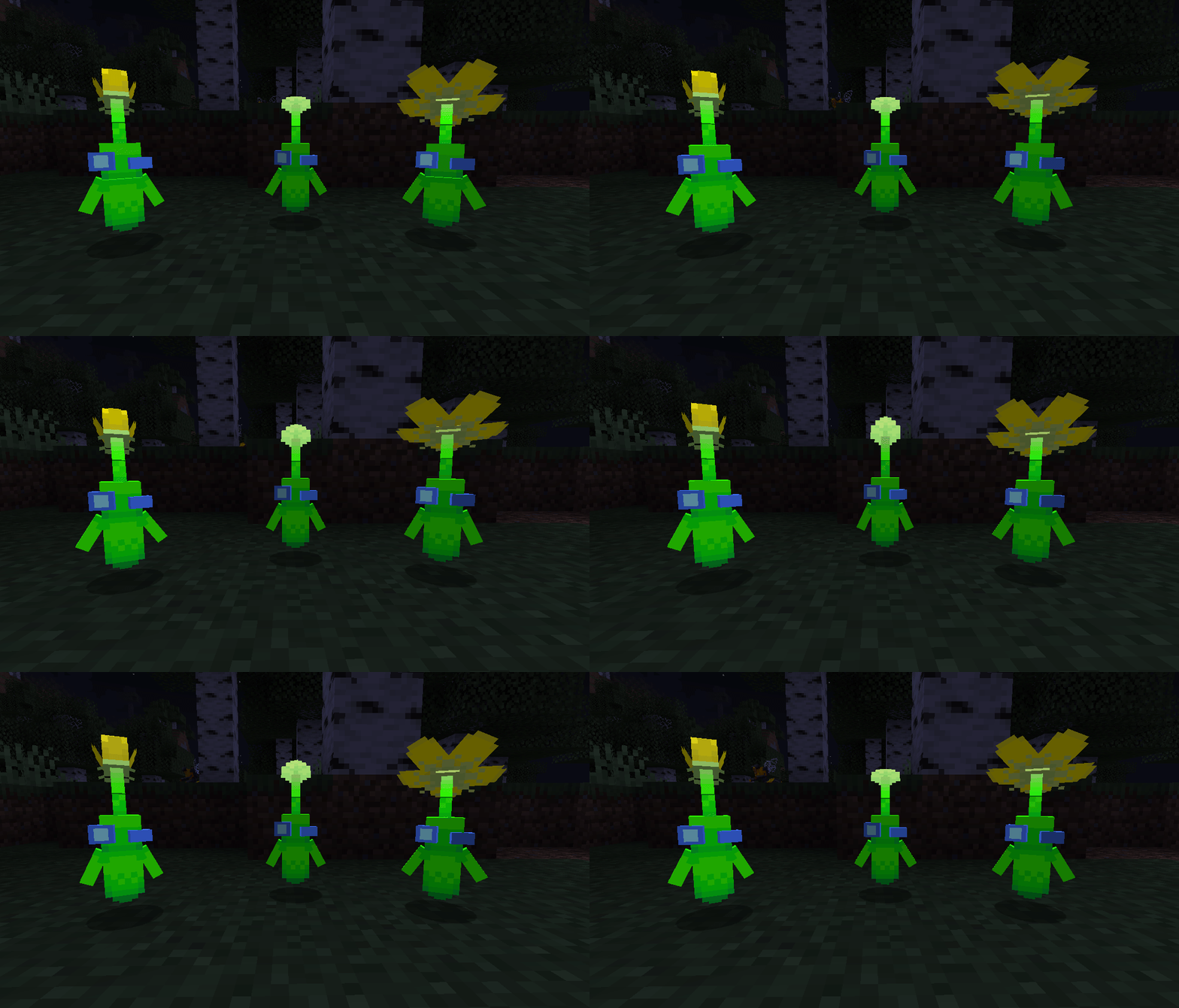
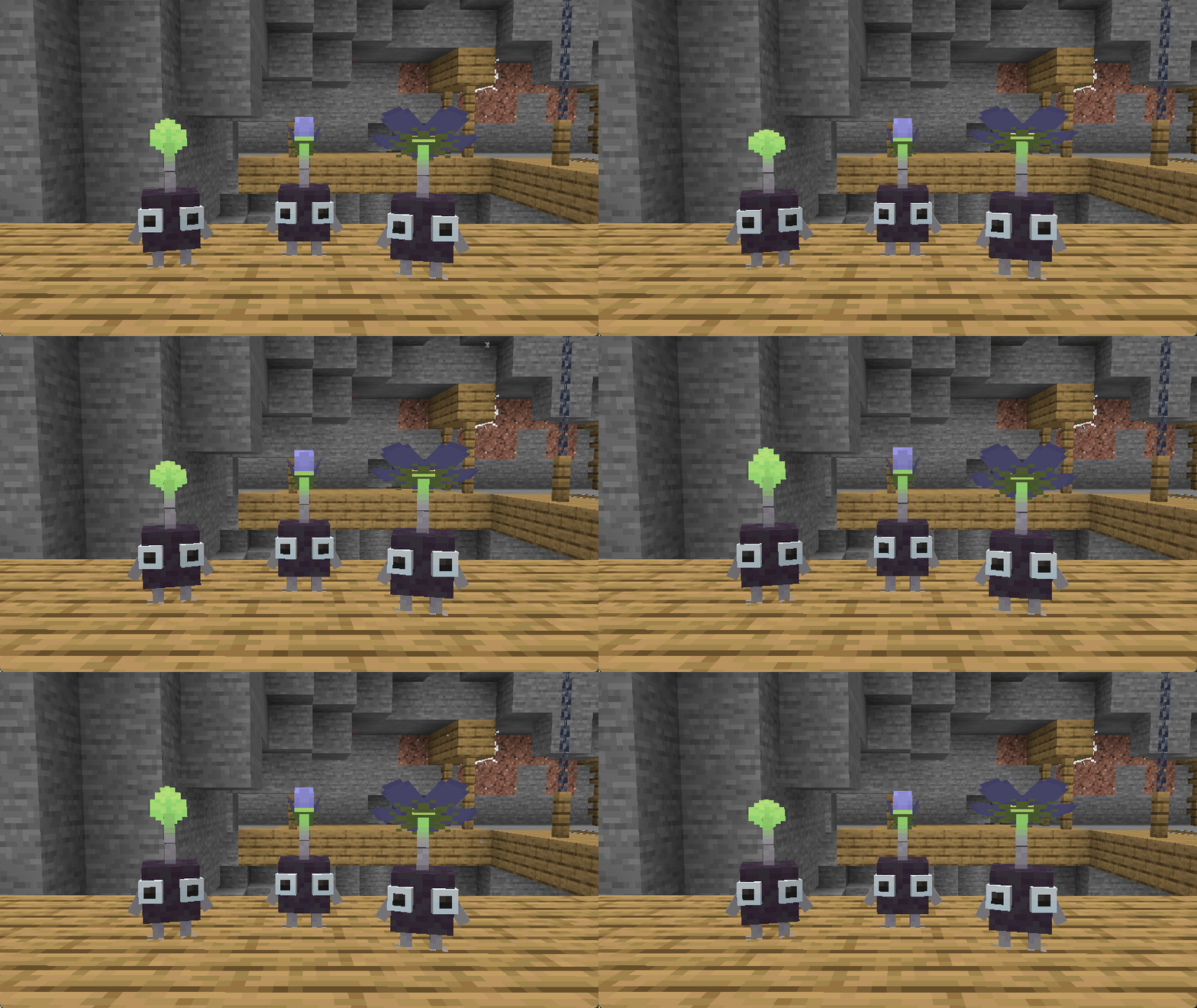
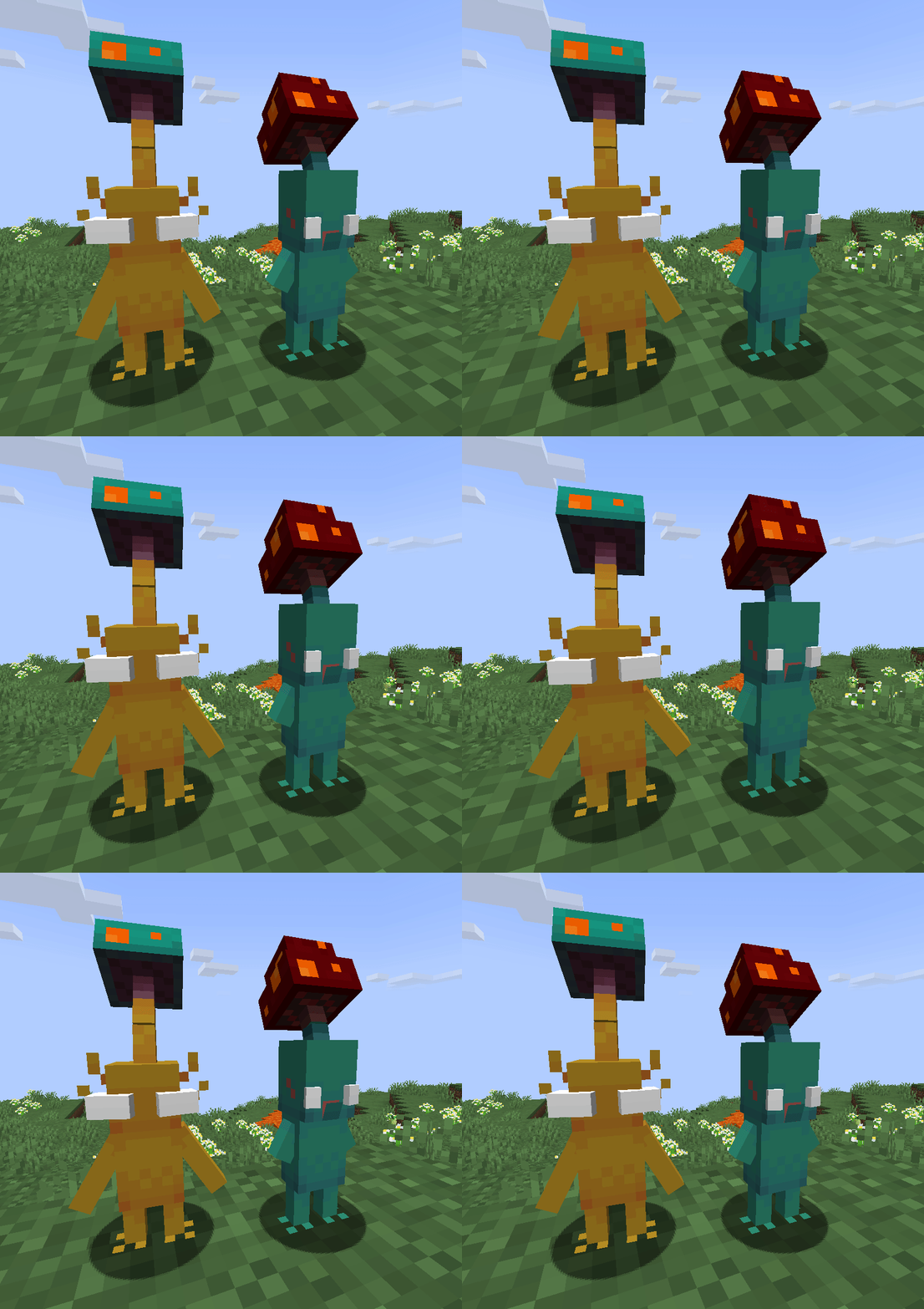
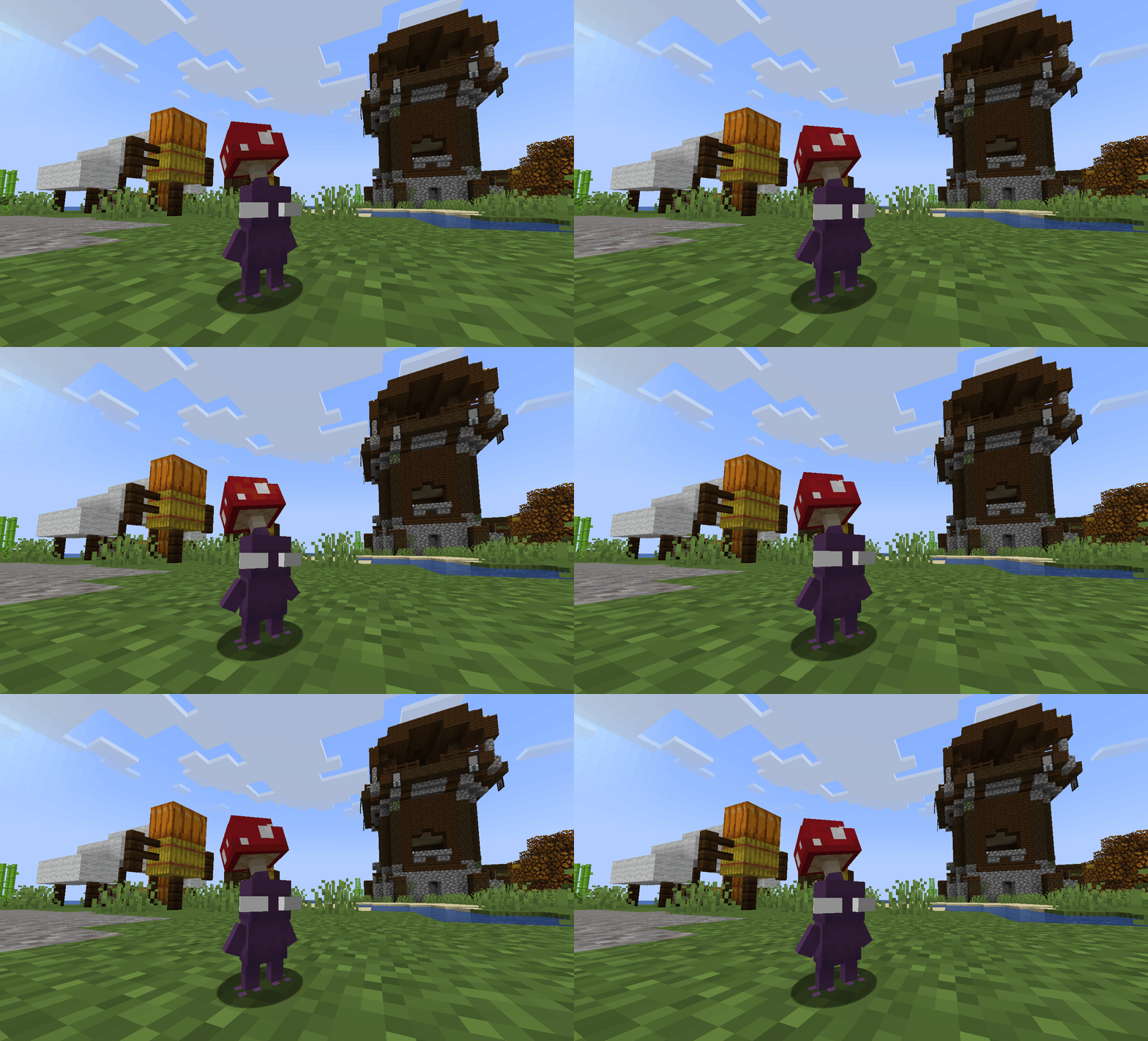
About this Mod
Installation VIA Data Pack
Add-on for the Cobblemon Mod
In order to use this add-on you MUST place the .zip of the version you've chosen inside both the Resource Pack and Data Pack folders of your game/world file
Features
The current Cobblemon we've made are as follows:
- Red (Grass/Fire) / 2.0 Model in v1.1
- Blue (Grass/Water) / 2.0 Model in v1.1
- Puffmin (Bug/Water)
- Yellow (Grass/Electric) / 2.0 Model in v1.1
- Puffmin (Bug/Electric)
- White (Grass/Poison) / 2.0 Model in v1.1
- Purple (Grass/Fighting) / 2.0 Model in v1.1
- Puffmin (Bug/Fighting)
- Winged (Grass/Fairy) / 2.0 Model in v1.1.3
- Glow (Grass/Ghost)
- Rock (Grass/Rock)
All variants except for Puffmin AKA Mushmin are in the Ultra-Rare spawn bucket for Forests and Plains, while most of them are in the Uncommon bucket for Flower Forests, Meadows, Sunflower Plains and Lush Caves
Some variants have unique spawn biomes and conditions on-top of the established spawns above.
This Add-on also comes with a custom regional dex aptly named "PNF-404"
Additional Information
Languages and their Progress
Spawn Details
- Forests & Plains
- Rare: Red, Yellow, Blue, Purple, Rock (lv1 - lv22)
- Rare + Requires Night: Glow (lv1 - lv22)
- Ultra-Rare: White, Winged (lv1 - lv22)
- Flowery Biomes (i.e. Flower Forests, Meadow, Sunflower Plains, Lush Caves, etc...)
- Uncommon: Red, Yellow, Blue, Purple, White, Winged, Rock (lv1 - lv22)
- Uncommon + Requires Night: Glow (lv1 - lv22)
- Swamp & Rivers
- Common: Blue (lv1 - lv22)
- Mangrove Swamp
- Common: Blue, White (lv1 - lv22)
- Woodland Mansion
- Rare: White (lv22 - lv86)
- Mountains
- Rare: Rock (lv1 - lv22)
- Rare + Thunderstorm: Yellow (lv50 - lv86)
- Cherry Grove
- Rare: Winged (lv22 - lv86)
- Warped Forest
- Rare: Yellow Mushmin (lv22 - lv86)
- Crimson Forest
- Rare: Blue Mushmin (lv22 - lv86)
- Mushroom Fields
- Rare: Purple Mushmin (lv22 - lv86)
- Mushroom Biomes (Includes Modded)
- Rare: Purple Mushmin (lv50 - lv90)
- Cave Biomes
- Ultra-Rare: Purple Mushmin (lv50 - lv90)
- Rare: Rock (lv1 - lv22)
If you have Grow-A-Mon on the server then you can get Pickmin from picking flowers too!
- Oxeye Daisy (Moon Daisy) -> Red, Yellow and Blue
- Spore Blossom -> Purple and White
- Cornflower -> Wing and Rock
- Dandelion -> Glow
License Permissions
You're free to:
- Add this pack to your Modpacks as long as you set it as an "Embedded" dependancy in each version it's included in
- Record videos or livestream with the pack without providing links or attribution
Non-Team Member Credits
- Faint Particles
- Animated, Drawn and Set-up by Tyzillion
- French Translation by RoshiBlack
Mole Co.⛏'s Content
Available Versions
How to Install Cobblemon: Pickmin on Your Server
Order Server
Order a Minecraft Java server with at least 3 GB RAM (4 GB recommended).
Set datapack Loader
In the panel under "Egg", select the datapack loader and matching Minecraft version (1.21.1).
Install Mod
Open the mod browser in the dashboard and search for "Cobblemon: Pickmin". Click "Install" – done! Alternatively, upload the .jar via SFTP to the /mods folder.
Compatibility
Mod Loaders
Minecraft Versions
1.21.1
Server-side
✓ RequiredRecommended RAM
4 GB(min. 3 GB)Frequently Asked Questions
Cobblemon: Pickmin server crashes on startup – what to do?
Most common cause: wrong datapack version or insufficient RAM. Check the server log (latest.log) for "OutOfMemoryError" or "Mixin" errors. With Mado Hosting: ensure at least 3 GB RAM is allocated and the loader matches the mod version (1.21.1). You can switch loaders with one click in the panel.
Is Cobblemon: Pickmin compatible with datapack and fabric and neoforge?
Cobblemon: Pickmin officially supports datapack, fabric, neoforge for Minecraft 1.21.1. The Mado dashboard automatically detects incompatible loader combinations.
Server lagging with Cobblemon: Pickmin – how to optimize performance?
Recommended RAM: 4 GB (per 8 players). Use /spark profiler to check if Cobblemon: Pickmin consumes the most tick time. Common fixes: reduce server view-distance to 8-10, install "performant" or "starlight" as supplementary mods on Forge. With Mado Hosting, your server runs on NVMe SSDs with dedicated CPU cores for minimal latency.
Similar Mods




Rent Modded Server
Install Cobblemon: Pickmin with just one click on your server.