
Player Companions
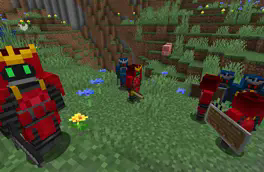
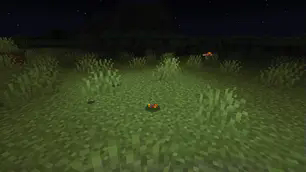
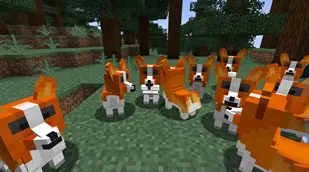
Player Companions adds additional creatures which will follow, protect or help you.
Screenshots
About this Mod
🐾 Player Companions


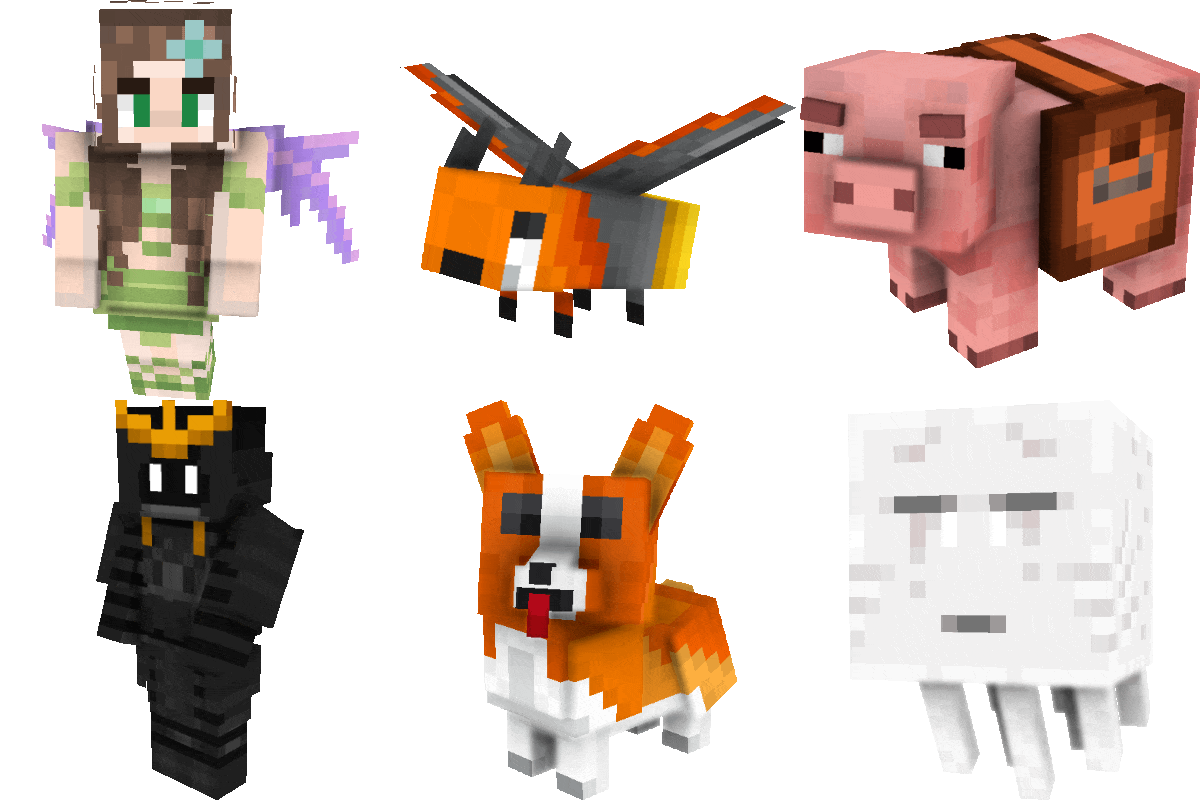
Player Companions adds companion creatures that can travel with you and support you on your journey.
Important Notice for 7.x
Player Companions 7.x is a beta and a complete rewrite of the mod.
Please keep the following in mind before updating:
- 7.x is not compatible with 6.x or older versions
- Old companion data is not guaranteed to work
- Existing companions from older versions may be lost after updating
- Always create a full backup before testing or updating
For important saves, servers, or modpacks, testing in a separate instance is strongly recommended.
✨ Current 7.x Beta Features
Currently available in the 7.x beta:
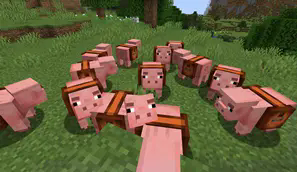
- Pig companion
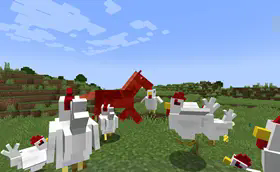
- Rooster companion
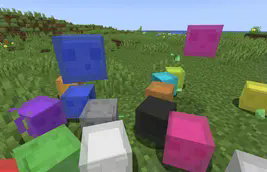
- Small Slime companion
The current beta is intentionally limited while the new foundation is being rebuilt.
🔄 Legacy Note
Older 6.x versions included a larger feature set and additional companion systems.
Some of these features may return later, but the current 7.x branch should be treated as a new generation of the mod.
🐞 Reporting Problems
If you find an issue during beta testing, please include:
- the exact mod version
- the Minecraft version
- the loader you use
- clear reproduction steps
- logs or crash reports if available
GitHub Issues:
➡️ https://github.com/MarkusBordihn/BOs-Player-Companions/issues
Available Versions
How to Install Player Companions on Your Server
Order Server
Order a Minecraft Java server with at least 3 GB RAM (4 GB recommended).
Set fabric Loader
In the panel under "Egg", select the fabric loader and matching Minecraft version (1.20.4).
Install Mod
Open the mod browser in the dashboard and search for "Player Companions". Click "Install" – done! Alternatively, upload the .jar via SFTP to the /mods folder.
Compatibility
Mod Loaders
Minecraft Versions
1.20.4, 1.20.2, 1.20.1 (+5 more)
Server-side
✓ RequiredRecommended RAM
4 GB(min. 3 GB)Frequently Asked Questions
Player Companions server crashes on startup – what to do?
Most common cause: wrong fabric version or insufficient RAM. Check the server log (latest.log) for "OutOfMemoryError" or "Mixin" errors. With Mado Hosting: ensure at least 3 GB RAM is allocated and the loader matches the mod version (1.20.4). You can switch loaders with one click in the panel.
Is Player Companions compatible with fabric and forge and neoforge and quilt?
Player Companions officially supports fabric, forge, neoforge, quilt for Minecraft 1.20.4, 1.20.2, 1.20.1. Note: Forge and Fabric mods are NOT cross-compatible – pick one loader and stick with it. The Mado dashboard automatically detects incompatible loader combinations.
Server lagging with Player Companions – how to optimize performance?
Recommended RAM: 4 GB (per 8 players). Use /spark profiler to check if Player Companions consumes the most tick time. Common fixes: reduce server view-distance to 8-10, install "performant" or "starlight" as supplementary mods on Forge. With Mado Hosting, your server runs on NVMe SSDs with dedicated CPU cores for minimal latency.
Similar Mods




Rent Modded Server
Install Player Companions with just one click on your server.