
Player Profile Viewer
Browse detailed player profiles directly ingame. View skin history, cape collections, name changes and more.
Screenshots
About this Mod
Player Profile Viewer
The Player Profile Viewer allows you to see a players profile directly from your Minecraft client. Whether you want to see a friend's skin history or access official capes they've owned, you can do so without leaving Minecraft or searching the internet.
Core Features
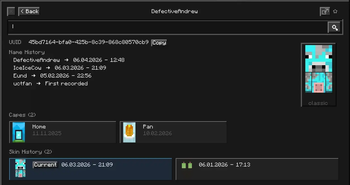
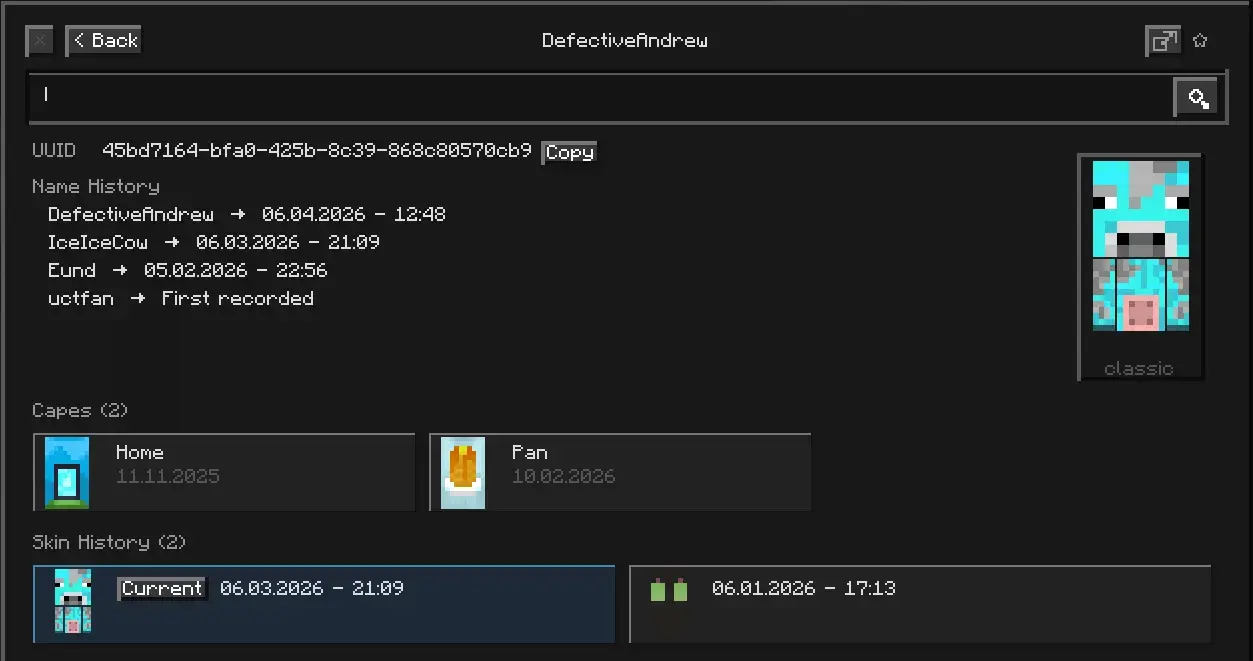
⏱ History LookupYou can look up any player's entire history instantaneously. This will include their full UUID, previous usernames used, all skins ever worn, and all official capes associated with that account (activities recorded from the time the player is added to the database). |
|
|
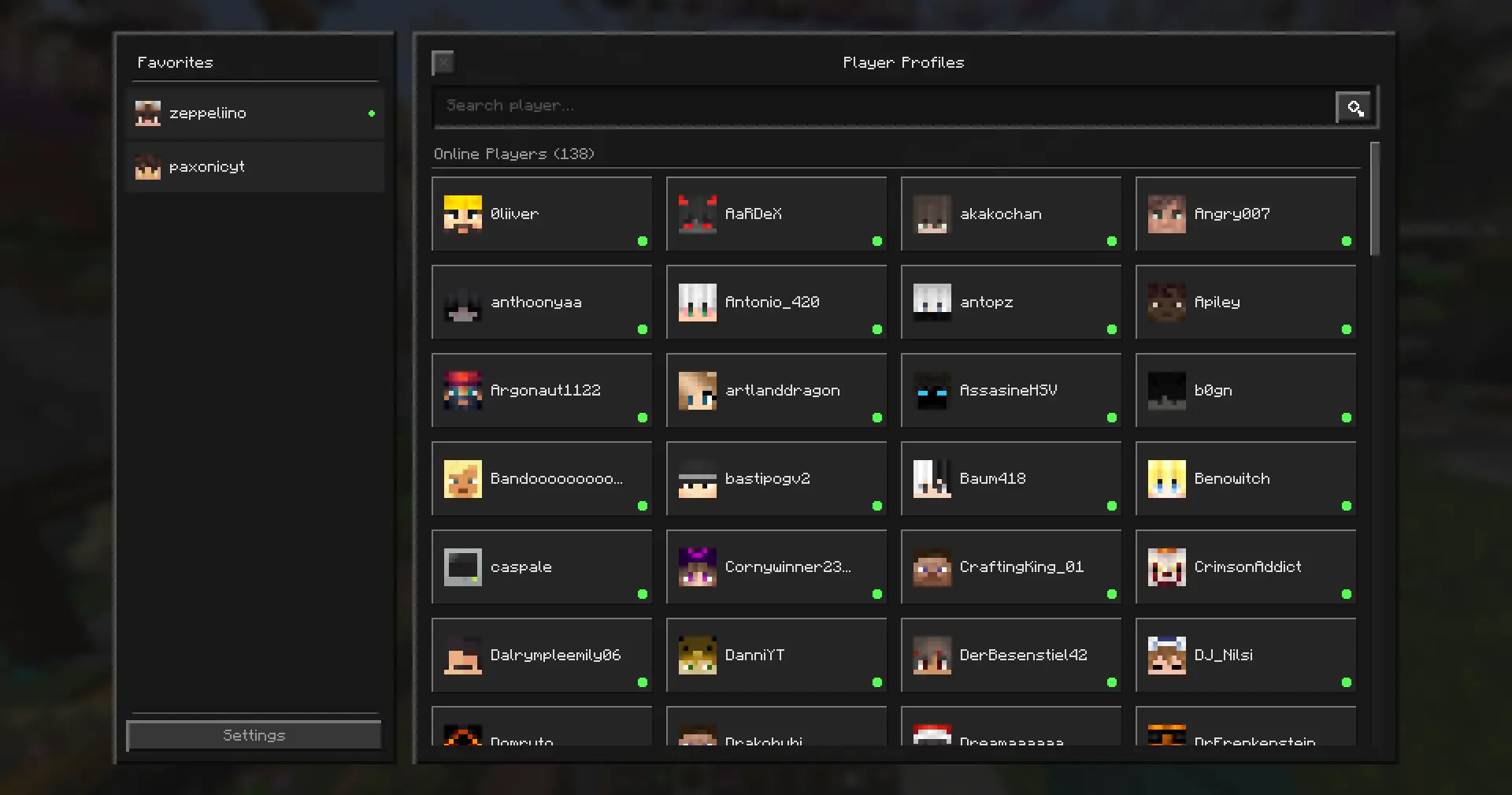
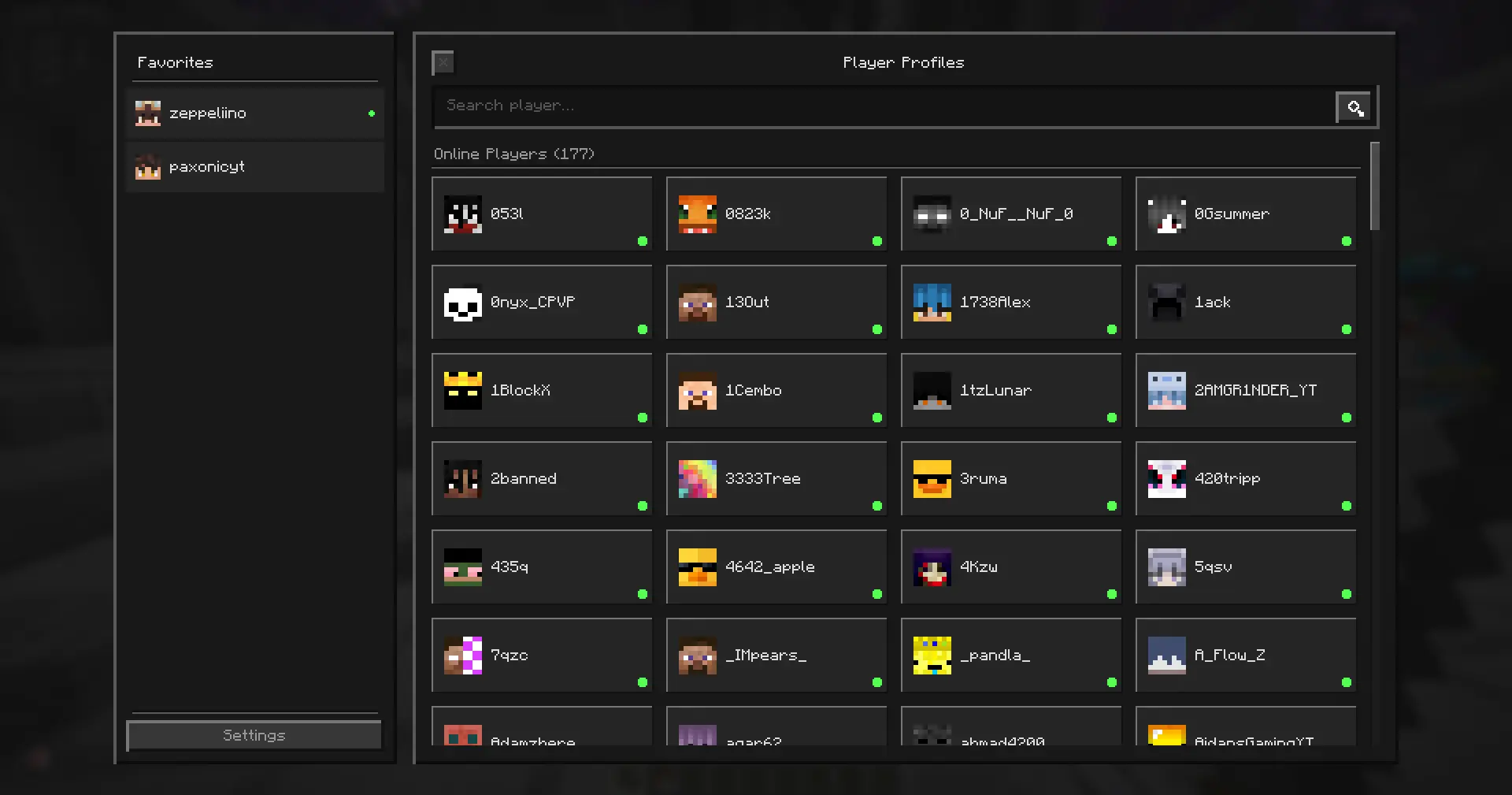
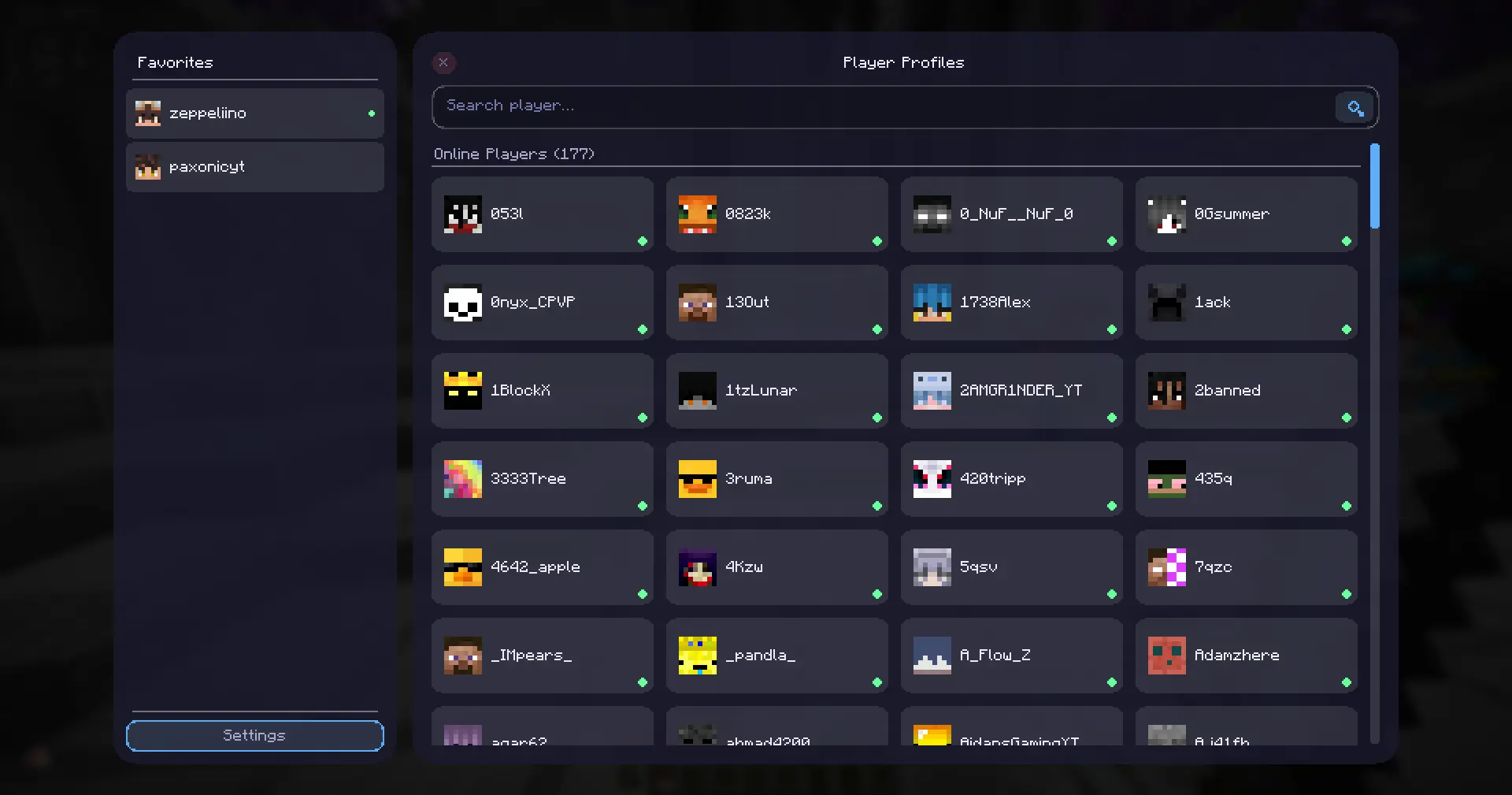
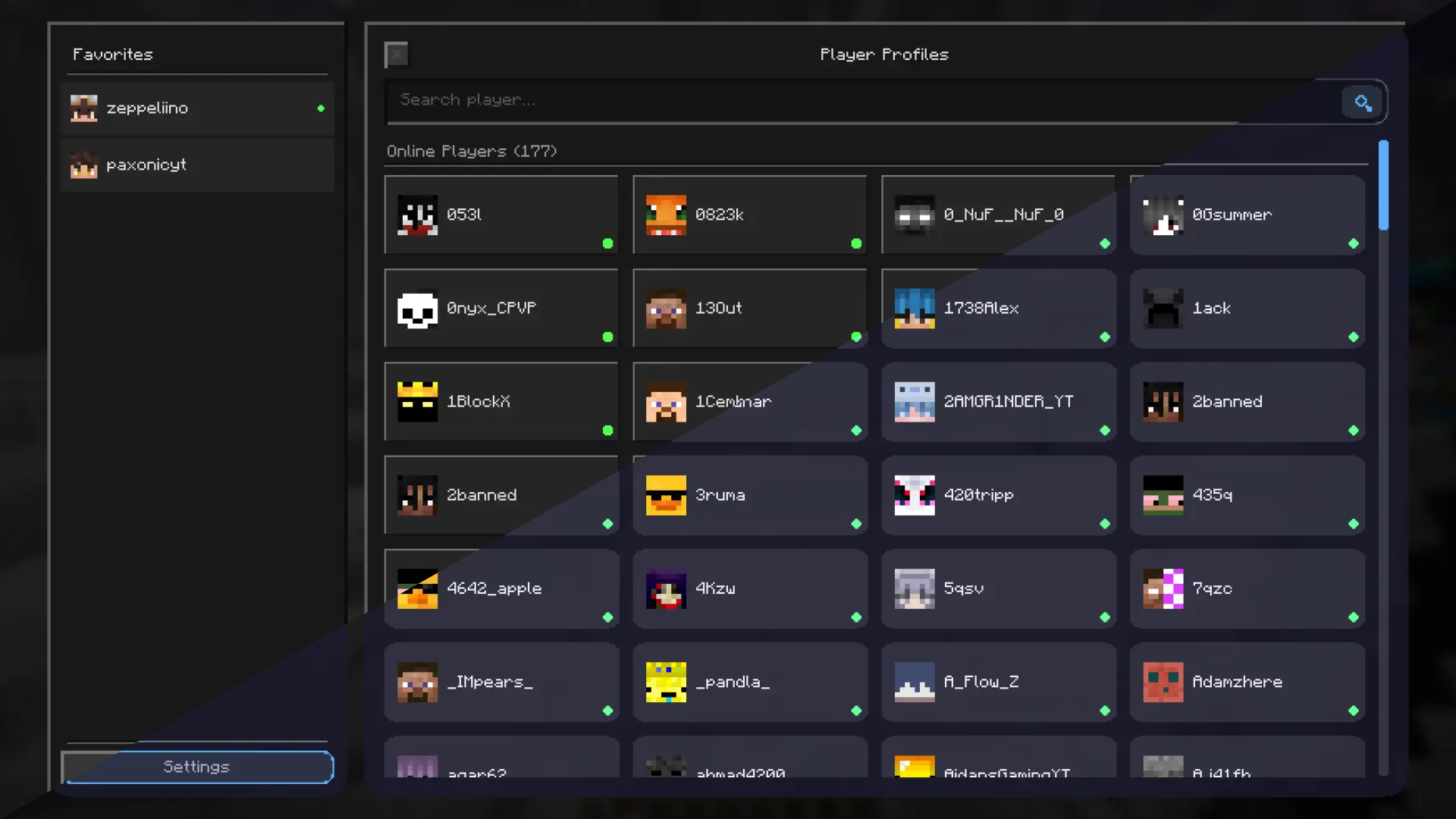
🌐 Live Server OverviewView all players currently online across your server within one convenient location. This feature includes a clean grid listing names and a quick filter option when searching player's names. |
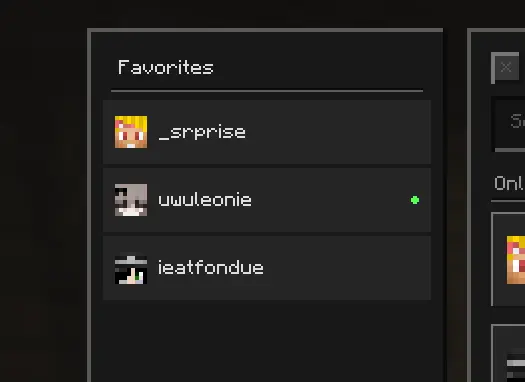
★ Your Favorite People's SystemPin players you care about to your favorites list for quick access to their profile. |
|
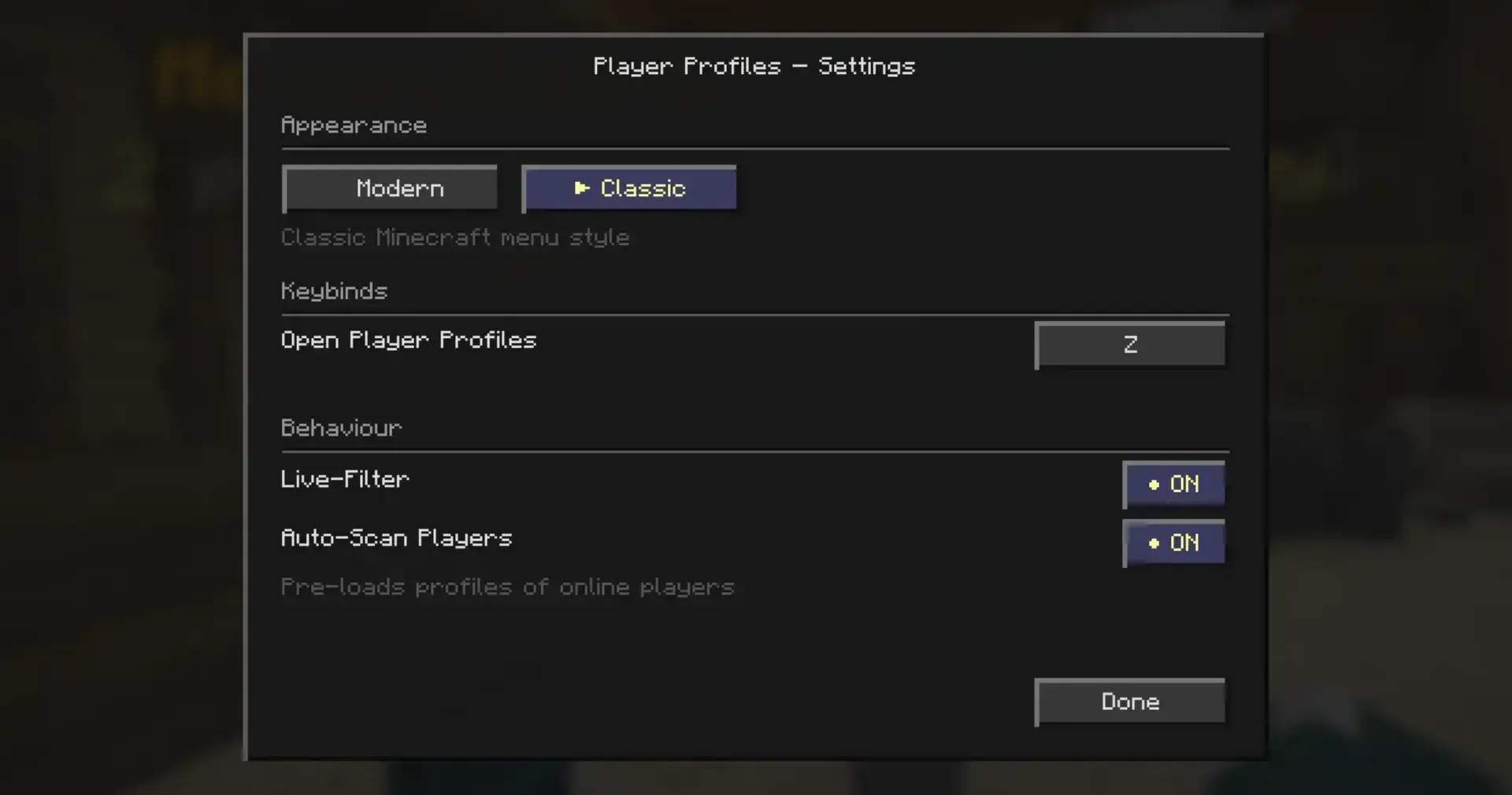
Customization and Performance
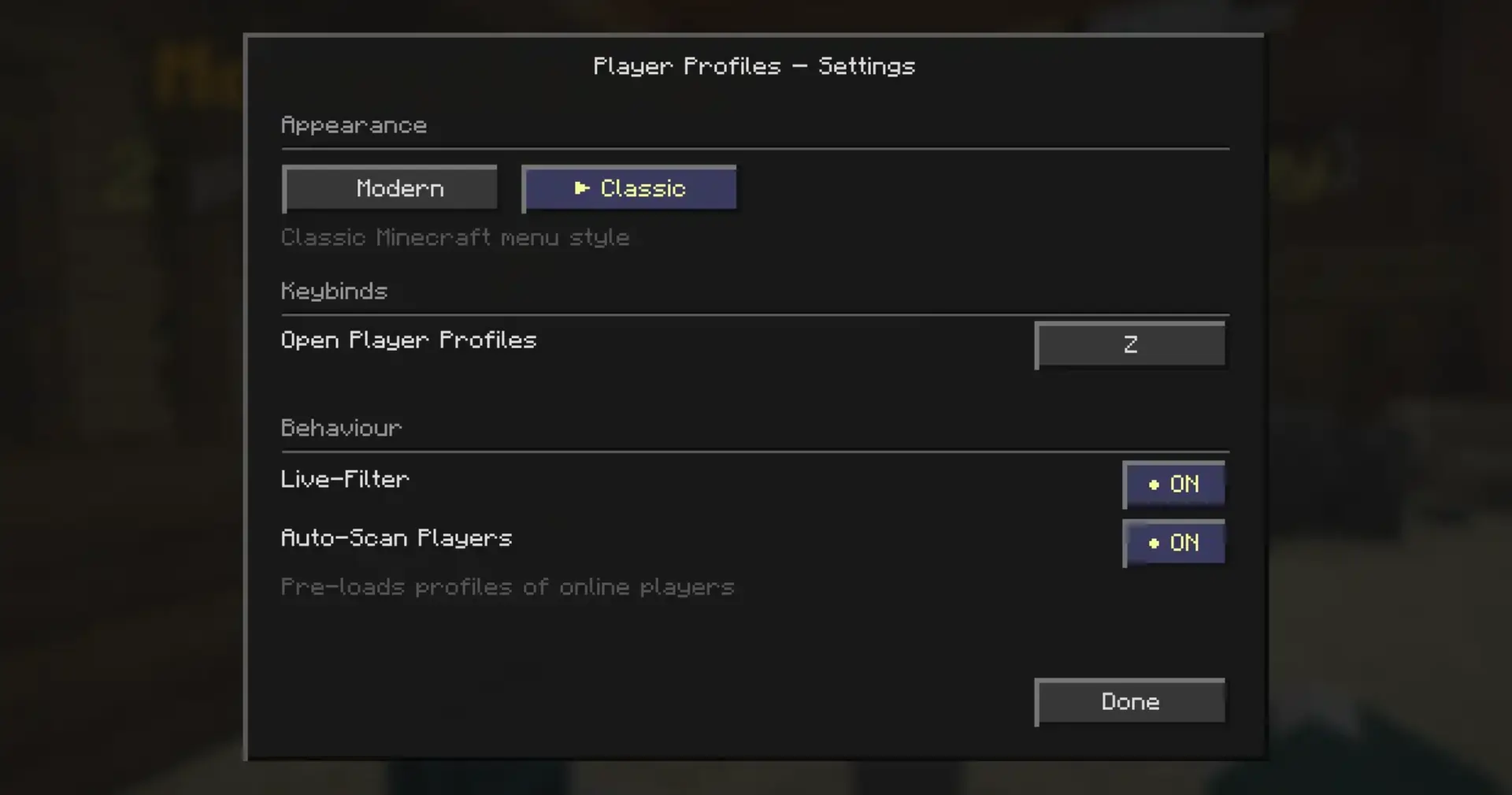
|
|
It is important to understand that currently, there are approximately 52 million Minecraft users registered in the dripleaf database (as of April 2026), with every user being updated at least once every 3 days, which makes the dripleaf database one of the most updated among all the available Minecraft databases. Tens of thousands of new players added daily. Unfortunately, any information on a user account prior to its initial addition to the database (whether found by dripleaf or through a search of their username or UUID) cannot be retrieved. Data collection begins only after the very first search or registration on dripleaf.
Available Versions
How to Install Player Profile Viewer on Your Server
Order Server
Order a Minecraft Java server with at least 3 GB RAM (4 GB recommended).
Set fabric Loader
In the panel under "Egg", select the fabric loader and matching Minecraft version (1.21.11).
Install Mod
Open the mod browser in the dashboard and search for "Player Profile Viewer". Click "Install" – done! Alternatively, upload the .jar via SFTP to the /mods folder.
Compatibility
Mod Loaders
Minecraft Versions
1.21.11, 1.21.10, 1.21.9
Server-side
✗ UnsupportedRecommended RAM
4 GB(min. 3 GB)Frequently Asked Questions
Player Profile Viewer server crashes on startup – what to do?
Most common cause: wrong fabric version or insufficient RAM. Check the server log (latest.log) for "OutOfMemoryError" or "Mixin" errors. With Mado Hosting: ensure at least 3 GB RAM is allocated and the loader matches the mod version (1.21.11). You can switch loaders with one click in the panel.
Is Player Profile Viewer compatible with fabric?
Player Profile Viewer officially supports fabric for Minecraft 1.21.11, 1.21.10, 1.21.9. The Mado dashboard automatically detects incompatible loader combinations.
Server lagging with Player Profile Viewer – how to optimize performance?
Recommended RAM: 4 GB (per 8 players). Use /spark profiler to check if Player Profile Viewer consumes the most tick time. Common fixes: reduce server view-distance to 8-10, install "performant" or "starlight" as supplementary mods on Forge. With Mado Hosting, your server runs on NVMe SSDs with dedicated CPU cores for minimal latency.
Similar Mods






Rent Modded Server
Install Player Profile Viewer with just one click on your server.