
Player Trade Window
Next-generation Player Trading in Minecraft
Screenshots
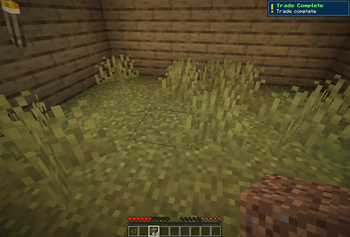
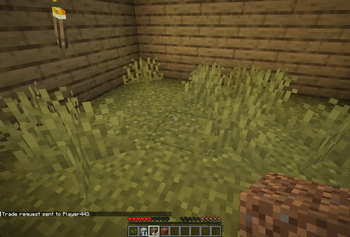
About this Mod
Finally a proper player-to-player trading GUI for Minecraft.
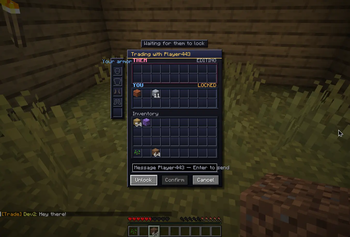
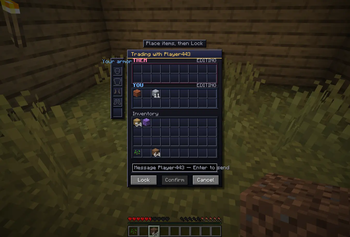
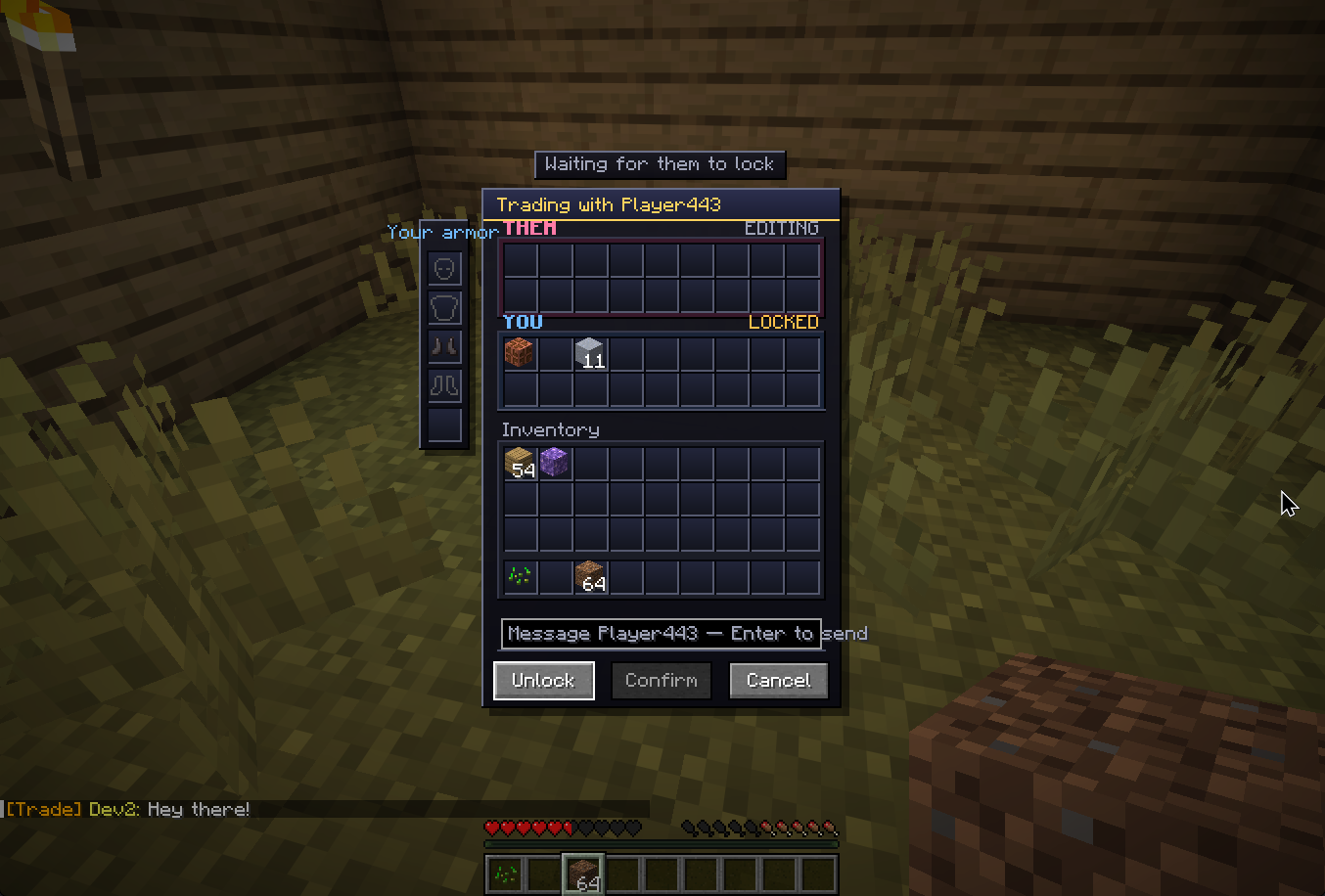
Open a list, choose a player, and trade securely across any distance or dimension. Both of you open a synced trade window with two rows of slots per side. Drop items in, watch the other player's offer fill in real-time, hit Lock when you're happy, and once both sides have locked, the Confirm button unlocks. Both confirm and the trade is complete!
Features
Global Trade Picker: Press K to open a menu to trade with anyone on the server. Includes Search, Favorites, and Recent traders. No more chasing people down.
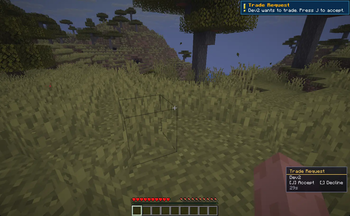
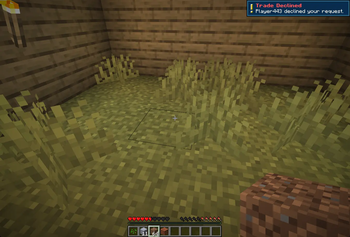
Non-Intrusive Requests: Requests appear as a corner badge with a countdown timer. Press J to accept or ; to decline.
Two-stage protocol: Lock → Confirm. Either player editing their offer clears both lock states.
Bait-and-Switch Protection: If someone tweaks their offer in the last 2 seconds before you confirm, a popup warns you. No scams.
In-Trade Chat: Chat with the other player directly while inside the trade window.
Equipment Slots: Dedicated slots in the UI to trade away your equipped armor and shields directly.
Custom GUI + Sounds: Cleaner visuals, gold accents, status hints, and audio cues for lock/confirm/complete.
Item-loss protection across every failure mode:
Window closed or players cancel → items returned
Player disconnects or dies → items returned
Server crashes mid-trade → items recovered automatically on next login
Settings Menu: Block all incoming trades, change the request badge corner, or turn off sound notifications.
Admin Tools: Persistent history via /trade history and /trade audit
How to use
Press K to open the Trade Picker, search for a player, and click their name. Note: For users who already have this mod installed before the 0.2.0, you might need to bind hotkeys yourself.
The other player gets a corner badge. Press J to accept or ; to decline.
Requirements
Install on both the server and every client.
Should work with mods like Essential.
Feedback
Let me know via Discord if you have any feedback!
If you really like the mod and would like to donate, it would be greatly appreciated!
I prefer making mods that actually bring something new to the table rather than reskins of existing content in game, if that's up your alley, any donation would motivate me greatly to make more innovative mods/improve existing mods! If you aren't comfortable donating/can't afford to do so(which is completely fine), sharing and letting others know of the mods will help greatly as well! Cheers!
Available Versions
How to Install Player Trade Window on Your Server
Order Server
Order a Minecraft Java server with at least 3 GB RAM (4 GB recommended).
Set fabric Loader
In the panel under "Egg", select the fabric loader and matching Minecraft version (26.1.2).
Install Mod
Open the mod browser in the dashboard and search for "Player Trade Window". Click "Install" – done! Alternatively, upload the .jar via SFTP to the /mods folder.
Compatibility
Mod Loaders
Minecraft Versions
26.1.2
Server-side
✓ RequiredRecommended RAM
4 GB(min. 3 GB)Frequently Asked Questions
Player Trade Window server crashes on startup – what to do?
Most common cause: wrong fabric version or insufficient RAM. Check the server log (latest.log) for "OutOfMemoryError" or "Mixin" errors. With Mado Hosting: ensure at least 3 GB RAM is allocated and the loader matches the mod version (26.1.2). You can switch loaders with one click in the panel.
Is Player Trade Window compatible with fabric?
Player Trade Window officially supports fabric for Minecraft 26.1.2. The Mado dashboard automatically detects incompatible loader combinations.
Server lagging with Player Trade Window – how to optimize performance?
Recommended RAM: 4 GB (per 8 players). Use /spark profiler to check if Player Trade Window consumes the most tick time. Common fixes: reduce server view-distance to 8-10, install "performant" or "starlight" as supplementary mods on Forge. With Mado Hosting, your server runs on NVMe SSDs with dedicated CPU cores for minimal latency.
Similar Mods



![CobbleDollars [Cobblemon Addon]](https://cdn.modrinth.com/data/s7N7AsqL/684040a264fc1d7f9b856ec5d2da39767398c7ad.png)

Rent Modded Server
Install Player Trade Window with just one click on your server.