Plethora Peripherals
Plethora is a ComputerCraft/CC: Tweaked peripheral provider. It aims to provide both metadata and peripherals for vanilla Minecraft and mainstream mods.
Screenshots
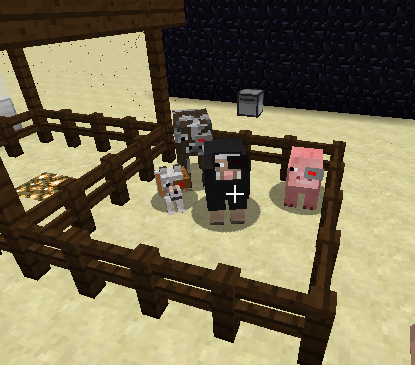
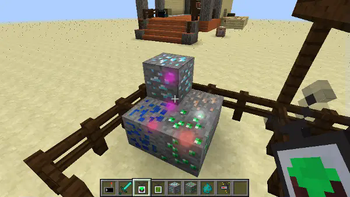
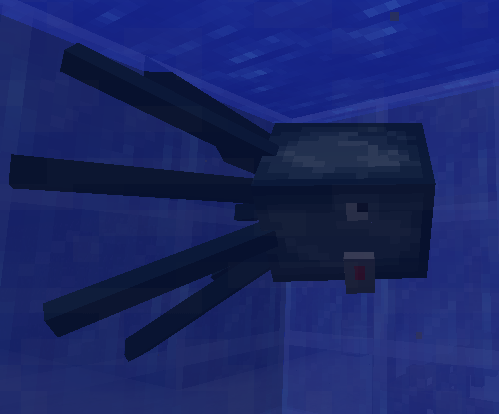
About this Mod
Plethora-Fabric
Plethora is a ComputerCraft/CC:Tweaked peripheral provider for Minecraft 1.20.1. Plethora-Fabric is a port of
Plethora for Fabric 1.20.1. It aims to provide both metadata and
peripherals for vanilla Minecraft and (TODO) mainstream mods.
Plethora also adds a series of "modules" to the game. These modules can be used by the player with varying success.
They really come in to their element when put in a manipulator, providing a series of methods which allow
interacting with your environment. This includes:
- Introspection: investigating the current player's inventory (and ender chest)
- Scanner: scans blocks in an area, gathering metadata about them.
- Sensor: scans entities in an area. Like the scanner this allows getting metadata.
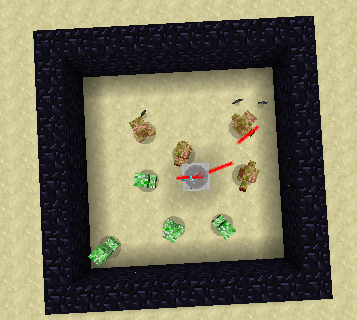
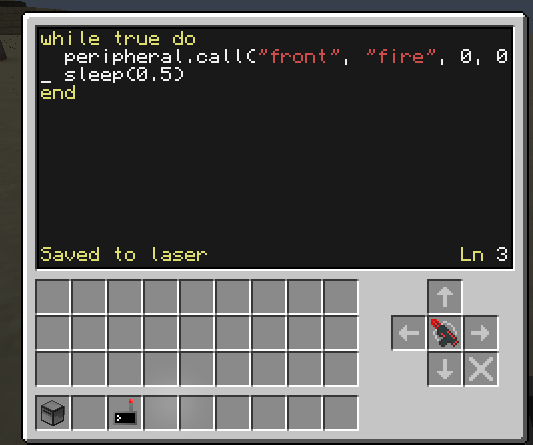
- Frickin' laser beam. It fires lasers.
- Kinetic augment: allows remote access to your muscles, making them even stronger than before.
If you've ever wanted to embed a computer in your skull then today is your lucky day. Plethora provides a neural
interface which can be attached to your head, or some unsuspecting animal or monster. Right-clicking the entity with a
neural controller allows you to interact with it. You can insert modules (which will be wrapped as peripherals) and
manipulate them with the built-in computer. Building a cyborg army has never been so easy.
You can also add a kinetic augment to the neural interface. This allows controlling the host entity in various ways.
Port status
The port to Fabric is still ongoing. SwitchCraft's needs were prioritised in the port, but we eventually aim to support
as much of the original mod as possible. For a detailed list of differences to the original mod, and information on how
to migrate your code, see the changes list at docs.sc3.io.
Requirements
- Minecraft 1.20.1
- Fabric
- Fabric API
- CC: Tweaked
- Trinkets
Documentation
There is pretty comprehensive documentation on the Plethora website. This
contains tutorials, explanations of several fundamental concepts and thoroughly explained examples. For a detailed list
of differences to the 1.12.2 mod, and information on how to migrate your code, see the changes list at
docs.sc3.io.
Images
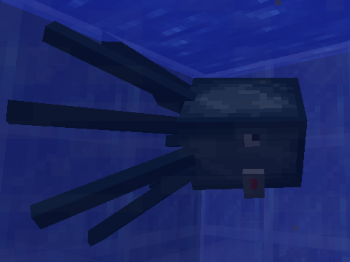
You know, I have one simple request. And that is to have
sharkssquid with frickin' laser beams attached to their heads!
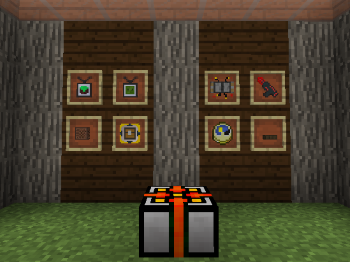
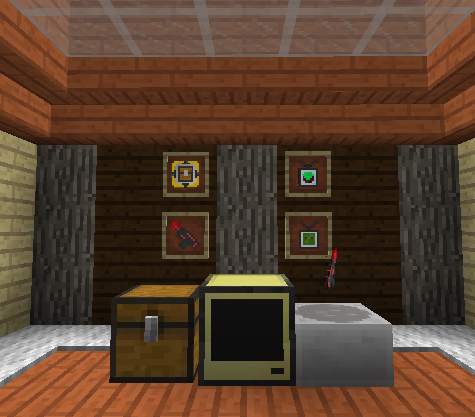
Various modules available
Modpacks
Modpack use: allowed
Please note that each custom SwitchCraft mod has its own license, so check the license of each mod before using it in
your modpack.
License
This mod and its source code is licensed under the
MIT license.
Available Versions
How to Install Plethora Peripherals on Your Server
Order Server
Order a Minecraft Java server with at least 3 GB RAM (4 GB recommended).
Set fabric Loader
In the panel under "Egg", select the fabric loader and matching Minecraft version (1.20.1).
Install Mod
Open the mod browser in the dashboard and search for "Plethora Peripherals". Click "Install" – done! Alternatively, upload the .jar via SFTP to the /mods folder.
Compatibility
Mod Loaders
Minecraft Versions
1.20.1, 1.19.4, 1.19.3
Server-side
✓ RequiredRecommended RAM
4 GB(min. 3 GB)Frequently Asked Questions
Plethora Peripherals server crashes on startup – what to do?
Most common cause: wrong fabric version or insufficient RAM. Check the server log (latest.log) for "OutOfMemoryError" or "Mixin" errors. With Mado Hosting: ensure at least 3 GB RAM is allocated and the loader matches the mod version (1.20.1). You can switch loaders with one click in the panel.
Is Plethora Peripherals compatible with fabric?
Plethora Peripherals officially supports fabric for Minecraft 1.20.1, 1.19.4, 1.19.3. The Mado dashboard automatically detects incompatible loader combinations.
Server lagging with Plethora Peripherals – how to optimize performance?
Recommended RAM: 4 GB (per 8 players). Use /spark profiler to check if Plethora Peripherals consumes the most tick time. Common fixes: reduce server view-distance to 8-10, install "performant" or "starlight" as supplementary mods on Forge. With Mado Hosting, your server runs on NVMe SSDs with dedicated CPU cores for minimal latency.
Similar Mods





Rent Modded Server
Install Plethora Peripherals with just one click on your server.