
PMW advanced observatory
In addition to the rain gauge, this mod adds temperature, wind speed, humidity, wind radar, and current weather information. You need Protomanly Weather to use this mod.
Screenshots




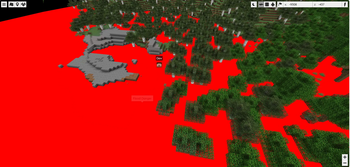
About this Mod
Information
In addition to the rain gauge, this mod adds temperature, wind speed, humidity, wind radar, and current weather information. You need Protomanly Weather to use this mod.
We recommend installing chunk loaders when using this mod. This will prevent the precipitation graph from jumping when you move near the render distance boundary.
1.3.6 or 1.2.10-1.20.1“Stable version”
Settings for “squall” and “cyclone” have been added. For cyclones, you can set the maximum width and maximum number.
For squalls, you can control the forward speed, spawn range, and maximum number.
Other changes, such as corrections to the snow depth graph
If you feel that the wind speeds during downpours are extreme or that the frequency of downpours is unusually high, I recommend adjusting the settings in PMW and My Addon, as they have dedicated options for this. Feel free to change them to your liking, as shown in the image below.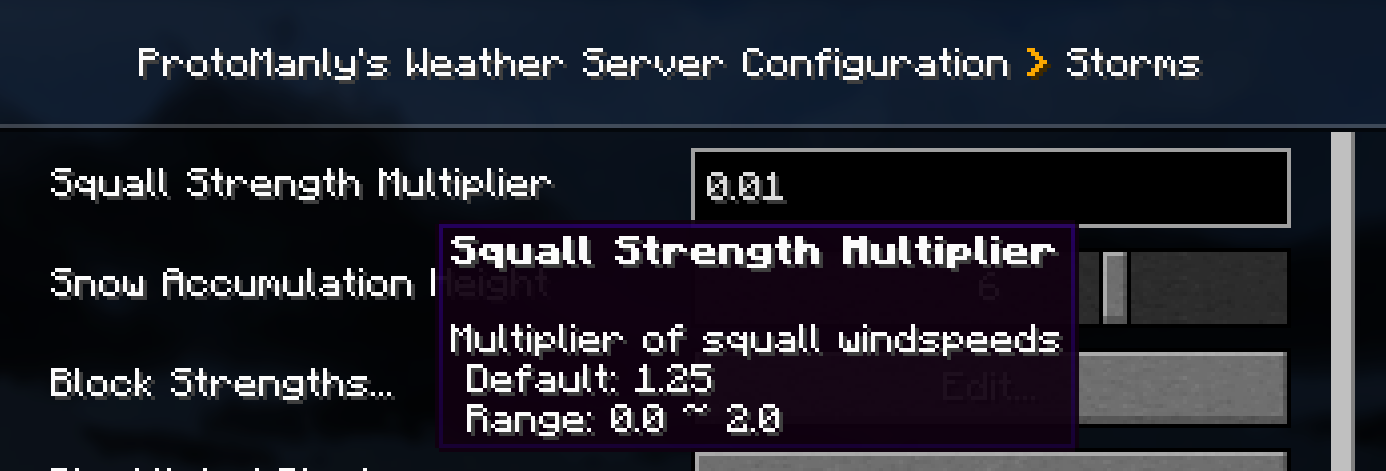
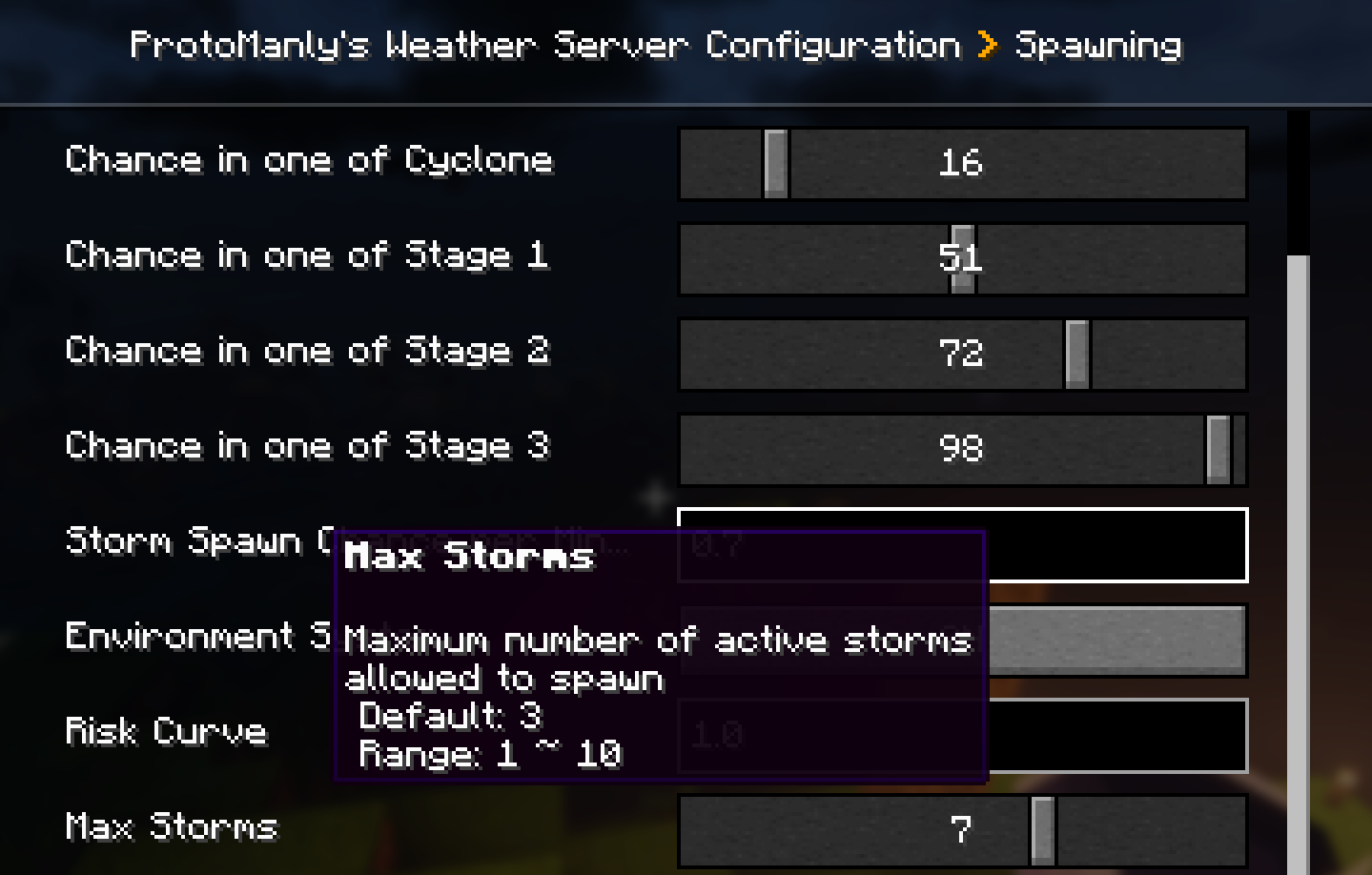
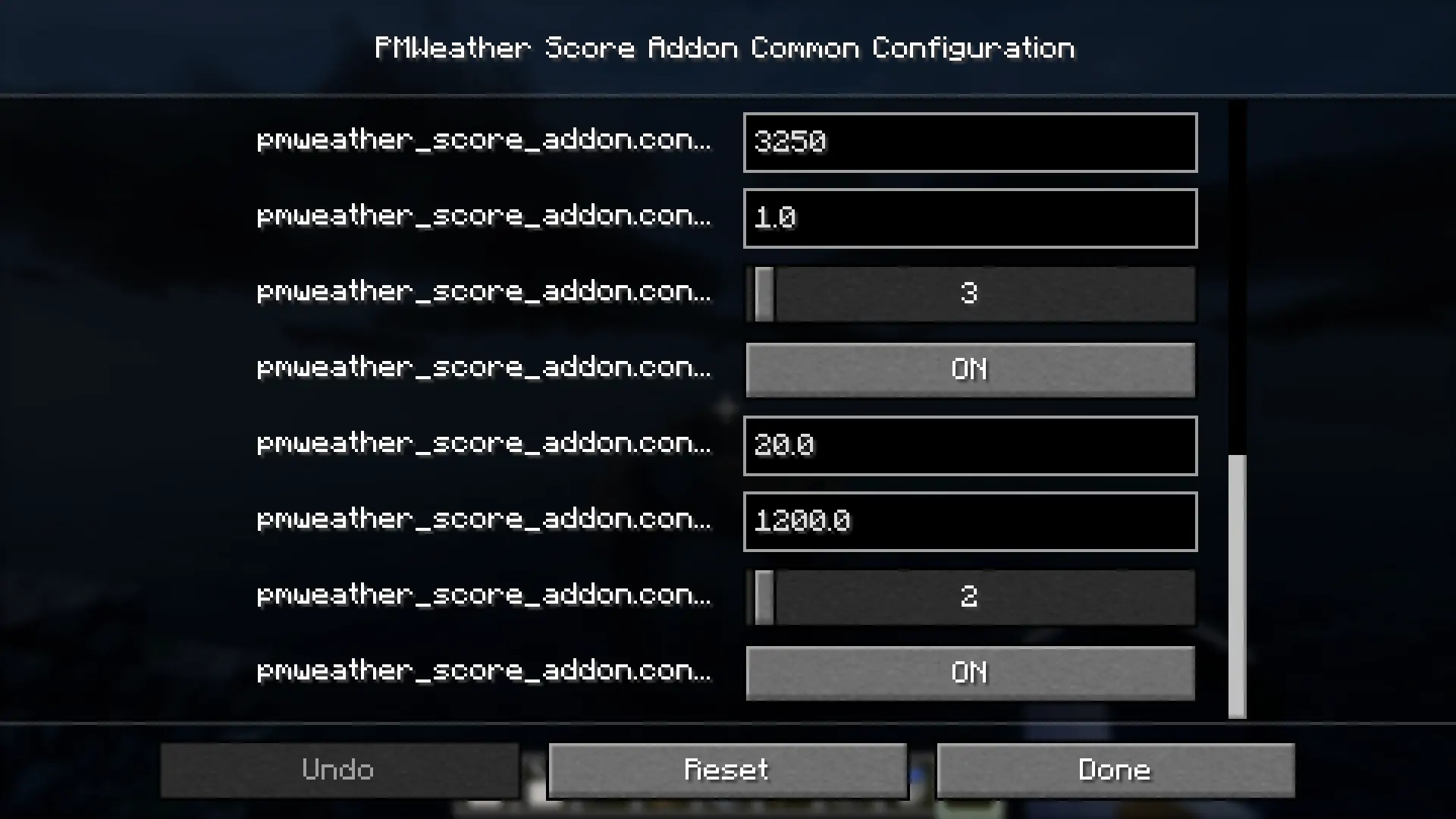
For version “1.20.1_1.2.10”, open “config\pmweather_score_addon-common” and make the changes.
- version 1.3.0beta 1.21.1
- We recommend adding flowing fluids {PMW}
- https://github.com/SearMr-cool/PmWeatherFlowingFluidsCompat/releases/tag/0.2.1a
- Flood warning {Blue Map compatible}
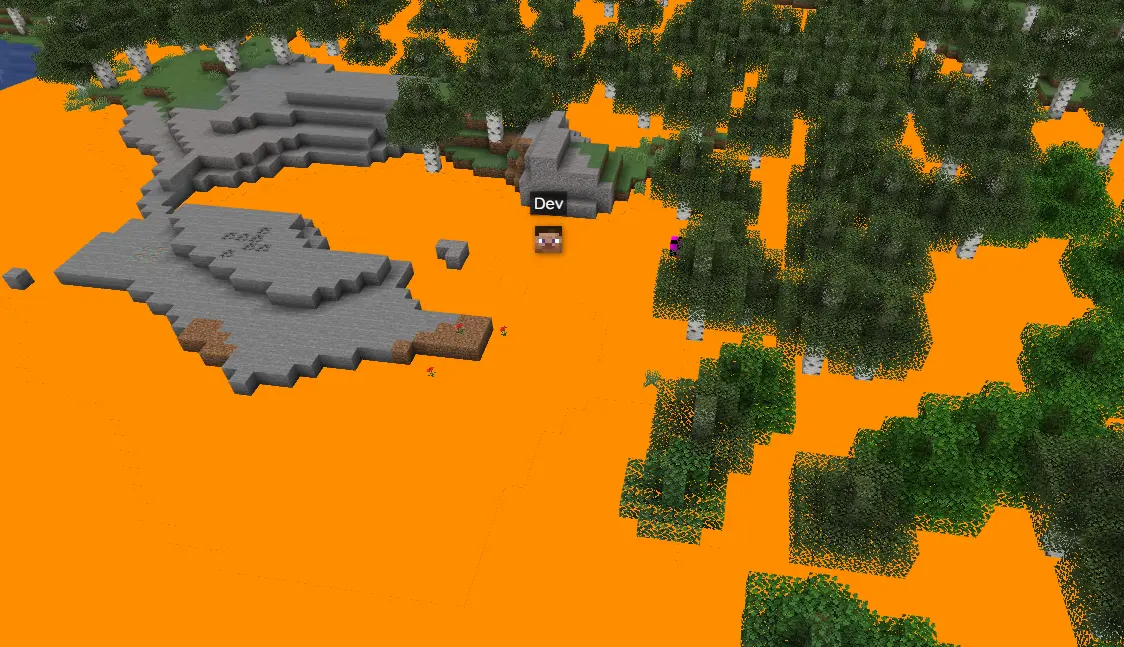
Version 1.1 beta 1.21.1
Bar chart of snow accumulation over the past 24 hours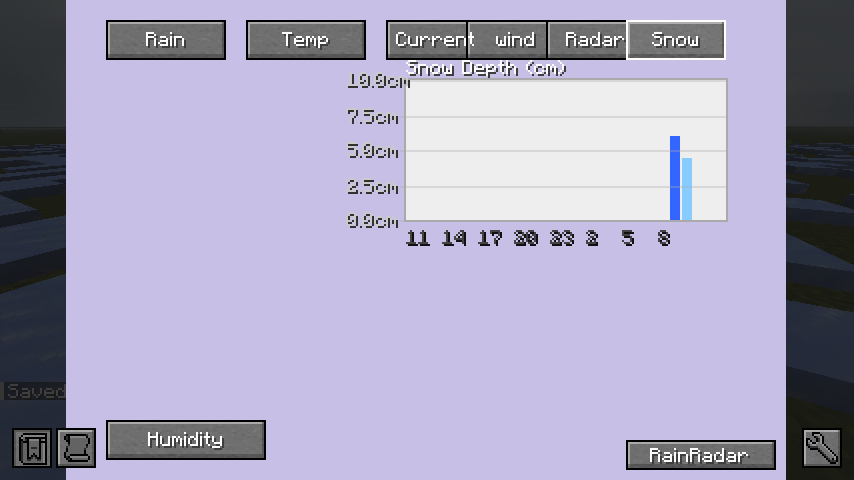
Available Versions
How to Install PMW advanced observatory on Your Server
Order Server
Order a Minecraft Java server with at least 3 GB RAM (4 GB recommended).
Set forge Loader
In the panel under "Egg", select the forge loader and matching Minecraft version (1.21.1).
Install Mod
Open the mod browser in the dashboard and search for "PMW advanced observatory". Click "Install" – done! Alternatively, upload the .jar via SFTP to the /mods folder.
Compatibility
Mod Loaders
Minecraft Versions
1.21.1, 1.20.1
Server-side
✓ RequiredRecommended RAM
4 GB(min. 3 GB)Frequently Asked Questions
PMW advanced observatory server crashes on startup – what to do?
Most common cause: wrong forge version or insufficient RAM. Check the server log (latest.log) for "OutOfMemoryError" or "Mixin" errors. With Mado Hosting: ensure at least 3 GB RAM is allocated and the loader matches the mod version (1.21.1). You can switch loaders with one click in the panel.
Is PMW advanced observatory compatible with forge and neoforge?
PMW advanced observatory officially supports forge, neoforge for Minecraft 1.21.1, 1.20.1. The Mado dashboard automatically detects incompatible loader combinations.
Server lagging with PMW advanced observatory – how to optimize performance?
Recommended RAM: 4 GB (per 8 players). Use /spark profiler to check if PMW advanced observatory consumes the most tick time. Common fixes: reduce server view-distance to 8-10, install "performant" or "starlight" as supplementary mods on Forge. With Mado Hosting, your server runs on NVMe SSDs with dedicated CPU cores for minimal latency.
Similar Mods




Rent Modded Server
Install PMW advanced observatory with just one click on your server.