
PMW Rendering Additions
Some additional settings for ProtoManly's Weather Mod focusing on rendering, including a new particle-based renderer.
Screenshots
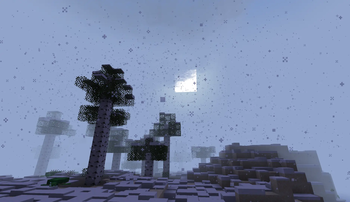
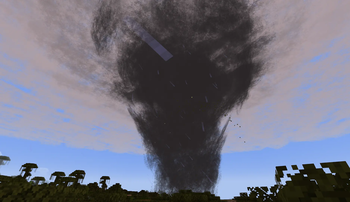
About this Mod
PMW Rendering Additions
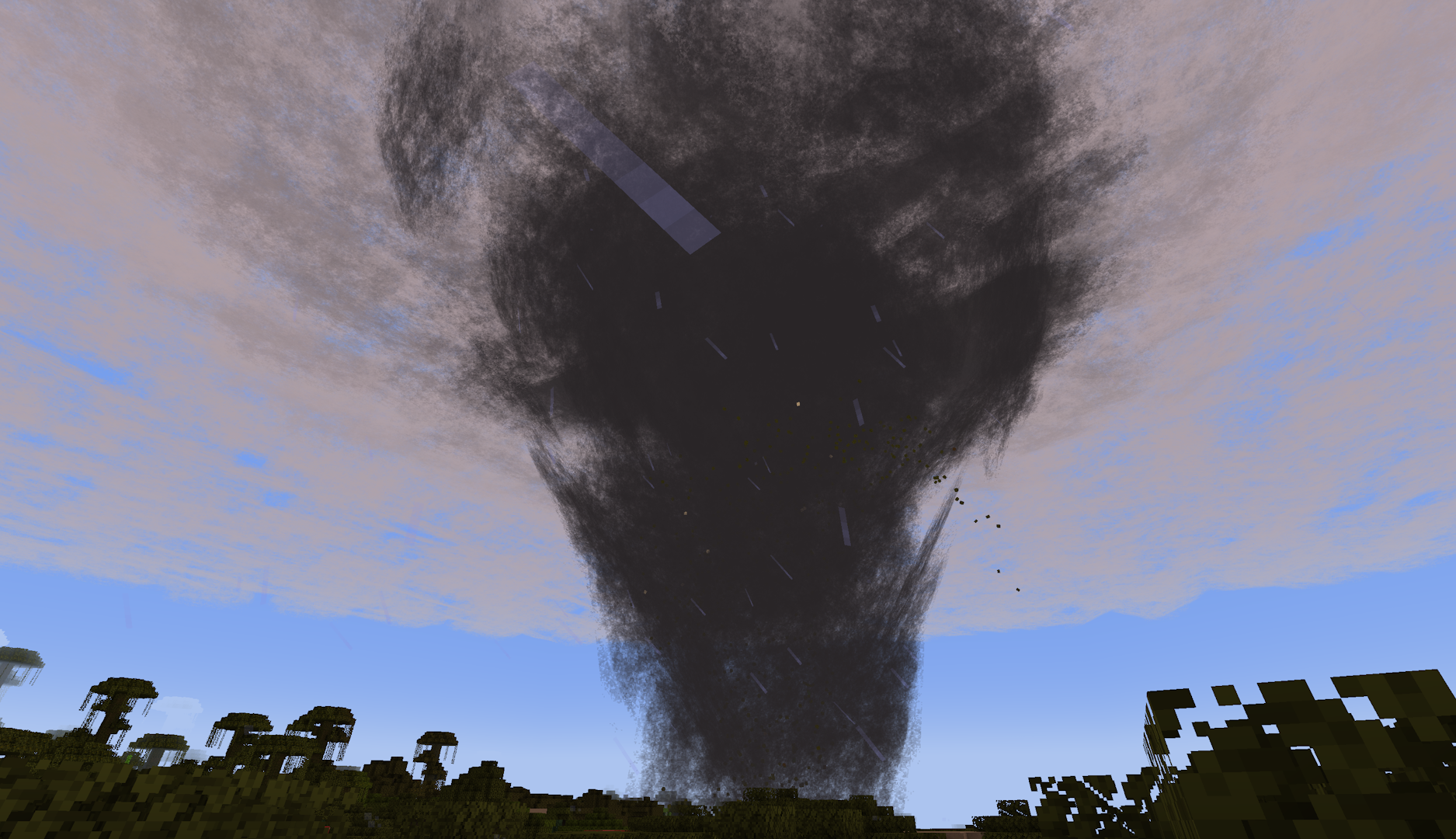
Some additional settings for ProtoManly's Weather Mod focusing on rendering, including a new particle-based renderer. Built to make the original mod more accessable to those with lower-end hardware, mainly for server use.
Config Options
render_mode: The renderer used for volumetrics-based weather effects
SHADER- The default renderer used in the original modCLASSIC- A particle-based renderer meant for lower-end devices; heavily inspired by Corosauce's Weather2DISABLE- Disables all cloud effects
enable_mist: Toggles mist particles used in heavy rain/wind.
enable_splash: Toggles splash particles from rain on the ground
enhanced_fog: Toggles more intense fog/darkness effects for precipitation, meant to be used with the CLASSIC renderer to make up for a lack of a shader
update_every_ticks: Update rate for cloud/storm particle refresh with the CLASSIC renderer
particle_crossover: Ticks for particle fading during refresh with the CLASSIC renderer; should only need to be changed if using a resource pack that modifies the cloud texture
bleed_fix_mode: Experimental bleeding fixes with the original/SHADER renderer
FULL: Fixes bleeding with a significant performance hitLIGHT: Fixes bleeding for entities, block entities, and particles (bleeding remains for blocks)DISABLE: No changes to SHADER rendering behavior
Available Versions
How to Install PMW Rendering Additions on Your Server
Order Server
Order a Minecraft Java server with at least 3 GB RAM (4 GB recommended).
Set neoforge Loader
In the panel under "Egg", select the neoforge loader and matching Minecraft version (1.21.1).
Install Mod
Open the mod browser in the dashboard and search for "PMW Rendering Additions". Click "Install" – done! Alternatively, upload the .jar via SFTP to the /mods folder.
Compatibility
Mod Loaders
Minecraft Versions
1.21.1
Server-side
✗ UnsupportedRecommended RAM
4 GB(min. 3 GB)Frequently Asked Questions
PMW Rendering Additions server crashes on startup – what to do?
Most common cause: wrong neoforge version or insufficient RAM. Check the server log (latest.log) for "OutOfMemoryError" or "Mixin" errors. With Mado Hosting: ensure at least 3 GB RAM is allocated and the loader matches the mod version (1.21.1). You can switch loaders with one click in the panel.
Is PMW Rendering Additions compatible with neoforge?
PMW Rendering Additions officially supports neoforge for Minecraft 1.21.1. The Mado dashboard automatically detects incompatible loader combinations.
Server lagging with PMW Rendering Additions – how to optimize performance?
Recommended RAM: 4 GB (per 8 players). Use /spark profiler to check if PMW Rendering Additions consumes the most tick time. Common fixes: reduce server view-distance to 8-10, install "performant" or "starlight" as supplementary mods on Forge. With Mado Hosting, your server runs on NVMe SSDs with dedicated CPU cores for minimal latency.
Rent Modded Server
Install PMW Rendering Additions with just one click on your server.