
Pocket Repose
Adds a bigger on the inside suitcase.
Screenshots

About this Mod

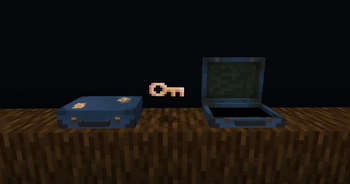
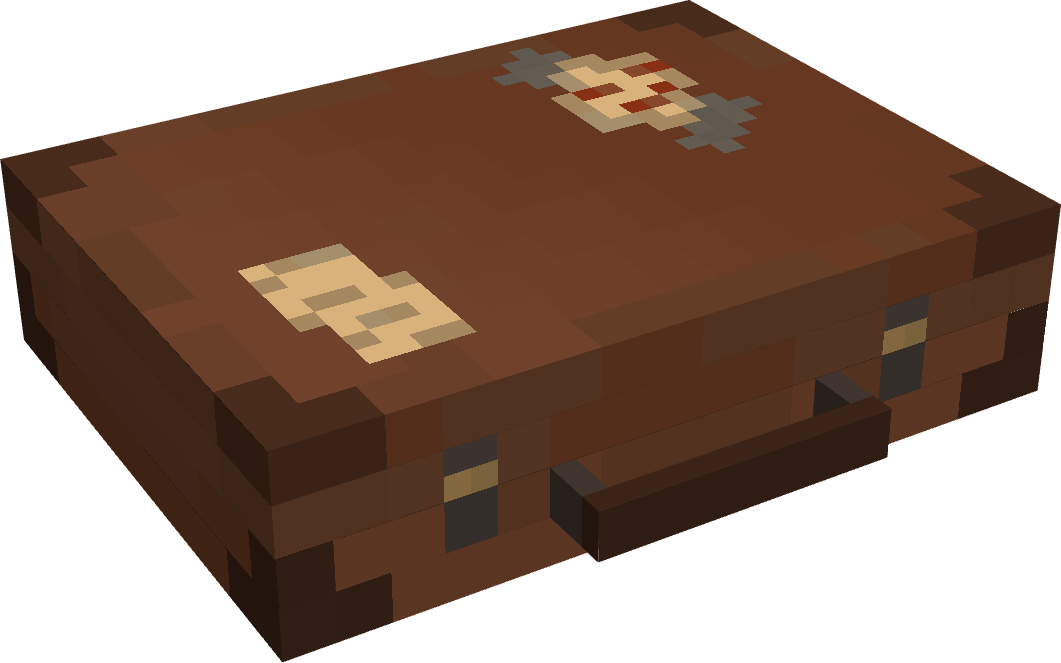
Adds the Traveler's Suitcase block to Minecraft.
Unlock and climb inside the "bigger on the inside" suitcase.
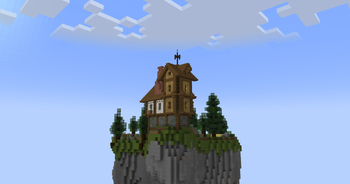
Provides a Pocket Dimension that players can utilize and share.

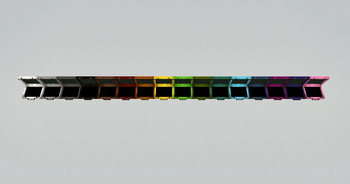
💼 The Traveler's Suitcase
Interact with a repaired Key to bind your dimension.
Sneak on an open suitcase to access your personal pocket dimension.
Build and utilize the area within however you see fit.
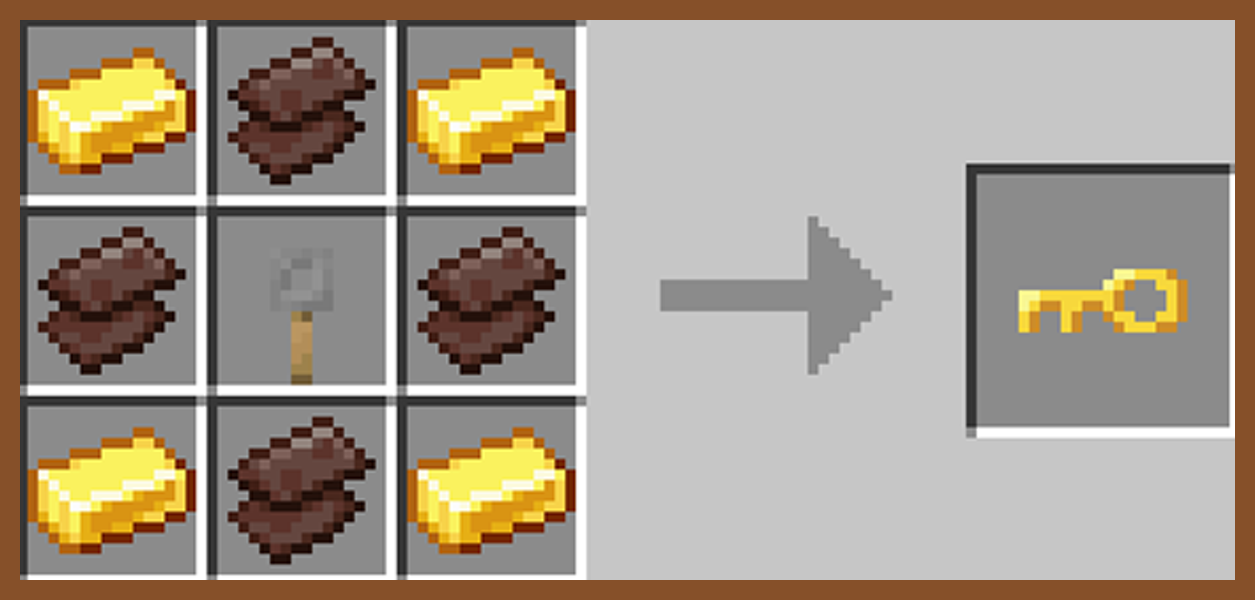
🗝️ The Keystone
Craft, repair, and rename a broken key in order to unlock a suitcase and spawn a new pocket dimension.
Share Keystone names to allow other players to enter your private dimension from their own suitcase.

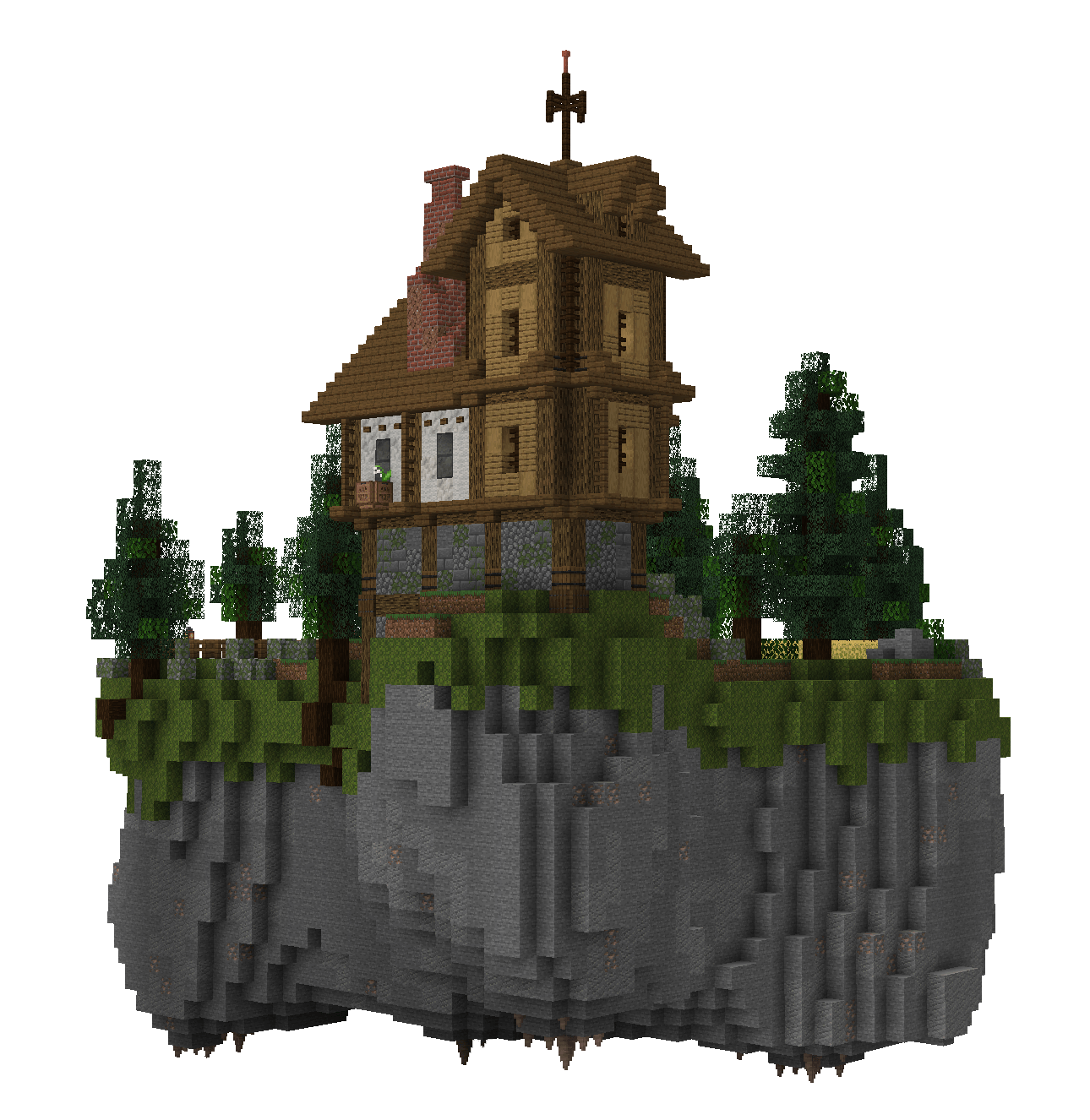
🕳️ The Pocket Dimension
The pocket island is a safe space where mobs do not spawn.
Entering the suitcase will bring you to your very own pocket island, individual to your key's name.
Right-click anywhere inside a pocket dimension with a bone to change the players entry location.
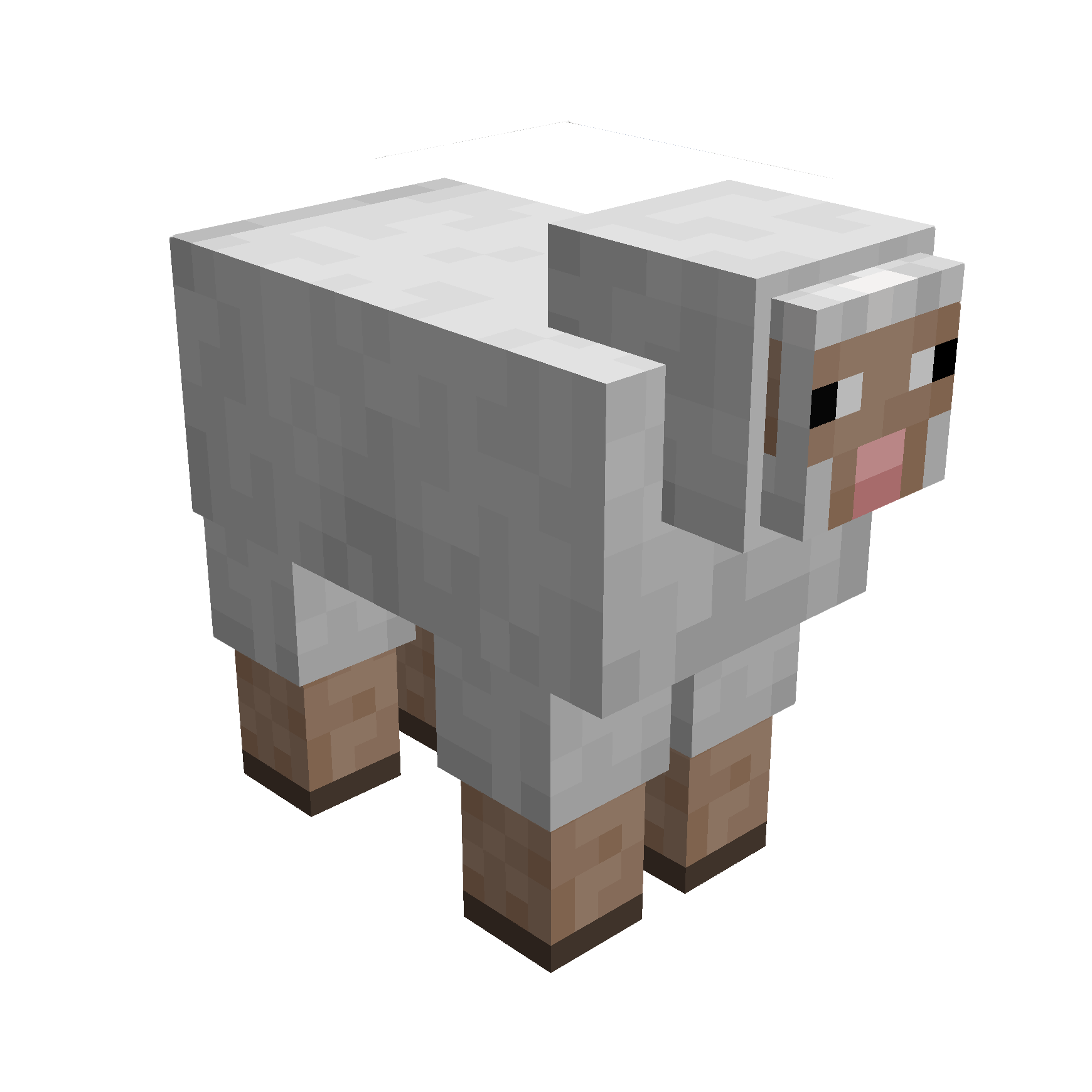
🪶 Capture Creatures
Simply right-click a mob with your suitcase to capture them.
While inside the pocket dimension you can change a mobs entry location with a lead.
Right-click a mob inside your pocket dimension with a key to release them.

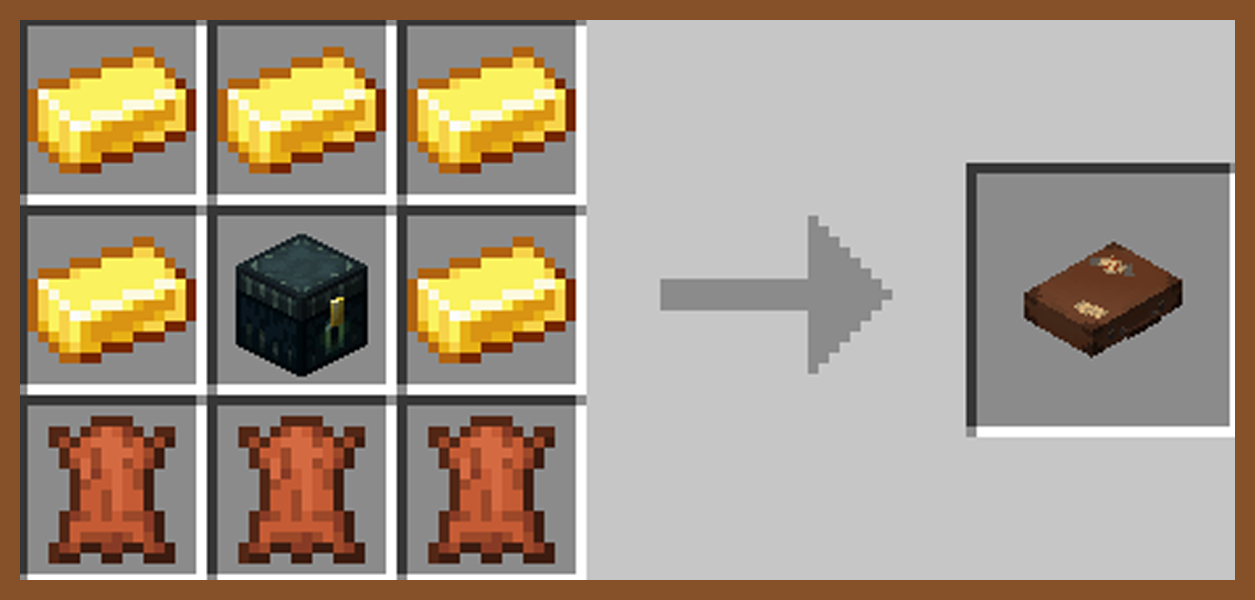
Traveller's Key
Traveller's Suitcase
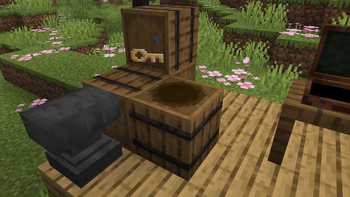
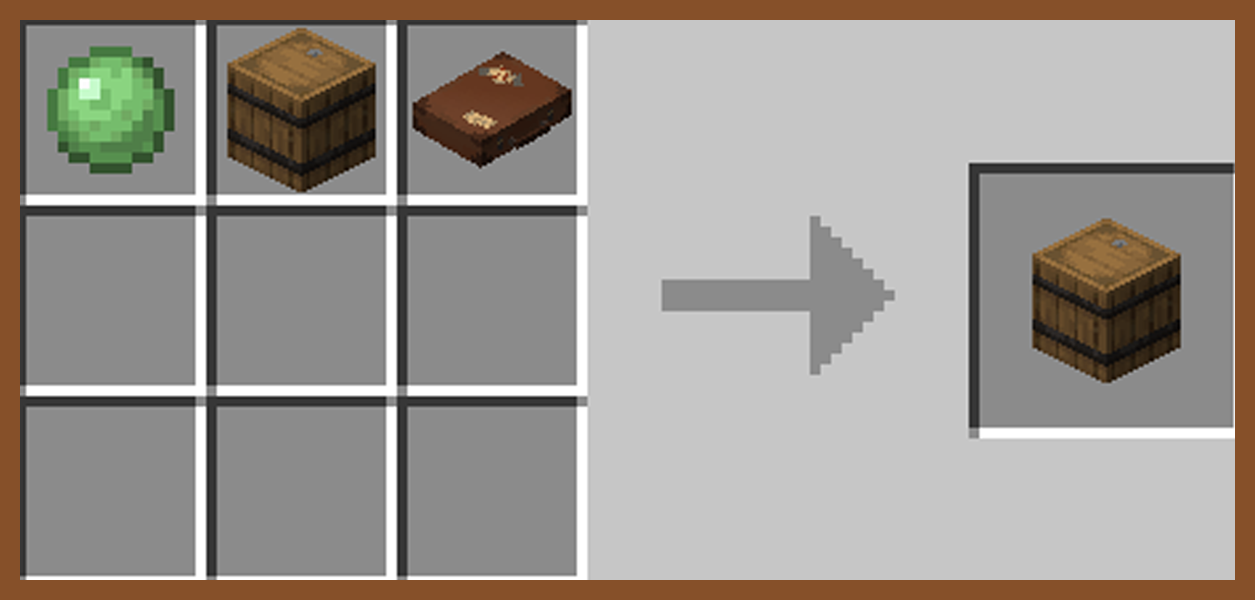
Secret Barrel

🧩 Compatibilities
This mod is singleplayer and multiplayer friendly.
Required on client and server if using on a server.
This is a Fabric mod, requiring Fabric API.
If using Sinytra Connector (Forge), reload your world after entring a pocket dimension for the first time to avoid bugs.
📟 Commands
Set Captured Mobs Entry Point: Must be in a pocket dimension
/pocketRepose setMobEntry
Set Player Entry Point: Must be in a pocket dimension
/pocketRepose setPlayerEntry
Reset Player Entry Point: Can be anywhere
/pocketRepose resetPlayerEntry
List Pocket Dimensions: Must be an OP
/pocketRepose listDimensions
Capture Mob Blacklist: Must be an OP
/pocketRepose MobBlacklist add/remove/list/clear
Can Capture Hostile Mobs: Must be an OP
/pocketRepose canCaptureHostile true/false (default false)
Spawn Pocket Island: Must be an OP
/pocketRepose spawnIsland true/false (default true)
If true, the pocket island will spawn when binding a new key.
If false, when binding a new key a grass block will spawn in place of the island.
Allow Recursion: Must be an OP
/pocketRepose allowRecursion true/false (default true)
Allows suitcases to work inside other suitcases.
Suitcases with the same will not work within a dimension of the same name.
❓ Q&A
Q: How do you enter a suitcase?
A: Craft a key and suitcase, rename the key in an anvil, right click the key, right click the suitcase with the key, then finaly sneak to enter.
Q: How are the pocket dimensions handled?
A: Pocket dimensions are linked to the keys, not the suitcases. Every time a key is renamed and bound, a new dimension is created under that specific name.
Names can be shared or kept secret.
Q: What if my suitcase and key are destroyed?
A: Make a new key and rename it with the original name. Pocket dimensions cannot be lost.
🚧 Known Issues
Occasional teleport errors when attempting to leave if a player is carrying multiple suitcases with the same name as the dimension you are in.
Available Versions
How to Install Pocket Repose on Your Server
Order Server
Order a Minecraft Java server with at least 3 GB RAM (4 GB recommended).
Set fabric Loader
In the panel under "Egg", select the fabric loader and matching Minecraft version (1.21.1).
Install Mod
Open the mod browser in the dashboard and search for "Pocket Repose". Click "Install" – done! Alternatively, upload the .jar via SFTP to the /mods folder.
Compatibility
Mod Loaders
Minecraft Versions
1.21.1, 1.20.1
Server-side
✓ RequiredRecommended RAM
4 GB(min. 3 GB)Frequently Asked Questions
Pocket Repose server crashes on startup – what to do?
Most common cause: wrong fabric version or insufficient RAM. Check the server log (latest.log) for "OutOfMemoryError" or "Mixin" errors. With Mado Hosting: ensure at least 3 GB RAM is allocated and the loader matches the mod version (1.21.1). You can switch loaders with one click in the panel.
Is Pocket Repose compatible with fabric?
Pocket Repose officially supports fabric for Minecraft 1.21.1, 1.20.1. The Mado dashboard automatically detects incompatible loader combinations.
Server lagging with Pocket Repose – how to optimize performance?
Recommended RAM: 4 GB (per 8 players). Use /spark profiler to check if Pocket Repose consumes the most tick time. Common fixes: reduce server view-distance to 8-10, install "performant" or "starlight" as supplementary mods on Forge. With Mado Hosting, your server runs on NVMe SSDs with dedicated CPU cores for minimal latency.
Similar Mods




Rent Modded Server
Install Pocket Repose with just one click on your server.