
Screenshots
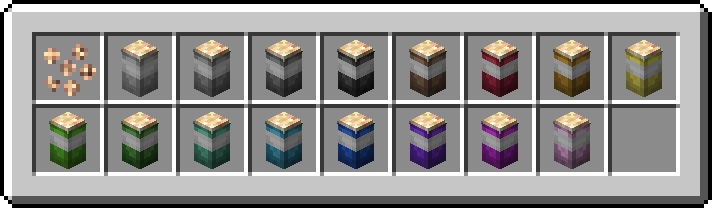
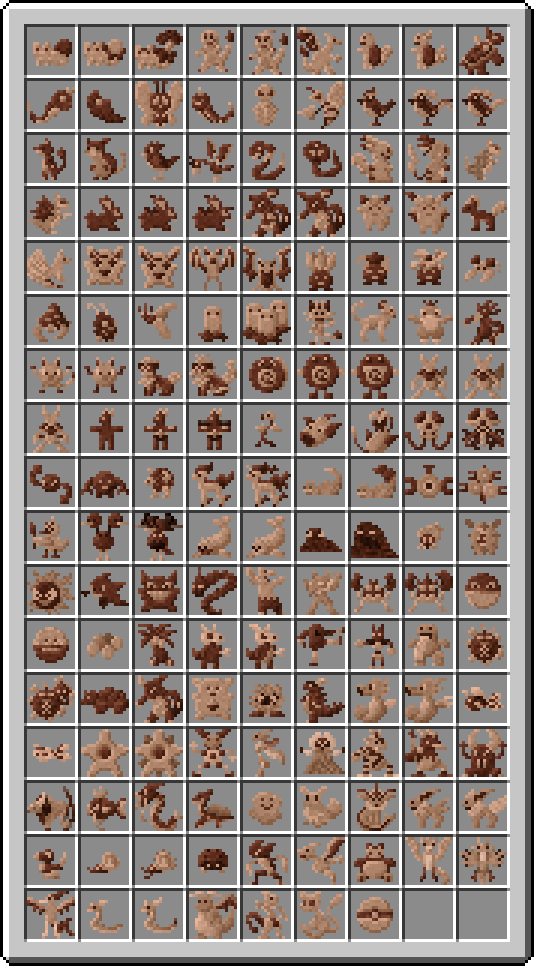
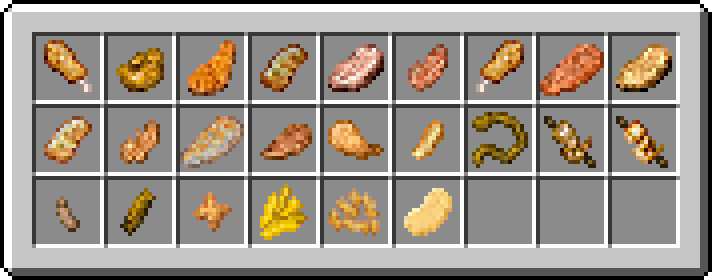
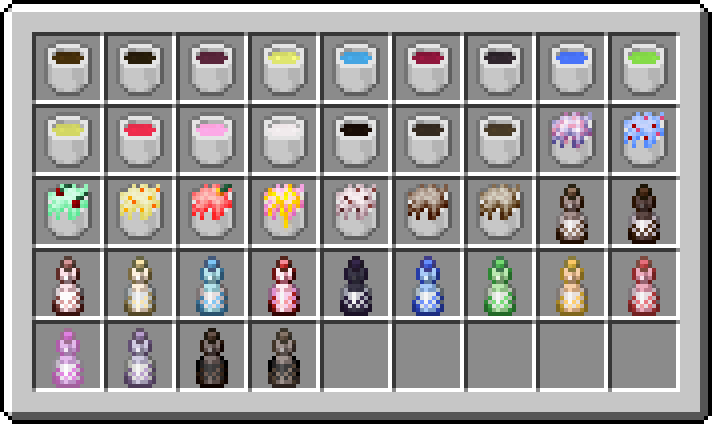
About this Mod
As the new 1.2 updates (actual and comming) overhaul old systems PLEASE read the changelogs before updating, blocks may disappear from your worlds !
ALWAYS MAKE BACKUP BEFORE ADDING OR UPDATING MODS !!!!!
The next PokeFood update FESTIVITIES is progressing nicely, but it is still in development !
Btw, the code name doesn't represent what is in the update ! It's just based on the update's final banner

If you find a bug, please report it ! i'll fix it asap !
This mod aim to add food to the COBBLEMON mod, meaning some features won't be implemented untill sometimes.
Also fabric isn't supported for now and may never be.
Almost all the food can be crafted either on a crafting table, or the mod's custom crafting systems, It's higly recomended to use JEI (for normal recipes) and PATCHOULI (you'll be able to craft some books that explains most of what can be made in pokefood (foodwise only for now)
Also check the brand new curry extension for this mod here !

The mod will never be backported !
It is highly recommanded to keep the mod up to date as much as possible as it either implement new bug fixes or add new content, if you are interested with my naming process it is as follow:
- X.... the first number is the main version, it change only when a specific goal is reached (ex 0.9 to 1.0 when all that was planned was fully added);
- ..X.. the second number is the importance version, it change only when a great amount of change appens (ex:1.0 to 1.1);
- ....X the letter, it indicate the hotfix / bugfix or added content that fix problems or isn't big enough to be kept for a new update.
Available Versions
How to Install PokeFood on Your Server
Order Server
Order a Minecraft Java server with at least 4 GB RAM (6 GB recommended).
Set forge Loader
In the panel under "Egg", select the forge loader and matching Minecraft version (1.20.1).
Install Mod
Open the mod browser in the dashboard and search for "PokeFood". Click "Install" – done! Alternatively, upload the .jar via SFTP to the /mods folder.
Compatibility
Mod Loaders
Minecraft Versions
1.20.1, 1.19.4, 1.19.2
Server-side
✓ RequiredRecommended RAM
6 GB(min. 4 GB)Frequently Asked Questions
PokeFood server crashes on startup – what to do?
Most common cause: wrong forge version or insufficient RAM. Check the server log (latest.log) for "OutOfMemoryError" or "Mixin" errors. With Mado Hosting: ensure at least 4 GB RAM is allocated and the loader matches the mod version (1.20.1). You can switch loaders with one click in the panel.
Is PokeFood compatible with forge?
PokeFood officially supports forge for Minecraft 1.20.1, 1.19.4, 1.19.2. The Mado dashboard automatically detects incompatible loader combinations.
Server lagging with PokeFood – how to optimize performance?
Recommended RAM: 6 GB (per 5 players). Use /spark profiler to check if PokeFood consumes the most tick time. Common fixes: reduce server view-distance to 8-10, install "performant" or "starlight" as supplementary mods on Forge. With Mado Hosting, your server runs on NVMe SSDs with dedicated CPU cores for minimal latency.
Similar Mods




Rent Modded Server
Install PokeFood with just one click on your server.