
Portals & Dimensions
Create custom portals with configurable frames and linked custom dimensions. Build dimensions with math formula terrain, vanilla noise, or flat/void worlds.
About this Mod
Portals & Dimensions
Create fully customizable portals linked to procedurally generated dimensions — all from an intuitive in-game GUI.
Features
Custom Portals
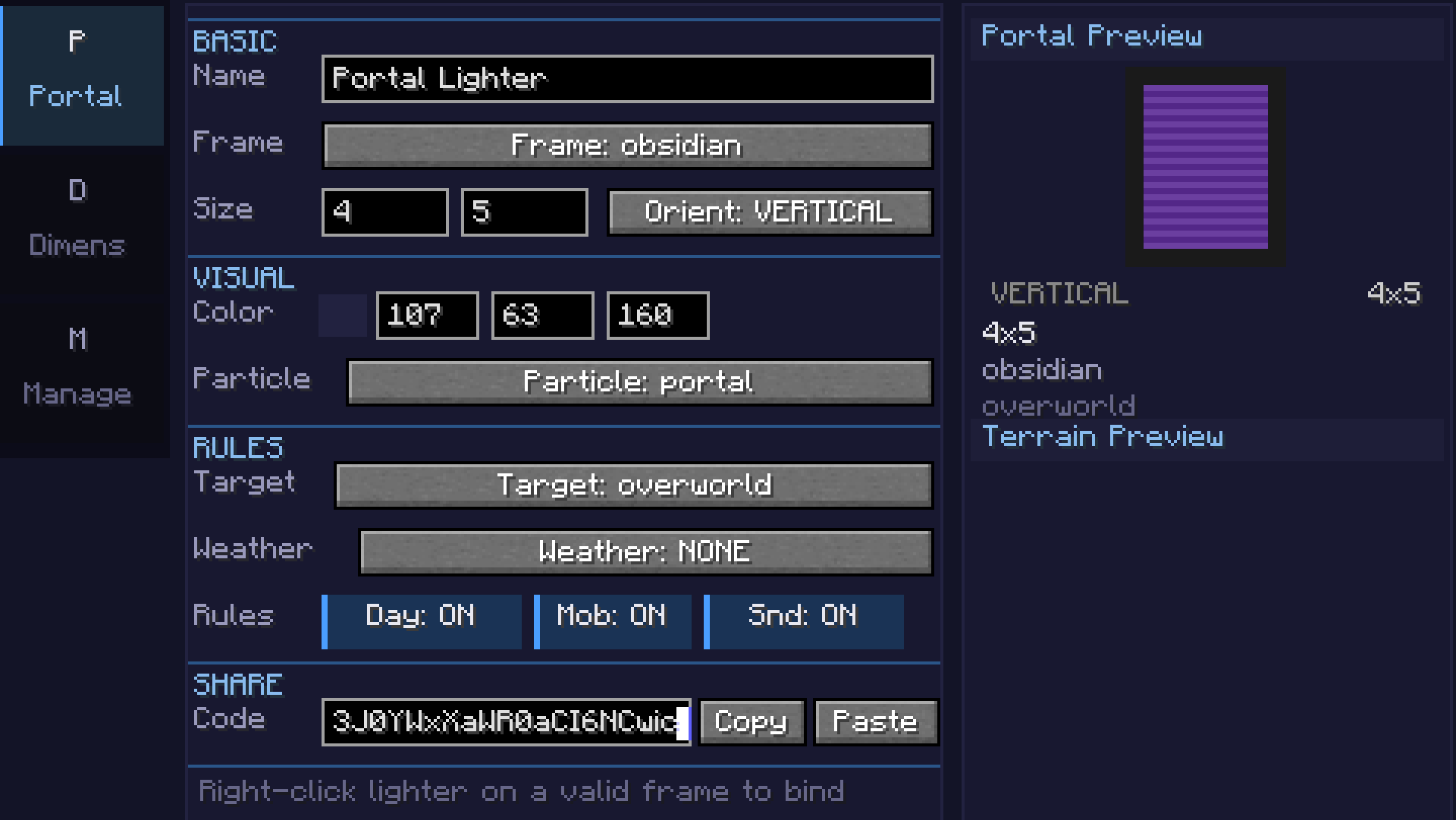
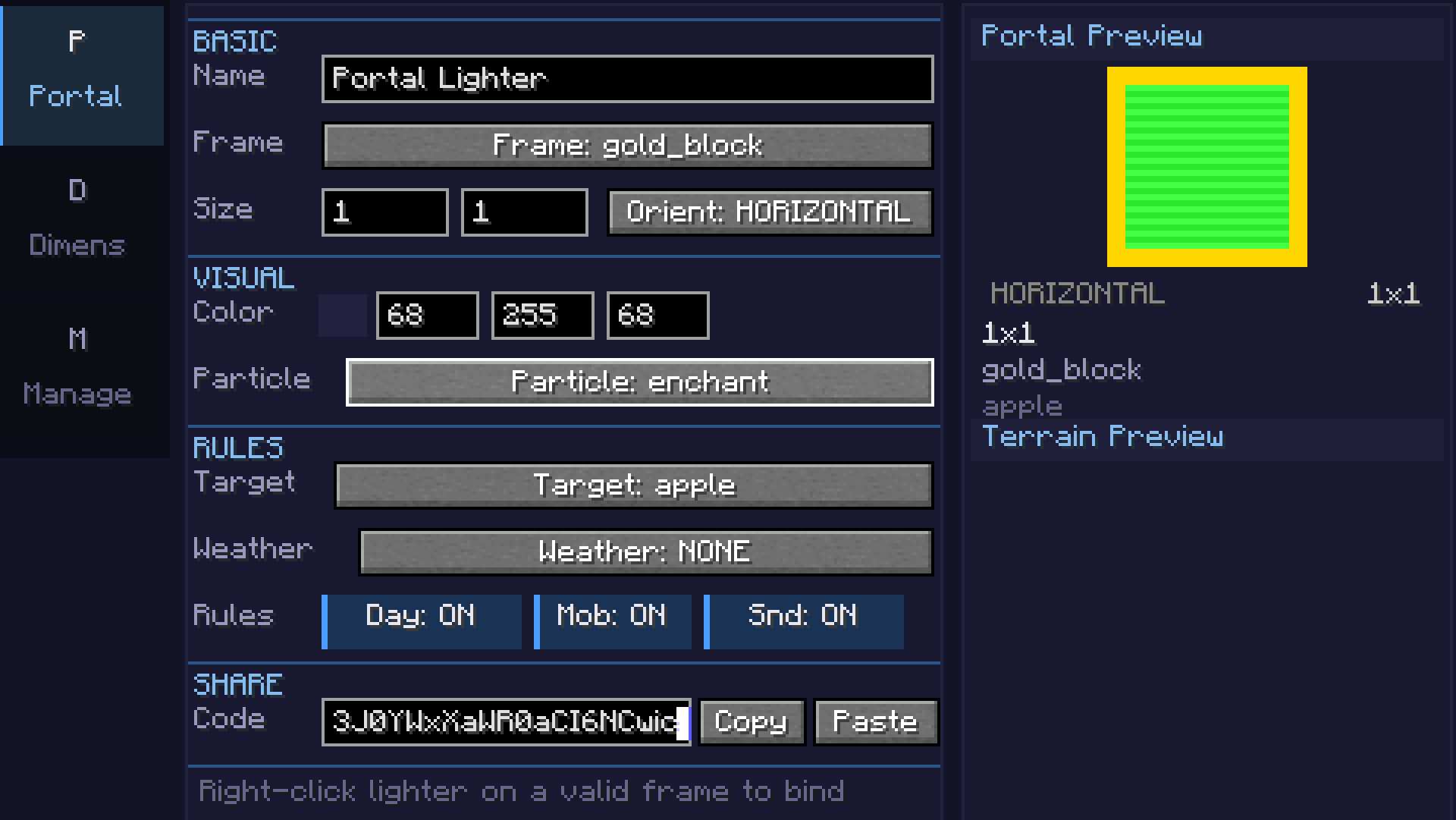
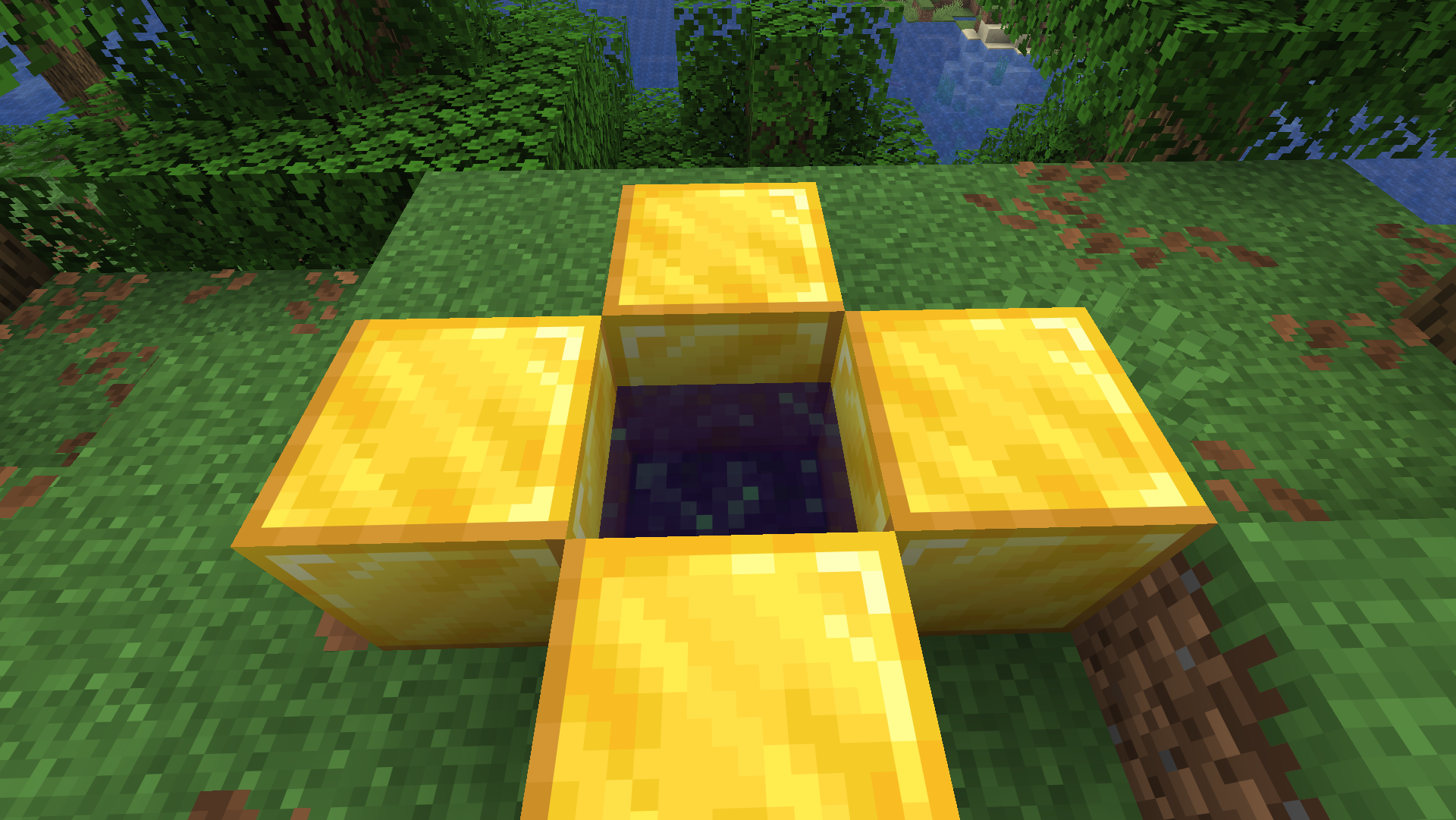
- Build portal frames from any solid block (obsidian, diamond, gold, etc.)
- Adjustable portal size (width x height)
- Configurable 24-bit portal color with live preview
- Horizontal and vertical portal orientations
- Color picker with palette, recent colors, and RGB input
Custom Dimensions
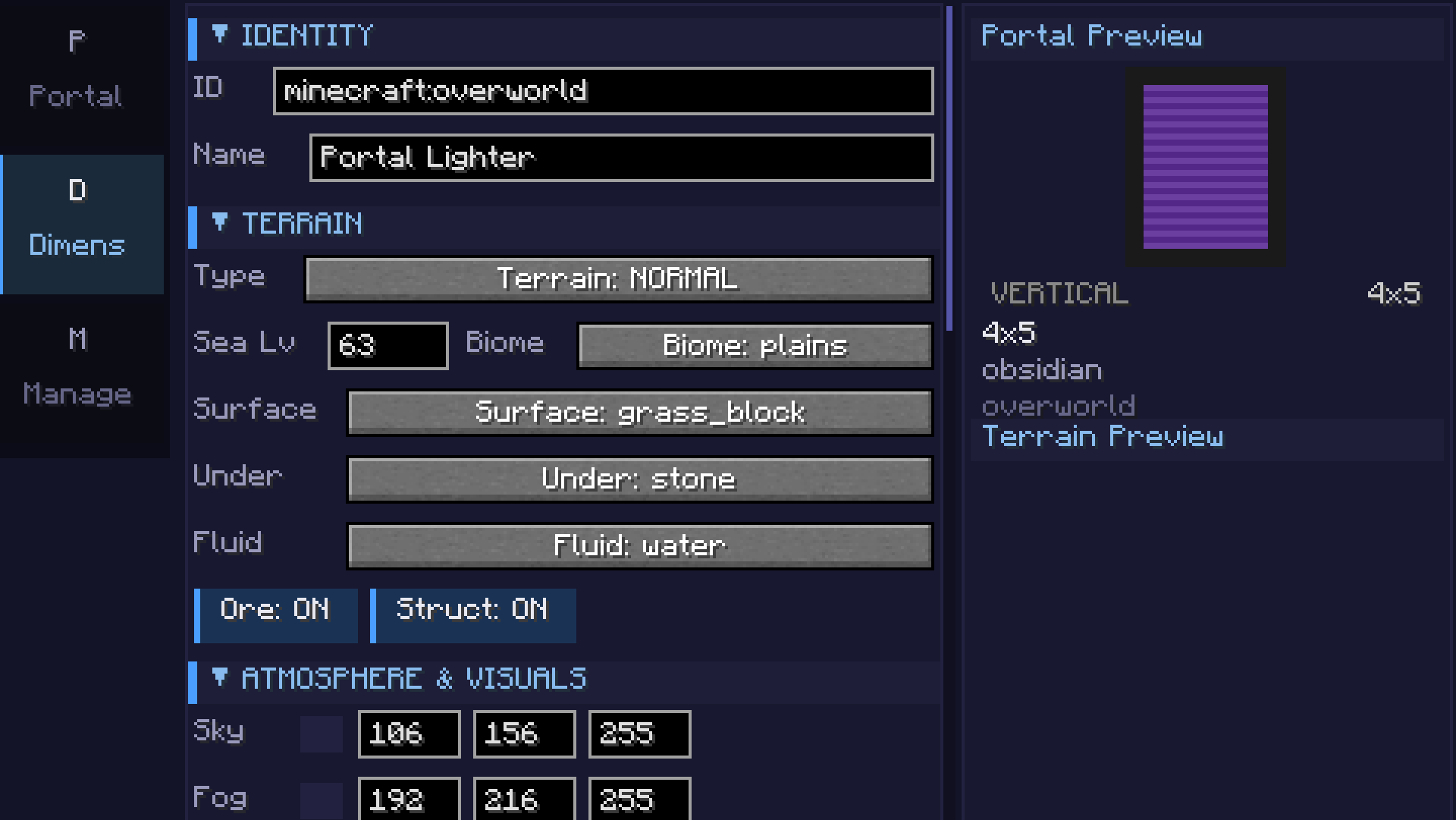
- 7 terrain types: Void, Flat, Normal, Amplified, Nether, End, and Math formula
- Math terrain: Define terrain with
sin,cos,noise,perlin,fbm, and custom expressions - supports 2D heightmap and full 3D density - Coordinate scale slider for terrain stretch/compression
- Smooth terrain toggle for natural-looking slopes
- Configurable sea level, surface/underground/fluid blocks
- Cave generation with adjustable density
- Ore generation (coal, iron, copper, gold, redstone, diamond, lapis)
- Structure generation (villages, temples, etc.) - toggleable
- Mixed biome support with Perlin-noise-based transitions
Atmosphere
- Sky, fog, ambient light, water, and cloud color customization
- Fog density control
- Skylight, ceiling, and ultrawarm dimension properties
- Light level override (0-15)
- Configurable ambient particles (portal, end rod, soul fire, lava, etc.)
Game Rules (per-dimension)
- Day/night cycle & fixed time
- Mob spawning, natural spawning, PvP, fall damage, fire spread
- Keep inventory, bed works, respawn allowed
- Weather lock (clear, rain, thunder)
- Gravity multiplier
Commands
/pdims list— List all configured custom dimensions/pdims tp <dimension>— Teleport to a custom dimension/pdims info <dimension>— View dimension configuration details/pdims reload— Reload dimension configs from file
Screenshots
Math Formula Terrain
| Category | Example | Description |
|---|---|---|
| 2D Basic | sin(x/10)*cos(z/10)*20 + 50 |
Rolling hills |
| 2D Intermediate | noise(x/20,z/20)*30 + 60 |
Smooth noise terrain |
| 2D Advanced | fbm(x/40,z/40,4,2,0.5)*40 + 50 |
Fractal mountains |
| 3D | fbm(x/30,y/15,z/30,3,2,0.5) > 0.5 |
Floating islands / caves |
| Beginner | abs(x/10) + abs(z/10) * 2 + 40 |
Valley |
Available functions: sin, cos, tan, abs, sqrt, pow, min, max, mod, floor, ceil, round, noise(x,z), perlin(x,y,z), fbm(x,y,z,octaves,lacunarity,gain), if(cond, a, b), random(x,z), dist(x,z), gauss(x,z), mix(a,b,t), remap(v, inLo, inHi, outLo, outHi)
Requirements
- Minecraft 26.1.x
- Fabric Loader 0.18.5+
- Fabric API 0.145.3+
Getting Started
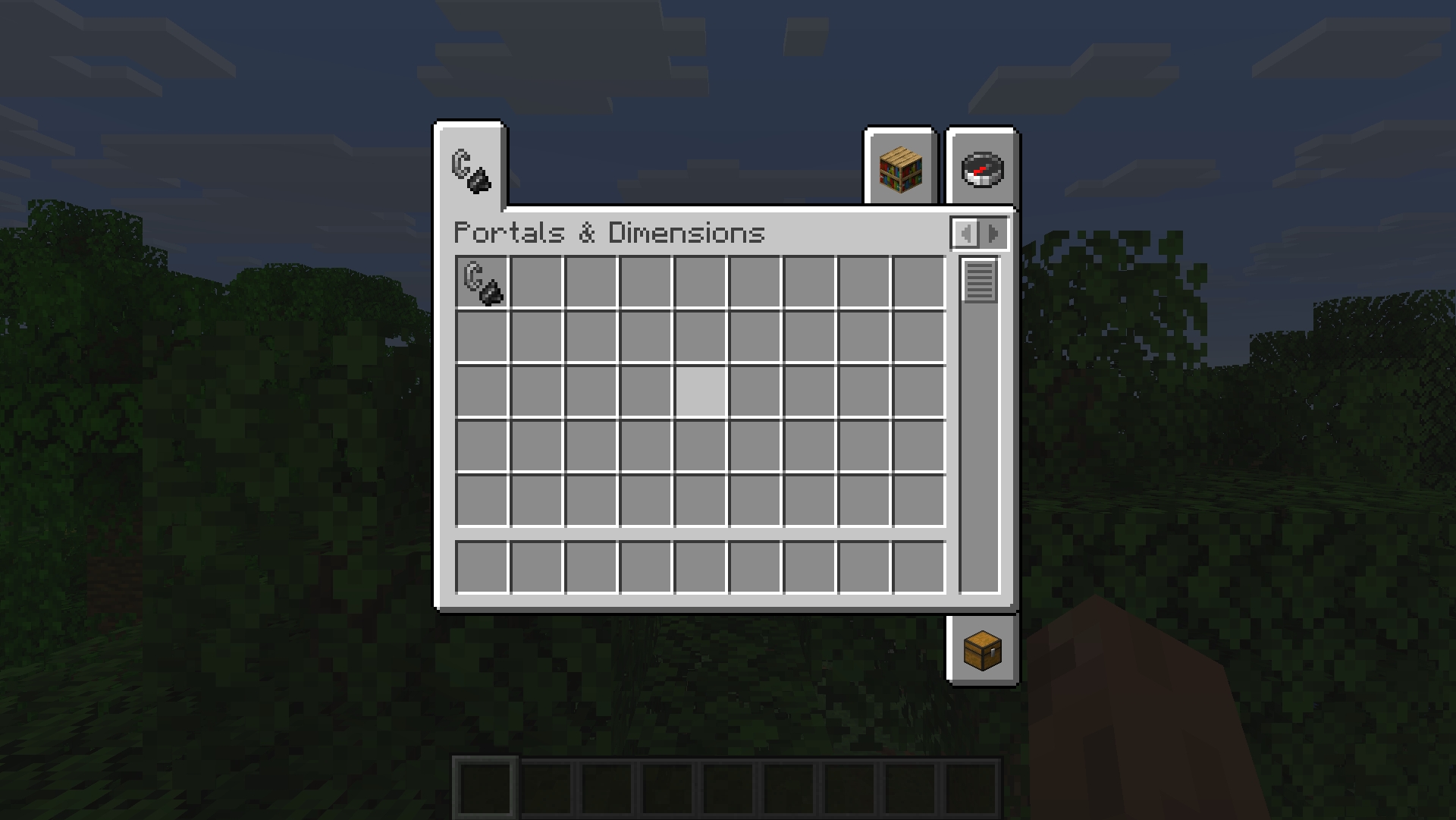
- Craft or get the Portals & Dimensions lighter (creative tab or
/give) - Right-click to open the configuration GUI
- Portals tab: Set frame block, portal color, and size
- Dimension tab: Configure terrain type, formula, biome, colors, and game rules
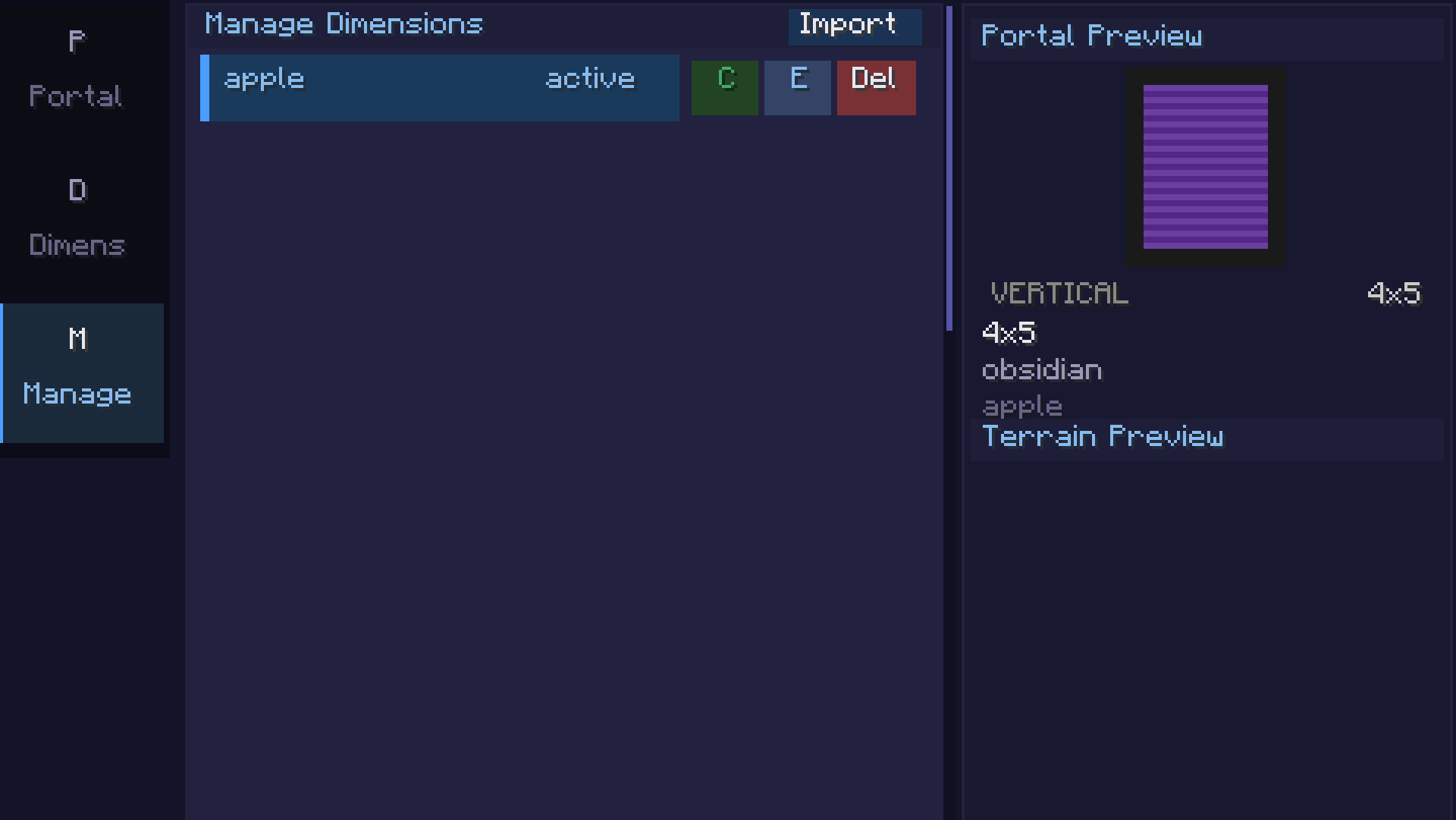
- Manage tab: Save, clone, export, or import dimension configs
- Light a portal frame with the configured lighter to create a linked portal
Available Versions
How to Install Portals & Dimensions on Your Server
Order Server
Order a Minecraft Java server with at least 4 GB RAM (6 GB recommended).
Set fabric Loader
In the panel under "Egg", select the fabric loader and matching Minecraft version (26.1.2).
Install Mod
Open the mod browser in the dashboard and search for "Portals & Dimensions". Click "Install" – done! Alternatively, upload the .jar via SFTP to the /mods folder.
Compatibility
Mod Loaders
Minecraft Versions
26.1.2
Server-side
✗ UnsupportedRecommended RAM
6 GB(min. 4 GB)Frequently Asked Questions
Portals & Dimensions server crashes on startup – what to do?
Most common cause: wrong fabric version or insufficient RAM. Check the server log (latest.log) for "OutOfMemoryError" or "Mixin" errors. With Mado Hosting: ensure at least 4 GB RAM is allocated and the loader matches the mod version (26.1.2). You can switch loaders with one click in the panel.
Is Portals & Dimensions compatible with fabric?
Portals & Dimensions officially supports fabric for Minecraft 26.1.2. The Mado dashboard automatically detects incompatible loader combinations.
Server lagging with Portals & Dimensions – how to optimize performance?
Recommended RAM: 6 GB (per 5 players). Use /spark profiler to check if Portals & Dimensions consumes the most tick time. Common fixes: reduce server view-distance to 8-10, install "performant" or "starlight" as supplementary mods on Forge. With Mado Hosting, your server runs on NVMe SSDs with dedicated CPU cores for minimal latency.
Similar Mods




Rent Modded Server
Install Portals & Dimensions with just one click on your server.