
Potato's Potater Bombs
A new take on Minecraft's throwable explosives featuring a vegetable.
Screenshots
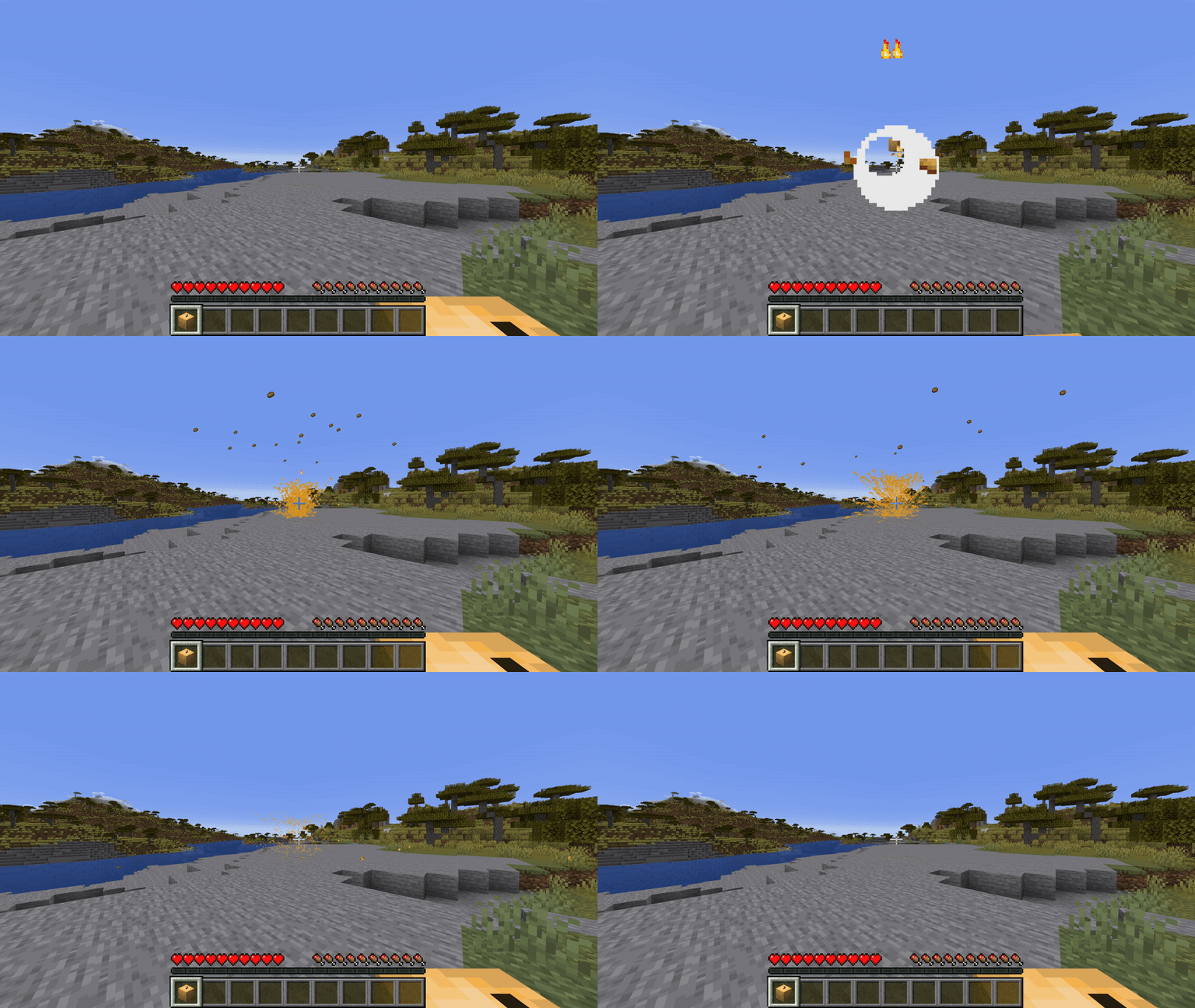
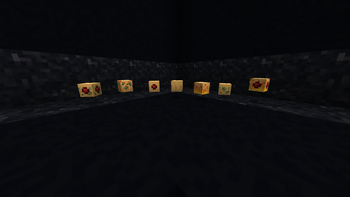
About this Mod
Potato's Potater Bombs
Potato's Potater Bombs is a Datapack with a new take on the so often used throwable bombs in mods. Potater Bombs goal is to be as user friendly as possible for the average player, well still providing depth for players who wish to make use of the more advanced features.
This Datapack has no resource pack!
Potater Basics
Potater Bombs are easy to make with a few simple steps
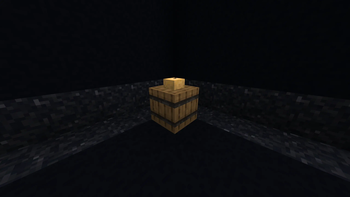
- First make a Potater Station by throwing a potato on an empty barrel anywhere in the world.
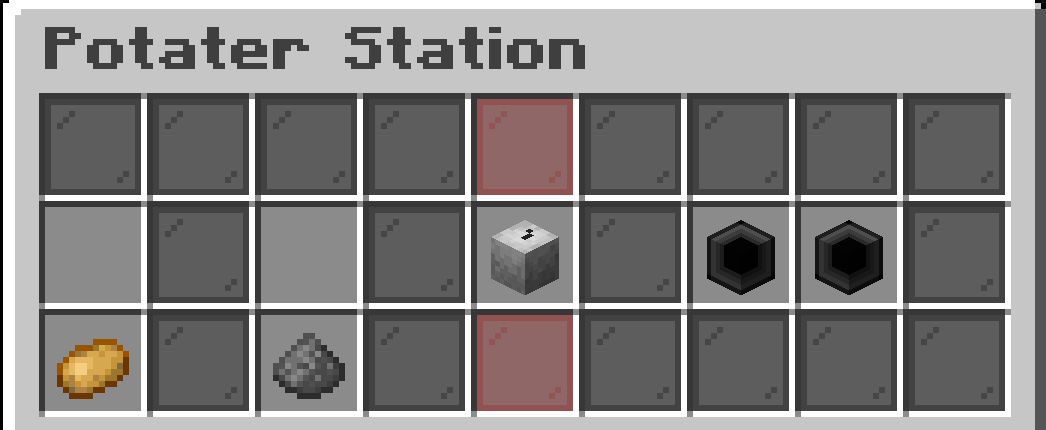
- Then open the Potater Station, you should see something that looks like this:
- In order to make your first Potater you are going to need gunpowder and normal potatoes. Then put them above their indicated slots.
- Once that is complete you should see the grayscale Potater then gain color, you can take that out and claim your Potater Bomb.
Using Potaters
Using a Potater Bomb is as simple as holding it and left clicking! Notice it loses durability in it's description whenever it gets used.
Potater Bombs do not destroy blocks, TNT still needs to have a purpose and this makes sure it does.
Modifying
During the Potater creation process you can modify the end result by using certain items or increasing the quantity of the base ingredients.
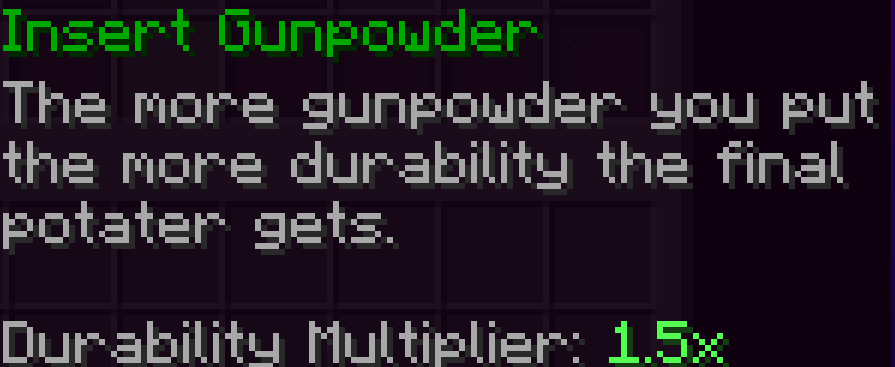
Increasing the quantity of the basic ingredients gives your Potater more durability! Potatoes increase the durability of a Potater at a rate of 1x, while Gunpowder increases it at a rate of 1.5x! Up to a max of 182 durability to a Potater!
Modifier Slots
This is the main thing that sets this throwable bombs idea apart from others. You can modify the Potaters you make using these. Sometimes completely changing the functionality.
To add modifiers to the Potater head over to your Potater station and insert any of the allowed items the modifier slot says. Currently these items are:
- Baked Potatoes
- Poisonous Potatoes
- Redstone Dust
Modifiers can be taken out by just clicking the modifier slot again.
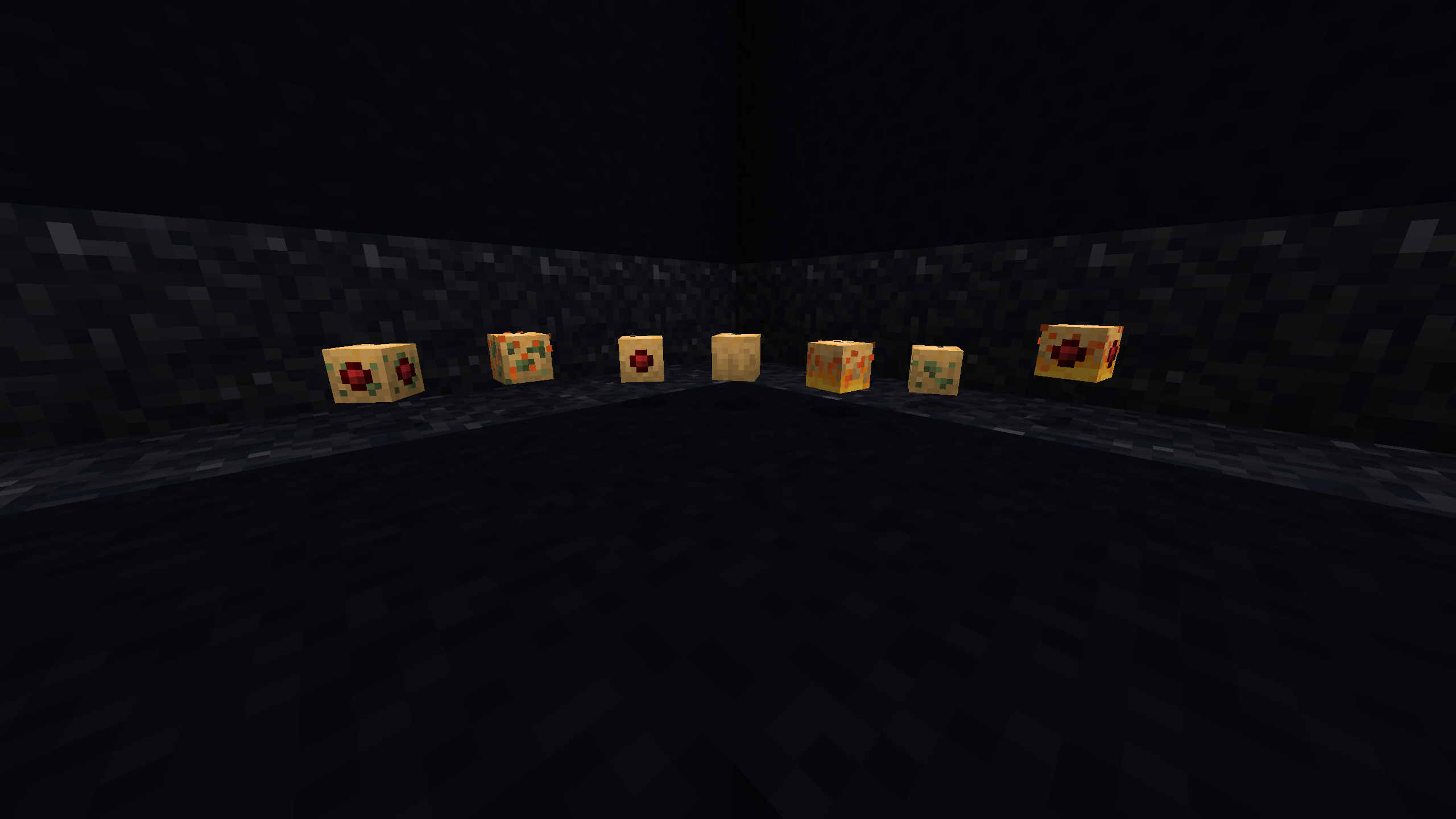
Experiment to see what combinations do!
Available Versions
How to Install Potato's Potater Bombs on Your Server
Order Server
Order a Minecraft Java server with at least 3 GB RAM (4 GB recommended).
Set datapack Loader
In the panel under "Egg", select the datapack loader and matching Minecraft version (1.19.3).
Install Mod
Open the mod browser in the dashboard and search for "Potato's Potater Bombs". Click "Install" – done! Alternatively, upload the .jar via SFTP to the /mods folder.
Compatibility
Mod Loaders
Minecraft Versions
1.19.3, 1.19.2, 1.19.1 (+1 more)
Server-side
✓ RequiredRecommended RAM
4 GB(min. 3 GB)Frequently Asked Questions
Potato's Potater Bombs server crashes on startup – what to do?
Most common cause: wrong datapack version or insufficient RAM. Check the server log (latest.log) for "OutOfMemoryError" or "Mixin" errors. With Mado Hosting: ensure at least 3 GB RAM is allocated and the loader matches the mod version (1.19.3). You can switch loaders with one click in the panel.
Is Potato's Potater Bombs compatible with datapack and fabric and forge and quilt?
Potato's Potater Bombs officially supports datapack, fabric, forge, quilt for Minecraft 1.19.3, 1.19.2, 1.19.1. Note: Forge and Fabric mods are NOT cross-compatible – pick one loader and stick with it. The Mado dashboard automatically detects incompatible loader combinations.
Server lagging with Potato's Potater Bombs – how to optimize performance?
Recommended RAM: 4 GB (per 8 players). Use /spark profiler to check if Potato's Potater Bombs consumes the most tick time. Common fixes: reduce server view-distance to 8-10, install "performant" or "starlight" as supplementary mods on Forge. With Mado Hosting, your server runs on NVMe SSDs with dedicated CPU cores for minimal latency.
Rent Modded Server
Install Potato's Potater Bombs with just one click on your server.