
PotatoMode – Smart FPS Booster
PotatoMode is a lightweight Fabric client mod that automatically boosts FPS by dynamically adjusting video settings during lag. Designed for low-end PCs, it reduces stutters, detects lag spikes, and includes a one-click MAX FPS mode fo
Screenshots
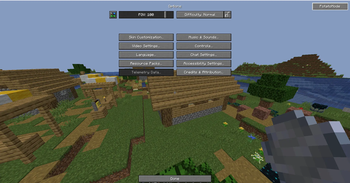

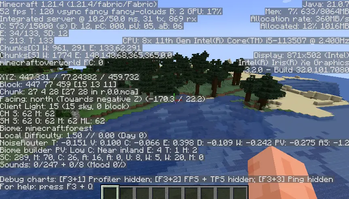
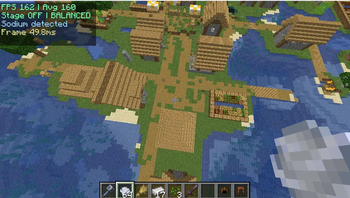

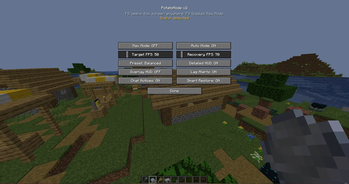
About this Mod
Love the clear, player‑friendly writeup you already have; here’s a refreshed version that matches the v2 upgrade and keeps your tone.
PotatoMode v2 – Smart FPS Booster (Fabric 1.21.4)
PotatoMode v2 is a lightweight, client‑side Fabric mod that boosts performance on low‑end systems by dynamically adjusting Minecraft’s built‑in video settings using real‑time FPS monitoring.
This mod does not replace the renderer or inject custom graphics pipelines. It simply manages vanilla options intelligently to reduce load when needed.
How It Works (Technical Explanation)
PotatoMode v2 continuously samples client FPS and frame time.
When performance drops below a configurable target, the mod applies staged optimizations in steps (Light, Medium, Heavy) instead of a single hard switch. These stages can be tuned with presets:
Balanced, Aggressive, and Extreme.
When FPS recovers above a separate Recovery FPS value, PotatoMode can gradually restore your original settings using Smart Restore.
Affected vanilla settings may include:
Render distance
Simulation distance
Particle count
Entity distance scaling
Cloud rendering
Smooth lighting
Biome blend
Mipmap levels
The mod is client‑only and never changes:
Game logic
World generation
Server performance
Renderer internals
It only modifies existing Minecraft client video settings.
Features
Staged FPS‑based optimization (Light, Medium, Heavy)
One‑click MAX FPS mode
Configurable Recovery FPS + Smart Restore
3 tuning presets: Balanced, Aggressive, Extreme
Lag spike detection
Expanded HUD with avg FPS and frame time (optional)
Hotkeys: F8 opens settings, F9 toggles Max Mode
Sodium‑friendly access to the config screen
Fully configurable
Intended Audience
Low‑end PCs
Integrated graphics users
Players who experience FPS drops in dense environments
Users who want automatic optimization without manual tweaking
Disclaimer
This mod does not guarantee a fixed FPS increase. Performance gains depend on hardware, installed mods, and in‑game conditions.
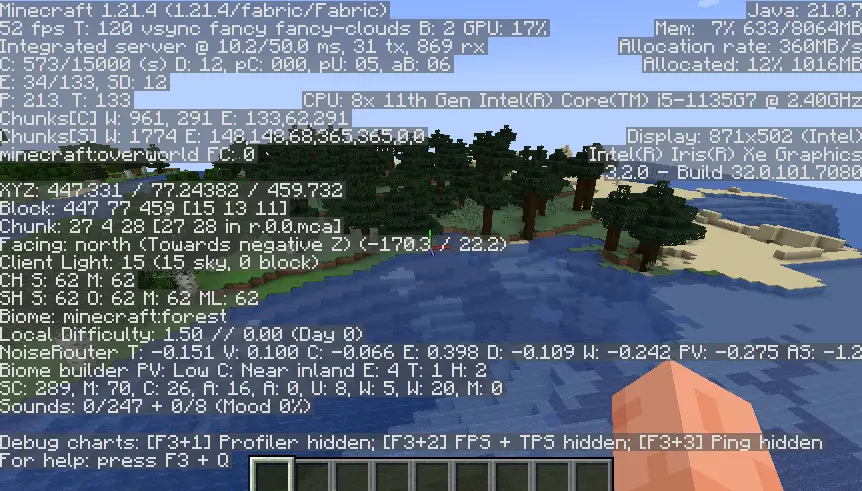
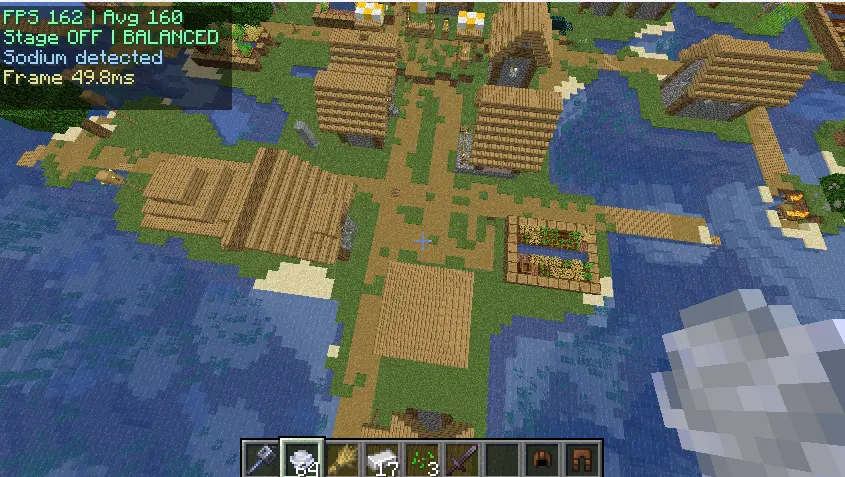
Available Versions
How to Install PotatoMode – Smart FPS Booster on Your Server
Order Server
Order a Minecraft Java server with at least 3 GB RAM (4 GB recommended).
Set fabric Loader
In the panel under "Egg", select the fabric loader and matching Minecraft version (1.21.4).
Install Mod
Open the mod browser in the dashboard and search for "PotatoMode – Smart FPS Booster". Click "Install" – done! Alternatively, upload the .jar via SFTP to the /mods folder.
Compatibility
Mod Loaders
Minecraft Versions
1.21.4
Server-side
✗ UnsupportedRecommended RAM
4 GB(min. 3 GB)Frequently Asked Questions
PotatoMode – Smart FPS Booster server crashes on startup – what to do?
Most common cause: wrong fabric version or insufficient RAM. Check the server log (latest.log) for "OutOfMemoryError" or "Mixin" errors. With Mado Hosting: ensure at least 3 GB RAM is allocated and the loader matches the mod version (1.21.4). You can switch loaders with one click in the panel.
Is PotatoMode – Smart FPS Booster compatible with fabric?
PotatoMode – Smart FPS Booster officially supports fabric for Minecraft 1.21.4. The Mado dashboard automatically detects incompatible loader combinations.
Server lagging with PotatoMode – Smart FPS Booster – how to optimize performance?
Recommended RAM: 4 GB (per 8 players). Use /spark profiler to check if PotatoMode – Smart FPS Booster consumes the most tick time. Common fixes: reduce server view-distance to 8-10, install "performant" or "starlight" as supplementary mods on Forge. With Mado Hosting, your server runs on NVMe SSDs with dedicated CPU cores for minimal latency.
Rent Modded Server
Install PotatoMode – Smart FPS Booster with just one click on your server.