
Protomod
Become a protogen!
Screenshots

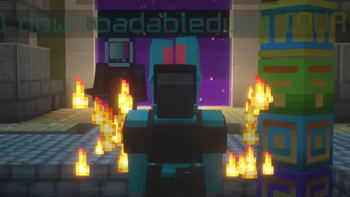
About this Mod

Protomod is the only Minecraft mod that allows you to transform into your own unique protogen, completely on the client.
Features
- Turn into your own fursona at the click of a button, and turn back to your normal Minecraft skin with another click!
- Completely client-sided and will work on any server
- Consistant, quick updates to the latest version of Minecraft
- Garunteed compatibility with all of your favorite mods
- Support for BOTH Fabric and Neoforge
- Custom animations
- The ability for users to change their protogen's texture easily
Turning into a Protogen (and back into a human)
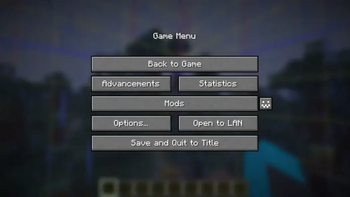
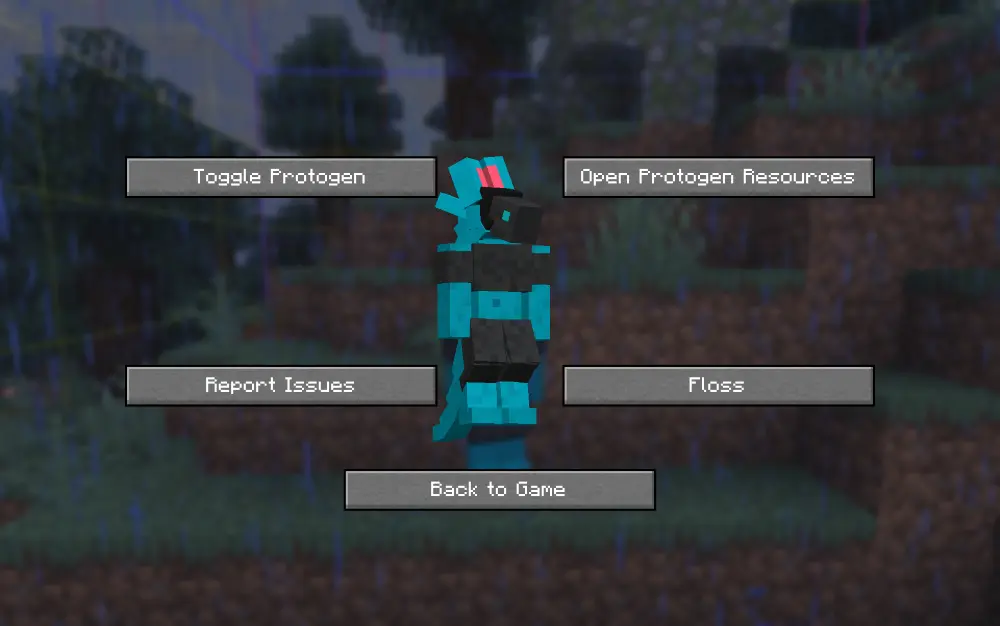
Unlike Minecraft, this mod allows you to switch your skin in-game through our config screen. If you view your options screen, you'll see a little button next to your mods button:
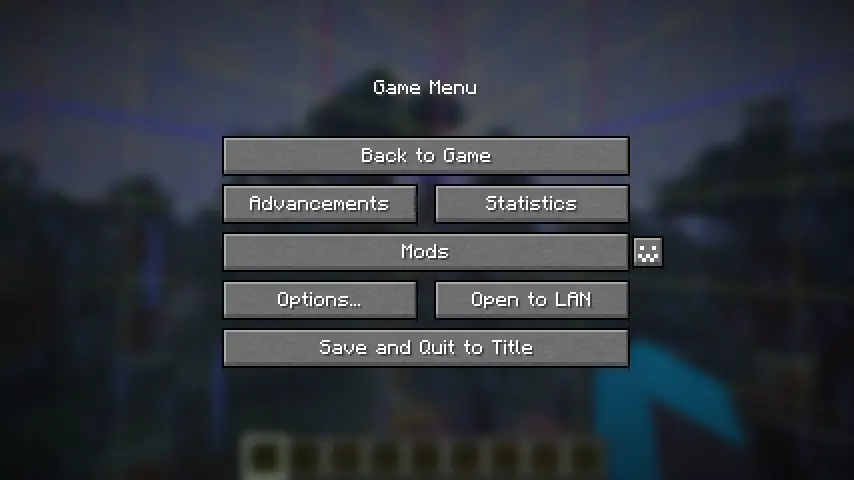
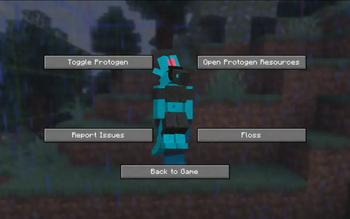
Click it to open the config menu, where you can access a variety of options, including toggling off your protogen.
Making your Own Protogen
By default, the skin of my own fursona, Ice, is coded into the mod. You can override this easily.
In order to do this, you can download the file protogen.bbmodel on my GitHub. From there, use Blockbench to re-color the protogen. The web app will work as well!
All of the modeling (so the shapes and objects that make up the protogen) are done for you, all you need to do is color it. An example protogen (the default one used in the mod) is available for download right here.

Once you have your texture, save it somewhere on your computer. Open up the config screen and click 'Open Protogen Resources.' Paste your texture there and rename it to 'protogen.png', and you should be good to go! Reload your resources.
Make sure that .png is the file extension and not part of the file's name.
Works on ANY server!
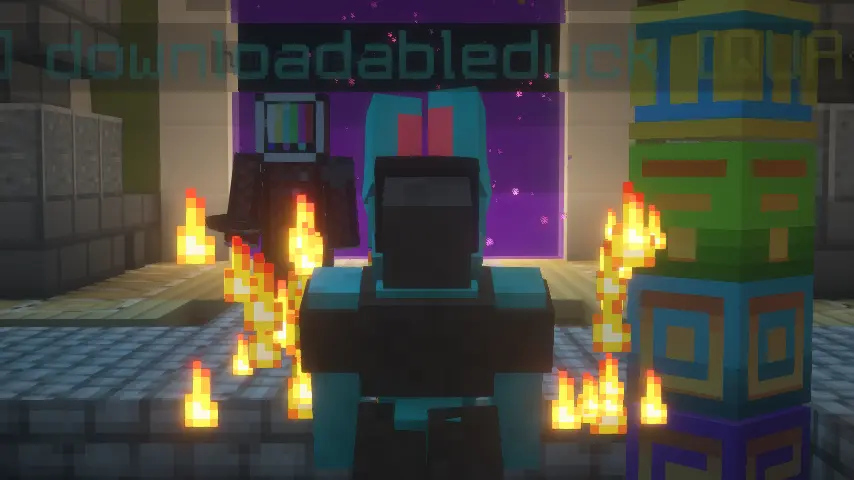
Only you will be a protogen when interacting with others. We hope to make this toggleable in the future.
Restrictions
- Your armor will not show up in the third person.
- Your items will not show up in the third person.
- Your hand in first person will still be the same as your default Minecraft skin.
Credits
- Thank you to Endles13 on Sketchfab for the original model, which this is based off of! (I had to manually transform it myself, but a lot of the cubes were just copy/pased.)
- Thank you to MemberCat Studios for open-sourcing the code of their ModelShifter mod! I never would have figured out how to change the model of the player without them.
Requirements
On Fabric, this mod requires the Fabric API, Mod Menu, and Geckolib. On Neoforge, this mod requires Geckolib.
Animations
Click here to view some of the animations!
Available Versions
How to Install Protomod on Your Server
Order Server
Order a Minecraft Java server with at least 3 GB RAM (4 GB recommended).
Set fabric Loader
In the panel under "Egg", select the fabric loader and matching Minecraft version (26.1.2).
Install Mod
Open the mod browser in the dashboard and search for "Protomod". Click "Install" – done! Alternatively, upload the .jar via SFTP to the /mods folder.
Compatibility
Mod Loaders
Minecraft Versions
26.1.2, 26.1.1, 26.1
Server-side
✗ UnsupportedRecommended RAM
4 GB(min. 3 GB)Frequently Asked Questions
Protomod server crashes on startup – what to do?
Most common cause: wrong fabric version or insufficient RAM. Check the server log (latest.log) for "OutOfMemoryError" or "Mixin" errors. With Mado Hosting: ensure at least 3 GB RAM is allocated and the loader matches the mod version (26.1.2). You can switch loaders with one click in the panel.
Is Protomod compatible with fabric and neoforge and quilt?
Protomod officially supports fabric, neoforge, quilt for Minecraft 26.1.2, 26.1.1, 26.1. The Mado dashboard automatically detects incompatible loader combinations.
Server lagging with Protomod – how to optimize performance?
Recommended RAM: 4 GB (per 8 players). Use /spark profiler to check if Protomod consumes the most tick time. Common fixes: reduce server view-distance to 8-10, install "performant" or "starlight" as supplementary mods on Forge. With Mado Hosting, your server runs on NVMe SSDs with dedicated CPU cores for minimal latency.
Similar Mods




Rent Modded Server
Install Protomod with just one click on your server.