
PVP Arena
Arena that will help you hone your skills in pvp
Screenshots
About this Mod

Description
An arena that will help you hone your PvP skills with a large number of settings that will help simulate real battles. Train with friends and become better!
How to use
It is advisable to create a new world first, because the arena can damage the current world. Do this at your own risk. If you are going to use the mod in an existing world, you must re-enter the world before using it.
The game is designed for 2, 3 or 4 players.
To place the arena in the world, you need to enter the command below and place the frame where you want to place the arena. After that, particles will show where the arena will be located and the settings screen. To confirm, you need to place the frame inside the frame you placed earlier.
/trigger bizcub.pvp_arena.give
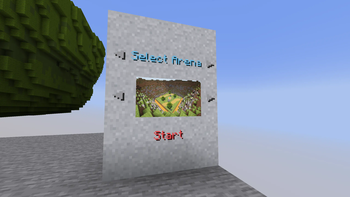
On the settings screen, you can select the arena, sets of weapons, armor, food, additional equipment and potions. After choosing, click the "Start" button.
After that, the players will be taken to the capsules and have a few seconds to prepare for battle. When the timer runs out, the players will be on the battlefield and will fight until the time runs out. The one who deals more damage wins.
After the game ends, the players will be teleported to the beginning and can start the game over.
Additional rules
Those who did not survive until the end of the battle will watch the game from the platform above the arena, and after the game ends, they will be teleported along with everyone else to the settings menu.
The space between the arena and the decorations deals damage if a player flies out of the arena and gets into this area.
Arenas
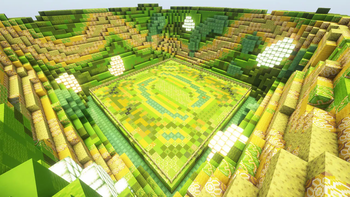
Each arena has its own unique feature.
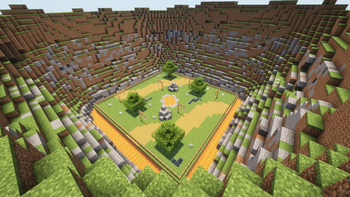
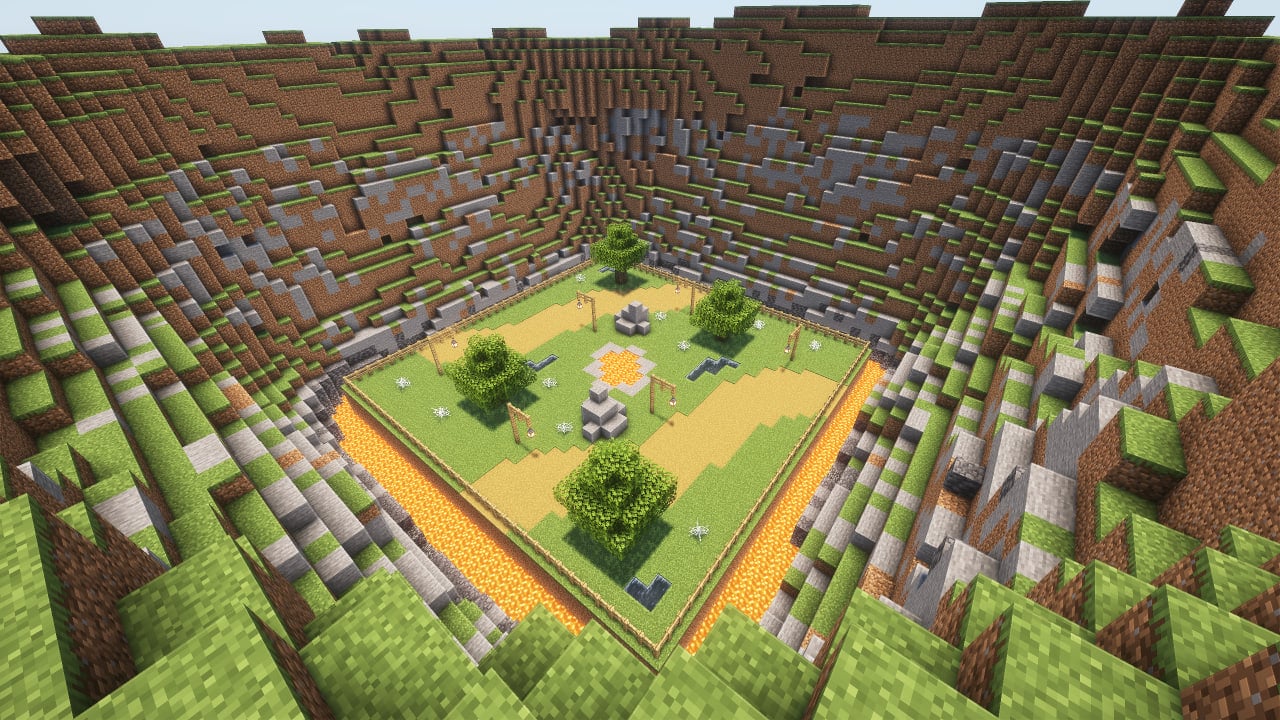
- Plains: obstacles in the arena in the form of lava, water and cobwebs.
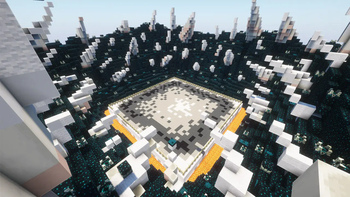
- Ice: ice and loose snow, which can easily be confused with ordinary snow.
- Fire: once a minute, fire appears from the ground for a while.
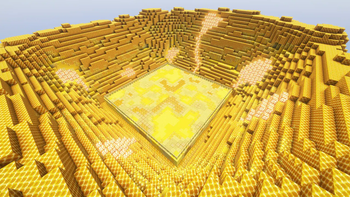
- Honey: In this arena, in addition to honey blocks that slow down the player, angry bees will appear, which will also hinder players.
- Water: water that slows down movement.
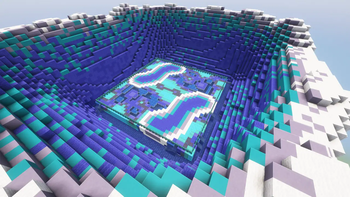
- Poison: slime blocks that slow down players, and also help to fly higher, and poison potions that are dropped on players from above.
- Skulk: the battle in the arena will take place in complete darkness, in which you need to navigate by sound.
Dependencies
- Fabric loader requires Fabric API
Available Versions
How to Install PVP Arena on Your Server
Order Server
Order a Minecraft Java server with at least 3 GB RAM (4 GB recommended).
Set datapack Loader
In the panel under "Egg", select the datapack loader and matching Minecraft version (26.1.2).
Install Mod
Open the mod browser in the dashboard and search for "PVP Arena". Click "Install" – done! Alternatively, upload the .jar via SFTP to the /mods folder.
Compatibility
Mod Loaders
Minecraft Versions
26.1.2, 26.1.2-rc-1, 26w14a (+27 more)
Server-side
✓ RequiredRecommended RAM
4 GB(min. 3 GB)Frequently Asked Questions
PVP Arena server crashes on startup – what to do?
Most common cause: wrong datapack version or insufficient RAM. Check the server log (latest.log) for "OutOfMemoryError" or "Mixin" errors. With Mado Hosting: ensure at least 3 GB RAM is allocated and the loader matches the mod version (26.1.2). You can switch loaders with one click in the panel.
Is PVP Arena compatible with datapack and fabric and forge and neoforge and quilt?
PVP Arena officially supports datapack, fabric, forge, neoforge, quilt for Minecraft 26.1.2, 26.1.2-rc-1, 26w14a. Note: Forge and Fabric mods are NOT cross-compatible – pick one loader and stick with it. The Mado dashboard automatically detects incompatible loader combinations.
Server lagging with PVP Arena – how to optimize performance?
Recommended RAM: 4 GB (per 8 players). Use /spark profiler to check if PVP Arena consumes the most tick time. Common fixes: reduce server view-distance to 8-10, install "performant" or "starlight" as supplementary mods on Forge. With Mado Hosting, your server runs on NVMe SSDs with dedicated CPU cores for minimal latency.
Similar Mods




![[TaCZ] Timeless and Classics Zero](https://cdn.modrinth.com/data/SzzJttH8/fd27766d2bb8390d284696b1dbd358f87e081439_96.webp)

Rent Modded Server
Install PVP Arena with just one click on your server.