
peterwolf's Splinecart
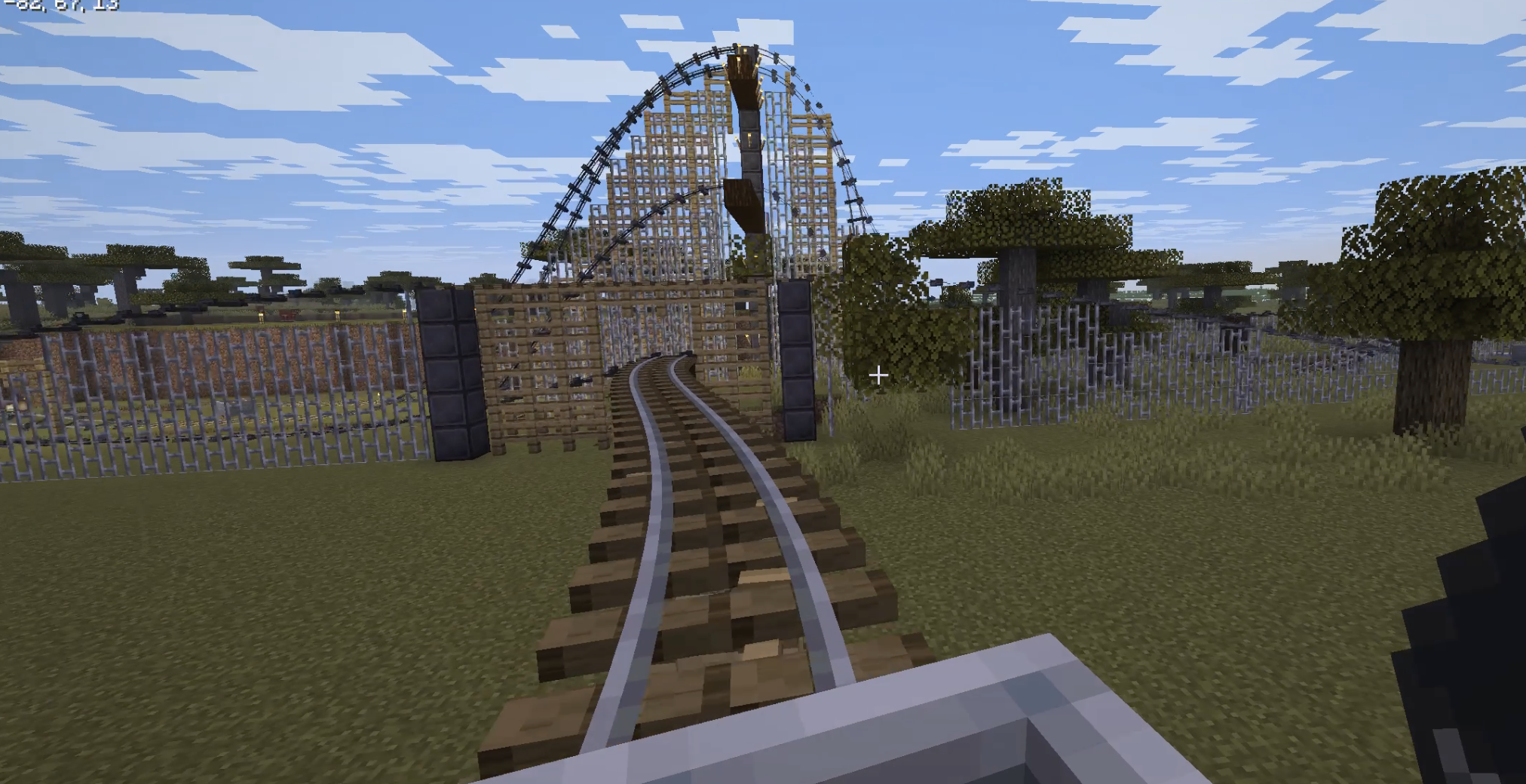
Splinecart mod for bouilding smooth rails fork by peterwolf.
Screenshots


About this Mod
Fork of Splinecart
splinecart ported to > 26.1.2
I added automatic building of track supports,
 )
)
** originall description: ** *** **** ***** ****** *********
Originally made for ModFest: Carnival
Getting Started
Place a Track Ties block on any face of another block.
Right click the track ties to rotate them.
Important: Track ties have a "forward" direction, as indicated by the sequence of dark arrows on the block. This determines which direction outgoing tracks will originate from, and incoming tracks will end in.
Place a second Track Ties block in an appropriate orientation, elsewhere.
Use a Track item on the first Track Ties block, and then on the second one to create a track connecting them. The order that you click on each track tie block matters.
Use vanilla rails to run a minecart into the first track tie block.
Track Types
Track: A regular track that minecarts can travel along
Chain Drive Track: A track that always carries minecarts forward. Can be used to move minecarts up steep inclines.
Magnetic Track: A speed control track whose strength is controlled by the redstone signal powering its track tie. Can be used for powered launches or braking segments. Does not work well on steep inclines.
Motion Sickness Warning
If you are prone to motion sickness, run the following command before riding a Splinecart track: /splinecartc config rotate_camera false
Splinecart features jarring camera rotation (see Gallery for example) that may cause motion sickness or affect photosensitive users.
Running the above command prevents the camera from rotating while riding Splinecart tracks to try and reduce this risk.
Further ways to reduce motion sickness include enabling third person mode in addition to what is described above.
You can re-enable camera rotation with /splinecartc config rotate_camera true.
Available Versions
How to Install peterwolf's Splinecart on Your Server
Order Server
Order a Minecraft Java server with at least 3 GB RAM (4 GB recommended).
Set fabric Loader
In the panel under "Egg", select the fabric loader and matching Minecraft version (26.2).
Install Mod
Open the mod browser in the dashboard and search for "peterwolf's Splinecart". Click "Install" – done! Alternatively, upload the .jar via SFTP to the /mods folder.
Compatibility
Mod Loaders
Minecraft Versions
26.2, 26.1.2
Server-side
✓ RequiredRecommended RAM
4 GB(min. 3 GB)Frequently Asked Questions
peterwolf's Splinecart server crashes on startup – what to do?
Most common cause: wrong fabric version or insufficient RAM. Check the server log (latest.log) for "OutOfMemoryError" or "Mixin" errors. With Mado Hosting: ensure at least 3 GB RAM is allocated and the loader matches the mod version (26.2). You can switch loaders with one click in the panel.
Is peterwolf's Splinecart compatible with fabric?
peterwolf's Splinecart officially supports fabric for Minecraft 26.2, 26.1.2. The Mado dashboard automatically detects incompatible loader combinations.
Server lagging with peterwolf's Splinecart – how to optimize performance?
Recommended RAM: 4 GB (per 8 players). Use /spark profiler to check if peterwolf's Splinecart consumes the most tick time. Common fixes: reduce server view-distance to 8-10, install "performant" or "starlight" as supplementary mods on Forge. With Mado Hosting, your server runs on NVMe SSDs with dedicated CPU cores for minimal latency.
Similar Mods


Rent Modded Server
Install peterwolf's Splinecart with just one click on your server.