
Pyrofrost
A temperature mod for Minecraft that isn't extremely tedious to deal with, while still adding difficulty to the game.
About this Mod


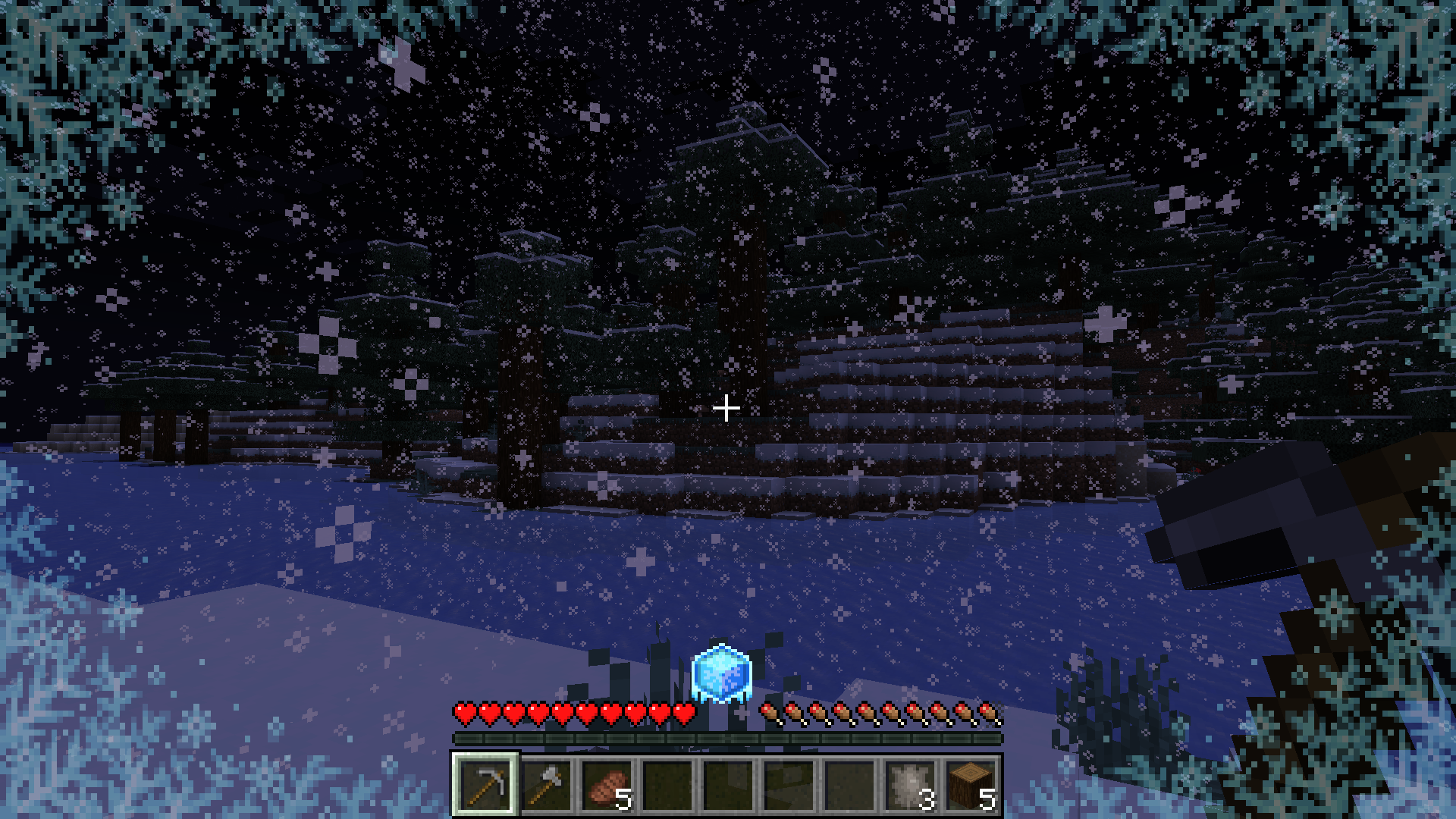
Pyrofrost is a temperature mod that is built to not be extremely tedious to deal with while still presenting challenges to the player's survival experience.
Unlike mods like Tough as Nails, Temperature is built to slowly transition into your environment's temperature rather than quickly transitioning to it.
Pyrofrost also features a wetness system to add an extra level of difficulty to gameplay.
This is but one of the many changes Pyrofrost provides to create an immersive temperature system.

- Wolf Fur Armor

Wolf Fur Armor is a new type of armor used to provide insulation against cold environments.
It can be crafted using the new Wolf Pelt item
item
which is obtained by killing wolves. - Netherite Armor
Netherite Armor has been enhanced with a new heat resistance ability. This is useful for traversing hot environments such as The Nether. - Ice Pack

Ice Packs provide an early game method of traversing through hot environments, they cool down
the environment around you until the ice completely melts making it safer to travel in hotter areas. You can use it by placing it in your offhand. - Thermometor

The Thermometor measures your current body temperature and your environment's temperature. This only works if it is within your hotbar.

Pyrofrost works great with the following mods:
- Dehydration
- The player will lose water faster if the environment is really hot
- Fabric Seasons
- The environment's temperature will change depending on the current season
This mod is discontinued and will not support any future updates as better mods exist out there
Available Versions
How to Install Pyrofrost on Your Server
Order Server
Order a Minecraft Java server with at least 3 GB RAM (4 GB recommended).
Set fabric Loader
In the panel under "Egg", select the fabric loader and matching Minecraft version (1.20.1).
Install Mod
Open the mod browser in the dashboard and search for "Pyrofrost". Click "Install" – done! Alternatively, upload the .jar via SFTP to the /mods folder.
Compatibility
Mod Loaders
Minecraft Versions
1.20.1, 1.20
Server-side
✓ RequiredRecommended RAM
4 GB(min. 3 GB)Frequently Asked Questions
Pyrofrost server crashes on startup – what to do?
Most common cause: wrong fabric version or insufficient RAM. Check the server log (latest.log) for "OutOfMemoryError" or "Mixin" errors. With Mado Hosting: ensure at least 3 GB RAM is allocated and the loader matches the mod version (1.20.1). You can switch loaders with one click in the panel.
Is Pyrofrost compatible with fabric and quilt?
Pyrofrost officially supports fabric, quilt for Minecraft 1.20.1, 1.20. The Mado dashboard automatically detects incompatible loader combinations.
Server lagging with Pyrofrost – how to optimize performance?
Recommended RAM: 4 GB (per 8 players). Use /spark profiler to check if Pyrofrost consumes the most tick time. Common fixes: reduce server view-distance to 8-10, install "performant" or "starlight" as supplementary mods on Forge. With Mado Hosting, your server runs on NVMe SSDs with dedicated CPU cores for minimal latency.
Similar Mods




![[TaCZ] Timeless and Classics Zero](https://cdn.modrinth.com/data/SzzJttH8/fd27766d2bb8390d284696b1dbd358f87e081439_96.webp)

Rent Modded Server
Install Pyrofrost with just one click on your server.