
qCraft Reimagined
A reimagination of qCraft for modern Minecraft.
Screenshots
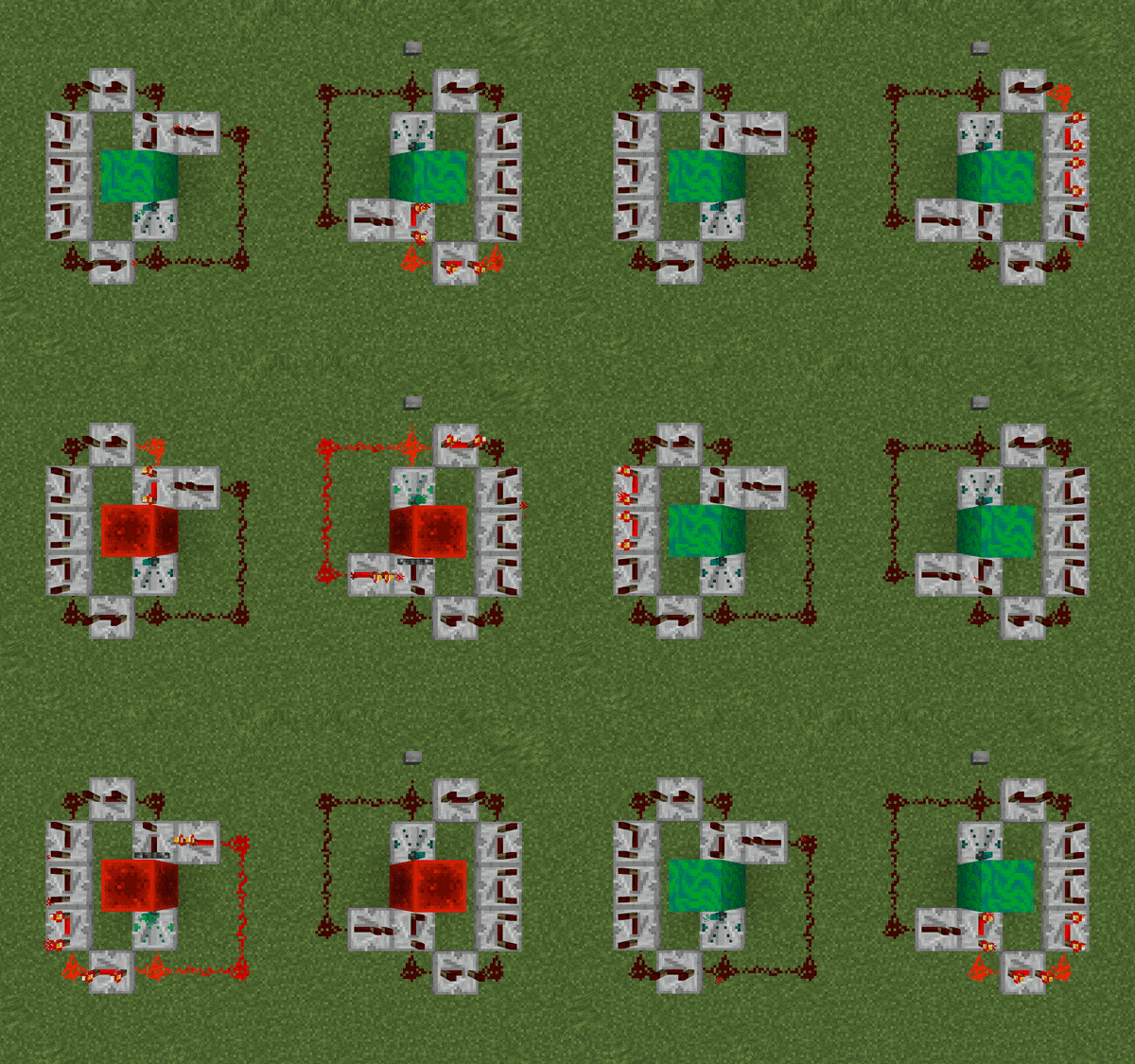
About this Mod
About
qCraft is a mod that introduced many concepts of Quantum Physics into Minecraft. It was beloved by the community for its novel ideas and interesting capabilities; unfortunately, its development lay dormant for many years. qCraft Reimagined aims to bring the mod back into the spotlight.
Features
- Blocks that change state depending on the face observed
- Practical redstone randomness
- Machines that will perform quantum observations automatically
- Computers that can swap entire regions of the world
...and much more! See the wiki for in-depth feature explanations and tutorials.
Credits
- This mod wouldn't have been possible without fantastic art by VirtuaLilith. I may have programmed the internal logic, but she really brought the mod to life!
- Trudle helped me with Portuguese localization; I'm not exactly fluent yet.
- Mind-boggling math problems were solved by the Quilt community, most notably supersaiyansubtlety... they saved me many headaches.
License
MIT © 2022 spadeteam
Available Versions
How to Install qCraft Reimagined on Your Server
Order Server
Order a Minecraft Java server with at least 3 GB RAM (4 GB recommended).
Set fabric Loader
In the panel under "Egg", select the fabric loader and matching Minecraft version (1.19).
Install Mod
Open the mod browser in the dashboard and search for "qCraft Reimagined". Click "Install" – done! Alternatively, upload the .jar via SFTP to the /mods folder.
Compatibility
Mod Loaders
Minecraft Versions
1.19, 1.18.2
Server-side
✓ RequiredRecommended RAM
4 GB(min. 3 GB)Frequently Asked Questions
qCraft Reimagined server crashes on startup – what to do?
Most common cause: wrong fabric version or insufficient RAM. Check the server log (latest.log) for "OutOfMemoryError" or "Mixin" errors. With Mado Hosting: ensure at least 3 GB RAM is allocated and the loader matches the mod version (1.19). You can switch loaders with one click in the panel.
Is qCraft Reimagined compatible with fabric and quilt?
qCraft Reimagined officially supports fabric, quilt for Minecraft 1.19, 1.18.2. The Mado dashboard automatically detects incompatible loader combinations.
Server lagging with qCraft Reimagined – how to optimize performance?
Recommended RAM: 4 GB (per 8 players). Use /spark profiler to check if qCraft Reimagined consumes the most tick time. Common fixes: reduce server view-distance to 8-10, install "performant" or "starlight" as supplementary mods on Forge. With Mado Hosting, your server runs on NVMe SSDs with dedicated CPU cores for minimal latency.
Similar Mods





Rent Modded Server
Install qCraft Reimagined with just one click on your server.