
QDC CORE 4.5
5th Version of the QDC Quantum Dis-Assembly Craft mod. Focusing on QOL Usability and other Mods Compatibility.
Screenshots
About this Mod
5th Version of the QDC Quantum Dis-Assembly Craft mod. Focusing on QOL Usability and other Mods Compatibility.
This is both a Mod and a Core mod for future QDC Mods.
Main Mod Functionalities
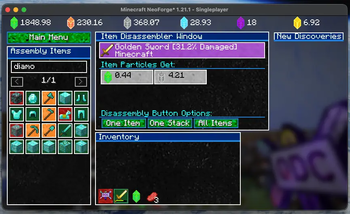
- Disassemble items for Virtual Particles Currency.
- Discover Items when disassembling an item for the first time.
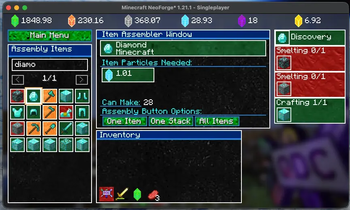
- Assemble Items from particles, but it also required that the Item is Discovered or all items in one of the recipes, are discovered.
Official Vid
- Qdc Main Item

This item is automatically given to the player if not found in the inventory on world load.
This item is used to access all the Screens and Menus in this mod.
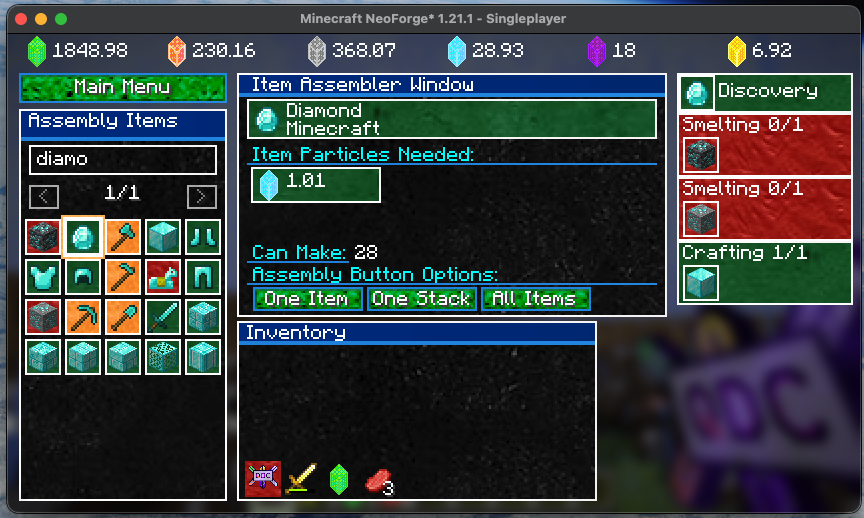
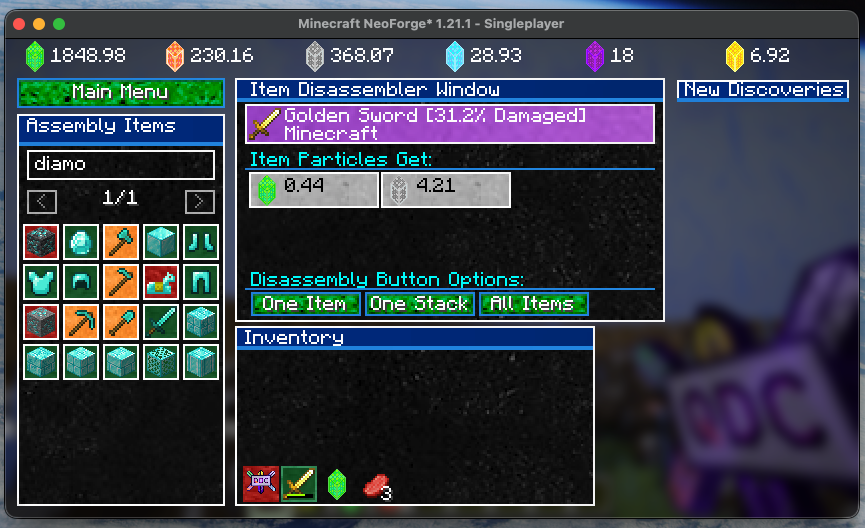
- Assember & Disassembler Screen
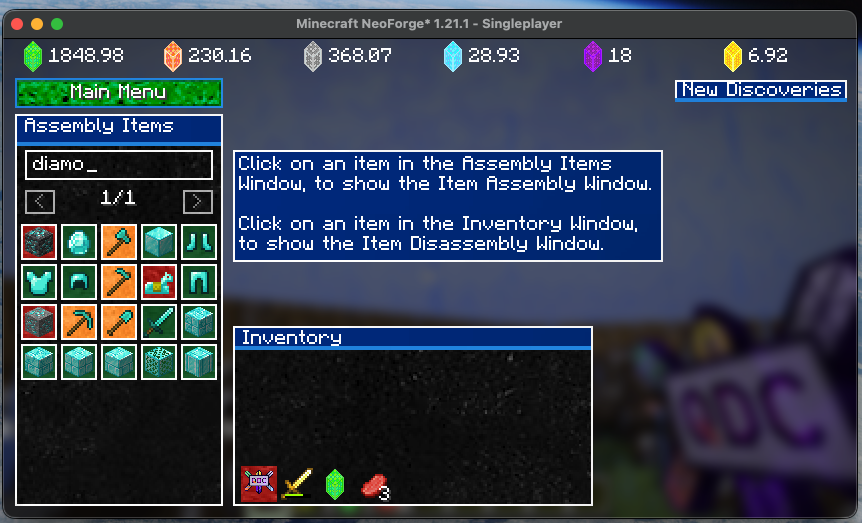
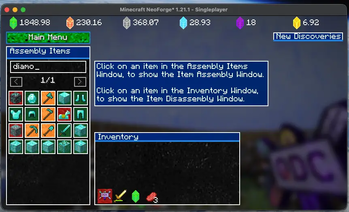
Click on an item in the window on the left to open the Assembly Window.
Click on an item in the Inventory window at the bottom to open the Disassembly Window.
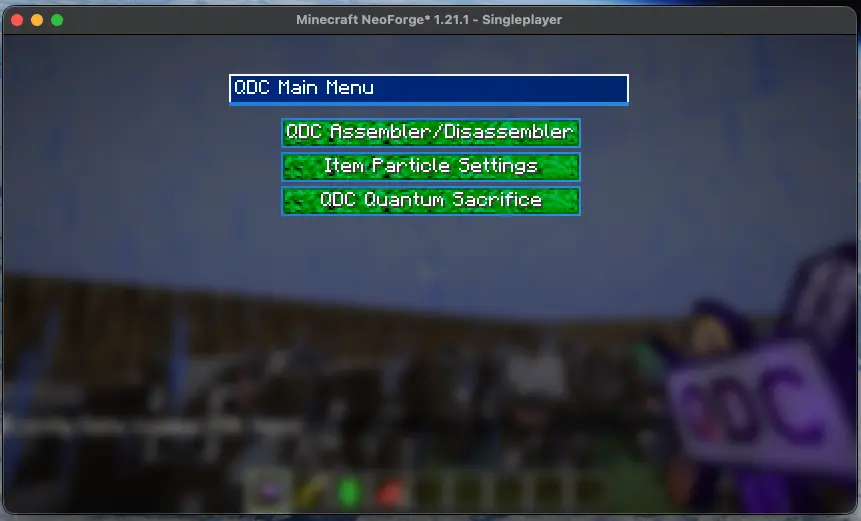
- Main Menu Screen
- Particle Configuration Screen
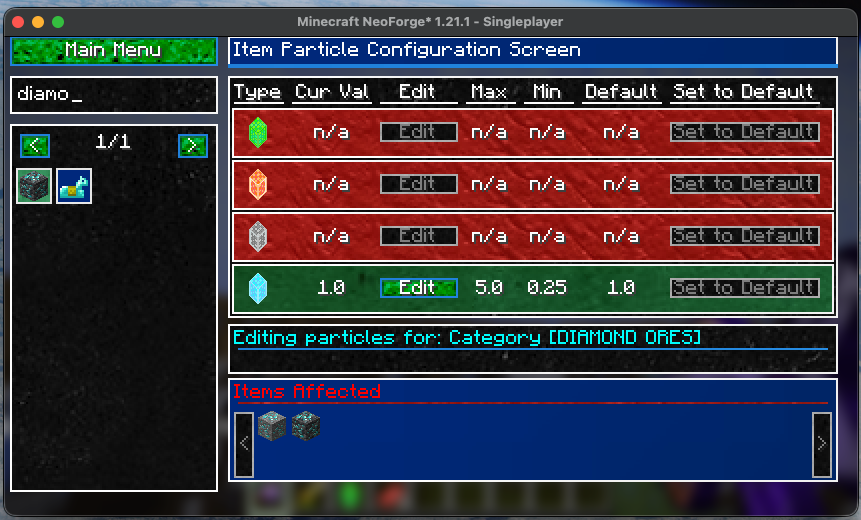
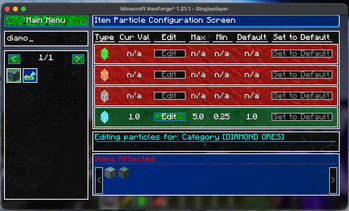
This allows the user to set the particle values for the ingredient items. Items that can be created from a recipe will have their particles auto calculated from ingredients in the recipes.
This section required a creative world, simply make a new creative world to setup the aprticles, settings will eb shared on all worlds in the same Minecraft Instance.
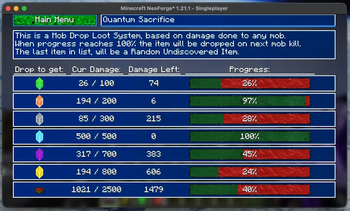
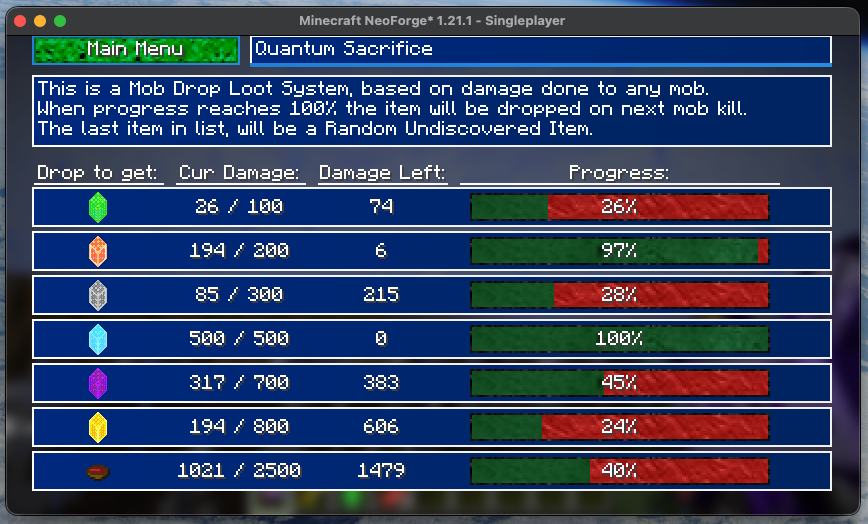
- Quantum Sacrifice Screen
Quantum sacrifice is a Mob Drop Loot System that drops items after a certain amount of damage is dealt to mobs. Once an item reches the amount of damage needed, it will drop when the next mob is killed. One of the items dropped will eb a random Undiscovered Item.
Available Versions
How to Install QDC CORE 4.5 on Your Server
Order Server
Order a Minecraft Java server with at least 3 GB RAM (4 GB recommended).
Set neoforge Loader
In the panel under "Egg", select the neoforge loader and matching Minecraft version (1.21.1).
Install Mod
Open the mod browser in the dashboard and search for "QDC CORE 4.5". Click "Install" – done! Alternatively, upload the .jar via SFTP to the /mods folder.
Compatibility
Mod Loaders
Minecraft Versions
1.21.1
Server-side
✓ RequiredRecommended RAM
4 GB(min. 3 GB)Frequently Asked Questions
QDC CORE 4.5 server crashes on startup – what to do?
Most common cause: wrong neoforge version or insufficient RAM. Check the server log (latest.log) for "OutOfMemoryError" or "Mixin" errors. With Mado Hosting: ensure at least 3 GB RAM is allocated and the loader matches the mod version (1.21.1). You can switch loaders with one click in the panel.
Is QDC CORE 4.5 compatible with neoforge?
QDC CORE 4.5 officially supports neoforge for Minecraft 1.21.1. The Mado dashboard automatically detects incompatible loader combinations.
Server lagging with QDC CORE 4.5 – how to optimize performance?
Recommended RAM: 4 GB (per 8 players). Use /spark profiler to check if QDC CORE 4.5 consumes the most tick time. Common fixes: reduce server view-distance to 8-10, install "performant" or "starlight" as supplementary mods on Forge. With Mado Hosting, your server runs on NVMe SSDs with dedicated CPU cores for minimal latency.
Similar Mods



![CobbleDollars [Cobblemon Addon]](https://cdn.modrinth.com/data/s7N7AsqL/684040a264fc1d7f9b856ec5d2da39767398c7ad.png)

Rent Modded Server
Install QDC CORE 4.5 with just one click on your server.