
Quests Journey
Embark on quests like never before!
Screenshots
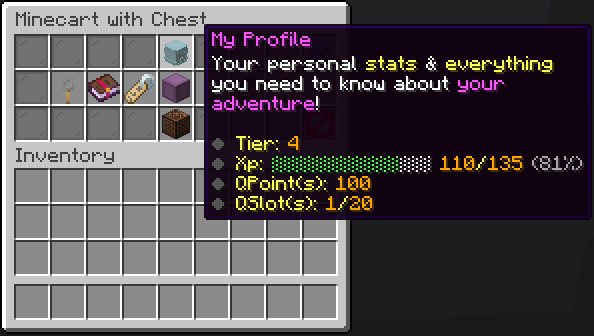
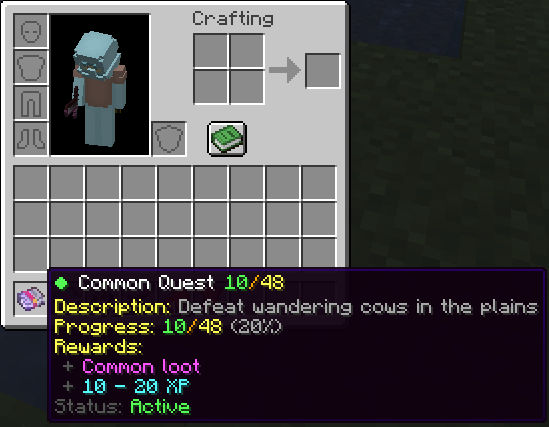
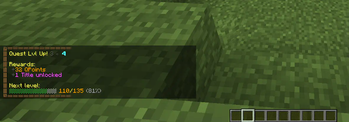
About this Mod
Introducing the Quests Journey Pack!
Get ready to embark on epic adventures with this Quest system for Minecraft!
How it works
You can earn quests by defeating mobs. The stronger the mob, the higher the chance to receive a quest. Complete quests to earn XP and points, which can be used to buy items, keys, and more using:
/trigger quests_gui
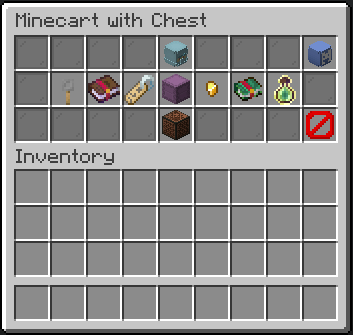
Quest Rarities
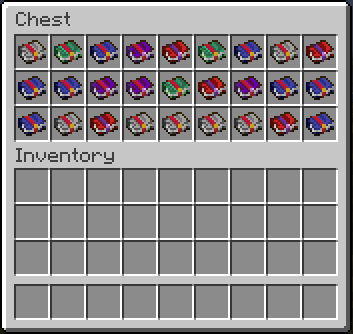
There are five quest rarities. The rarer the quest, the harder the challenge—but also the better the rewards!
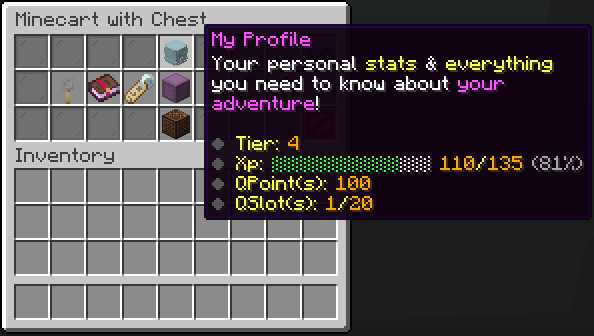
Quest Slots
You have a limited number of quest slots, meaning you can only work on a set number of quests at the same time. You can upgrade your slots using points, allowing you to take on more challenges at once!
Questbooks & Progression
Each quest is stored in a Questbook. Keeping it in your inventory activates the quest, allowing you to track progress. Progress is saved within the book, meaning you can share it and store it without losing any data.
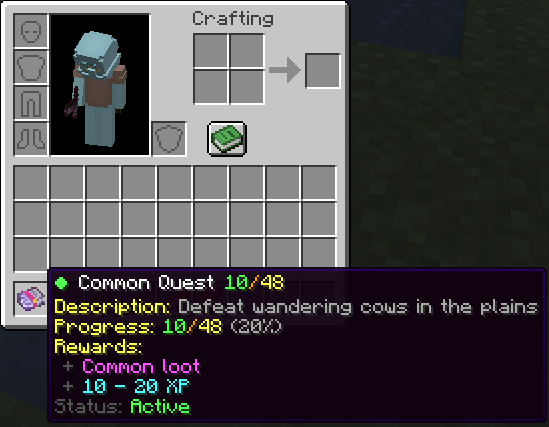
Claiming Rewards
Once a quest is completed, you can claim your rewards to earn XP and points. These points help you level up and unlock even more powerful rewards!
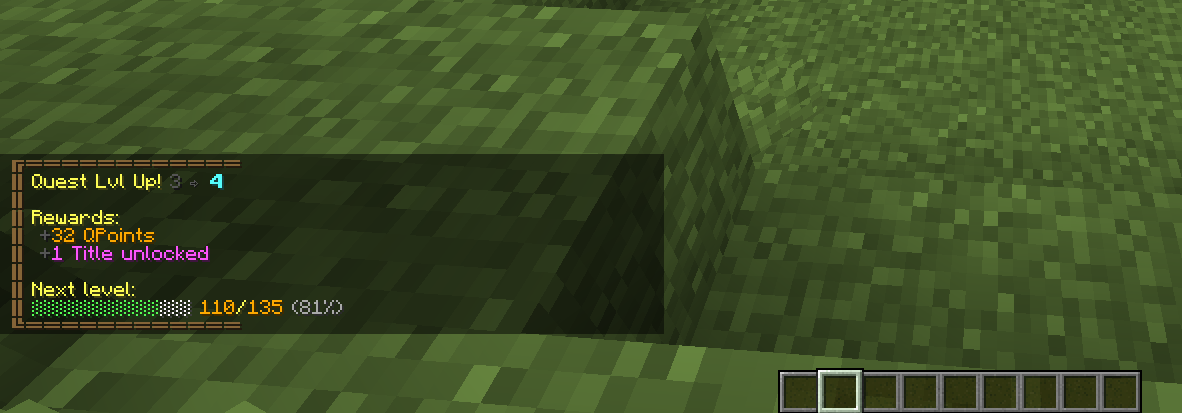
There's even more to explore in-game. Jump in and start your adventure!
Uninstalling
- Access the Chat Window.
- Enter the Uninstall Command and press Enter:
/function quests_journey:uninstall
Links


Available Versions
How to Install Quests Journey on Your Server
Order Server
Order a Minecraft Java server with at least 3 GB RAM (4 GB recommended).
Set datapack Loader
In the panel under "Egg", select the datapack loader and matching Minecraft version (1.21.4).
Install Mod
Open the mod browser in the dashboard and search for "Quests Journey". Click "Install" – done! Alternatively, upload the .jar via SFTP to the /mods folder.
Compatibility
Mod Loaders
Minecraft Versions
1.21.4, 1.21.3, 1.21.2 (+4 more)
Server-side
✓ RequiredRecommended RAM
4 GB(min. 3 GB)Frequently Asked Questions
Quests Journey server crashes on startup – what to do?
Most common cause: wrong datapack version or insufficient RAM. Check the server log (latest.log) for "OutOfMemoryError" or "Mixin" errors. With Mado Hosting: ensure at least 3 GB RAM is allocated and the loader matches the mod version (1.21.4). You can switch loaders with one click in the panel.
Is Quests Journey compatible with datapack and fabric and forge and neoforge and quilt?
Quests Journey officially supports datapack, fabric, forge, neoforge, quilt for Minecraft 1.21.4, 1.21.3, 1.21.2. Note: Forge and Fabric mods are NOT cross-compatible – pick one loader and stick with it. The Mado dashboard automatically detects incompatible loader combinations.
Server lagging with Quests Journey – how to optimize performance?
Recommended RAM: 4 GB (per 8 players). Use /spark profiler to check if Quests Journey consumes the most tick time. Common fixes: reduce server view-distance to 8-10, install "performant" or "starlight" as supplementary mods on Forge. With Mado Hosting, your server runs on NVMe SSDs with dedicated CPU cores for minimal latency.
Similar Mods




Rent Modded Server
Install Quests Journey with just one click on your server.