
Quick Replant
Quick Replant automatically replants crops immediately after harvesting them. Simply break your fully-grown crops as usual, and the mod instantly replants them using seeds or crops from your inventory.
Screenshots
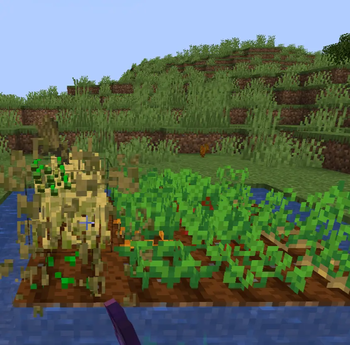
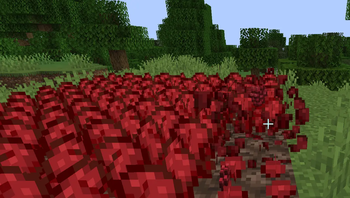
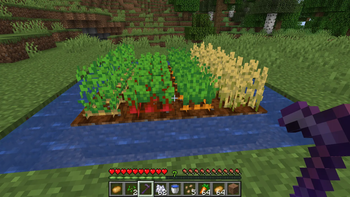
About this Mod
Quick Replant
Harvest crops faster and never waste time replanting again with this lightweight auto-replant mod for Minecraft!
Quick Replant automatically replants crops immediately after harvesting them. Simply break your fully-grown crops as usual, and the mod instantly replants them using seeds or crops from your inventory.
Perfect for farming large fields without the repetitive extra clicks.
Features
Instant Replanting – Automatically replants crops after harvesting
Fortune Supporting - Works with Fortune enchantment.
Simple Toggle – Press R to enable or disable the mod anytime
Supports Multiple Crops – Works with:
Wheat
Carrots
Potatoes
Beetroot
Nether Wart
Lightweight – Minimal performance impact
Clean & Simple – No complicated setup required
How to Use
Quick Start
1. Harvest fully-grown crops normally
2. The crop is instantly replanted automatically
3. Press R anytime to toggle Quick Replant on or off
Installation
Requirements:
-Minecraft 1.21
-Fabric Loader
-Fabric API
Steps
1. Install Fabric Loader for Minecraft 1.21
2. Download and install Fabric API
3. Download Quick Replant
4. Place both mods into your `mods` folder
5. Launch Minecraft and enjoy easier farming!
Perfect For
Large Survival Farms – Harvest huge crop fields quickly
Multiplayer Servers – Speed up farming tasks
Villager Trading – Farm crops more efficiently
Technical Worlds – Simplify automated manual farming
Casual Survival – Remove repetitive replanting
Technical Details
Client-side lightweight utility mod
Fabric 1.21 compatible
Low resource usage
Simple keybind support
Easy to use with no configuration needed
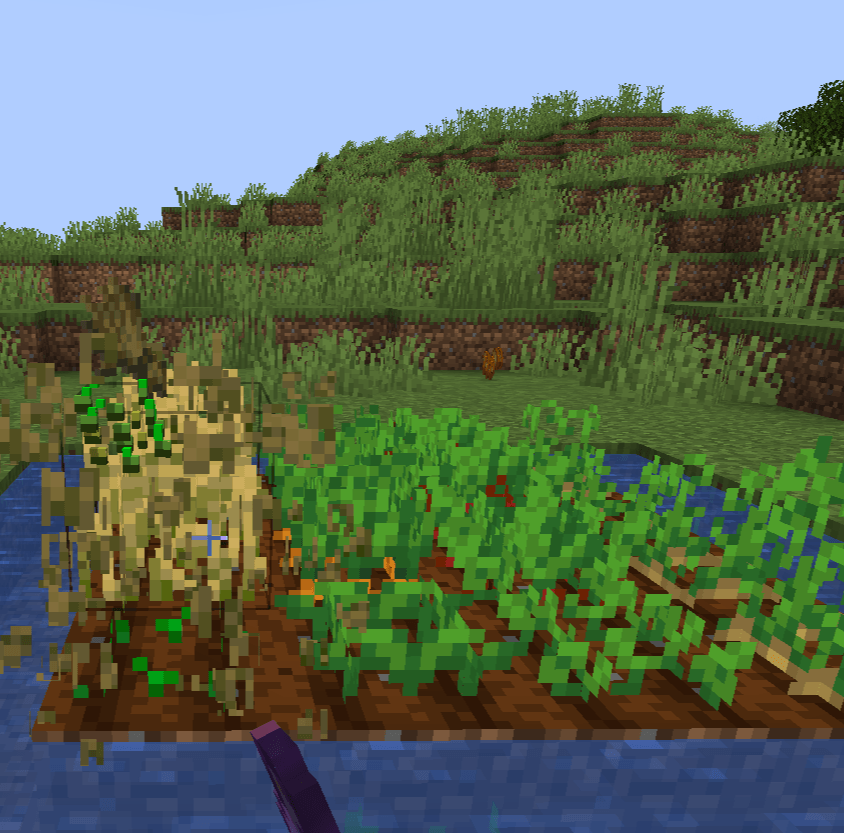
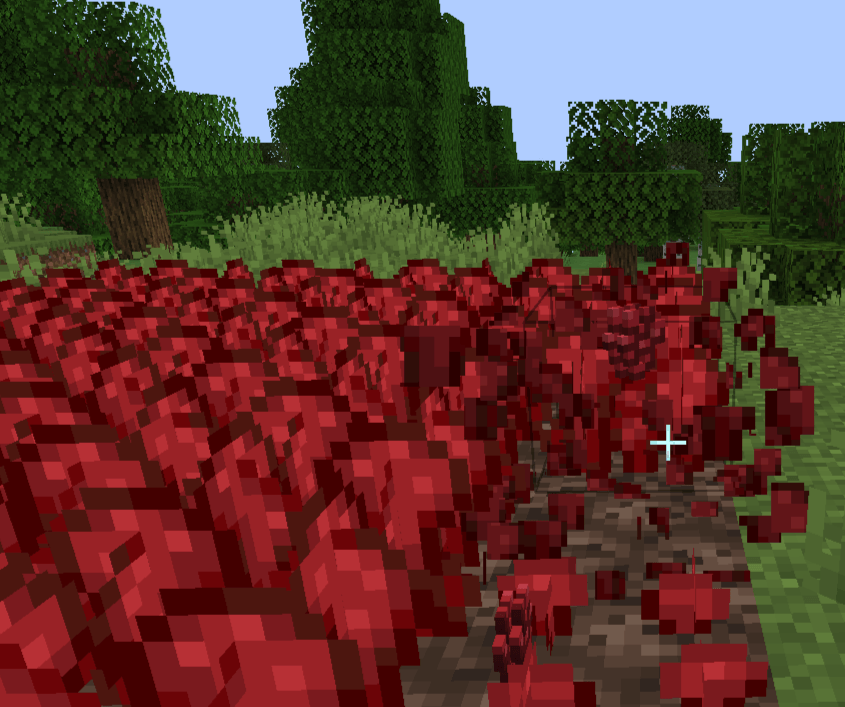
Sample Images
Also Check: AutoMLG+
Donation: Buy Me Mo:Mo
Saurav Khanal,
Quick Replant Team
Available Versions
How to Install Quick Replant on Your Server
Order Server
Order a Minecraft Java server with at least 3 GB RAM (4 GB recommended).
Set fabric Loader
In the panel under "Egg", select the fabric loader and matching Minecraft version (26.1.2).
Install Mod
Open the mod browser in the dashboard and search for "Quick Replant". Click "Install" – done! Alternatively, upload the .jar via SFTP to the /mods folder.
Compatibility
Mod Loaders
Minecraft Versions
26.1.2, 26.1.1, 26.1 (+12 more)
Server-side
✗ UnsupportedRecommended RAM
4 GB(min. 3 GB)Frequently Asked Questions
Quick Replant server crashes on startup – what to do?
Most common cause: wrong fabric version or insufficient RAM. Check the server log (latest.log) for "OutOfMemoryError" or "Mixin" errors. With Mado Hosting: ensure at least 3 GB RAM is allocated and the loader matches the mod version (26.1.2). You can switch loaders with one click in the panel.
Is Quick Replant compatible with fabric?
Quick Replant officially supports fabric for Minecraft 26.1.2, 26.1.1, 26.1. The Mado dashboard automatically detects incompatible loader combinations.
Server lagging with Quick Replant – how to optimize performance?
Recommended RAM: 4 GB (per 8 players). Use /spark profiler to check if Quick Replant consumes the most tick time. Common fixes: reduce server view-distance to 8-10, install "performant" or "starlight" as supplementary mods on Forge. With Mado Hosting, your server runs on NVMe SSDs with dedicated CPU cores for minimal latency.
Similar Mods



Rent Modded Server
Install Quick Replant with just one click on your server.