
Quick Stack Inventory
Quickly sort all of the items in your inventory into nearby inventories with the press of a button. *Compatible with Sable Sub-Levels*
Screenshots
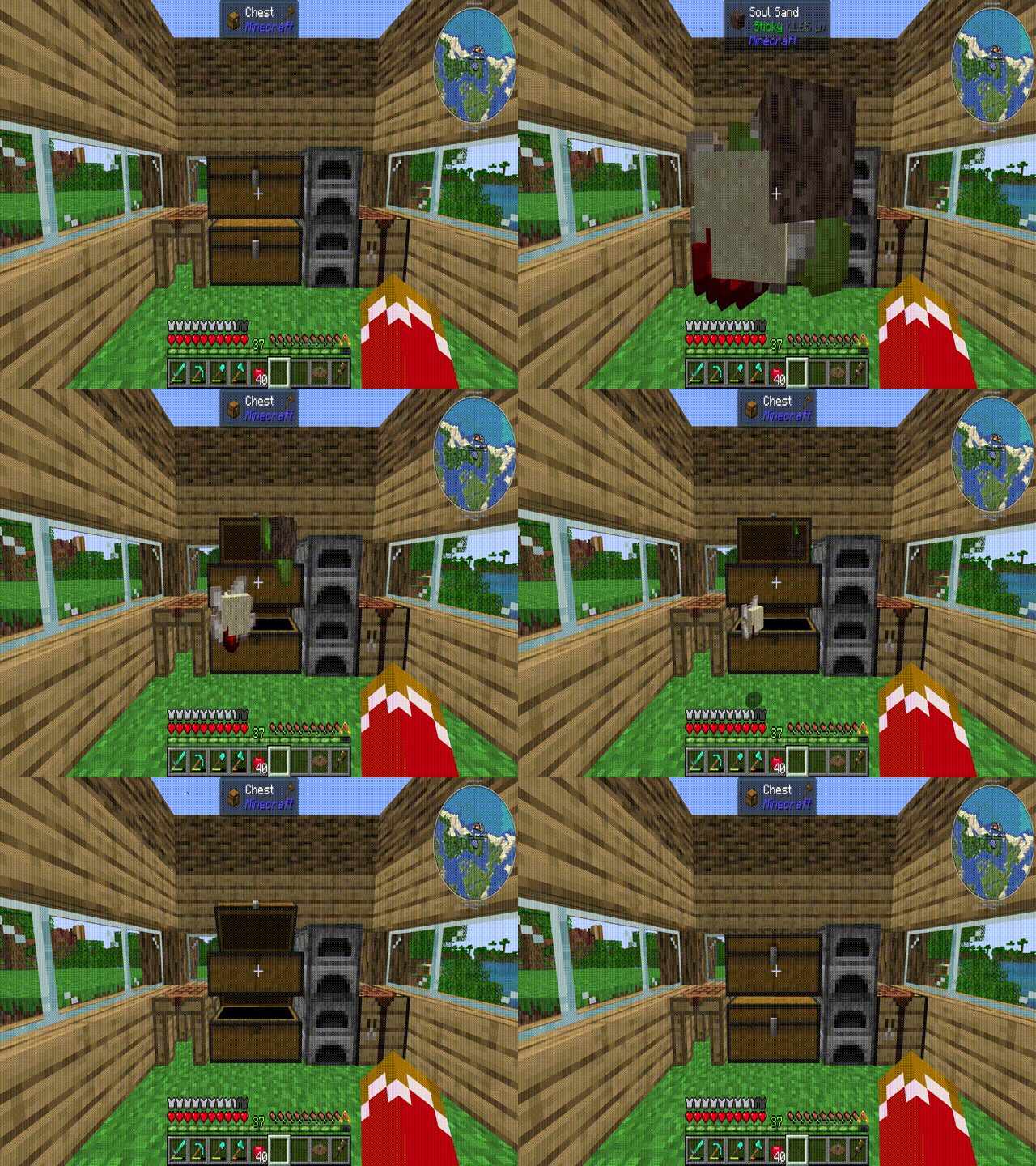
About this Mod
Quick Stack Inventory
I am pleased to present Quick Stack Inventory! A Terraria-inspired mod that lets you sort your inventory into nearby containers with a single keypress. Ignores hotbar and attachment slots.
Features:
Quick Stack (default: V): Searches a configurable radius around the player for valid containers and moves matching items from your inventory into them. Items are only moved if there is available space.
Misc Inventories (assign with: V + Right Click): Low-priority containers that receive overflow and unsorted items during a dump.
Dump Inventory (default: Shift + V): Sorts your inventory into nearby containers, then sends all remaining and overflow items into your assigned misc inventories.
Config:
radius — Scan radius in blocks (default: 8, max: 16)
min_slots — Minimum slots a container must have to be eligible (default: 9, excludes furnaces and brewing stands)
button_offset_x / button_offset_y — Pixel position of the Quick Stack button in the inventory screen
Compatibility:
This mod uses NeoForge's IItemHandler capability system, meaning it is compatible with any modded storage block that implements it — including Sophisticated Storage. Containers with fewer slots than the min_slots threshold (such as furnaces and brewing stands) are automatically excluded. This is fully configurable in the config file.
If you encounter a mod conflict or unexpected behavior, please report it in the GitHub issues (https://github.com/jacgoldberg/Inventory-Quick-Stack/issues) or leave a comment!
Available Versions
How to Install Quick Stack Inventory on Your Server
Order Server
Order a Minecraft Java server with at least 3 GB RAM (4 GB recommended).
Set neoforge Loader
In the panel under "Egg", select the neoforge loader and matching Minecraft version (1.21.1).
Install Mod
Open the mod browser in the dashboard and search for "Quick Stack Inventory". Click "Install" – done! Alternatively, upload the .jar via SFTP to the /mods folder.
Compatibility
Mod Loaders
Minecraft Versions
1.21.1
Server-side
✓ RequiredRecommended RAM
4 GB(min. 3 GB)Frequently Asked Questions
Quick Stack Inventory server crashes on startup – what to do?
Most common cause: wrong neoforge version or insufficient RAM. Check the server log (latest.log) for "OutOfMemoryError" or "Mixin" errors. With Mado Hosting: ensure at least 3 GB RAM is allocated and the loader matches the mod version (1.21.1). You can switch loaders with one click in the panel.
Is Quick Stack Inventory compatible with neoforge?
Quick Stack Inventory officially supports neoforge for Minecraft 1.21.1. The Mado dashboard automatically detects incompatible loader combinations.
Server lagging with Quick Stack Inventory – how to optimize performance?
Recommended RAM: 4 GB (per 8 players). Use /spark profiler to check if Quick Stack Inventory consumes the most tick time. Common fixes: reduce server view-distance to 8-10, install "performant" or "starlight" as supplementary mods on Forge. With Mado Hosting, your server runs on NVMe SSDs with dedicated CPU cores for minimal latency.
Similar Mods


Rent Modded Server
Install Quick Stack Inventory with just one click on your server.