
R3CT Collector
An interactive Collector's Book mod. Gather items, claim rewards, and climb the global leaderboard!
Screenshots

About this Mod
R3CT Collector 📖✨




The ultimate completionist and collection mod for Minecraft!
R3CT Collector automatically scans all items in your game (including those from other mods) and generates a beautifully categorized interactive Catalog. Gather items, earn XP, claim milestone rewards, and compete with other players on your server! Built for both Fabric and NeoForge!

✨ Features
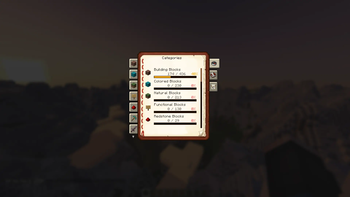
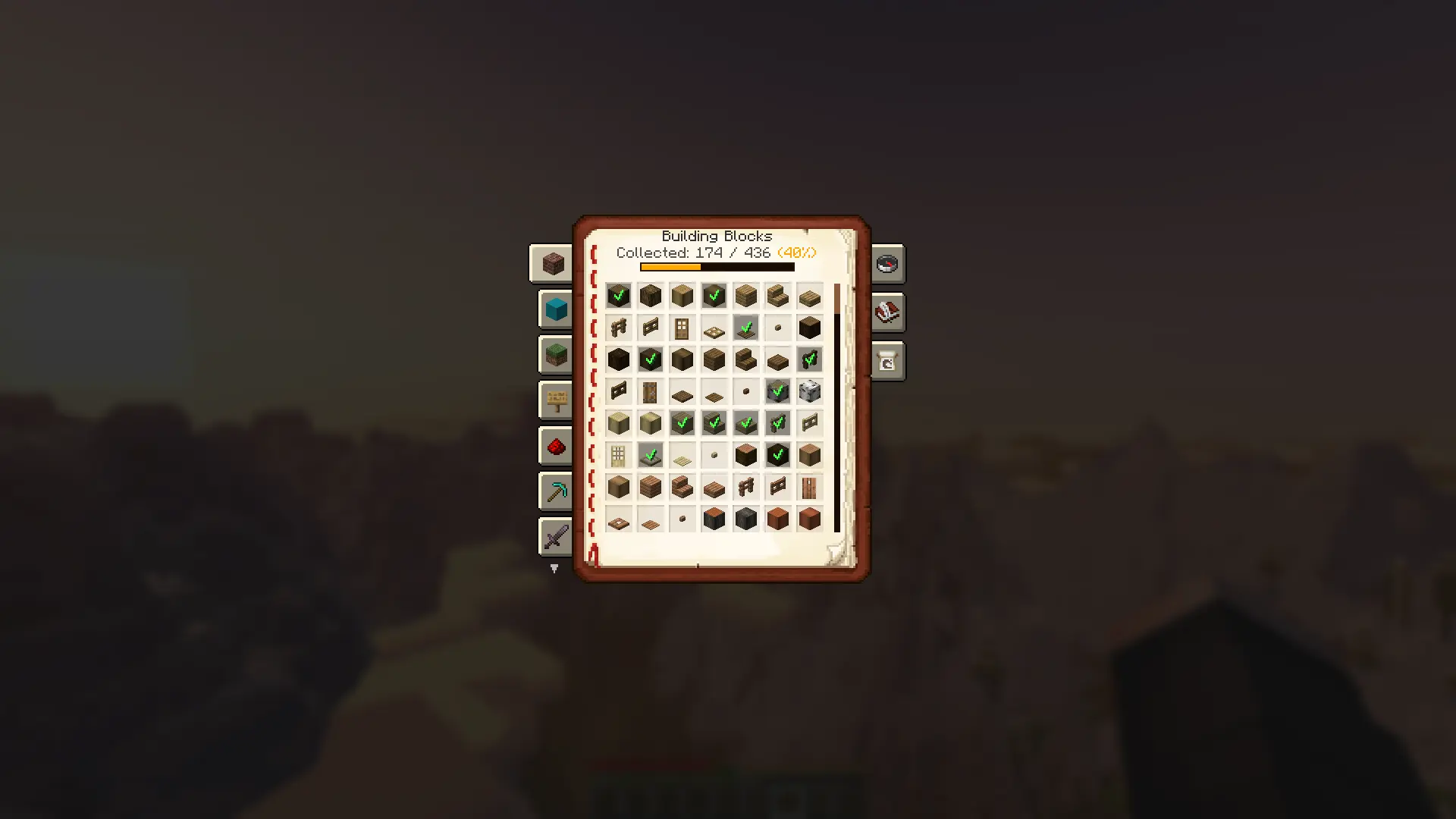
- 📖 Dynamic Catalog System: * The mod automatically scans Creative Tabs to generate categories. It adapts perfectly to any modpack, no matter how big!
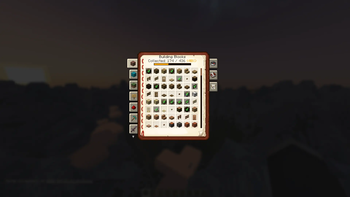
- Submit items you find in the world to unlock them in your personal Catalog.
- Check your progress with visually pleasing progress bars and dynamic percentage colors.
- 🎁 Progression & Rewards: * Earn Experience Points for every unique item you submit! The XP amount scales with the item's vanilla rarity (Common, Uncommon, Rare, Epic).
- Milestone Loot: Receive random configurable loot boxes every X items you collect.
- 100% Completion: Finish an entire category to receive a special reward!

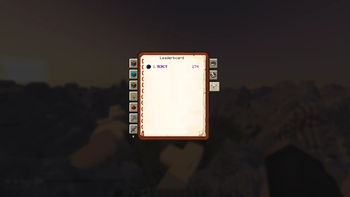
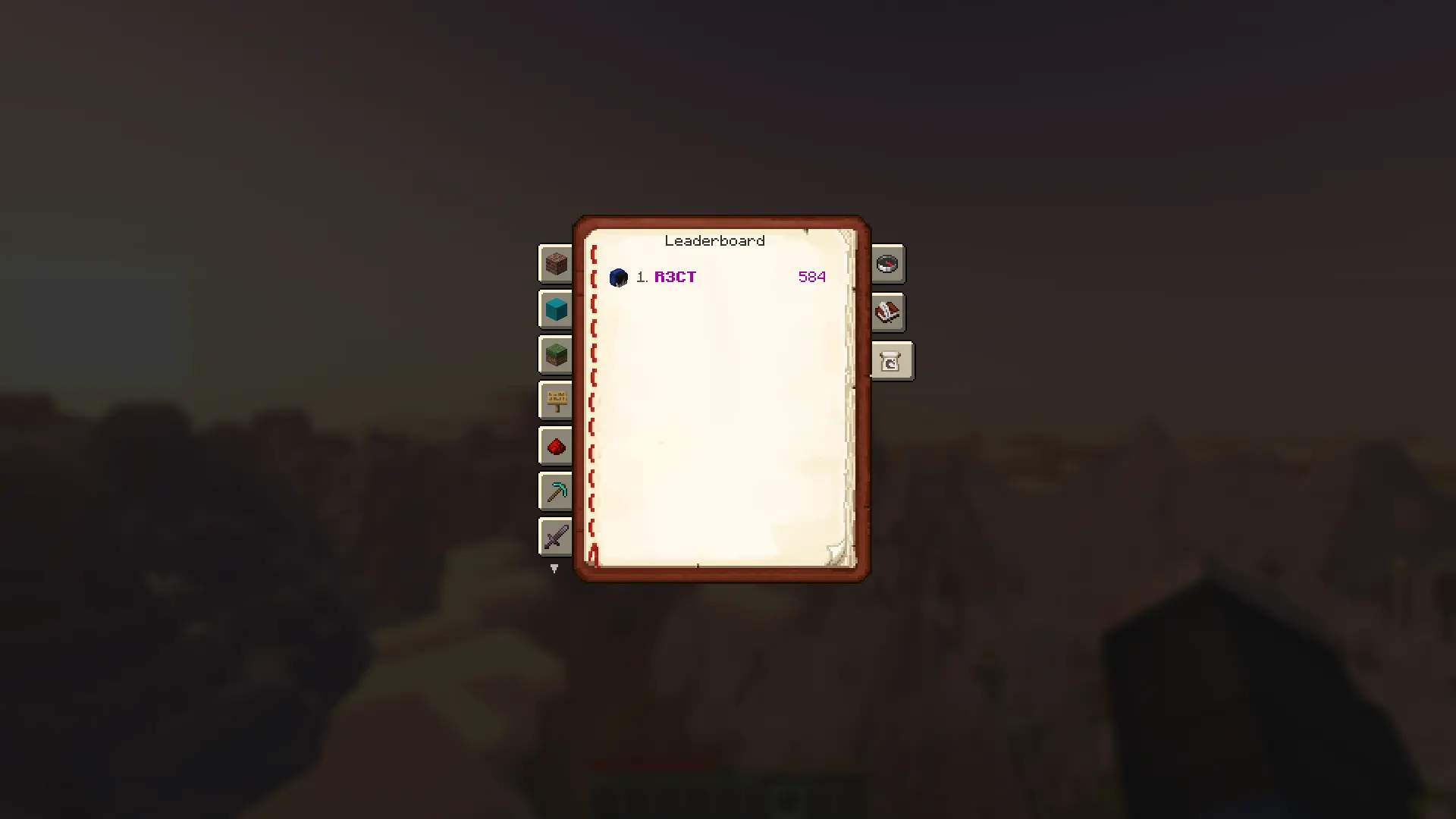
- 🏆 Integrated Server Leaderboard: * Compete with your friends! The Catalog features a built-in "Top 10" Leaderboard.
- Hover over a player's head in the leaderboard to inspect their exact completion percentage for every category.
- 🔄 Cross-Platform: * Fully native support and identical features for both Fabric and NeoForge.
🔌 Dependencies & Requirements
To run this mod, you will need to install a few library mods depending on your loader:
For Fabric:
- Fabric API (Required)
- Mod Menu (Optional - to access in-game client settings)
For NeoForge:
- Nothing!
📖 Documentation
For detailed guides on how to configure blacklists, adjust rewards, and tweak the mod's mechanics, visit our official Wiki:
👉 View the Wiki
Click to see popular topics 💡
⚙️ Configuration & Customization
The mod is highly customizable! There are two ways to configure it:
1. In-Game Settings (Client-side)
Players can access the mod settings via Mod Menu (on Fabric) or the Mods tab (on NeoForge). Here, users can:
- Adjust the GUI scale of the Catalog Book to perfectly fit their screen resolution.
2. File Configuration (Server-side / Modpack Creators)
All core mechanics, loot pools, and blacklists can be completely rewritten. After running the mod once, navigate to the config/r3ct_collector/ folder:
r3ct_collector_items.json- Manage blacklists. Exclude specific mods, creative tabs, or individual items from being scanned.r3ct_collector_rewards.json- Tweak the XP granted for item rarities, customize the milestone intervals, and set up specific loot pools and category completion rewards.r3ct_collector_client.json- Client-side settings (GUI Scale).
Note: The mod features an auto-migration system. If the config format updates in future versions, your old config will be safely backed up!
📥 Installation
- Download the latest release from the Versions tab.
- Download the required dependencies listed above for your specific mod loader.
- Place all
.jarfiles into your Minecraftmodsfolder. - Press
K(default keybind) in-game to open your Catalog and start collecting!
📦 Check out my other mods!
If you enjoy this mod, you might also like my other projects:
🎯 R3CT Daily Quests & Rewards
A highly configurable Daily Quests & Rewards mod! Keep players engaged with dynamic tasks, login rewards, streaks, and competitive leaderboards.

💖 Support the Development
I'm a computer science student, and I develop game mods and software in my free time. If my work has improved your server or modpack, consider supporting my coding journey! Every coffee helps me survive late-night debugging sessions. ☕💻

🌟 Memberships & Perks
Want to get more involved? Check out my Ko-fi memberships for exclusive perks:
- 🥉 Iron Supporter: Behind-the-scenes previews and a special Discord role.
- 🥈 Gold Supporter: Voting power for new features and priority issue reviews.
- 🥇 Diamond Supporter: Name in the Hall of Fame and custom feature requests!
Join a Tier and support the mod!
📄 License
This project is available under the MIT License. Feel free to learn from the code and include it in your modpacks!
Available Versions
How to Install R3CT Collector on Your Server
Order Server
Order a Minecraft Java server with at least 3 GB RAM (4 GB recommended).
Set fabric Loader
In the panel under "Egg", select the fabric loader and matching Minecraft version (26.1.2).
Install Mod
Open the mod browser in the dashboard and search for "R3CT Collector". Click "Install" – done! Alternatively, upload the .jar via SFTP to the /mods folder.
Compatibility
Mod Loaders
Minecraft Versions
26.1.2, 26.1.1, 26.1 (+1 more)
Server-side
✓ RequiredRecommended RAM
4 GB(min. 3 GB)Frequently Asked Questions
R3CT Collector server crashes on startup – what to do?
Most common cause: wrong fabric version or insufficient RAM. Check the server log (latest.log) for "OutOfMemoryError" or "Mixin" errors. With Mado Hosting: ensure at least 3 GB RAM is allocated and the loader matches the mod version (26.1.2). You can switch loaders with one click in the panel.
Is R3CT Collector compatible with fabric and neoforge?
R3CT Collector officially supports fabric, neoforge for Minecraft 26.1.2, 26.1.1, 26.1. The Mado dashboard automatically detects incompatible loader combinations.
Server lagging with R3CT Collector – how to optimize performance?
Recommended RAM: 4 GB (per 8 players). Use /spark profiler to check if R3CT Collector consumes the most tick time. Common fixes: reduce server view-distance to 8-10, install "performant" or "starlight" as supplementary mods on Forge. With Mado Hosting, your server runs on NVMe SSDs with dedicated CPU cores for minimal latency.
Similar Mods




Rent Modded Server
Install R3CT Collector with just one click on your server.