
RadioMC
Official RadioMC player. Stream 51,000+ live radio stations, podcasts, and YouTube audio via a seamless native interface. Supports MP3, AAC+, HLS, and video platforms through robust FFmpeg integration.
Screenshots

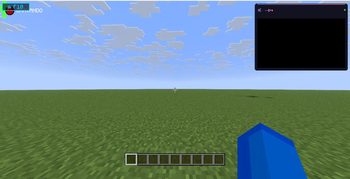
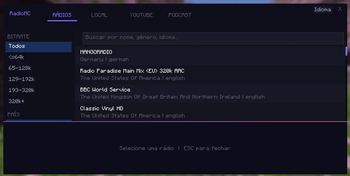
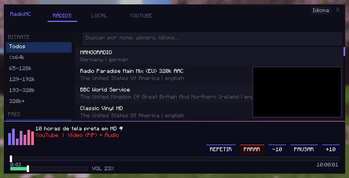
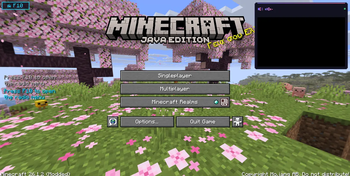
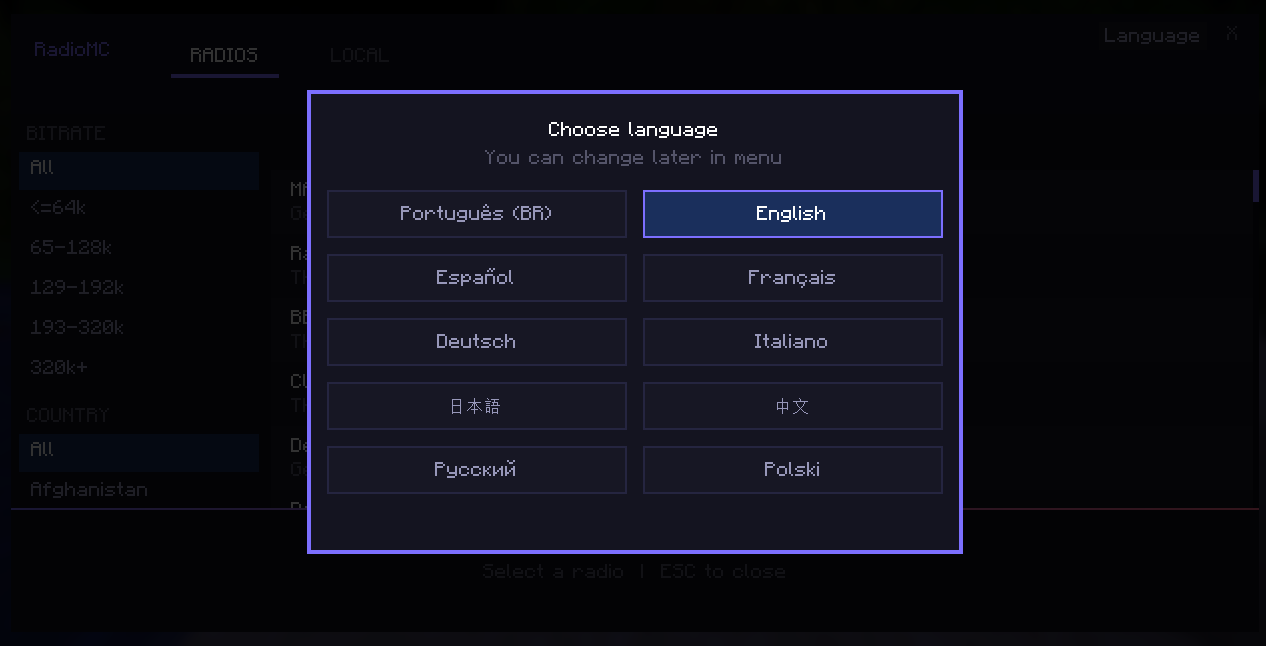
About this Mod
RadioMC — The Official Player for radiomc.vercel.app
RadioMC brings the full experience of the radiomc.vercel.app website directly into Minecraft. Listen to over 51,000 radio stations from all over the world in real-time, without ever needing to Alt+Tab.
Features
Direct Access: Press the F10 key to open the interface at any time (works even inside menus or inventories).
Speed Control: Hold the Alt key and use the mouse scroll wheel to increase or decrease the playback speed.
YouTube Support: Integrated feature to add and play YouTube links.
Massive Database: Over 51,000 pre-cataloged stations ready to play.
Category Filters: Search easily by country, quality (bitrate), or station name.
Official Design: Modern interface based on the official website, featuring a functional volume slider.
Automatic Codec Installation: The mod automatically downloads and configures FFmpeg in the background to ensure full compatibility.
Purely Client-Side: Works on any server. Only you need to have the mod installed.
How to Use
Download and install Fabric Loader and Fabric API for version 1.21.1.
Drop the RadioMC .jar file into your mods folder.
Launch the game and press the F10 key.
Pick your favorite station and turn up the volume!
Supported Audio Formats
Thanks to the automated audio engine integration, RadioMC offers full support for 100% of available stations, including high-quality streams and modern formats:
MP3, AAC, AAC+, OGG, and HLS/M3U8
Note: Upon the first launch, the mod will handle all necessary components seamlessly in the background. You won't need to deal with terminals or Windows environment variables.
Dependencies
Fabric API (Required)
Internet Connection (For radio streaming and automatic codec setup)
Developed by: MiausDEV/Gatosmias (same person)
Official Website: radiomc.vercel.app
Available Versions
How to Install RadioMC on Your Server
Order Server
Order a Minecraft Java server with at least 3 GB RAM (4 GB recommended).
Set fabric Loader
In the panel under "Egg", select the fabric loader and matching Minecraft version (26.1.2).
Install Mod
Open the mod browser in the dashboard and search for "RadioMC". Click "Install" – done! Alternatively, upload the .jar via SFTP to the /mods folder.
Compatibility
Mod Loaders
Minecraft Versions
26.1.2, 26.1.1, 26.1 (+4 more)
Server-side
✗ UnsupportedRecommended RAM
4 GB(min. 3 GB)Frequently Asked Questions
RadioMC server crashes on startup – what to do?
Most common cause: wrong fabric version or insufficient RAM. Check the server log (latest.log) for "OutOfMemoryError" or "Mixin" errors. With Mado Hosting: ensure at least 3 GB RAM is allocated and the loader matches the mod version (26.1.2). You can switch loaders with one click in the panel.
Is RadioMC compatible with fabric and forge?
RadioMC officially supports fabric, forge for Minecraft 26.1.2, 26.1.1, 26.1. Note: Forge and Fabric mods are NOT cross-compatible – pick one loader and stick with it. The Mado dashboard automatically detects incompatible loader combinations.
Server lagging with RadioMC – how to optimize performance?
Recommended RAM: 4 GB (per 8 players). Use /spark profiler to check if RadioMC consumes the most tick time. Common fixes: reduce server view-distance to 8-10, install "performant" or "starlight" as supplementary mods on Forge. With Mado Hosting, your server runs on NVMe SSDs with dedicated CPU cores for minimal latency.
Similar Mods






Rent Modded Server
Install RadioMC with just one click on your server.