
Rail Destinations
Mod port of the Civ Rail Switch plugin
Screenshots
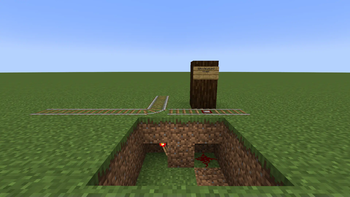
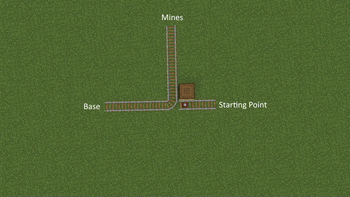
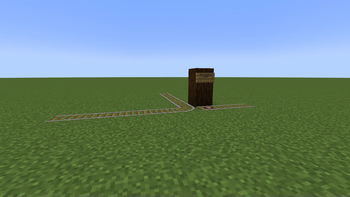
About this Mod
About
Rail Destinations is a mod port of the RailSwitch plugin used on the Civ servers.
The mod allows detector rails to emit a restone signal only if a player in a minecart chose the right destination. It works by using the mechanics of a T-junction and the interaction with a Detector Rail.
Command Usage
Type /dest <destination> where <destination> is the place where you want to go. You can also chain destinations, /dest <destination1> <destination2> etc. This can be useful for taking a route via specific junctions; players will be routed towards signs that contain either <destination1> or <destination2>.
Junction Setup
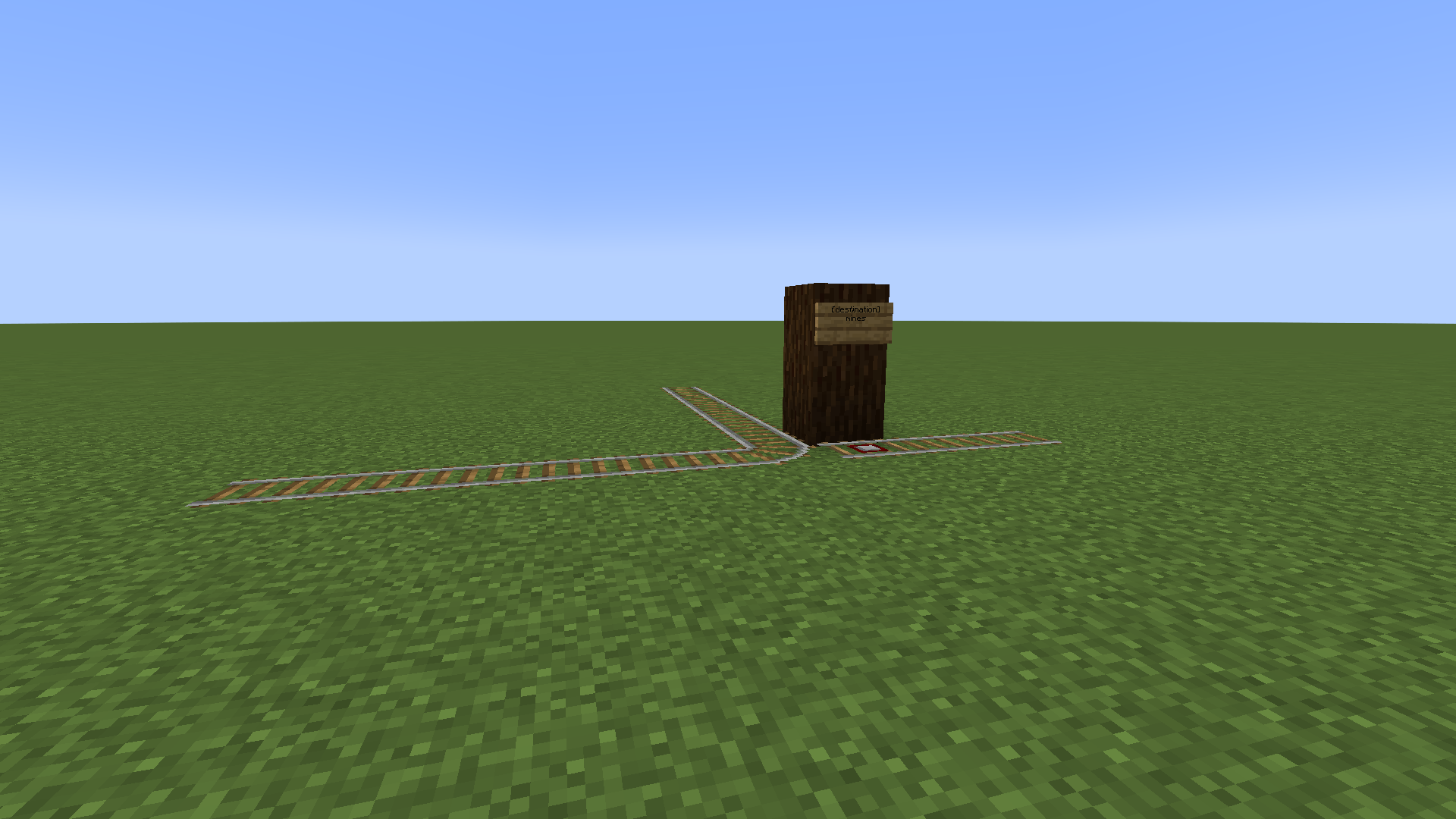
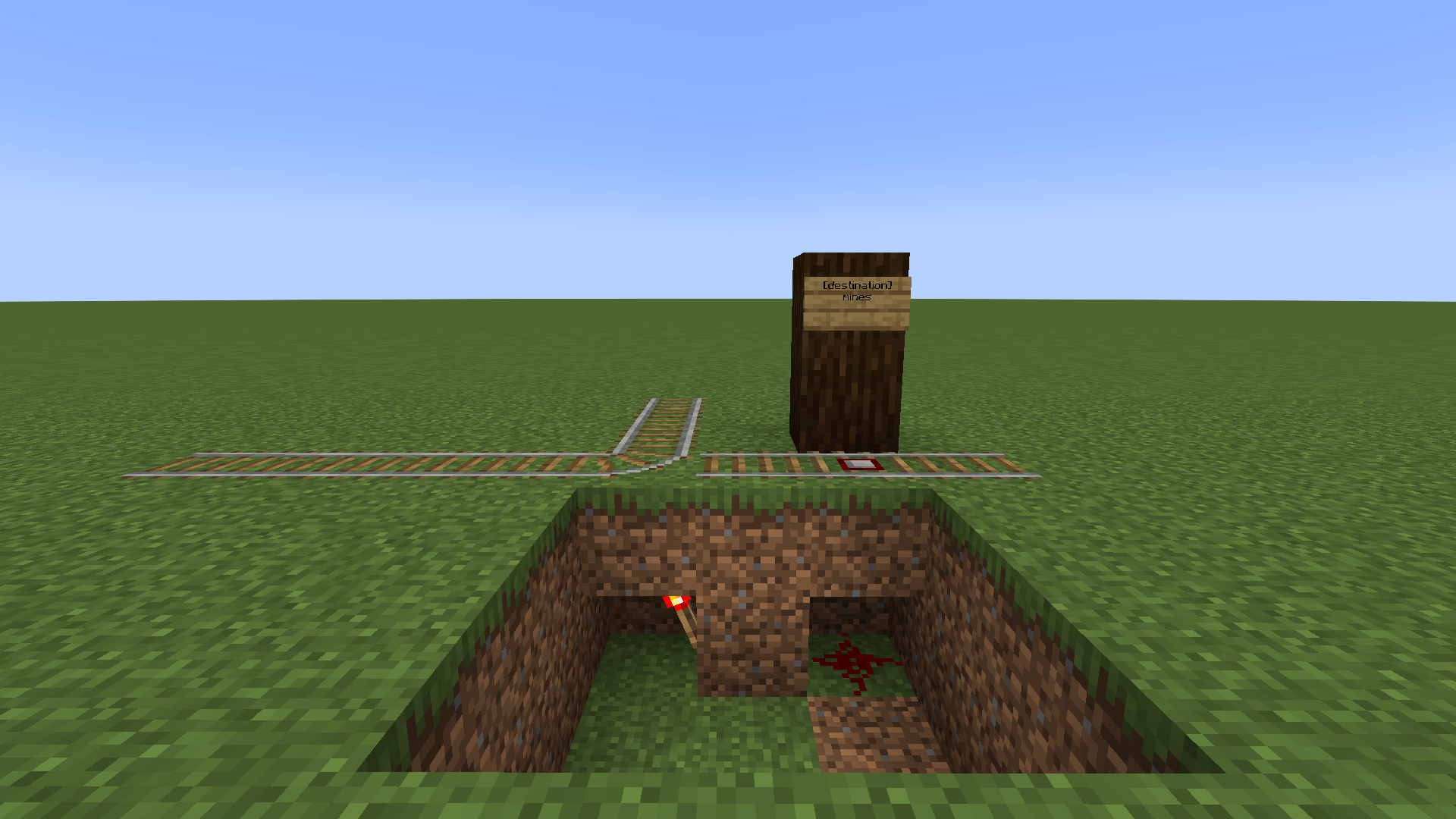
- Place a sign one block above a detector rail before the T-junction.
- The first line must be
[destination]. You may also use[!destination], which will activate the rail if a player's destination is not on the signs. - The other three lines can be destination names. Setting any line to
*will activate the detector rail if the player has any destination set (or the opposite when using[!destination]).
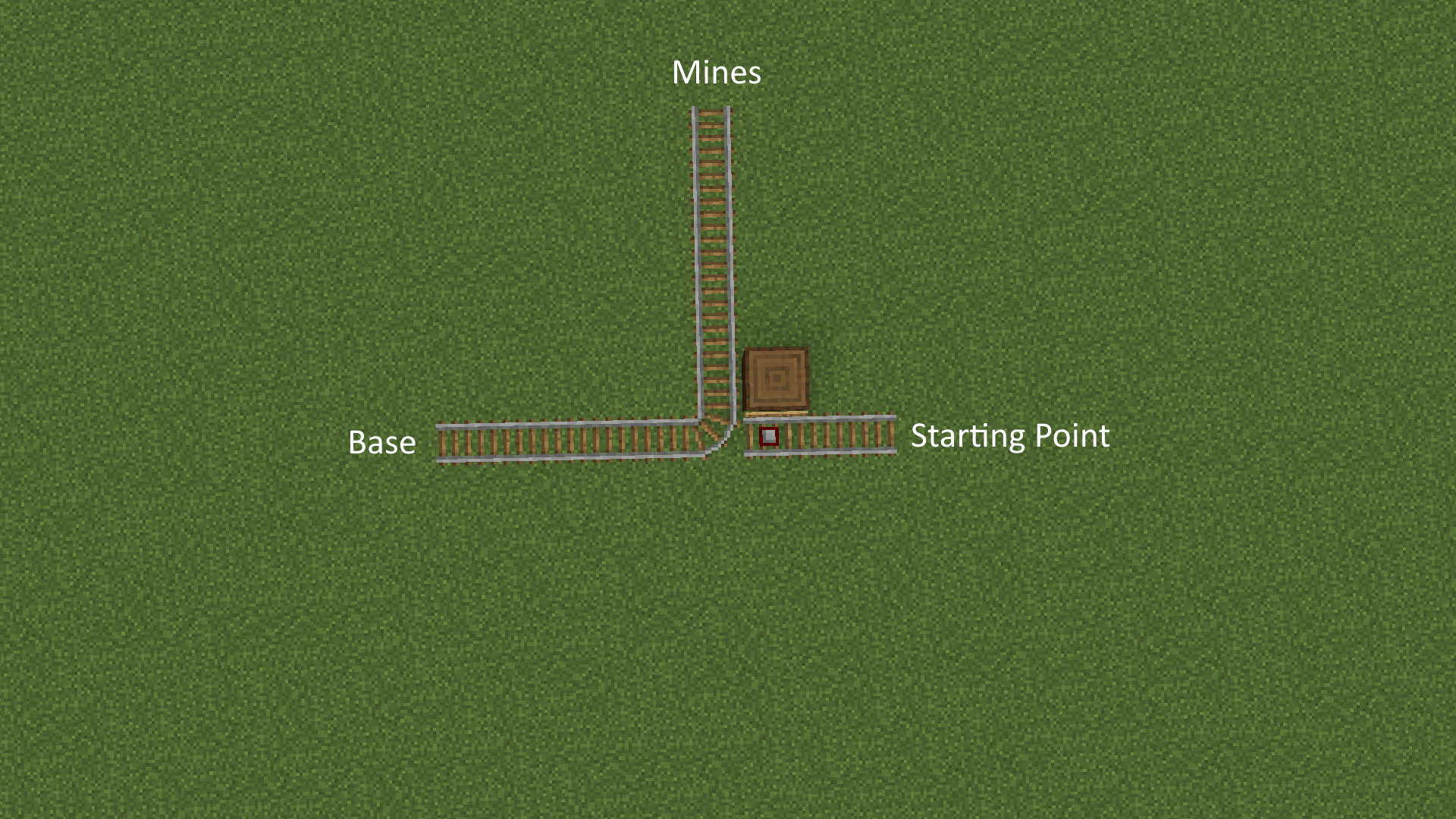
Since T-junctions follow the south-east rule an inverter (shown below) may need to be built.
Inverters
An inverter can be used to change the default direction of the T-junction.


Available Versions
How to Install Rail Destinations on Your Server
Order Server
Order a Minecraft Java server with at least 3 GB RAM (4 GB recommended).
Set fabric Loader
In the panel under "Egg", select the fabric loader and matching Minecraft version (26.1.2).
Install Mod
Open the mod browser in the dashboard and search for "Rail Destinations". Click "Install" – done! Alternatively, upload the .jar via SFTP to the /mods folder.
Compatibility
Mod Loaders
Minecraft Versions
26.1.2, 26.1.1, 26.1 (+9 more)
Server-side
✓ RequiredRecommended RAM
4 GB(min. 3 GB)Frequently Asked Questions
Rail Destinations server crashes on startup – what to do?
Most common cause: wrong fabric version or insufficient RAM. Check the server log (latest.log) for "OutOfMemoryError" or "Mixin" errors. With Mado Hosting: ensure at least 3 GB RAM is allocated and the loader matches the mod version (26.1.2). You can switch loaders with one click in the panel.
Is Rail Destinations compatible with fabric and forge and neoforge?
Rail Destinations officially supports fabric, forge, neoforge for Minecraft 26.1.2, 26.1.1, 26.1. Note: Forge and Fabric mods are NOT cross-compatible – pick one loader and stick with it. The Mado dashboard automatically detects incompatible loader combinations.
Server lagging with Rail Destinations – how to optimize performance?
Recommended RAM: 4 GB (per 8 players). Use /spark profiler to check if Rail Destinations consumes the most tick time. Common fixes: reduce server view-distance to 8-10, install "performant" or "starlight" as supplementary mods on Forge. With Mado Hosting, your server runs on NVMe SSDs with dedicated CPU cores for minimal latency.
Similar Mods


Rent Modded Server
Install Rail Destinations with just one click on your server.