
Re:Forge
This project seeks to Re:Forge the minecraft crafting system. Adding the forge station to create all tools above stone.
Screenshots
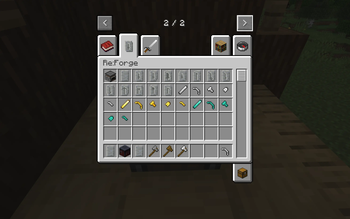
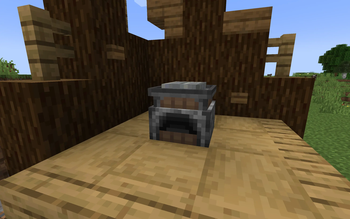
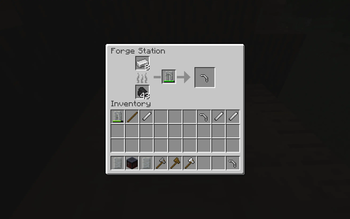
About this Mod
Re:Forge completely rewrites the main tool and weapon progression. Maintaining a vanilla feel while making it more advanced. Redefining how weapons are made, aims to make crafting them feel more personal.
Forge Station
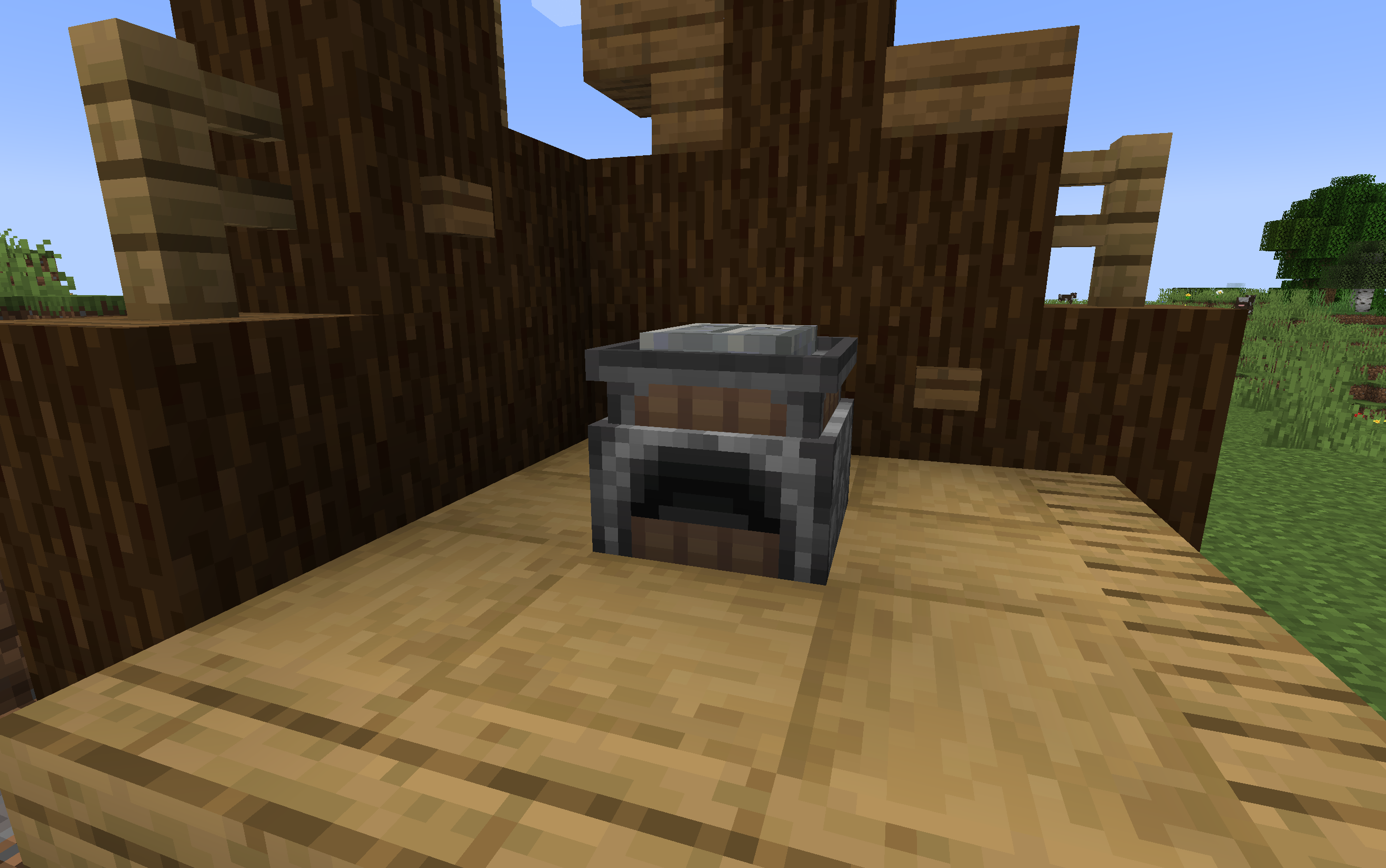
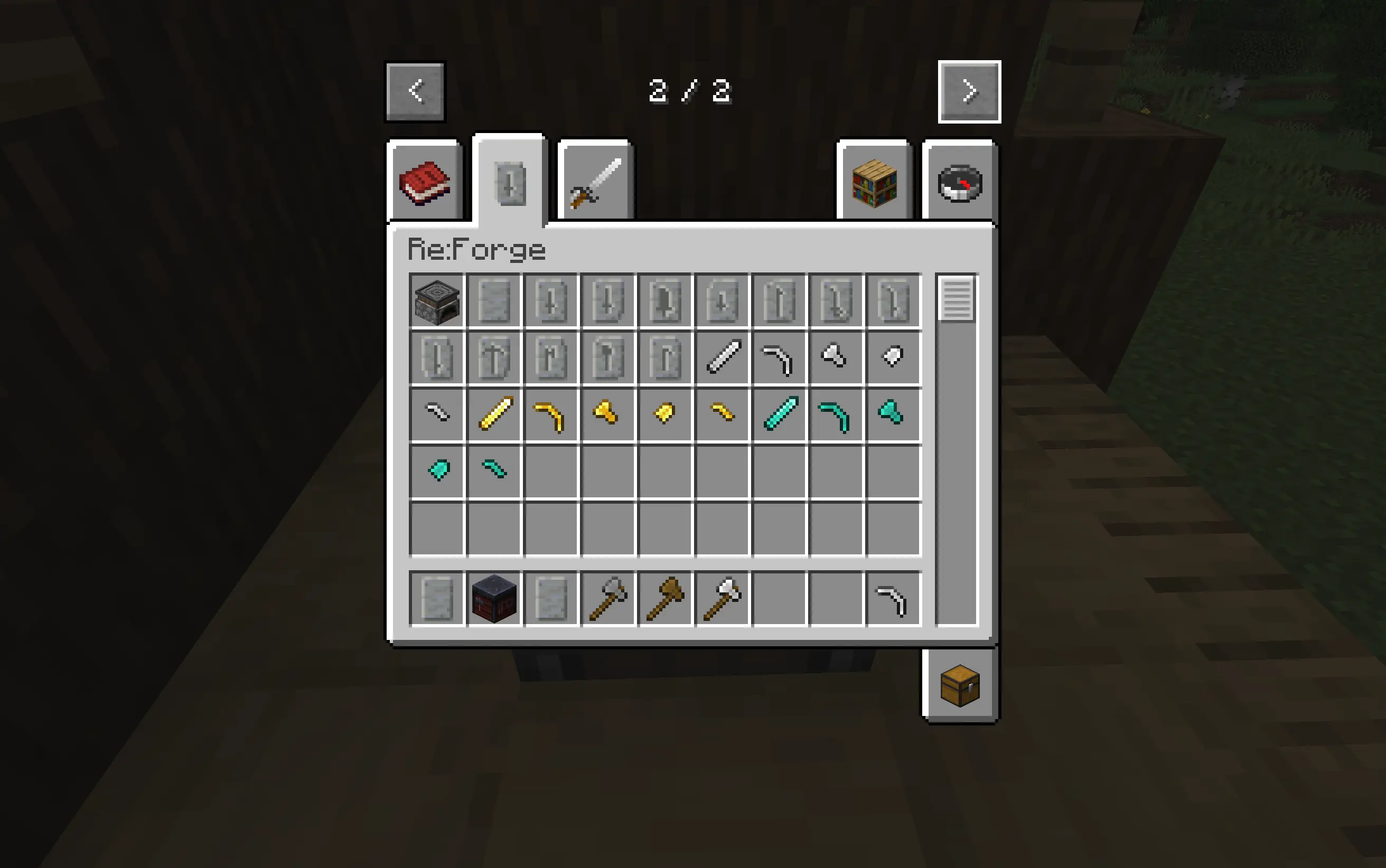
The Forge Station is the main addition to the mod. This station is used to create any tools above stone. THe player right clicks the forge with a crafted blank pattern to get started. You carve your pattern using a stone axe(or higher). Melt down your material through a pattern, in the table, and the player will recieve the tool head or sword blade. Shift right click the forge station to remove the pattern.
GUI/Gameplay
Tap to show/hide
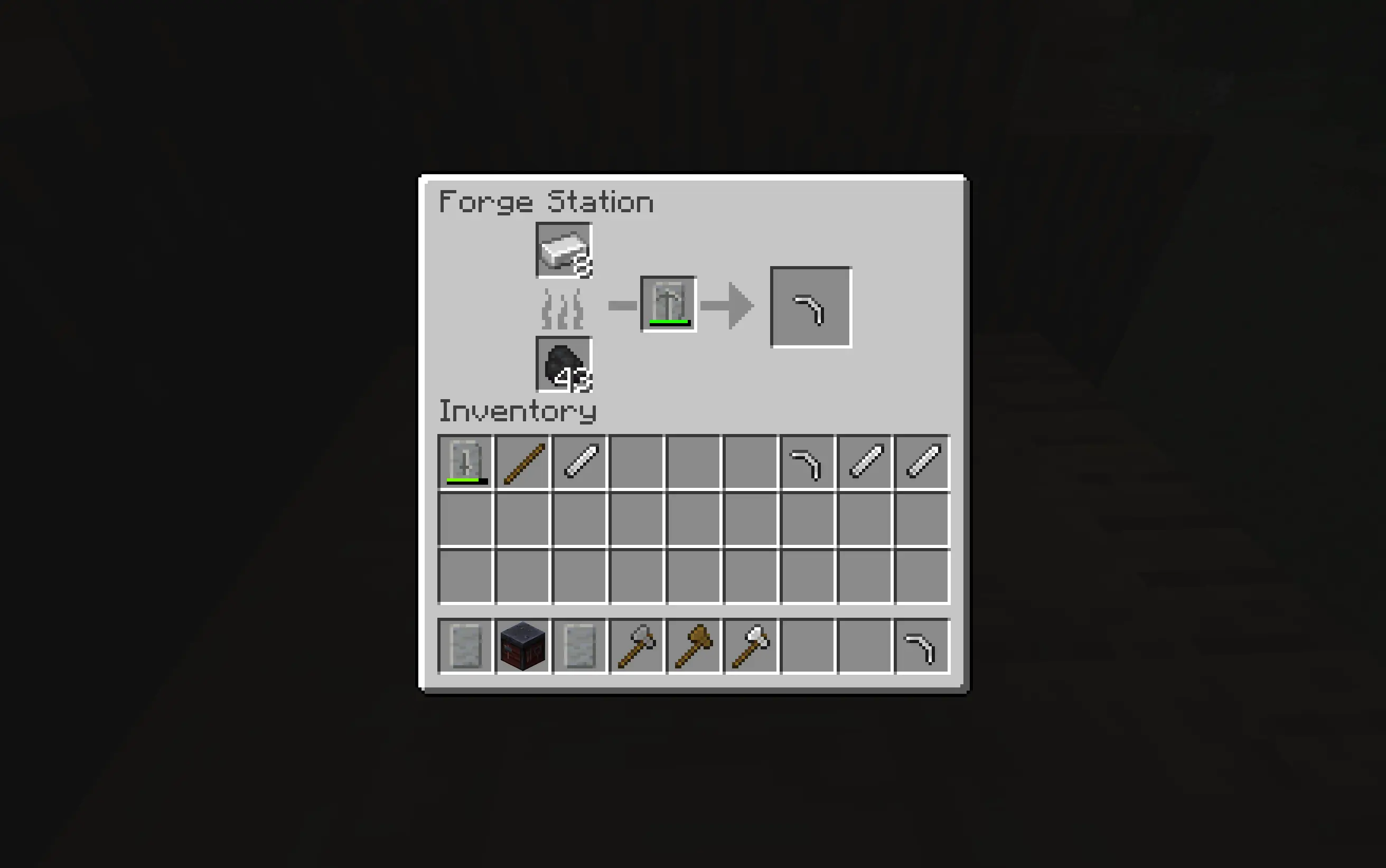
Smithing Table
Once you have the head or blade from your weapon you craft the desired tool in the smithing table combinig it with sticks and the matching pattern from the Forge Station now you have your tool or weapon.
Honing Blades
Tap to show/hide
Honing is for players that want to make there weapon feel a little more special. if you hold an amethyst shard in your off hand, holding your weapon in your main hand. interact with a Grindstone, and each time you do, it will add +0.5 damage to your sword to a total of +2. This is a Honed Blade
Mod Compatabilities
Tap to show/hide
This mod was fully designed with compatability for:
Available Versions
How to Install Re:Forge on Your Server
Order Server
Order a Minecraft Java server with at least 3 GB RAM (4 GB recommended).
Set neoforge Loader
In the panel under "Egg", select the neoforge loader and matching Minecraft version (1.21.1).
Install Mod
Open the mod browser in the dashboard and search for "Re:Forge". Click "Install" – done! Alternatively, upload the .jar via SFTP to the /mods folder.
Compatibility
Mod Loaders
Minecraft Versions
1.21.1
Server-side
✓ RequiredRecommended RAM
4 GB(min. 3 GB)Frequently Asked Questions
Re:Forge server crashes on startup – what to do?
Most common cause: wrong neoforge version or insufficient RAM. Check the server log (latest.log) for "OutOfMemoryError" or "Mixin" errors. With Mado Hosting: ensure at least 3 GB RAM is allocated and the loader matches the mod version (1.21.1). You can switch loaders with one click in the panel.
Is Re:Forge compatible with neoforge?
Re:Forge officially supports neoforge for Minecraft 1.21.1. The Mado dashboard automatically detects incompatible loader combinations.
Server lagging with Re:Forge – how to optimize performance?
Recommended RAM: 4 GB (per 8 players). Use /spark profiler to check if Re:Forge consumes the most tick time. Common fixes: reduce server view-distance to 8-10, install "performant" or "starlight" as supplementary mods on Forge. With Mado Hosting, your server runs on NVMe SSDs with dedicated CPU cores for minimal latency.
Similar Mods



![[TaCZ] Timeless and Classics Zero](https://cdn.modrinth.com/data/SzzJttH8/fd27766d2bb8390d284696b1dbd358f87e081439_96.webp)


Rent Modded Server
Install Re:Forge with just one click on your server.