
RED OS
RED-OS is a technological suite for Minecraft, it is a unified operating system for your world.
Screenshots


About this Mod
🔴 RED-OS: Advanced Technology Ecosystem (BETA)
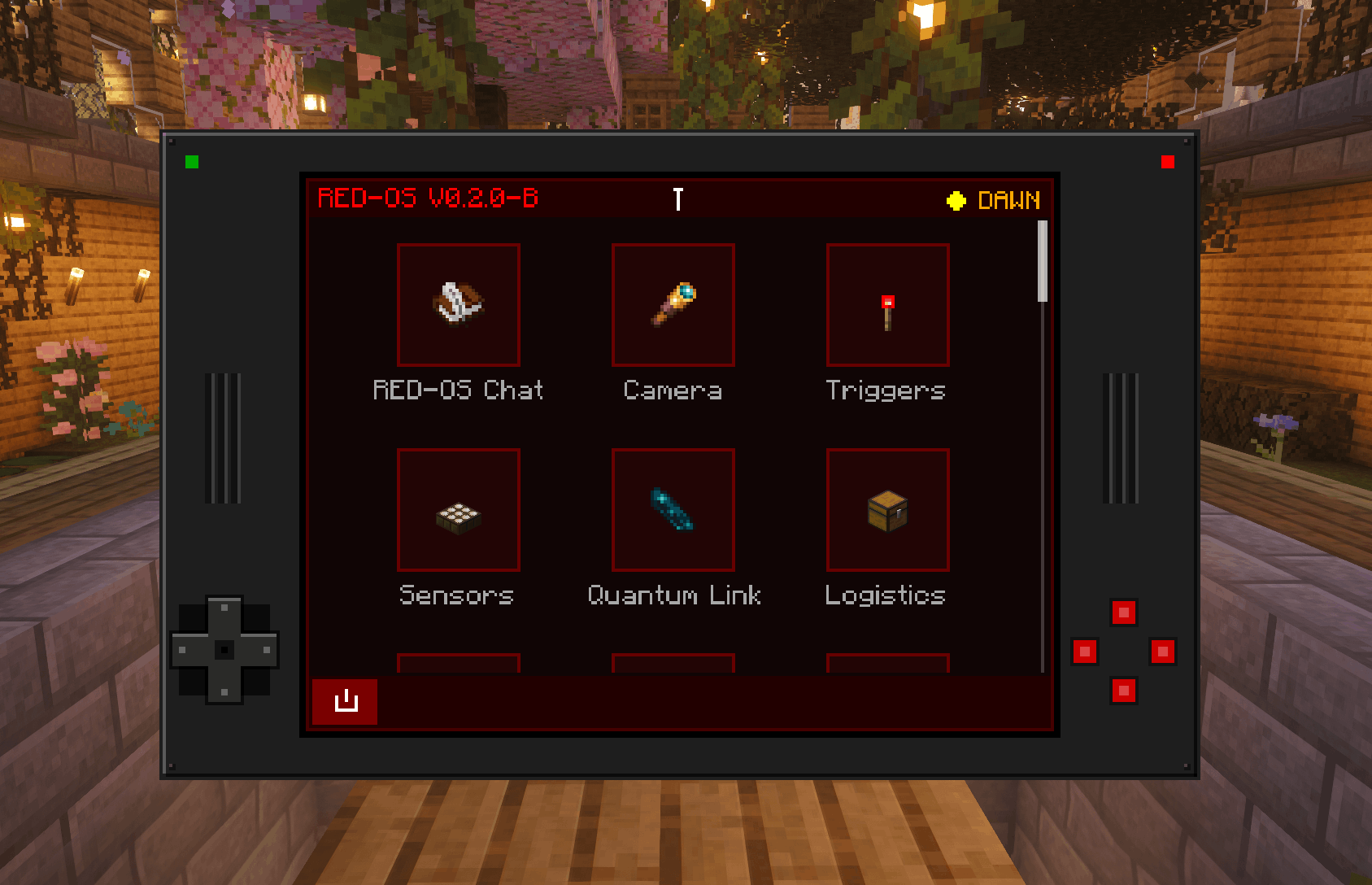
RED-OS is a technological suite for Minecraft, it is a unified operating system for your world.
🚀 Key Features
Global Communication Suite:
The ultimate command center for player interaction. Features a high-performance Global Chat, an Encrypted Private Messenger Vault for secure player-to-player
communication with persistent local history, and a seamless Discord Bridge to connect your in-game world with your external community in real-time. Coordinate logistics
and stay connected with your team anywhere in the world.
Administrative & Security Operations (OP Level):
RED-OS provides streamlined access for authorized world administrators. Players with Operator privileges can access the Admin Console, designed for the convenience of
monitoring global network health and managing player permissions. This layer provides OPs with an efficient overview to maintain order and security across the
technological ecosystem without unnecessary complexity.
Autonomous Drone Logistics:
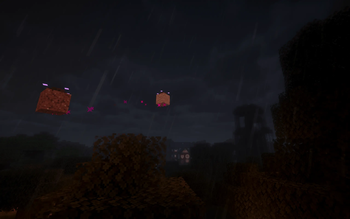
Deploy intelligent Drone Units managed by a centralized Master Controller. These autonomous agents navigate complex Mesh Networks to transport resources with high
efficiency, featuring built-in survival protocols and intelligent back-pressure detection for full containers.
Surveillance & Remote Automation:
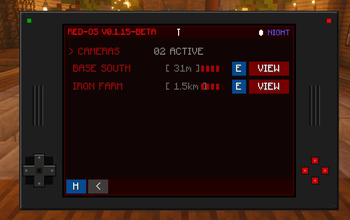
Maintain total situational awareness with high-definition Wireless IP Cameras, Smart Motion Sensors, and Remote Redstone Triggers. Monitor your facility through
real-time video feeds, configure automated alerts, and remotely activate redstone machinery from anywhere on the network via your handheld.
Quantum Teleportation Infrastructure:
Master the Quantum Porter system for instantaneous long-range logistics and personnel travel. Utilizing advanced spatial mapping, the Porter provides secure,
zero-latency movement across your entire RED-OS network.
High-Energy Defense & Mobility:
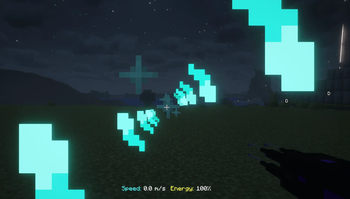
Protect your assets with the Plasma Pulse Disintegrator weapon and master the skies with the Ion Exo Chestplate. This advanced jetpack provides high-speed aerial
mobility with built-in glider functionality and supersonic capabilities.
🛰 How it Works: Discovery & Progression
In Survival mode, RED-OS utilizes an advancement-based unlock system. Hardware tiers are unlocked as soon as the required items are detected in your inventory.
- Tier 1 (Base Technology): Automatically unlocks when a
ClockandRedstone Torchare detected in your inventory. Grants access to basic networking, cameras, and sensors. - Tier 2 (Advanced Spatial): Requires Tier 1 completion and discovery of an
Echo Shard. Unlocks the Quantum Porter and Plasma Disintegrator.
Note: For architects, all features are immediately available in Creative Mode by searching for RED-OS.
🛠 Requirements
Minecraft: 1.21.11
Fabric Loader: 0.18.1 or higher
Fabric API: 0.141.2+1.21.11
📦 Installation
Download the latest .jar from the Releases page.
Place the file in your Minecraft mods folder.
Ensure you have the correct version of Fabric API installed.
🐛 Bug Reporting & Feedback
We are currently in BETA. Stability is our primary goal for the v1.0 release. If you encounter any issues, please report them via the GitHub Issues page.
Your feedback helps make RED-OS better for everyone!
Available Versions
How to Install RED OS on Your Server
Order Server
Order a Minecraft Java server with at least 3 GB RAM (4 GB recommended).
Set fabric Loader
In the panel under "Egg", select the fabric loader and matching Minecraft version (1.21.11).
Install Mod
Open the mod browser in the dashboard and search for "RED OS". Click "Install" – done! Alternatively, upload the .jar via SFTP to the /mods folder.
Compatibility
Mod Loaders
Minecraft Versions
1.21.11
Server-side
✓ RequiredRecommended RAM
4 GB(min. 3 GB)Frequently Asked Questions
RED OS server crashes on startup – what to do?
Most common cause: wrong fabric version or insufficient RAM. Check the server log (latest.log) for "OutOfMemoryError" or "Mixin" errors. With Mado Hosting: ensure at least 3 GB RAM is allocated and the loader matches the mod version (1.21.11). You can switch loaders with one click in the panel.
Is RED OS compatible with fabric?
RED OS officially supports fabric for Minecraft 1.21.11. The Mado dashboard automatically detects incompatible loader combinations.
Server lagging with RED OS – how to optimize performance?
Recommended RAM: 4 GB (per 8 players). Use /spark profiler to check if RED OS consumes the most tick time. Common fixes: reduce server view-distance to 8-10, install "performant" or "starlight" as supplementary mods on Forge. With Mado Hosting, your server runs on NVMe SSDs with dedicated CPU cores for minimal latency.
Similar Mods




![[TaCZ] Timeless and Classics Zero](https://cdn.modrinth.com/data/SzzJttH8/fd27766d2bb8390d284696b1dbd358f87e081439_96.webp)

Rent Modded Server
Install RED OS with just one click on your server.