
Region Selection Viewer
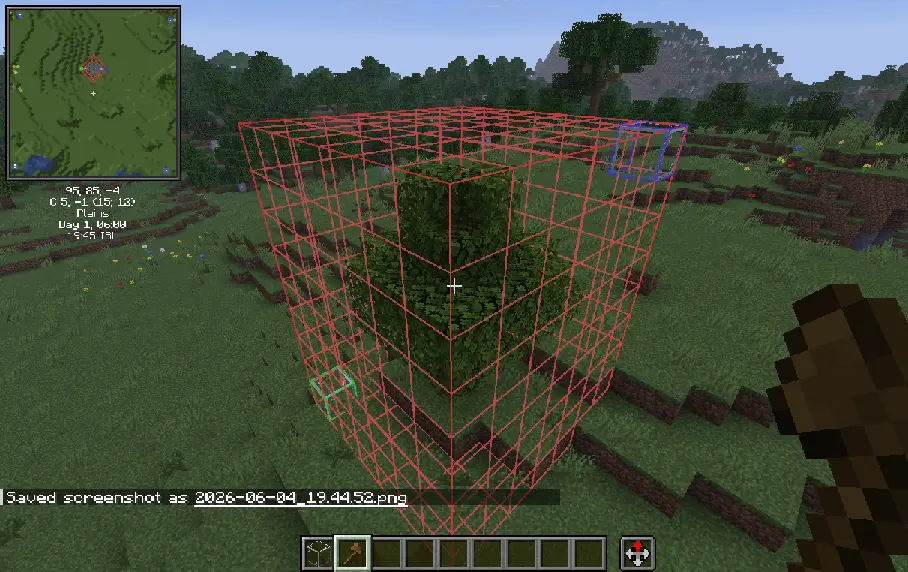
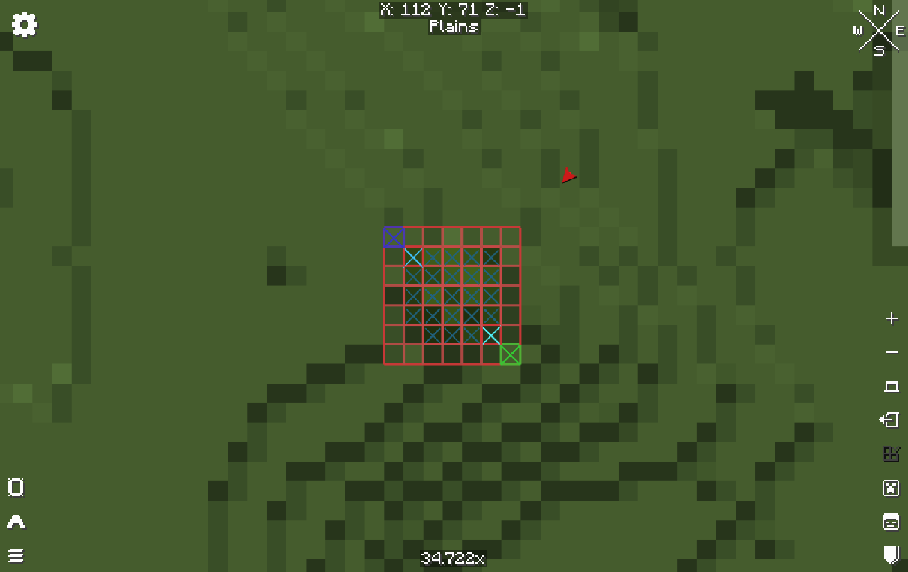
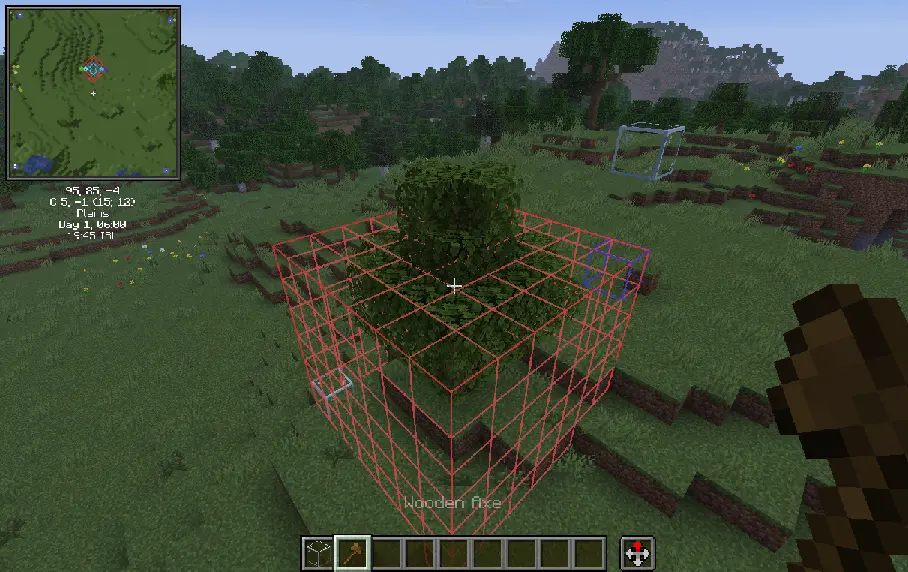
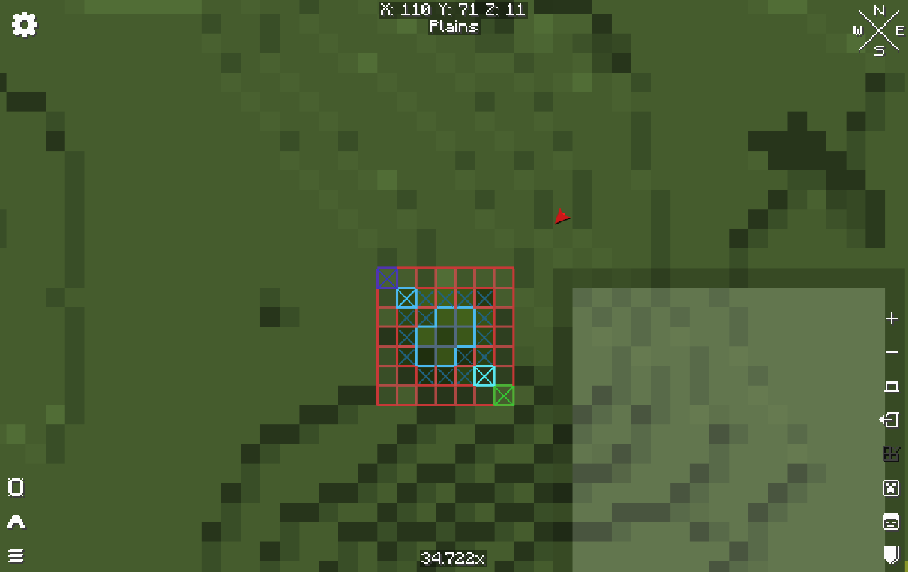
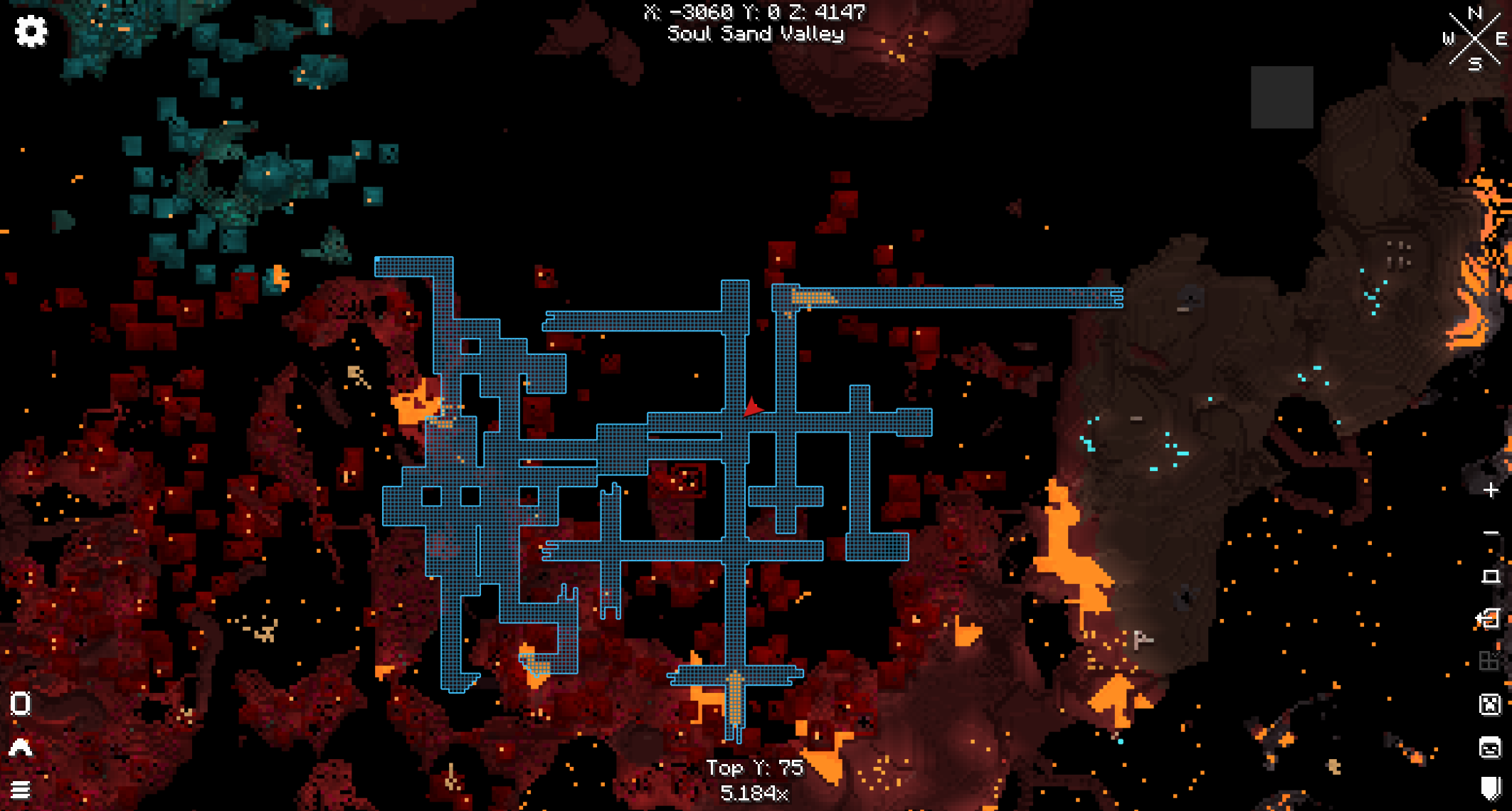
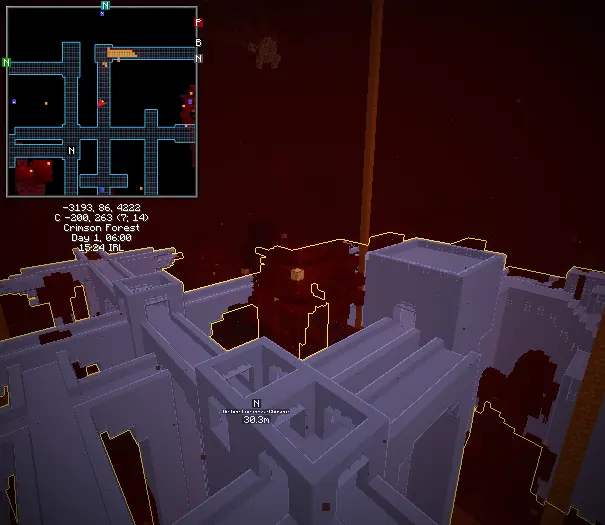
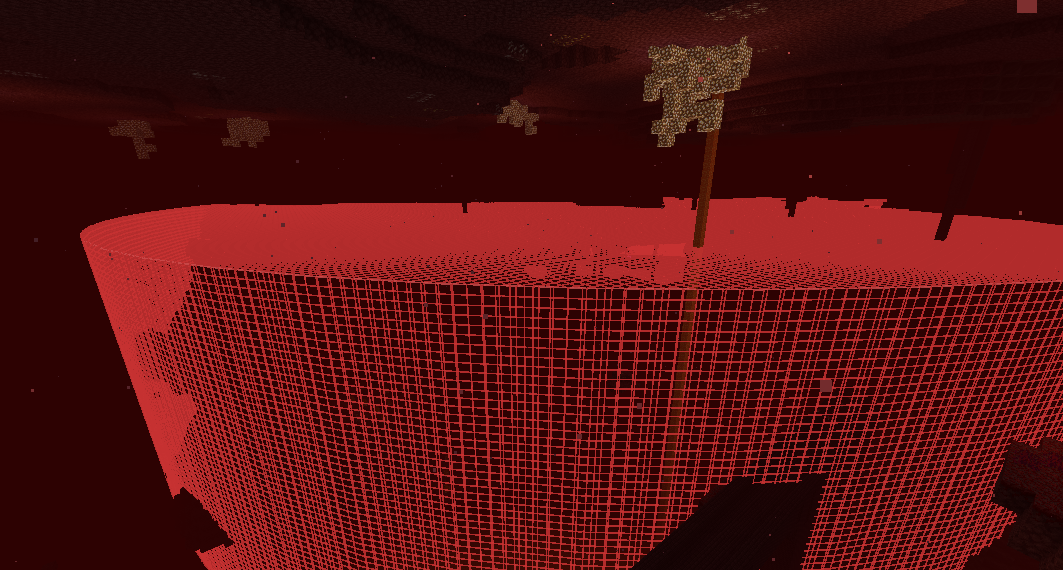
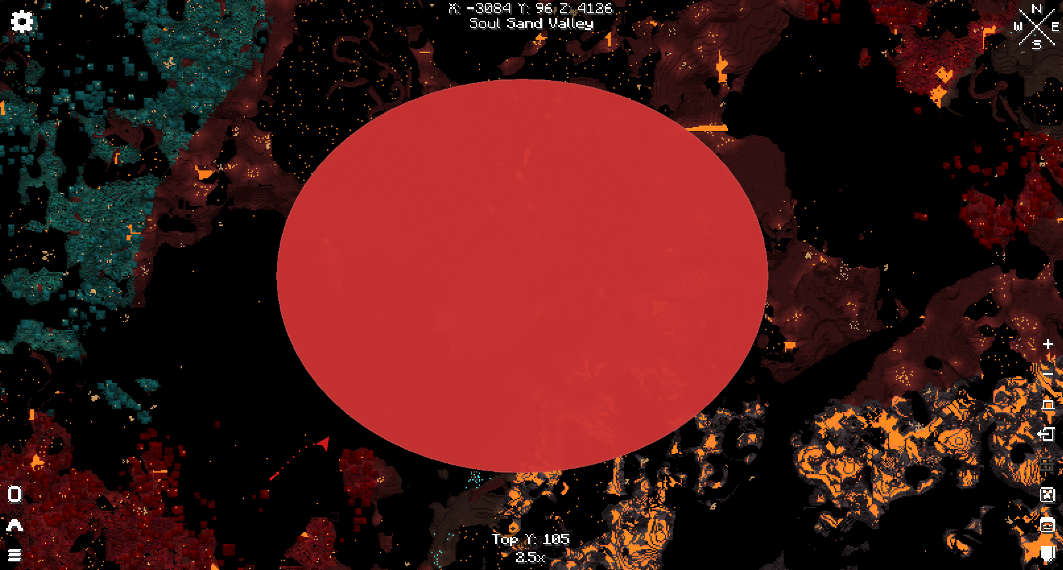
A WorldEdit and Axiom selection viewer for precise building and visualizing in Mini-maps.
Screenshots
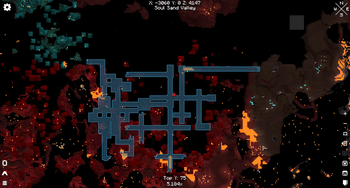
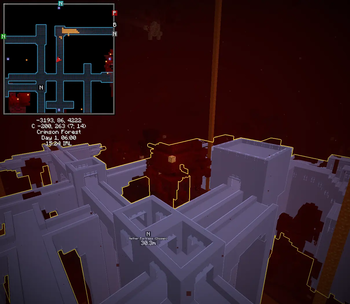

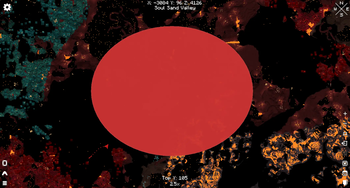
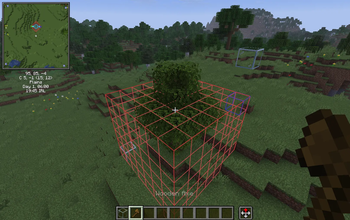
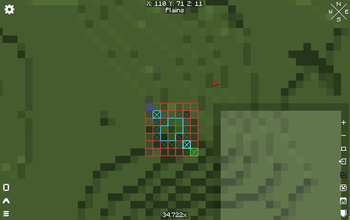
About this Mod
Do you work on massive builds or projects and need an easier way to visualize large selection regions?! (Creepa) Oh man, do I have the solution for you!
With Region Selection Viewer being used along-side Xaero's Minimap AND/OR Xaero's World Map beside WorldEditCUI AND Axiom. Which ever you choose should work, and together with no problems at all.
This mod was made for a special usecase for myself for my own build project, so I thought to release it for everyone else to use. I would frequently switch between polygon selection regions for WorldEdit and Axiom to verify my build fits inside of certain areas as it provides an overlapping feature to see if anything sticks outside of any WorldEdit region!
This mod has been thoroughly tested and shouldn't have any bugs, or produce any lag!
Feel free to let me know of any requests or recommendations! :)
Please report any bugs if any become present and I'll do my best to fix it as soon as I can!
I will make updates currently as I see fit unless special requests are needed.
Available Versions
How to Install Region Selection Viewer on Your Server
Order Server
Order a Minecraft Java server with at least 3 GB RAM (4 GB recommended).
Set fabric Loader
In the panel under "Egg", select the fabric loader and matching Minecraft version (1.21.11).
Install Mod
Open the mod browser in the dashboard and search for "Region Selection Viewer". Click "Install" – done! Alternatively, upload the .jar via SFTP to the /mods folder.
Compatibility
Mod Loaders
Minecraft Versions
1.21.11
Server-side
✗ UnsupportedRecommended RAM
4 GB(min. 3 GB)Frequently Asked Questions
Region Selection Viewer server crashes on startup – what to do?
Most common cause: wrong fabric version or insufficient RAM. Check the server log (latest.log) for "OutOfMemoryError" or "Mixin" errors. With Mado Hosting: ensure at least 3 GB RAM is allocated and the loader matches the mod version (1.21.11). You can switch loaders with one click in the panel.
Is Region Selection Viewer compatible with fabric?
Region Selection Viewer officially supports fabric for Minecraft 1.21.11. The Mado dashboard automatically detects incompatible loader combinations.
Server lagging with Region Selection Viewer – how to optimize performance?
Recommended RAM: 4 GB (per 8 players). Use /spark profiler to check if Region Selection Viewer consumes the most tick time. Common fixes: reduce server view-distance to 8-10, install "performant" or "starlight" as supplementary mods on Forge. With Mado Hosting, your server runs on NVMe SSDs with dedicated CPU cores for minimal latency.
Rent Modded Server
Install Region Selection Viewer with just one click on your server.