
ReThrottle
A mod looking to balance minecart speed in a vanilla-friendly and customizeable way
About this Mod
Rethrottle
Description
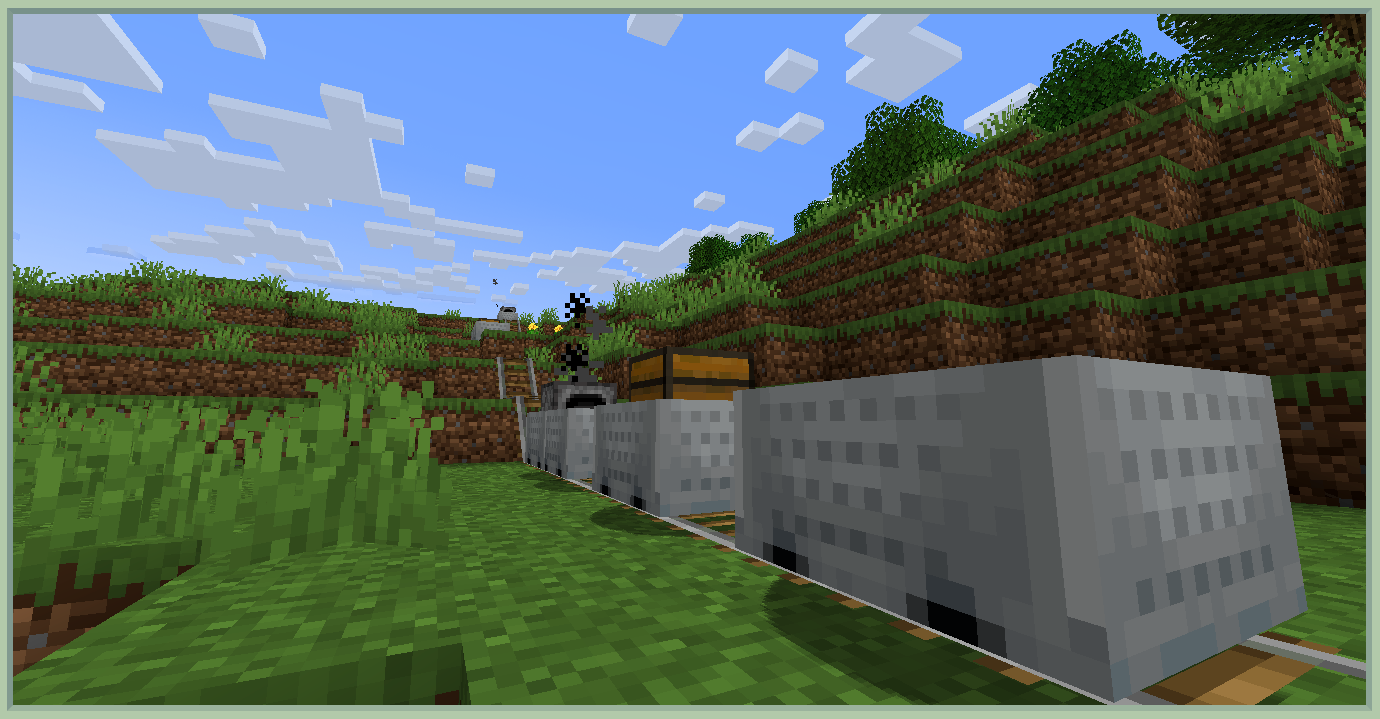
ReThrottle is a simple and quick port of the mod Throttle for Forge 1.20.1 with the sole purpose of rebalancing and improving minecarts in a vanilla-friendly manner. It does that by increasing the speed cap from 8 m/s to 16 m/s and making it fully customizeable for pack creators.
In addition to that, it also makes minecarts with furnace usable, also increasing their cap from 4m/s to 16m/s, allowing them to push other carts without lagging behind.
Configuration
The top speed can also be customized from 16m/s to any value greater than zero in the server configurations in a file called throttle-server.toml. To apply it for every world, put it inside the defaultconfigs folder. The default config file should look like this:
#The minecart speed cap in m/s. In vanilla value is 8.0 m/s.
#Range: 0.0 ~ 1.7976931348623157E308
maxSpeed = 24.0
If you're using Sinytra Connector, I recommend using this version of the mod Linkart, as it makes trains possible with furnace minecarts, and Forgery to make further tweaks (like alloweing funace minecarts to accept any fuel).
Credits
All credits go to the DuckyCrayfish on original Throttle mod CurseForge, most of the code in this port was unchanged besides adding support for minecarts with furnace in this version.
Available Versions
How to Install ReThrottle on Your Server
Order Server
Order a Minecraft Java server with at least 3 GB RAM (4 GB recommended).
Set forge Loader
In the panel under "Egg", select the forge loader and matching Minecraft version (1.20.1).
Install Mod
Open the mod browser in the dashboard and search for "ReThrottle". Click "Install" – done! Alternatively, upload the .jar via SFTP to the /mods folder.
Compatibility
Mod Loaders
Minecraft Versions
1.20.1
Server-side
✓ RequiredRecommended RAM
4 GB(min. 3 GB)Frequently Asked Questions
ReThrottle server crashes on startup – what to do?
Most common cause: wrong forge version or insufficient RAM. Check the server log (latest.log) for "OutOfMemoryError" or "Mixin" errors. With Mado Hosting: ensure at least 3 GB RAM is allocated and the loader matches the mod version (1.20.1). You can switch loaders with one click in the panel.
Is ReThrottle compatible with forge?
ReThrottle officially supports forge for Minecraft 1.20.1. The Mado dashboard automatically detects incompatible loader combinations.
Server lagging with ReThrottle – how to optimize performance?
Recommended RAM: 4 GB (per 8 players). Use /spark profiler to check if ReThrottle consumes the most tick time. Common fixes: reduce server view-distance to 8-10, install "performant" or "starlight" as supplementary mods on Forge. With Mado Hosting, your server runs on NVMe SSDs with dedicated CPU cores for minimal latency.
Similar Mods






Rent Modded Server
Install ReThrottle with just one click on your server.