
Revamped Shipwrecks
Shipwreck structures redesigned with jigsaw degradation stages, hundreds of unique combinations!
Screenshots
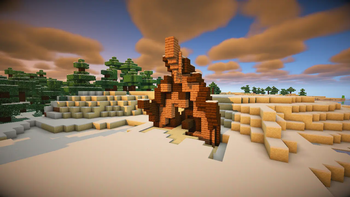
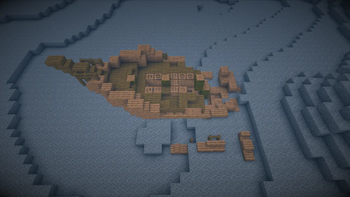
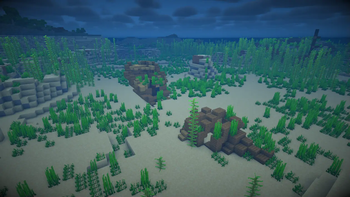
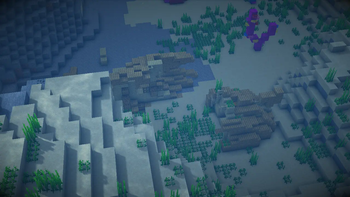
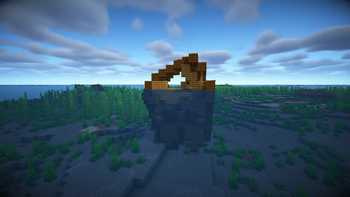
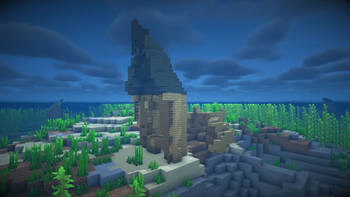
About this Mod
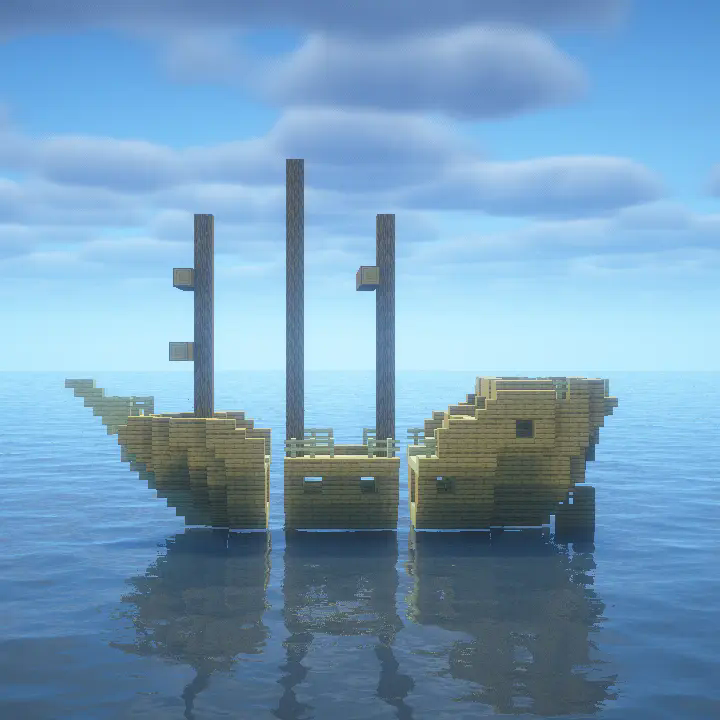
Revamped Shipwrecks aims to make every shipwreck encountered unique; by splitting ships into 3 sections, then randomly picking each section from a diverse pool of both custom and familiar options. As a result, each Revamped Shipwreck has interesting new access points and requires different approaches to navigate!
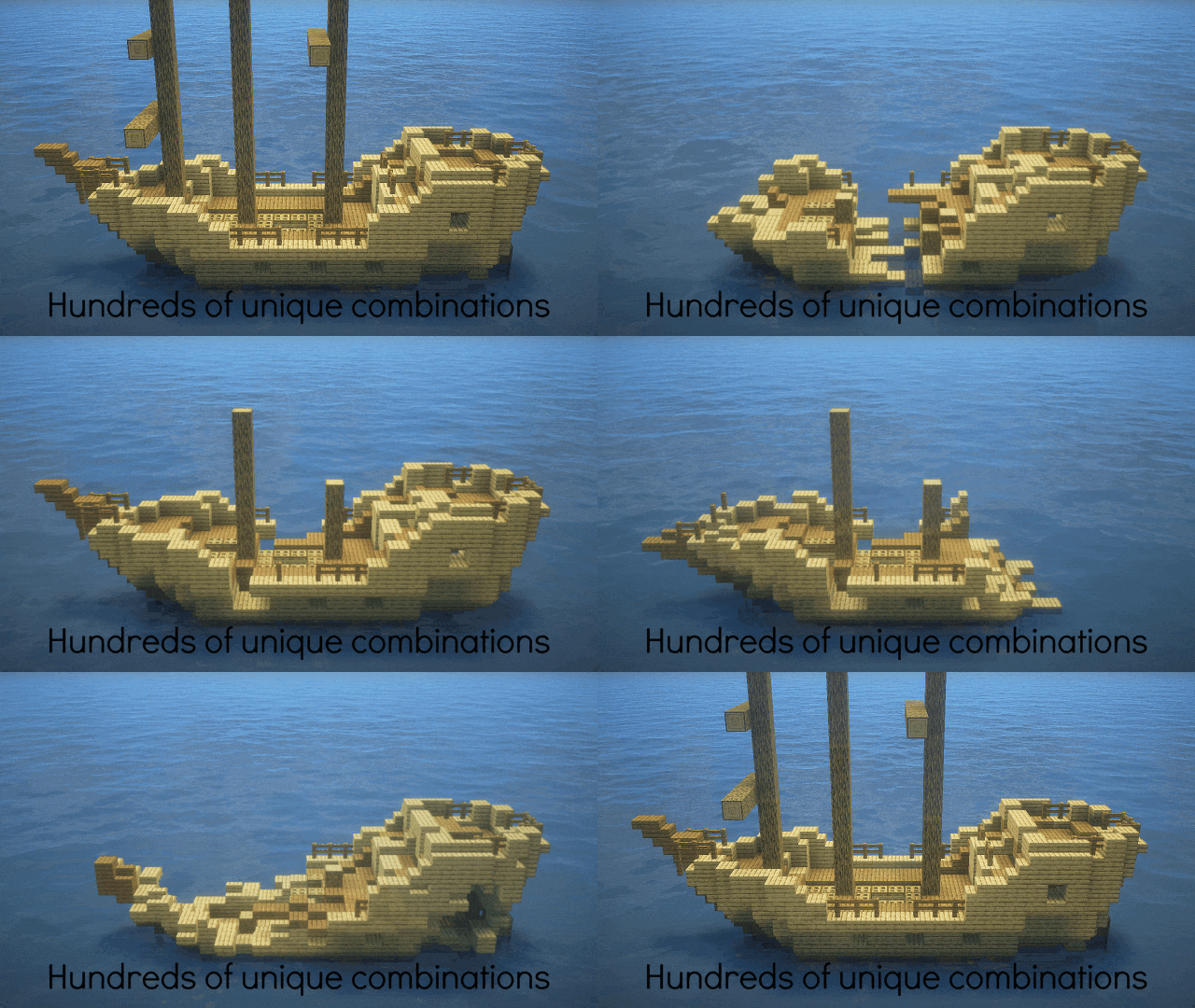
Revamped Shipwrecks have vertical wrecks, which can be upward pointing or downward pointing.
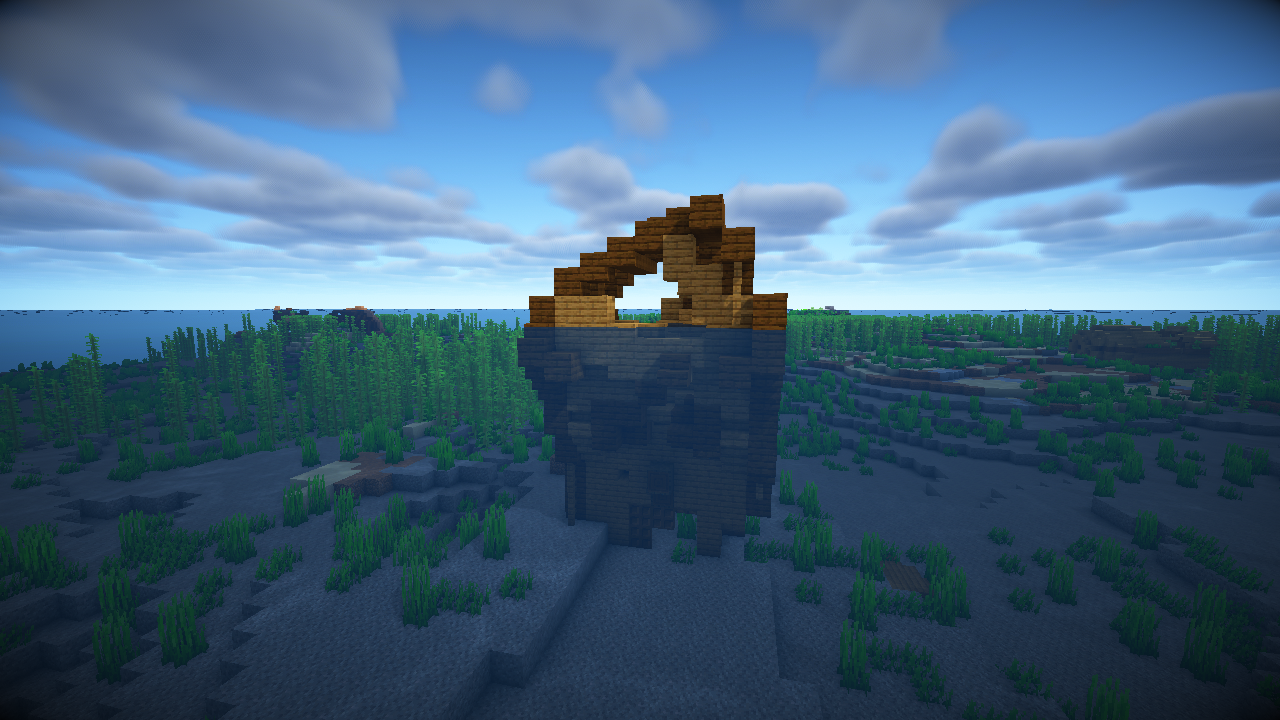
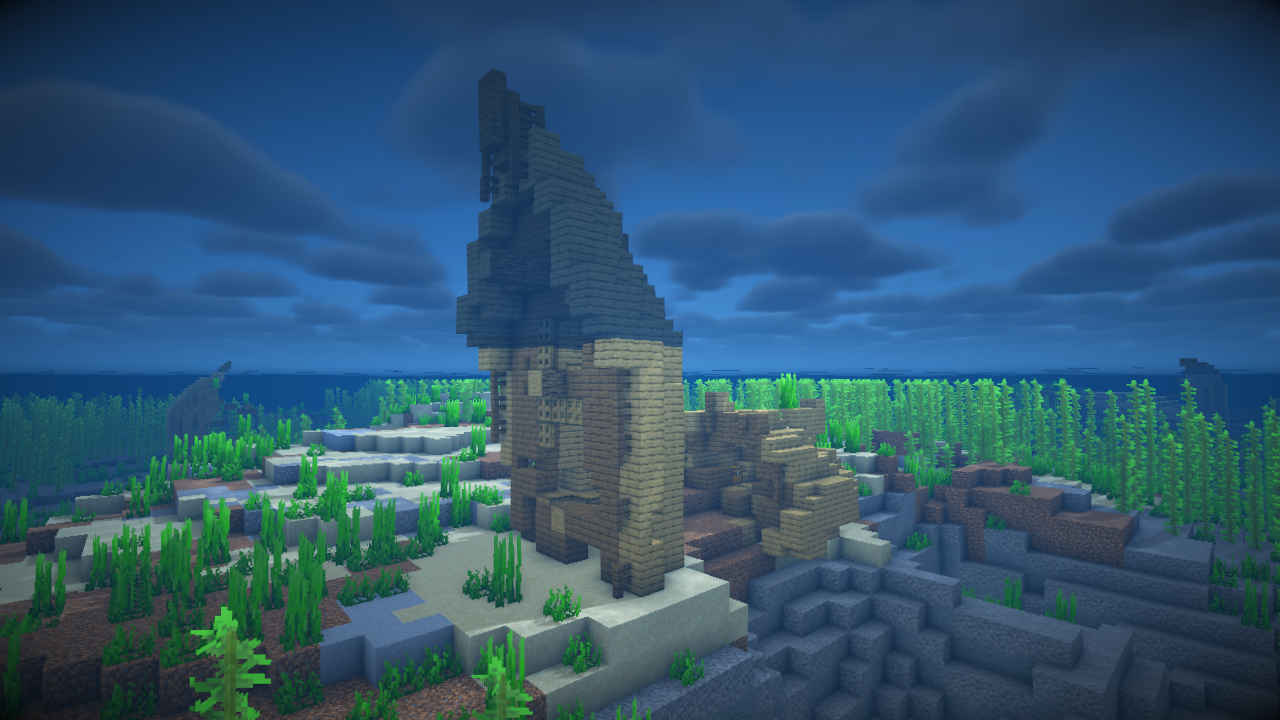
Wreck debris can also generate surrounding shipwrecks, depending on how damaged the wreck is. They can even occasionally generate entire missing pieces disconnected from shorter variants!
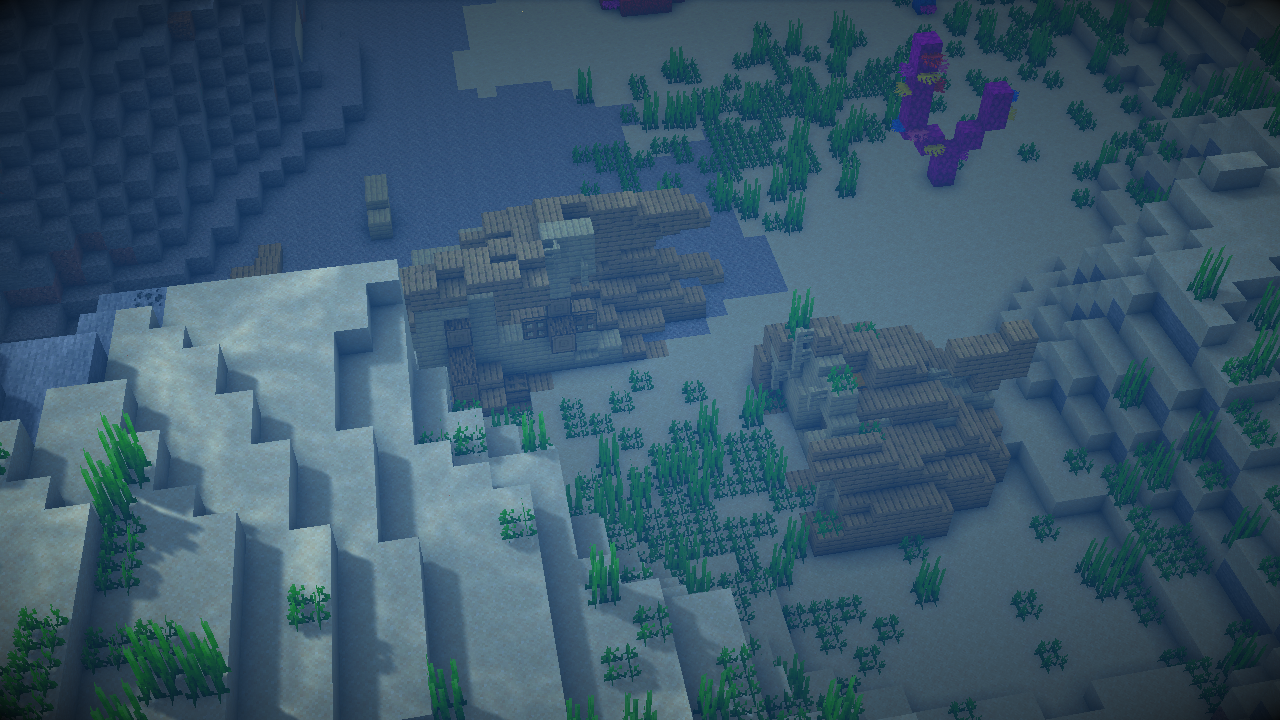
Each vanilla shipwreck is still possible to randomly generate, but it's far more likely to encounter an entirely new experience. Revamped Shipwrecks also come in every woodtype used in vanilla.
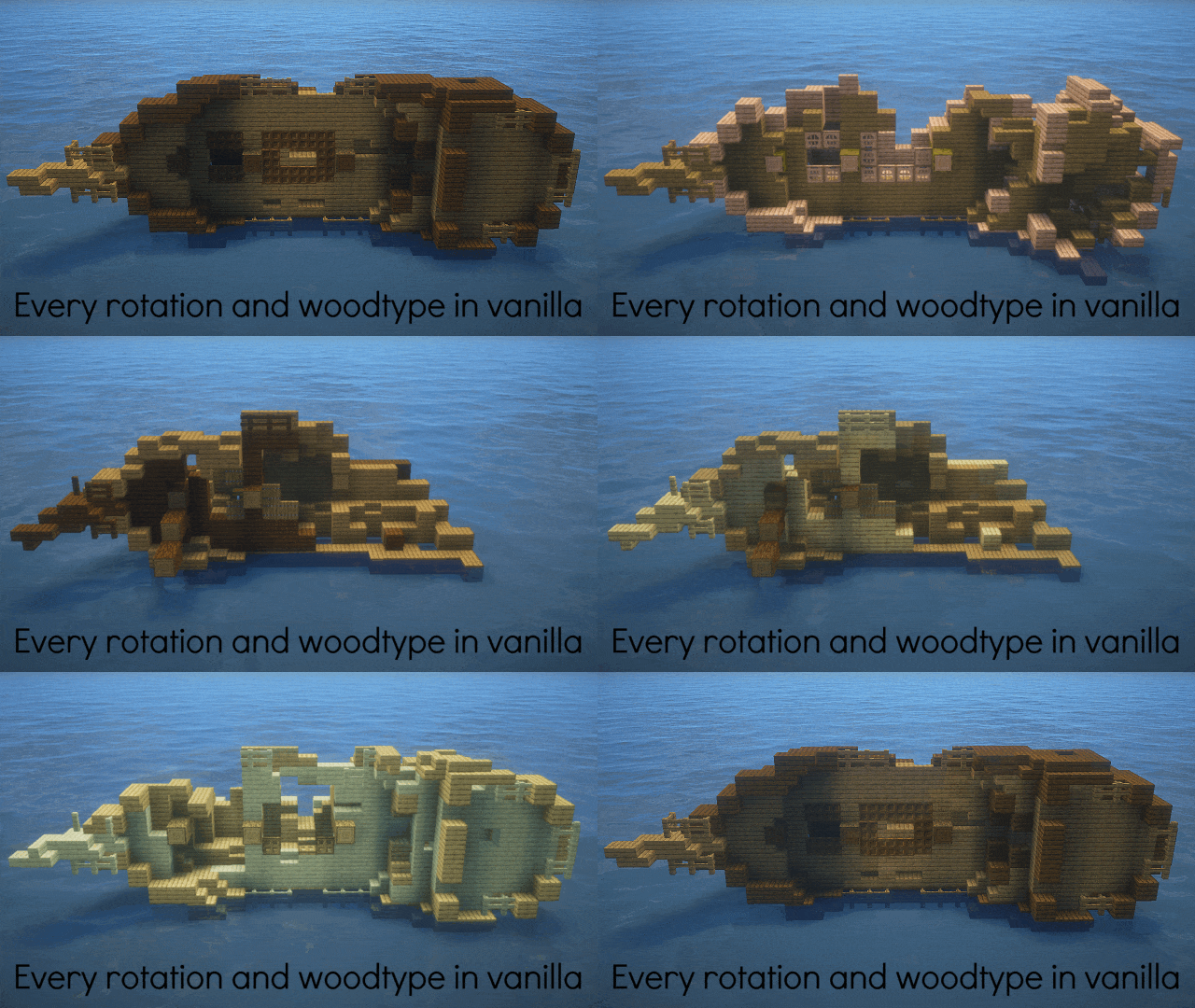
The Revamped Shipwrecks mod does not modify loot tables, only where chests generate on ships.
Installation
Fabric

- Download the Fabric installer.
- Install a version of Fabric Loader compatible with the version of the mod you are using.
- Locate your .minecraft directory. If there is a "mods" folder inside open it, otherwise create one and open it.
- Download Fabric API and Revamped Shipwrecks and place their .jar files inside the mods folder.
- Launch Minecraft with the newly created Fabric installation.
Forge

- Download and install a version of Forge compatible with the version of the mod you are using.
- Locate your .minecraft directory. If there is a "mods" folder inside open it, otherwise create one and open it.
- Download Revamped Shipwrecks and place the .jar file inside the mods folder.
Launch Minecraft with the newly created Forge installation.
Check out our other projects!
 Wabi-Sabi Structures
 Pale Formations
 Unwrecked Ships
Available Versions
How to Install Revamped Shipwrecks on Your Server
Order Server
Order a Minecraft Java server with at least 4 GB RAM (6 GB recommended).
Set datapack Loader
In the panel under "Egg", select the datapack loader and matching Minecraft version (1.21.11).
Install Mod
Open the mod browser in the dashboard and search for "Revamped Shipwrecks". Click "Install" – done! Alternatively, upload the .jar via SFTP to the /mods folder.
Compatibility
Mod Loaders
Minecraft Versions
1.21.11, 1.21.10, 1.21.9 (+21 more)
Server-side
✓ RequiredRecommended RAM
6 GB(min. 4 GB)Frequently Asked Questions
Revamped Shipwrecks server crashes on startup – what to do?
Most common cause: wrong datapack version or insufficient RAM. Check the server log (latest.log) for "OutOfMemoryError" or "Mixin" errors. With Mado Hosting: ensure at least 4 GB RAM is allocated and the loader matches the mod version (1.21.11). You can switch loaders with one click in the panel.
Is Revamped Shipwrecks compatible with datapack and fabric and forge and neoforge and quilt?
Revamped Shipwrecks officially supports datapack, fabric, forge, neoforge, quilt for Minecraft 1.21.11, 1.21.10, 1.21.9. Note: Forge and Fabric mods are NOT cross-compatible – pick one loader and stick with it. The Mado dashboard automatically detects incompatible loader combinations.
Server lagging with Revamped Shipwrecks – how to optimize performance?
Recommended RAM: 6 GB (per 5 players). Use /spark profiler to check if Revamped Shipwrecks consumes the most tick time. Common fixes: reduce server view-distance to 8-10, install "performant" or "starlight" as supplementary mods on Forge. With Mado Hosting, your server runs on NVMe SSDs with dedicated CPU cores for minimal latency.
Similar Mods




Rent Modded Server
Install Revamped Shipwrecks with just one click on your server.
Details
- License
- LicenseRef-Attribution-NonCommercial-ShareAlike-4.0-International-
- Server-side
- Required