
Roblox Springs
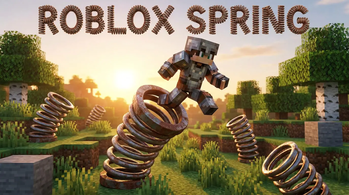
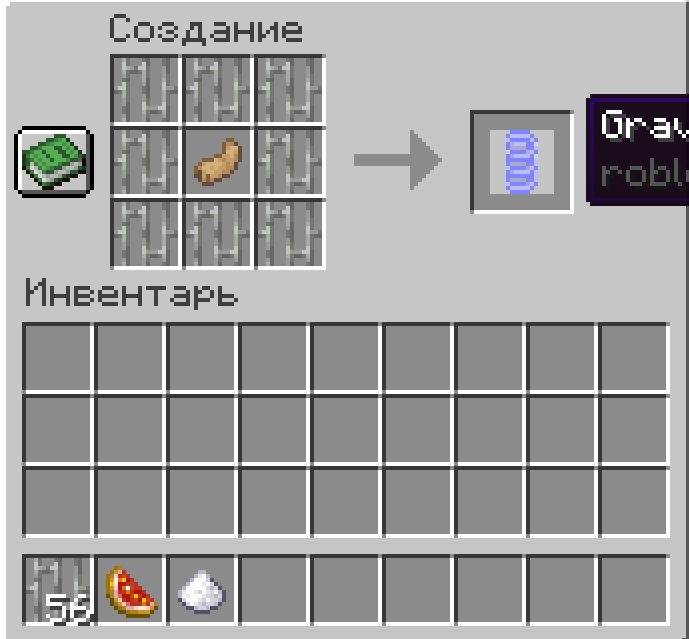
This mod adds gravity, speed, and regeneration springs straight from the Roblox game.
Screenshots
About this Mod
(RU)
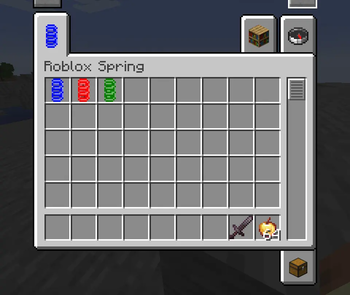
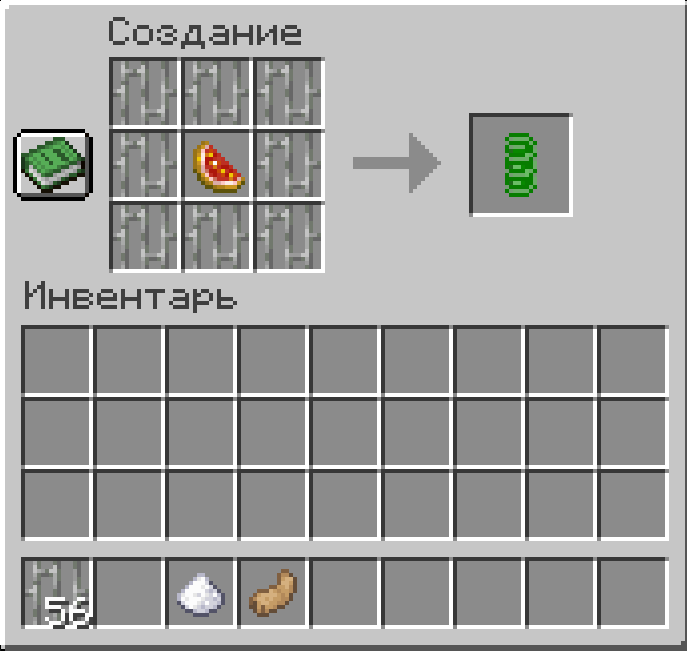
В моде присутствует 3 пружины из игры Roblox. Он может подойти для игры с друзьями и подарить много веселья. Каждая пружина дает разные ээфекты Пружина гравитации дает эффект Jump Boost II и действует бесконечно пока вы держите ее в одной из рук
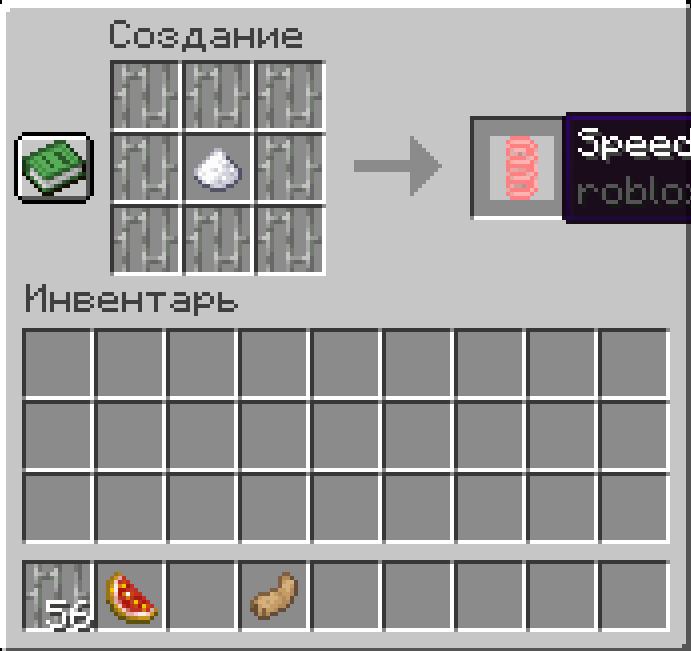
Пружина скорости дает эффект Speed II и также действует бесконечно пока вы держите ее в одной из рук. А вот пружина регенерации более сбалансирована. Она имеет свойство ломатся когда вы держите ее в основной руке и действует 250 секунд. В левой руке она так же бесконечна. Удачной игры.
(EN)
The mod features three springs from the Roblox game. It's perfect for playing with friends and provides a lot of fun. Each spring provides different effects. The Gravity Spring provides Jump Boost II and lasts indefinitely while held in one hand.
The Speed Spring provides Speed II and also lasts indefinitely while held in one hand. The Regeneration Spring, however, is more balanced. It breaks when held in your main hand and lasts for 250 seconds. It also lasts indefinitely in your off-hand. Happy gaming.
Available Versions
How to Install Roblox Springs on Your Server
Order Server
Order a Minecraft Java server with at least 3 GB RAM (4 GB recommended).
Set forge Loader
In the panel under "Egg", select the forge loader and matching Minecraft version (1.20.1).
Install Mod
Open the mod browser in the dashboard and search for "Roblox Springs". Click "Install" – done! Alternatively, upload the .jar via SFTP to the /mods folder.
Compatibility
Mod Loaders
Minecraft Versions
1.20.1
Server-side
✗ UnsupportedRecommended RAM
4 GB(min. 3 GB)Frequently Asked Questions
Roblox Springs server crashes on startup – what to do?
Most common cause: wrong forge version or insufficient RAM. Check the server log (latest.log) for "OutOfMemoryError" or "Mixin" errors. With Mado Hosting: ensure at least 3 GB RAM is allocated and the loader matches the mod version (1.20.1). You can switch loaders with one click in the panel.
Is Roblox Springs compatible with forge?
Roblox Springs officially supports forge for Minecraft 1.20.1. The Mado dashboard automatically detects incompatible loader combinations.
Server lagging with Roblox Springs – how to optimize performance?
Recommended RAM: 4 GB (per 8 players). Use /spark profiler to check if Roblox Springs consumes the most tick time. Common fixes: reduce server view-distance to 8-10, install "performant" or "starlight" as supplementary mods on Forge. With Mado Hosting, your server runs on NVMe SSDs with dedicated CPU cores for minimal latency.
Similar Mods




![[TaCZ] Timeless and Classics Zero](https://cdn.modrinth.com/data/SzzJttH8/fd27766d2bb8390d284696b1dbd358f87e081439_96.webp)

Rent Modded Server
Install Roblox Springs with just one click on your server.