
Rocket Boots II
Reimagine flight with Rocket Boots. Traverse the world freely and efficiently. Now in three modes and more capable than ever.
Screenshots

About this Mod
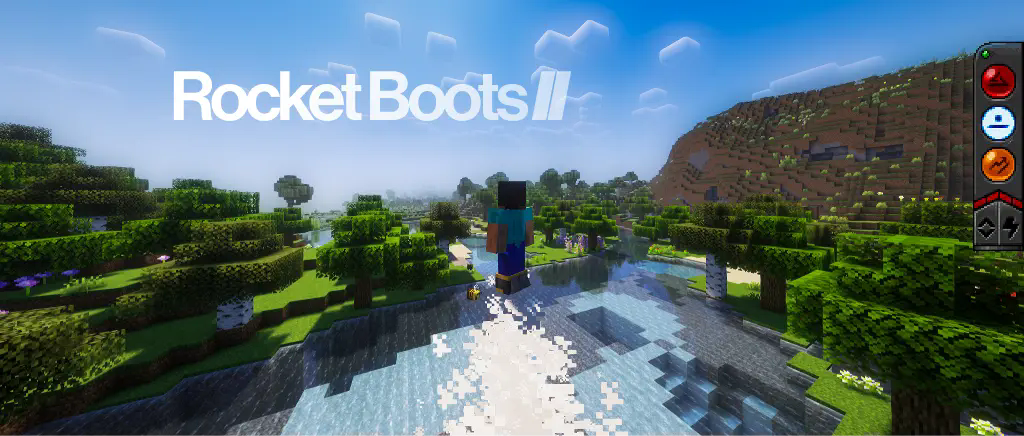
Rocket Boots II
With Rocket Boots, you can travel through world in efficient, but still satisfying ways. This mod is the continuation of the original Rocket Boots mod, with brand new features and improvements.
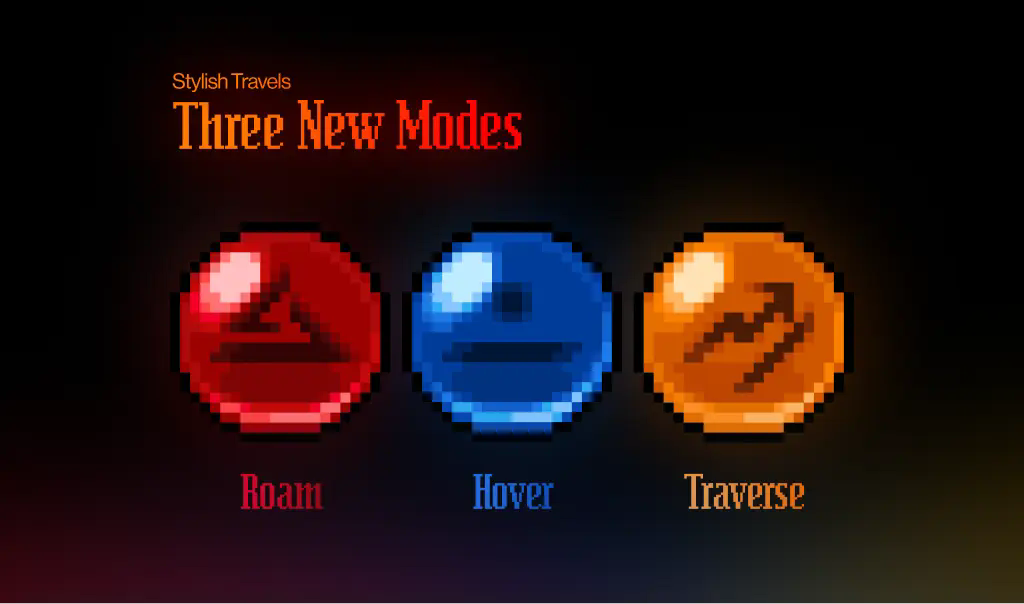
Three New Modes
Rocket Boots now come with roam mode, hover mode, and traverse mode.
- Roam Mode allows for continuous height-adjusted traveling through any terrain, making it the standard option for navigating the world. You can get a good look at the world and feel at peace.
- Hover Mode allows for stable hovering mid-air, with manual movement controls. This is useful for building and situations where you need to stay still.
- Traverse Mode allows for ground-level navigation, with an upward boost to help you traverse difficult terrain, such as extreme hills.
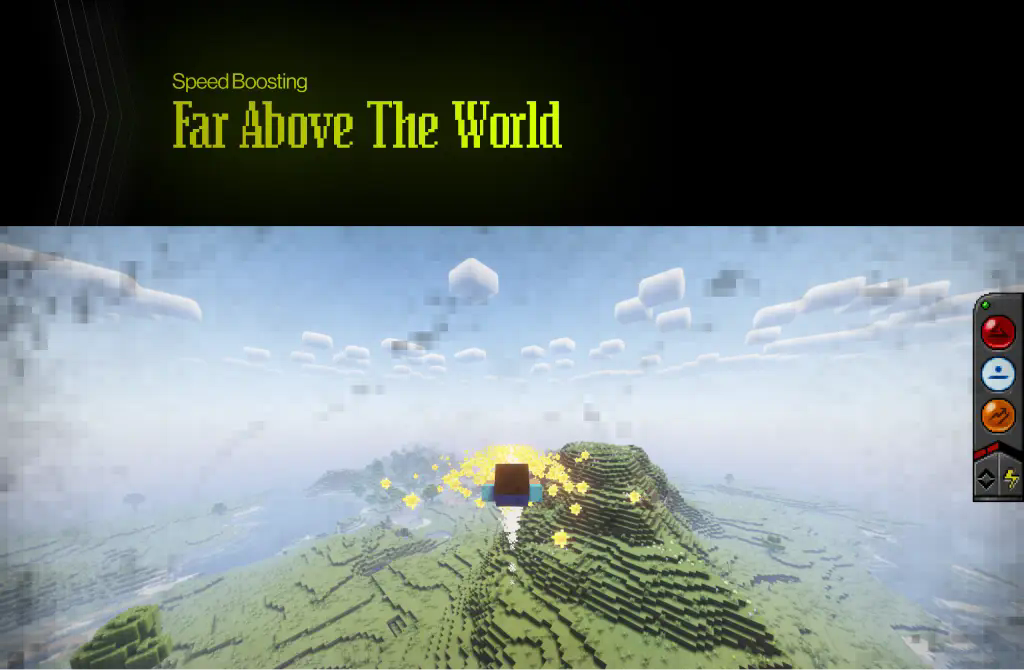
Improved Boosting & Height Control
- Speed Boosting is now much more effective, and allows for fast travel at any direction. It also leaves behind a beautiful trail that can be followed for a short while.
- Height Control now comes with adjustable levels.
Fueling
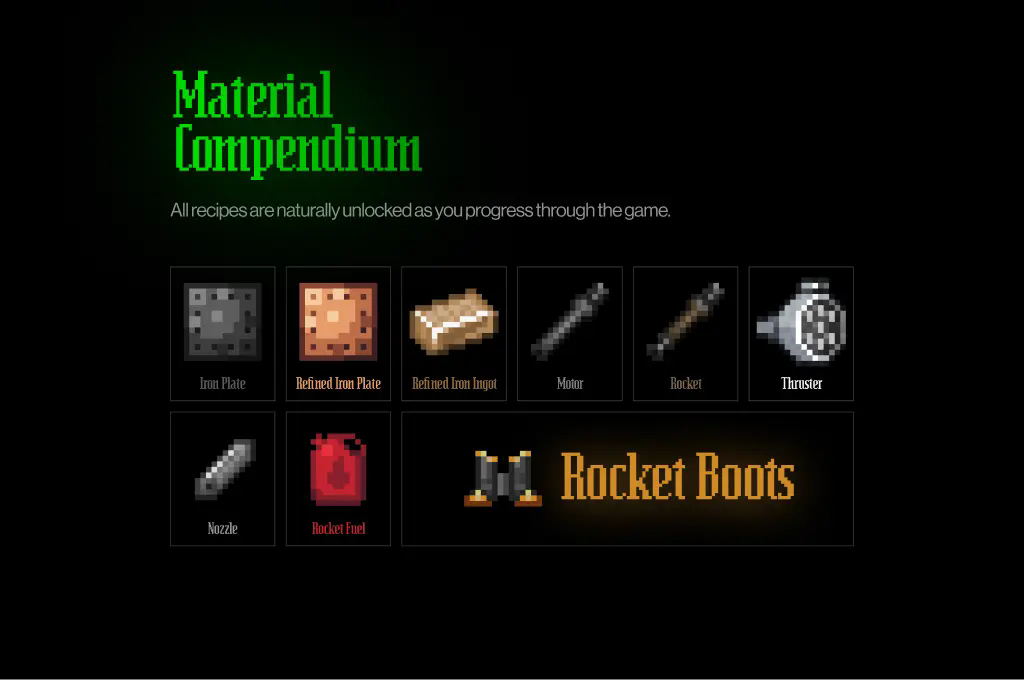
- Fuel can be brewed with Magma Cream into Dragon's Breath bottles.
- Each fuel canister is now reusable and can restore a maximum of 100% fuel.
UI & Controls
- An intuitive control panel shows the status of your Rocket Boots.
- By default, use B to engage speed boosters, Shift to engage height control, and V to switch modes.
This project requires playerAnimator.
Available Versions
How to Install Rocket Boots II on Your Server
Order Server
Order a Minecraft Java server with at least 3 GB RAM (4 GB recommended).
Set neoforge Loader
In the panel under "Egg", select the neoforge loader and matching Minecraft version (1.21.1).
Install Mod
Open the mod browser in the dashboard and search for "Rocket Boots II". Click "Install" – done! Alternatively, upload the .jar via SFTP to the /mods folder.
Compatibility
Mod Loaders
Minecraft Versions
1.21.1
Server-side
✓ RequiredRecommended RAM
4 GB(min. 3 GB)Frequently Asked Questions
Rocket Boots II server crashes on startup – what to do?
Most common cause: wrong neoforge version or insufficient RAM. Check the server log (latest.log) for "OutOfMemoryError" or "Mixin" errors. With Mado Hosting: ensure at least 3 GB RAM is allocated and the loader matches the mod version (1.21.1). You can switch loaders with one click in the panel.
Is Rocket Boots II compatible with neoforge?
Rocket Boots II officially supports neoforge for Minecraft 1.21.1. The Mado dashboard automatically detects incompatible loader combinations.
Server lagging with Rocket Boots II – how to optimize performance?
Recommended RAM: 4 GB (per 8 players). Use /spark profiler to check if Rocket Boots II consumes the most tick time. Common fixes: reduce server view-distance to 8-10, install "performant" or "starlight" as supplementary mods on Forge. With Mado Hosting, your server runs on NVMe SSDs with dedicated CPU cores for minimal latency.
Similar Mods



![[TaCZ] Timeless and Classics Zero](https://cdn.modrinth.com/data/SzzJttH8/fd27766d2bb8390d284696b1dbd358f87e081439_96.webp)


Rent Modded Server
Install Rocket Boots II with just one click on your server.