
Ronin
With this mod, you can make your own katana and become the best swordsman in the whole Minecraft world.
Screenshots
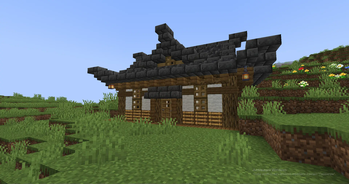
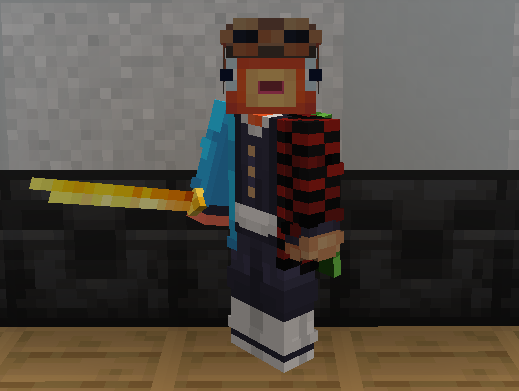
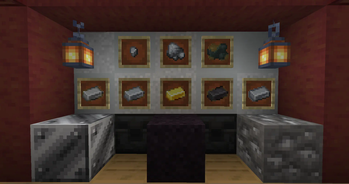
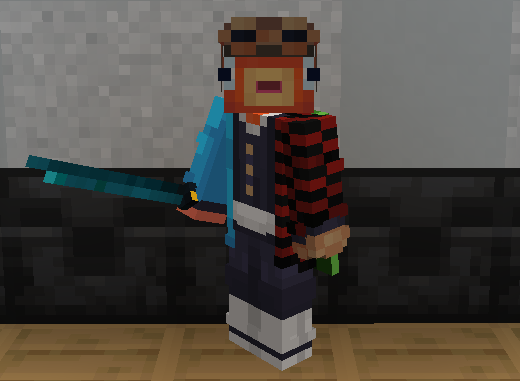
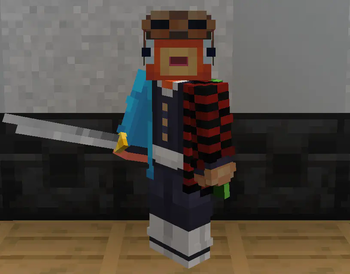
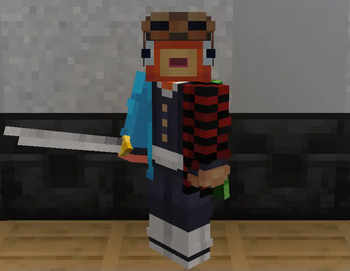
About this Mod

With this mod, you can make your own katana and become the best swordsman in the whole Minecraft world.
The mod is currently only for the Forge. Then it will be on the Fabric.
This mod is still under development, it is currently in the alpha stage. So you can support me in the upcoming modding by subscribing to me in Modrinth.:)
📦 What does this mod add?
This mod adds the creation of new weapons to the world of Minecraft. The katana is a long Japanese sword.The Katana has a faster attack speed than a regular Minecraft sword, but the damage is slightly less than the sword. Also, a jerk is added to the right mouse button with a delay of 3 seconds.
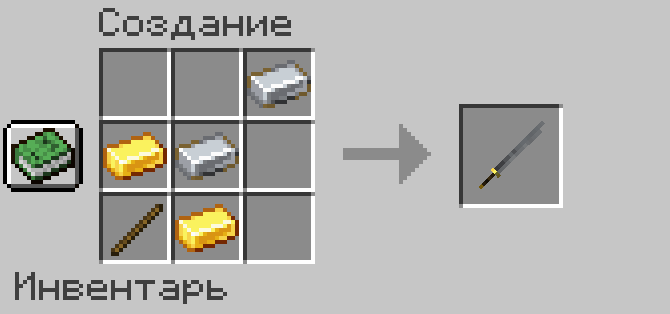
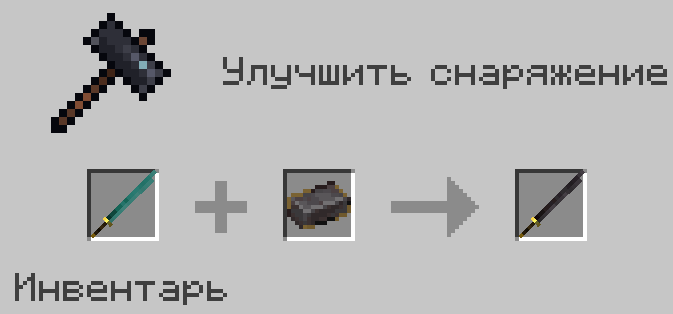
Now there will be a new steel ore underground. Of course, you can't make armor out of it, but you can use it to create a katana. But how?
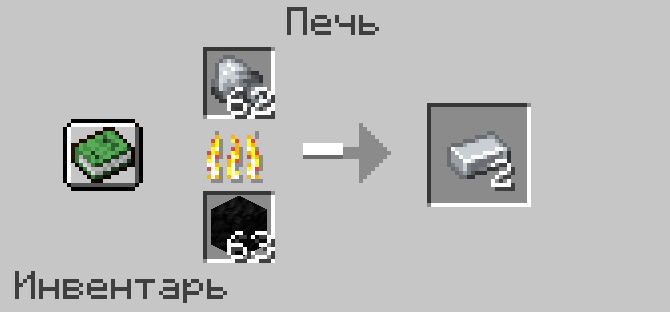
In order to create a katana made of steel, iron, gold and netherite, you need to combine the ingots with the new tamahagane metal in a Smithing Table.
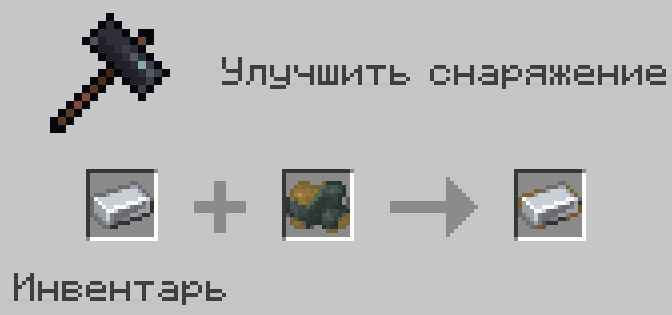
Tamahagane is a Japanese precious steel that has been known since the early Middle Ages.
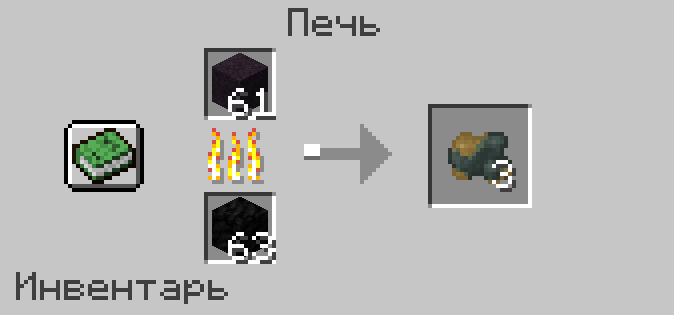
It is located underground and looks like Black sand. To get tamahagane, you need to melt black sand in the oven.
📬 How do I report mod errors?
You can report mod errors via my Ronin mod Discord server. There is a "❗️-mod-bugs" form on my server, go there and follow the rules for writing a complaint.
🤔 Plans for the future of mod
I plan to do a lot of customization of katanas and effects/abilities in the future, much like in Demon Slayer.
And to create katanas with effects/ abilities, add mobs and bosses.
Also, redo the creation of katanas so that it is more interesting to make them and covers for them.
Also, then I will definitely update the mod for new versions of Minecraft.
🌎 Translations
There are languages in the mod:
-Russian ☑️
-English ☑️
In the future:
-Ukrainian ❌
-Spanish ❌
Available Versions
How to Install Ronin on Your Server
Order Server
Order a Minecraft Java server with at least 3 GB RAM (4 GB recommended).
Set forge Loader
In the panel under "Egg", select the forge loader and matching Minecraft version (1.19.2).
Install Mod
Open the mod browser in the dashboard and search for "Ronin". Click "Install" – done! Alternatively, upload the .jar via SFTP to the /mods folder.
Compatibility
Mod Loaders
Minecraft Versions
1.19.2
Server-side
✓ RequiredRecommended RAM
4 GB(min. 3 GB)Frequently Asked Questions
Ronin server crashes on startup – what to do?
Most common cause: wrong forge version or insufficient RAM. Check the server log (latest.log) for "OutOfMemoryError" or "Mixin" errors. With Mado Hosting: ensure at least 3 GB RAM is allocated and the loader matches the mod version (1.19.2). You can switch loaders with one click in the panel.
Is Ronin compatible with forge?
Ronin officially supports forge for Minecraft 1.19.2. The Mado dashboard automatically detects incompatible loader combinations.
Server lagging with Ronin – how to optimize performance?
Recommended RAM: 4 GB (per 8 players). Use /spark profiler to check if Ronin consumes the most tick time. Common fixes: reduce server view-distance to 8-10, install "performant" or "starlight" as supplementary mods on Forge. With Mado Hosting, your server runs on NVMe SSDs with dedicated CPU cores for minimal latency.
Similar Mods




Rent Modded Server
Install Ronin with just one click on your server.