
Roofify
Client-side Fabric mod that overlays indicators above Nether roof bedrock to reveal what’s directly below. Helpful when trying to find the best spot to break bedrock.
Screenshots
About this Mod
Roofify
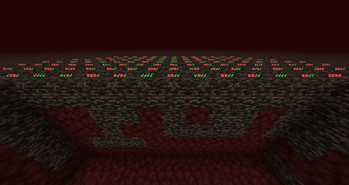
Fully client-sided Fabric mod that overlays indicators above Nether roof bedrock to reveal what’s directly below. Helpful when trying to find the best spot to break bedrock.





Features:
- Customizable keybindings: toggle on/off and switch render mode
- Different render modes: use the best one for your needs.
- Customizable rendering parameters, vertical and horizontal distance.
- Performance friendly: The mod only renders the icons/numbers if you are in the Nether dimension above Y level 125.
Multiple Rendering Modes
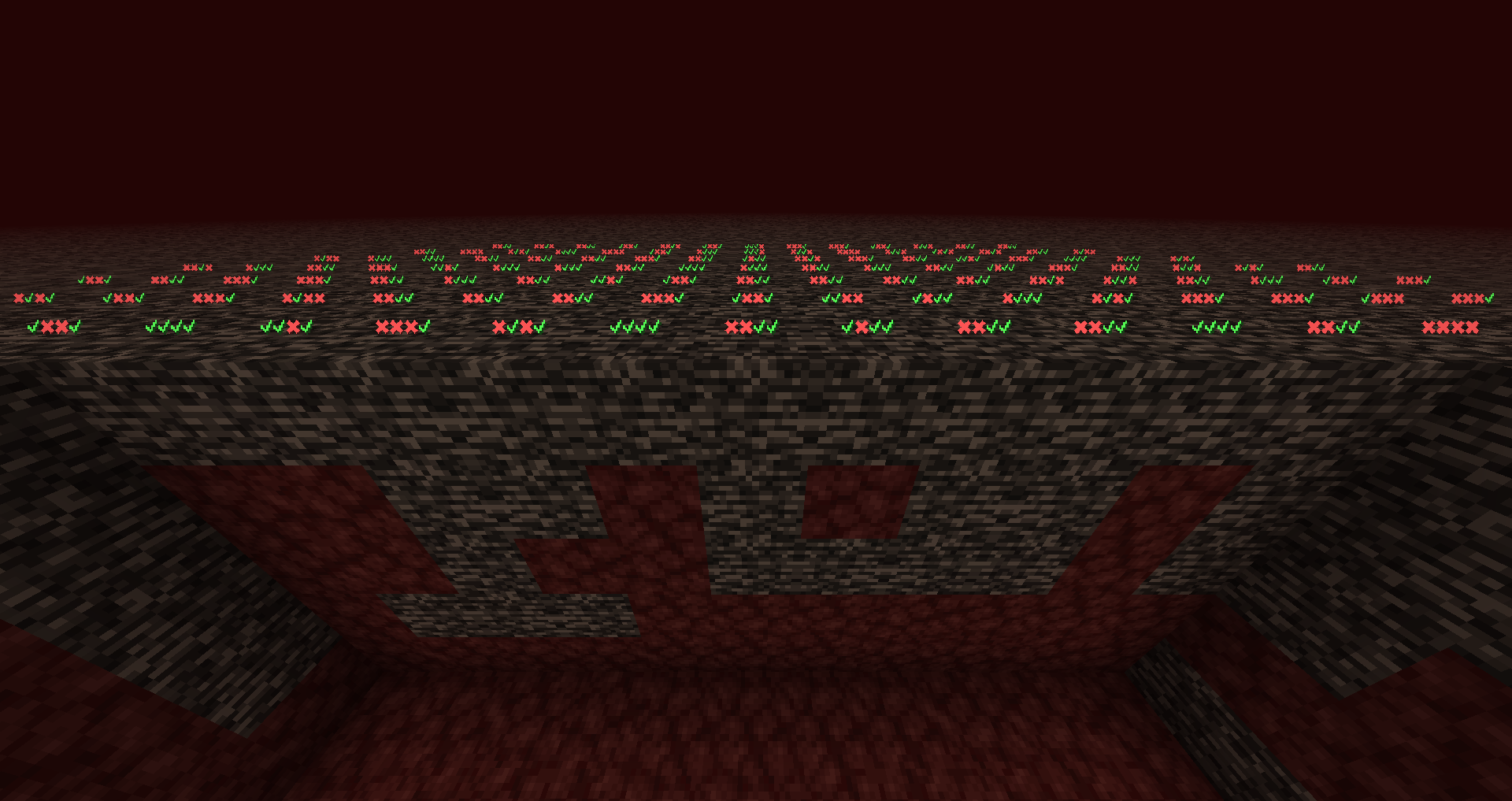
- Checkmarks: the first symbol represents the block directly under the roof (or the roof block itself, if "Include Roof Level" is enabled), the next is below that, and so on. ✓ = non-bedrock, ✖ = bedrock.
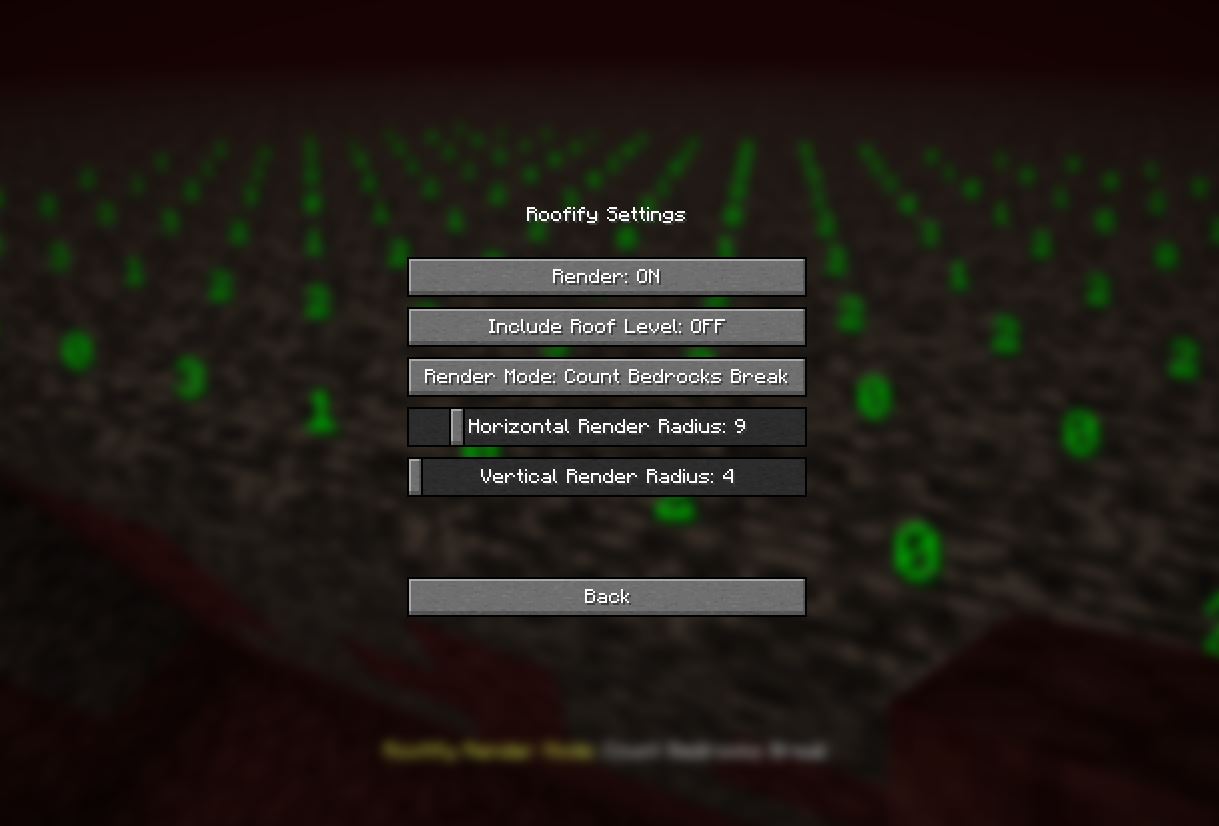
- Count Bedrocks: counts all bedrock blocks in the column. Does not stop at non-bedrock.
- Count Bedrocks Break: counts until a non-bedrock block is encountered; if the first block under the roof is not bedrock, it shows 0 even if there are bedrock blocks further down.
Good to know
- Default keybind for toggling on/off is "B"
- Default keybind to switch render modes is "N"
- By default settings, the first layer (Y level 127) is not included in the calculations however, if you want you can configure this behaviour.
Multiplayer and Fair Play
Roofify is a client-side visual aid and does not require server-side installation. However, some servers may consider this an unfair advantage. Use at your own discretion. I am not responsible for any bans resulting from using this mod.
Contributions
Contributions are always welcomed in any form! If you have an idea, you can share that with me on discord, or open an issue or a pull request on GitHub.
Credits
The core text rendering approach in RenderUtils is based on work by dark-lion-jp from the Light Level 2025 mod (adapted and trimmed to this mod's needs). Thank you!
License
This project is licensed under the MIT License. See the LICENSE file for details.
Available Versions
How to Install Roofify on Your Server
Order Server
Order a Minecraft Java server with at least 3 GB RAM (4 GB recommended).
Set fabric Loader
In the panel under "Egg", select the fabric loader and matching Minecraft version (1.21.8).
Install Mod
Open the mod browser in the dashboard and search for "Roofify". Click "Install" – done! Alternatively, upload the .jar via SFTP to the /mods folder.
Compatibility
Mod Loaders
Minecraft Versions
1.21.8, 1.21.7, 1.21.6 (+6 more)
Server-side
✗ UnsupportedRecommended RAM
4 GB(min. 3 GB)Frequently Asked Questions
Roofify server crashes on startup – what to do?
Most common cause: wrong fabric version or insufficient RAM. Check the server log (latest.log) for "OutOfMemoryError" or "Mixin" errors. With Mado Hosting: ensure at least 3 GB RAM is allocated and the loader matches the mod version (1.21.8). You can switch loaders with one click in the panel.
Is Roofify compatible with fabric?
Roofify officially supports fabric for Minecraft 1.21.8, 1.21.7, 1.21.6. The Mado dashboard automatically detects incompatible loader combinations.
Server lagging with Roofify – how to optimize performance?
Recommended RAM: 4 GB (per 8 players). Use /spark profiler to check if Roofify consumes the most tick time. Common fixes: reduce server view-distance to 8-10, install "performant" or "starlight" as supplementary mods on Forge. With Mado Hosting, your server runs on NVMe SSDs with dedicated CPU cores for minimal latency.
Similar Mods




Rent Modded Server
Install Roofify with just one click on your server.