
Room For Two
Lets you share a bed with a villager or another player.
Screenshots
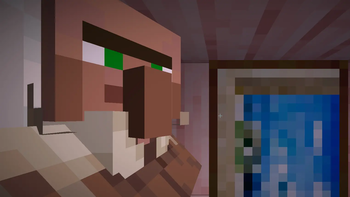
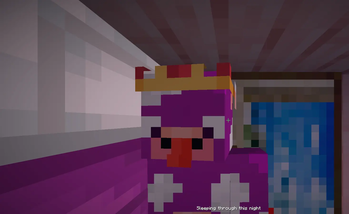
About this Mod
💤 Room For Two
- Adds the ability for multiple players to sleep in a bed.
- When there are more than two players, they start to stack on top of each other!
- Changes the camera view while sleeping in a bed.
| Player | Villager |
|---|---|
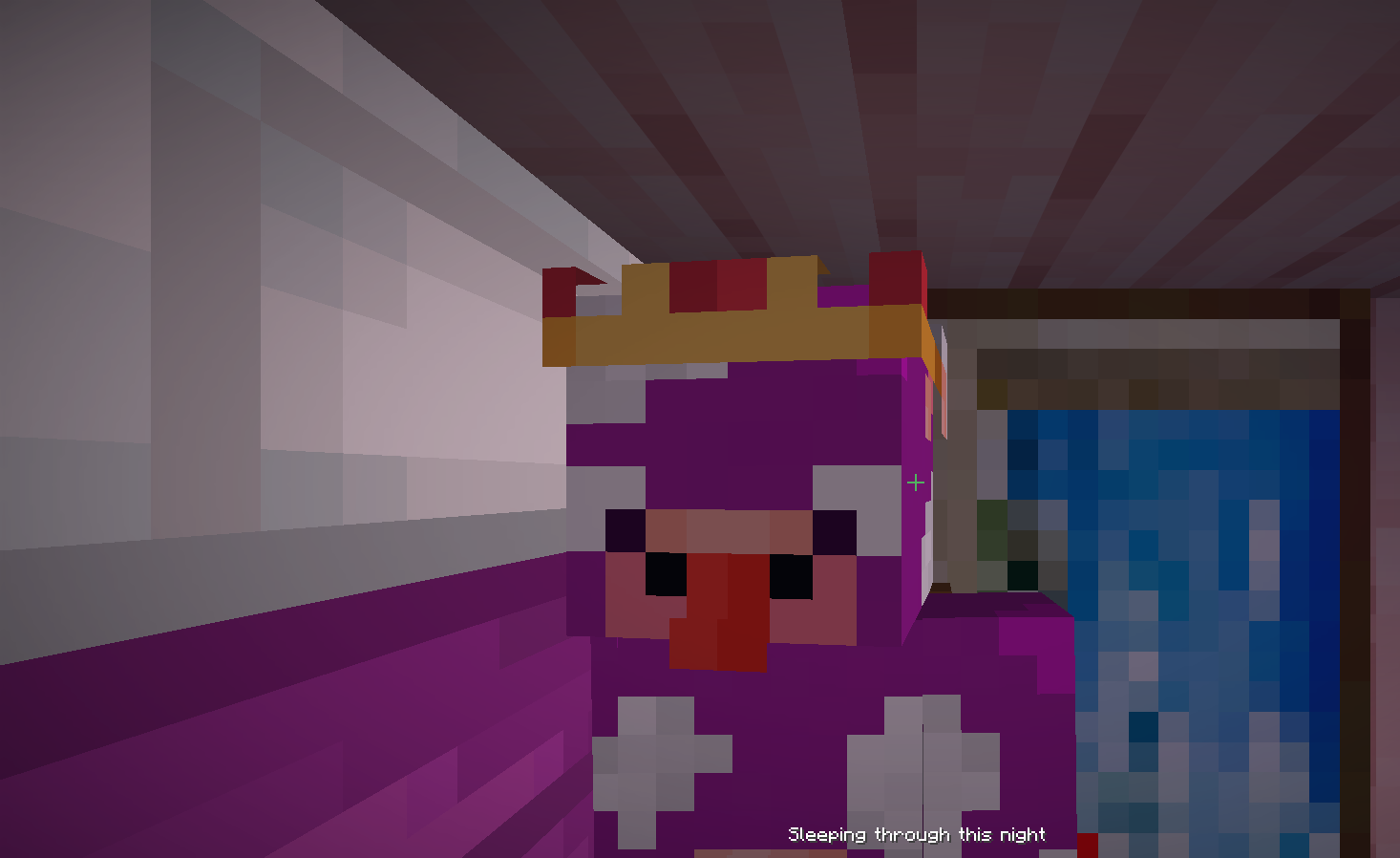 |
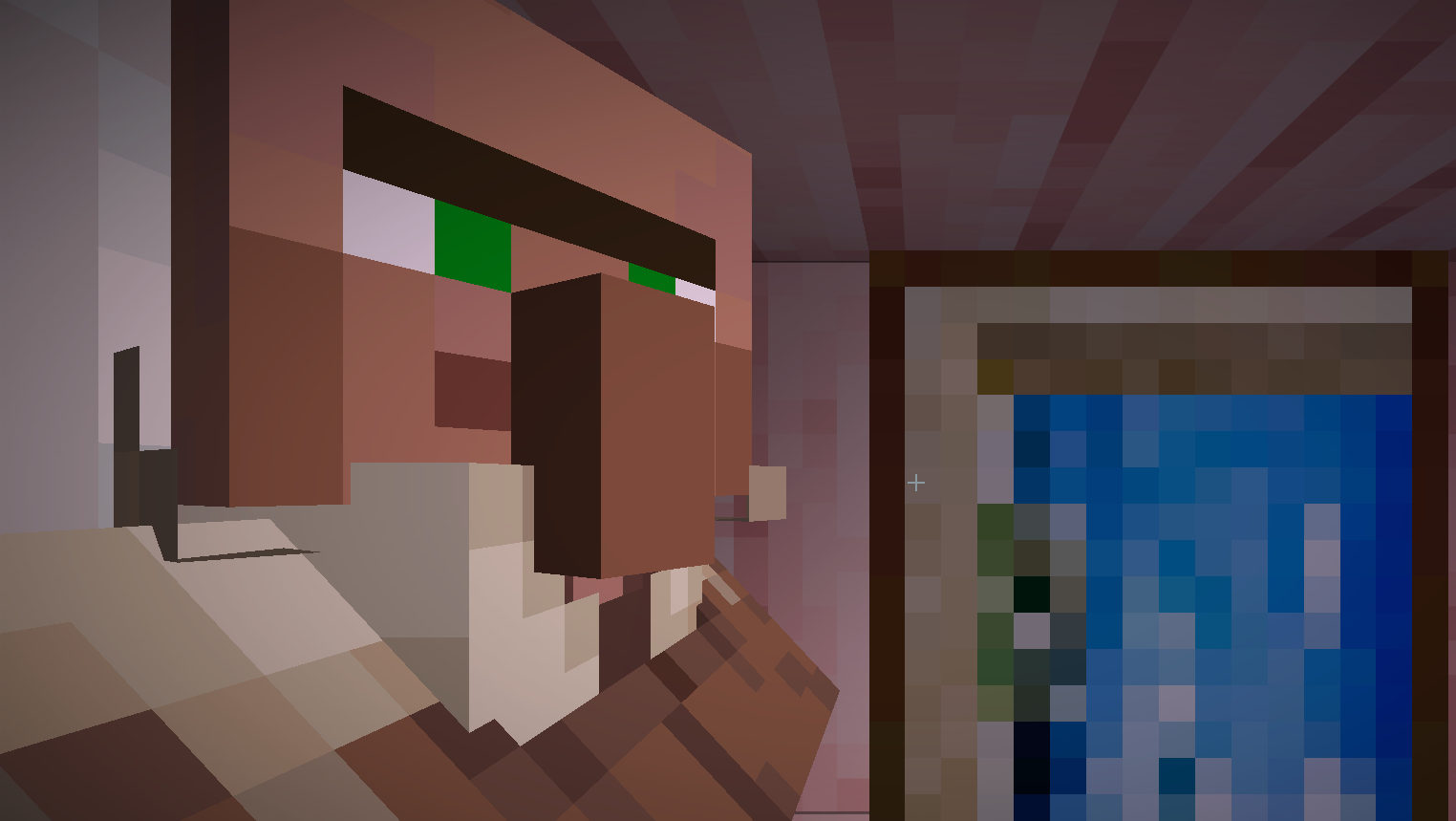 |
🗺️ Roadmap
Planned Features
These are subject to change and I'm open for any feedback (Open a github issue or DM me on Twitter). The goal I want for this mod is to keep it fairly simplistic, this means no new blocks or items.
- Position preferences (what side you face, on front or back)
- Better camera when entering the bed not in first person
- Port to as many mc versions & loaders as possible
⚙️ Modpack Usage
Room for Two is free to be used in any custom modpacks as long as credit is provided. However, compatibility with existing mods has not been tested for, so use at your own risk. I do not permit for any sort of monetisation or generative AI usage.
🔨 Version Support
Room For Two will get updates for as many versions as possible, prioritising most popular versions.
🐛 Issues
If you happen to experience any issues while using this mod, please report it to our GitHub issue tracker! Please be as clear as possible when reporting any bugs or issues. Please note the mod is currently in an ALPHA state, so expect things to not be perfect yet.
Available Versions
How to Install Room For Two on Your Server
Order Server
Order a Minecraft Java server with at least 3 GB RAM (4 GB recommended).
Set fabric Loader
In the panel under "Egg", select the fabric loader and matching Minecraft version (26.1.2).
Install Mod
Open the mod browser in the dashboard and search for "Room For Two". Click "Install" – done! Alternatively, upload the .jar via SFTP to the /mods folder.
Compatibility
Mod Loaders
Minecraft Versions
26.1.2, 26.1.1, 26.1 (+10 more)
Server-side
✓ RequiredRecommended RAM
4 GB(min. 3 GB)Frequently Asked Questions
Room For Two server crashes on startup – what to do?
Most common cause: wrong fabric version or insufficient RAM. Check the server log (latest.log) for "OutOfMemoryError" or "Mixin" errors. With Mado Hosting: ensure at least 3 GB RAM is allocated and the loader matches the mod version (26.1.2). You can switch loaders with one click in the panel.
Is Room For Two compatible with fabric and forge and neoforge?
Room For Two officially supports fabric, forge, neoforge for Minecraft 26.1.2, 26.1.1, 26.1. Note: Forge and Fabric mods are NOT cross-compatible – pick one loader and stick with it. The Mado dashboard automatically detects incompatible loader combinations.
Server lagging with Room For Two – how to optimize performance?
Recommended RAM: 4 GB (per 8 players). Use /spark profiler to check if Room For Two consumes the most tick time. Common fixes: reduce server view-distance to 8-10, install "performant" or "starlight" as supplementary mods on Forge. With Mado Hosting, your server runs on NVMe SSDs with dedicated CPU cores for minimal latency.
Similar Mods






Rent Modded Server
Install Room For Two with just one click on your server.