
RouteRecorder
A mod mainly for Wynncraft (But works anywhere) which records, saves and displays routes for you.
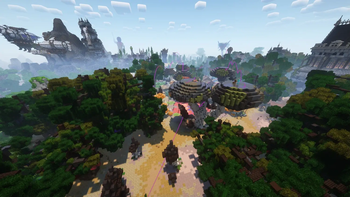
Screenshots

About this Mod
Hi!
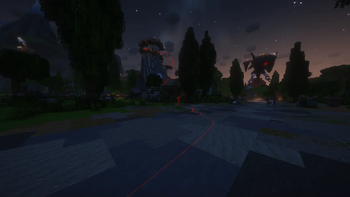
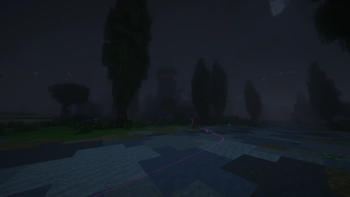
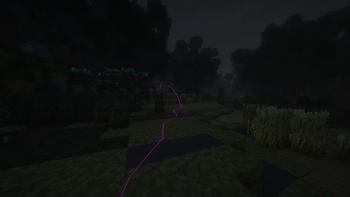
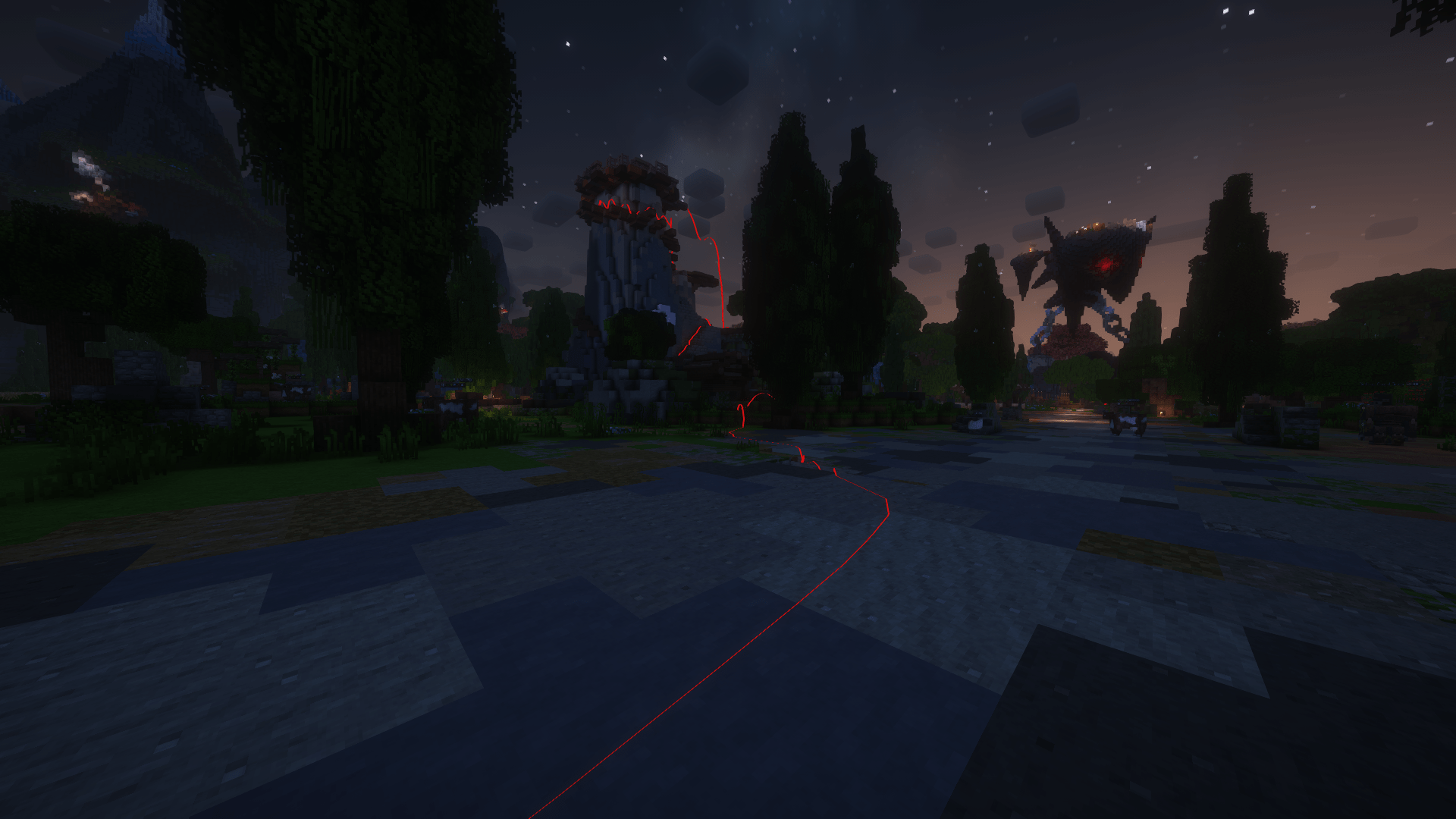
Ever wish you could record your paths in Minecraft? With this mod, you can! Perfect for Wynncraft but works anywhere. Just start recording, and it’ll draw a line behind you as you go, so you can easily find your way back or follow your routes later. Your routes can be saved as well, and you can load any of your recordings whenever you like. Whether you’re running caves, farming, or just wandering around, this mod’s got your back!
For the time being the mod is only controllable through chat commands, keybind support might get added at a later date.
The commands:
- /route record (Starts recording a new route. !!!Will clear any ongoing route & recording!!!)
- /route pause (Pauses the recording. E.g if you need to fight a bunch of stuff and don't want the lines everywhere)
- /route resume (Resumes a paused recording)
- /route undo (Removes the 10 last recorded points. Good if you went the wrong way somewhere while recording)
- /route save
(Saves the route to a file in your minecraft appdata directory. !!!Replace with any name you want for that route!!!) - /route list (Displays a list of all your saved routes)
- /route load
(Loads the saved route specified in the field. On wynncraft it will place the beacon at the route start point) - /route clear (Clears the current route. Both activly recording and loaded routes will be cleared)
- /route delete
(Deletes the route specified in the field) - /route linecolour
(Changes the colour of the line. Colours available: red, green, blue, purple, pink, black, white, yellow, orange) - /route positiondistance
(Changes the distance between recorded points. Lower values = smoother lines. The default value is 0.5) - /route help (Shows a similar menu to this but with slightly less information)
Spoiler
The super amazing complex design of the line was 100% an artistic choice and definitely not the only thing i could get working :3
Also, I discovered that Wynntils already has this feature right after making this mod... Oh well :]
If you find any bugs, have any suggestions for features, or have ideas for other mods like this, feel free to contact me on Discord
Available Versions
How to Install RouteRecorder on Your Server
Order Server
Order a Minecraft Java server with at least 3 GB RAM (4 GB recommended).
Set fabric Loader
In the panel under "Egg", select the fabric loader and matching Minecraft version (1.21.3).
Install Mod
Open the mod browser in the dashboard and search for "RouteRecorder". Click "Install" – done! Alternatively, upload the .jar via SFTP to the /mods folder.
Compatibility
Mod Loaders
Minecraft Versions
1.21.3, 1.21.2, 1.21.1 (+7 more)
Server-side
✗ UnsupportedRecommended RAM
4 GB(min. 3 GB)Frequently Asked Questions
RouteRecorder server crashes on startup – what to do?
Most common cause: wrong fabric version or insufficient RAM. Check the server log (latest.log) for "OutOfMemoryError" or "Mixin" errors. With Mado Hosting: ensure at least 3 GB RAM is allocated and the loader matches the mod version (1.21.3). You can switch loaders with one click in the panel.
Is RouteRecorder compatible with fabric?
RouteRecorder officially supports fabric for Minecraft 1.21.3, 1.21.2, 1.21.1. The Mado dashboard automatically detects incompatible loader combinations.
Server lagging with RouteRecorder – how to optimize performance?
Recommended RAM: 4 GB (per 8 players). Use /spark profiler to check if RouteRecorder consumes the most tick time. Common fixes: reduce server view-distance to 8-10, install "performant" or "starlight" as supplementary mods on Forge. With Mado Hosting, your server runs on NVMe SSDs with dedicated CPU cores for minimal latency.
Similar Mods




Rent Modded Server
Install RouteRecorder with just one click on your server.
Details
- License
- Creative Commons Attribution Non Commercial Share Alike 4.0 International
- Server-side
- Unsupported